Connect error
Status: Closed · Asked by SirAlan on · 0 views
Hi
I am receiving the following error when trying to send to Monday.com
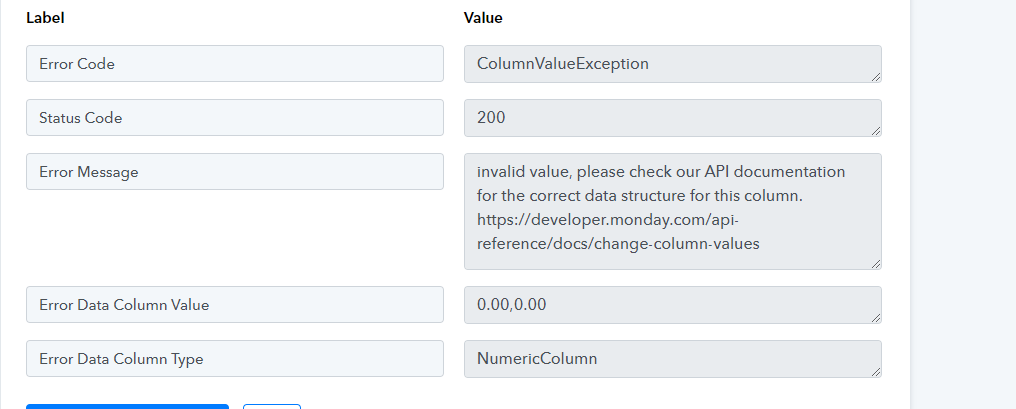
The integration was working with single line items, I have since updated using the Data Transformer, Line Itemiser. This works with Xero but errors with Monday, any ideas please?
TIA
Hey @SirAlan !
Kindly provide us with the workflow URL, and the step name in which you are facing the issue with?
So we can check on it and guide you further.
Hope, to hear from you soon.
Thank you;
Here is the workflow URL:
https://connect.pabbly.com/workflow/mapping/IjU3NjUwNTY5MDYzNjA0Mzc1MjZkNTUzMDUxM2Ii_pc
The woocommerce webhook should be; 1. creating a contact in Xero, 2. Creating an invoice in Xero. 3. Creating an item in a Monday board.
Hey @SirAlan
Currently, our system doesn't accommodate individual details alongside custom fields for line items. Therefore, it's essential to input a single value within the designated field.
Alternatively, you have the option to utilize the Iterator action step, which allows you to create distinct items separately, addressing this limitation.
thank you, I thought the line itemiser would have done this, but I seem to have it working now with the iterator on some functions and the line itemiser on others. What is the difference between itemiser and iterator?
also having an issue now with the date paid field. In action step no.8 for Monday.com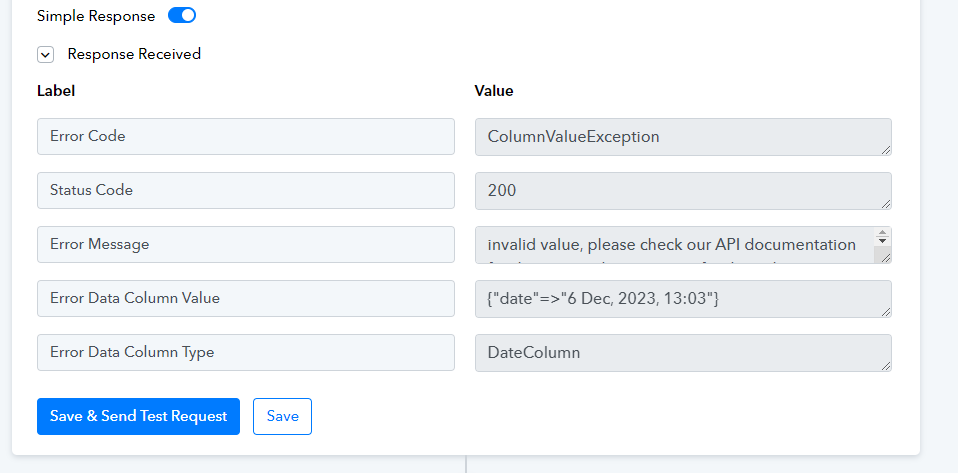
Hello @SirAlan , As per the error you are passing the wrong date formate to monday. com. Convert the date before passing it to Monday. com using Pabbly Connect's Date/Time Formatter Action.
If you are still not able to solve this on your own feel free to DM me and we can do a free zoom call. FYI I'm not from Pabbly Connect team, just a freelancer who helps other Pabbly users.
Contact me - https://www.facebook.com/himeshsoni07
Email - [EMAIL][email hidden][/EMAIL]
Thank you Himesh, i used the date formatter as I was receiving the error with the raw data from woocommerce. I have attached images of the formatter and the date showing correctly in Monday from a 'make' integration which we are trying to replicate and come away from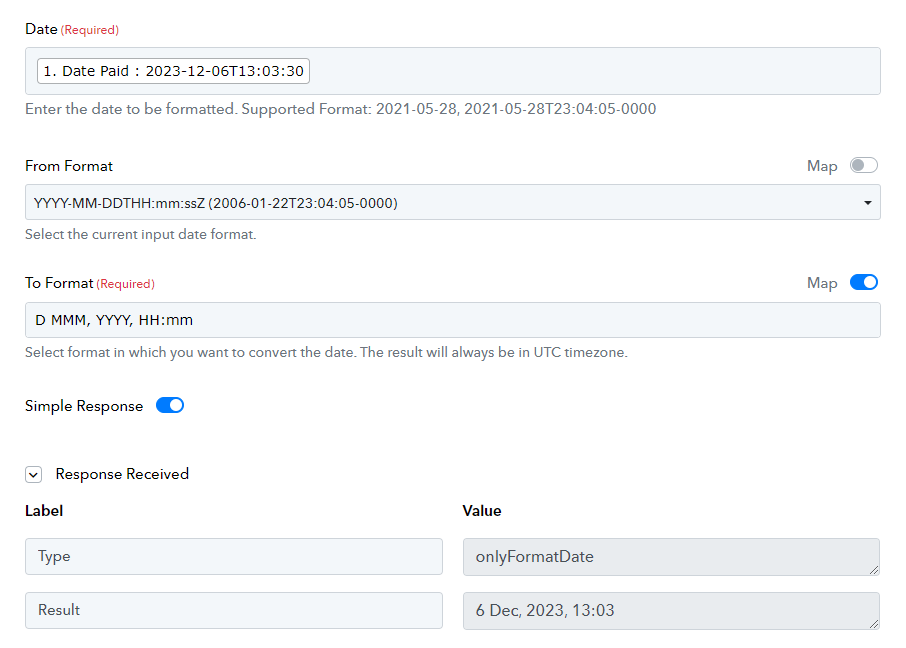
Column in Monday.com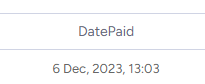
@SirAlan So is it working fine for you now
Contact me - https://www.facebook.com/himeshsoni07
Email - [EMAIL][email hidden][/EMAIL]
@SirAlan So is it working fine for you now?
HI, no, sorry, my last message is what I have which is not working.
Hello @SirAlan , can you please try YYYY-MM-DD this format.
Contact me - https://www.facebook.com/himeshsoni07
Email - [EMAIL][email hidden][/EMAIL]
yes, that works but without the time (time appears in date formatter) error in Monday process.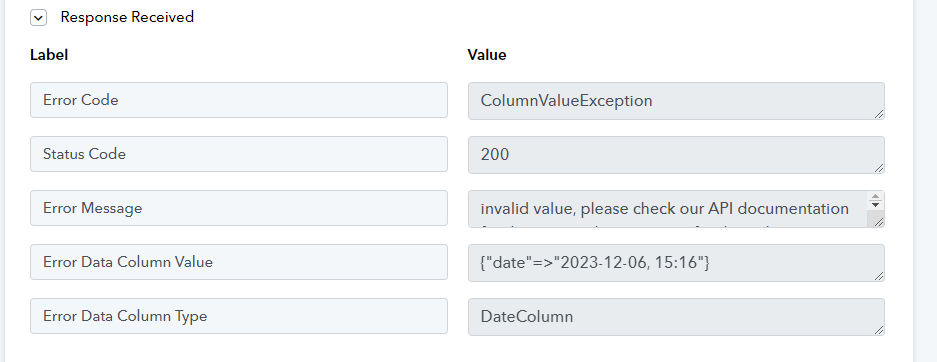
As we can see from the Monday.com API response, it seems to be working.
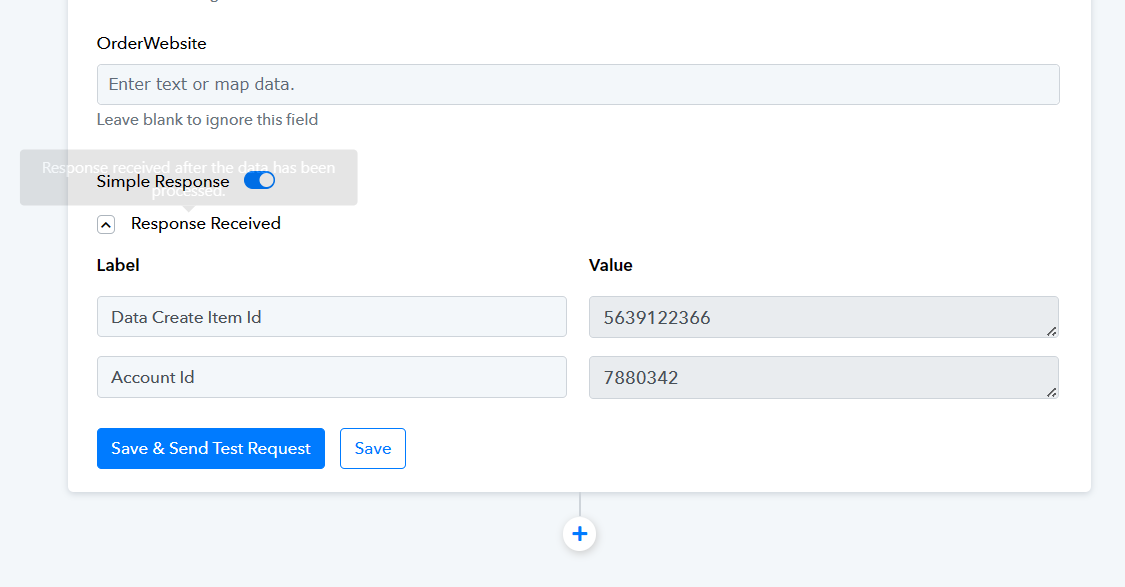
Hi, it is working with the time element removed, how can we include the time?
Can you please tell us what DateTime format you have selected from your Monday.com for that field?