connect to square
Status: Closed · Asked by DrTin on · 0 views
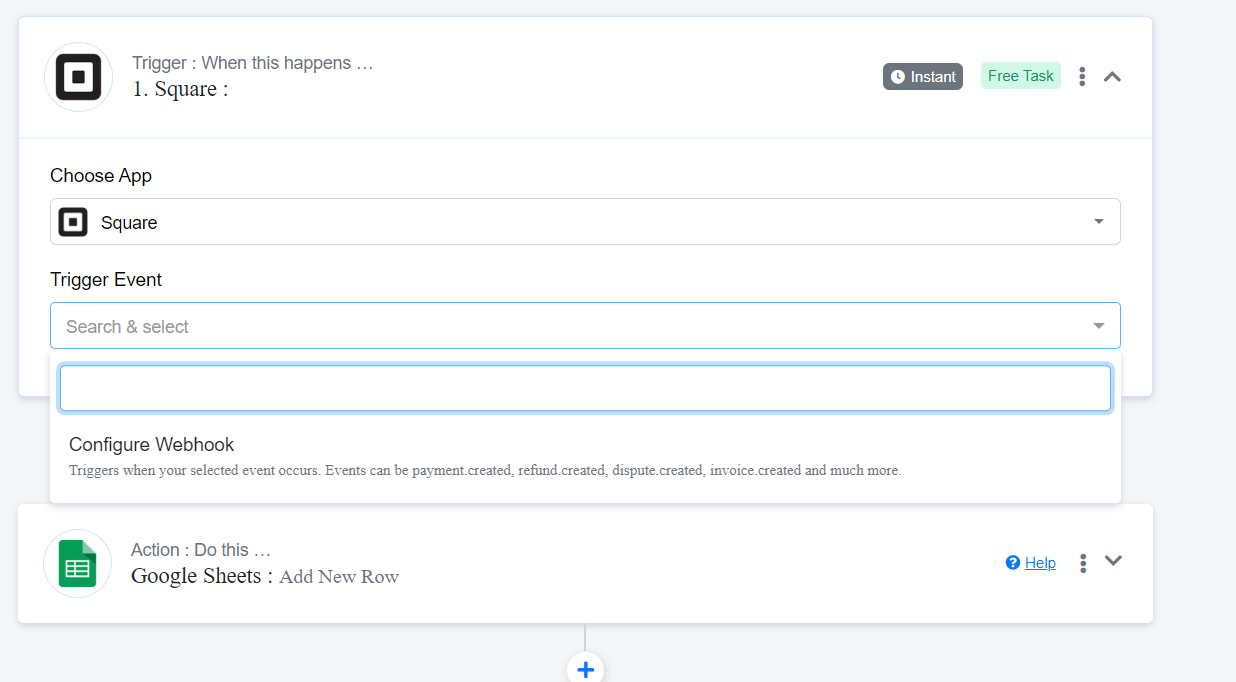
I can't seem to figure out how to get another trigger event. I just want to import transactions into google sheets. I'm not sure what I'm doing wrong. It only gives me the option to configure webhook. I think there should be more trigger events.
Hey @DrTin
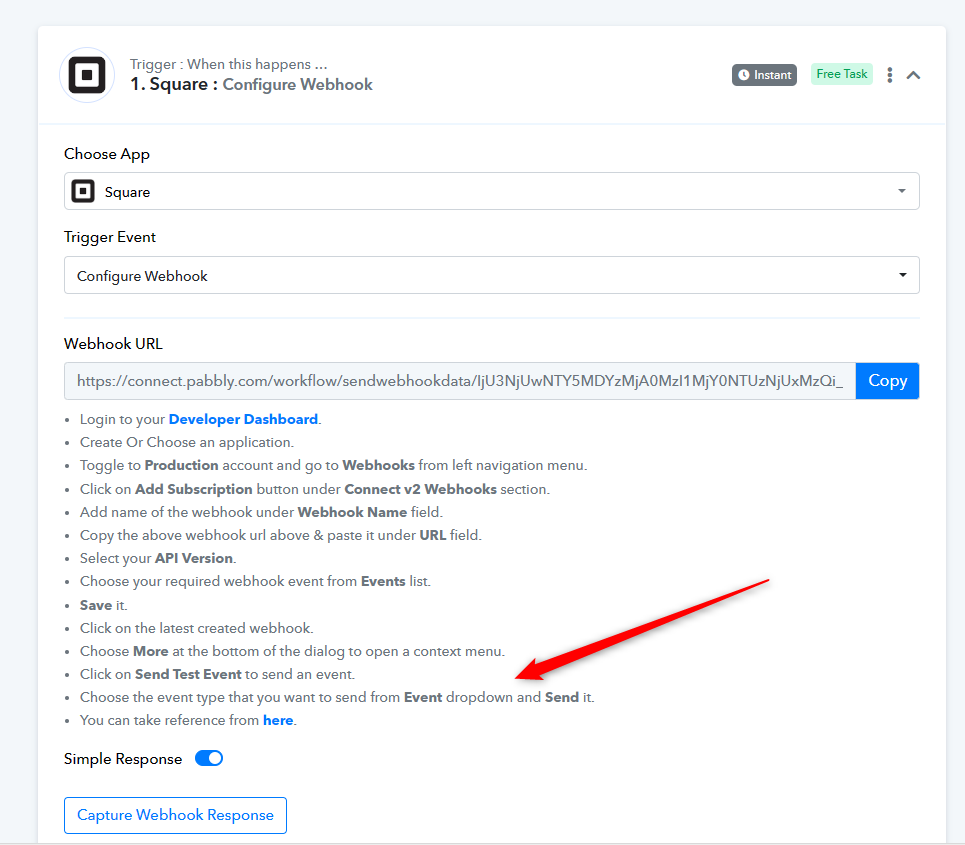
When setting up the webhook URL for the Square trigger event, you're provided with the choice to select the trigger event directly from your Square account. This selection process allows you to configure the specific trigger event needed to import transactions into Google Sheets.
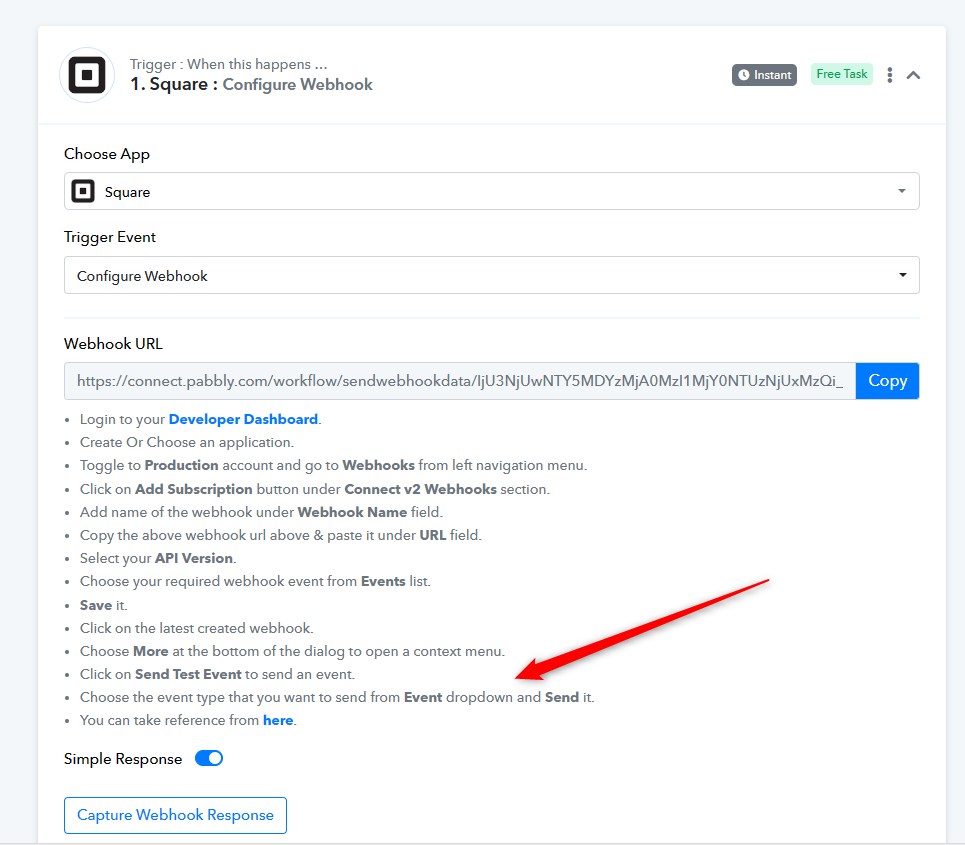
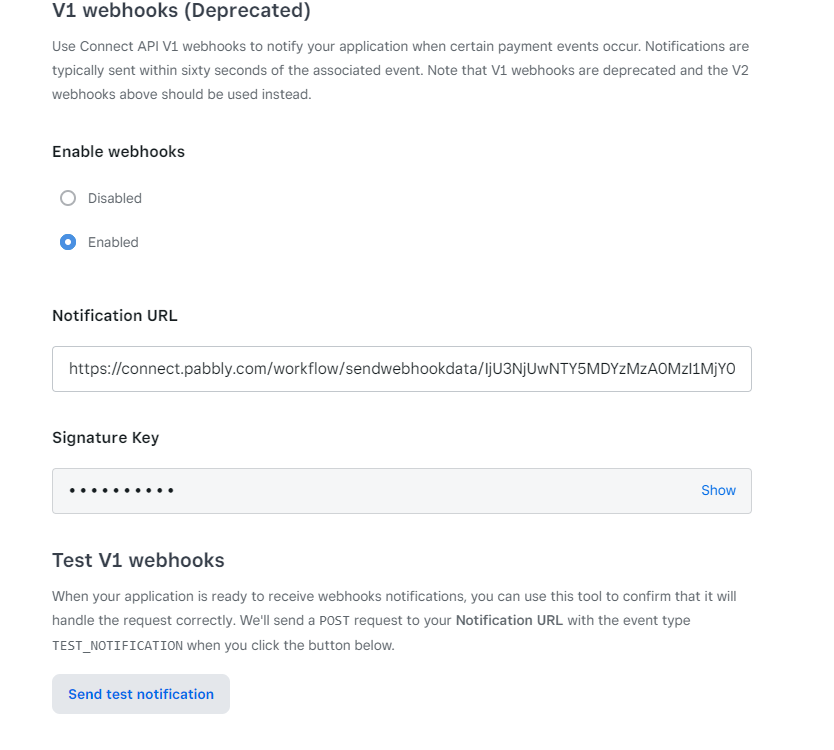
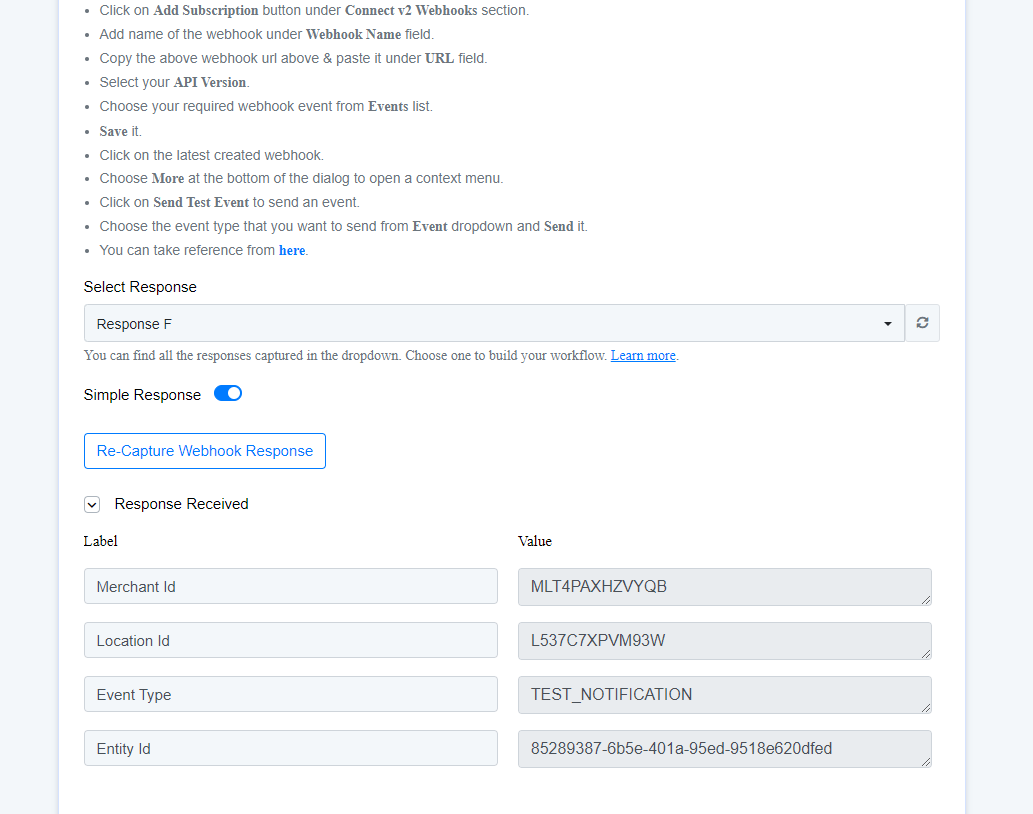
I was limited to only these 4 triggers. Am I doing something else wrong? Maybe on square?
I was limited to only these 4 triggers. Am I doing something else wrong? Maybe on square?
Can you please tell us what trigger events are getting offered from your Square account?
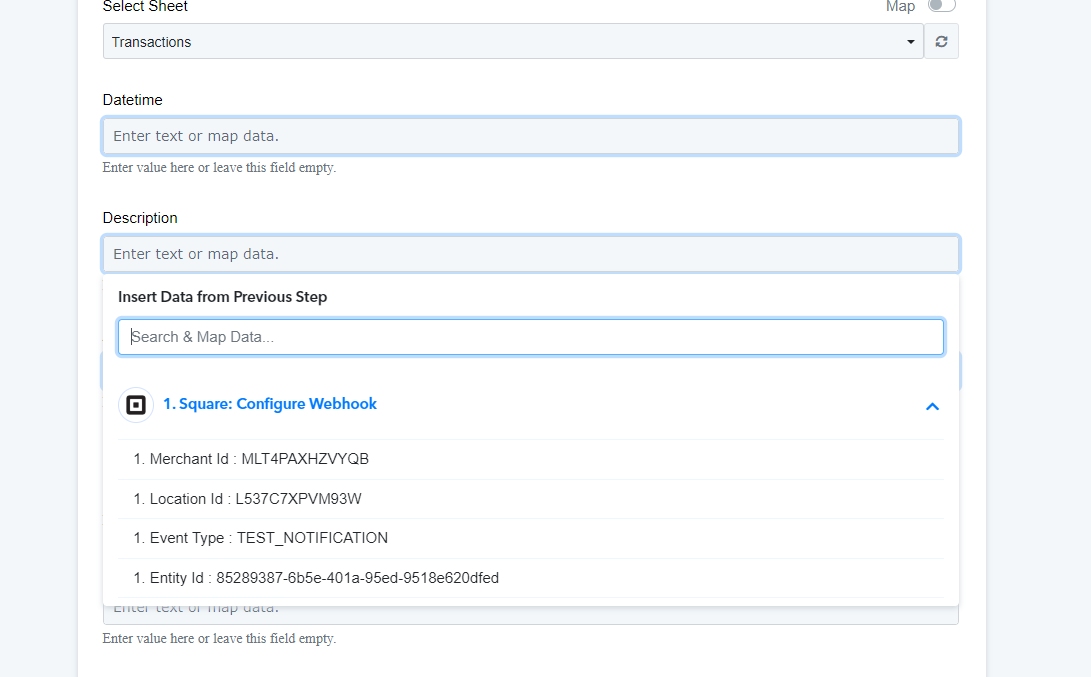
I thought these were my triggers. I might be misunderstanding what a trigger is. I don't have a choice. I have to choose the webhook. Is there supposed to be a different trigger?
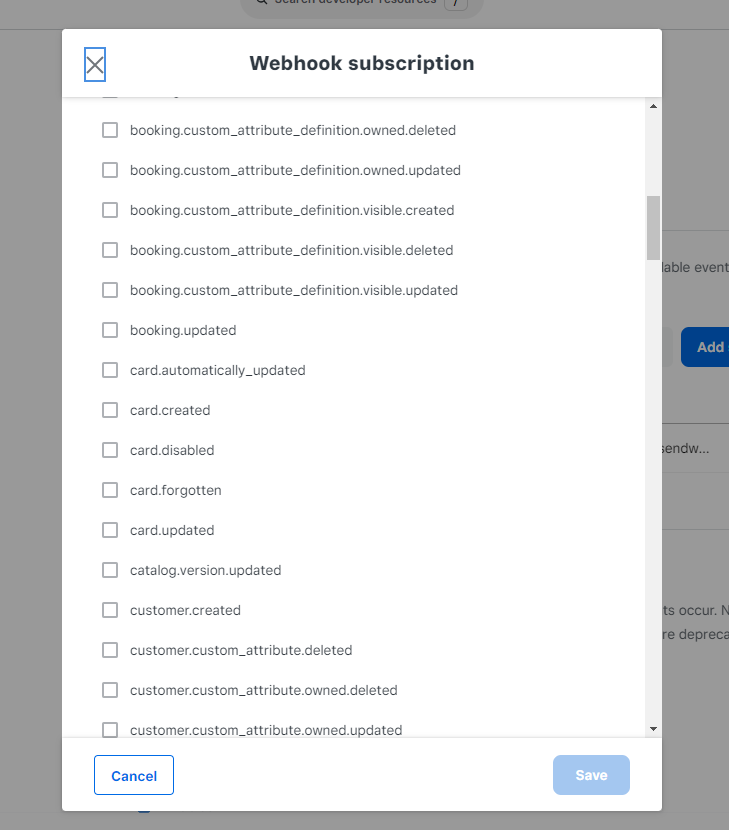
I'm looking to add a row in google sheets whenever a new transaction is recorded in square. I just want date, transaction id, amount, type of card.
If you're worried about this issue, using the Square trigger event and setting up its webhook URL in your Square account is a straightforward solution. By configuring the trigger event with "payment.created," you'll consistently receive data whenever a new payment is made. This method ensures you stay updated with the latest payment information without any hassle.
https://developer.squareup.com/reference/square/payments-api/webhooks/payment.created