Connecting 2 Acuity Scheduling Accounts
Status: Open · Asked by casualkaj on · 0 views
Hello,
I am trying to connect 2 Acuity Scheduling accounts and the best way I could think to do this was through a Google Calendar Account. Acuity has built in syncing with Google Calendar and it works super well. My thought was that I have a new appointment created in Acuity which syncs to Google Calendar. This would trigger a new appointment being created in a 2nd Acuity Scheduling account.
I set this up however I am getting errors and I'm not sure how to fix it and make it work.
Could you take a look in my account to see what I'm doing wrong? Or if you have a better way of achieving this I'm opening to ideas!
Thanks,
Kaj
Hi @casualkaj,
To achieve this use case, you can set up Acuity Scheduling as your trigger application to capture any new appointments. Follow the video shared below to understand how you can set up Acuity Scheduling as your trigger step and capture new appointment data. Only the first part of the video is relevant for you.
youtube.com/watch?v=gxVrbH08pHI
Once you have set up your trigger step, you can set up 'Acuity Scheduling: Create an Appointment' as your action application (with a different account) and sync the two accounts in this manner.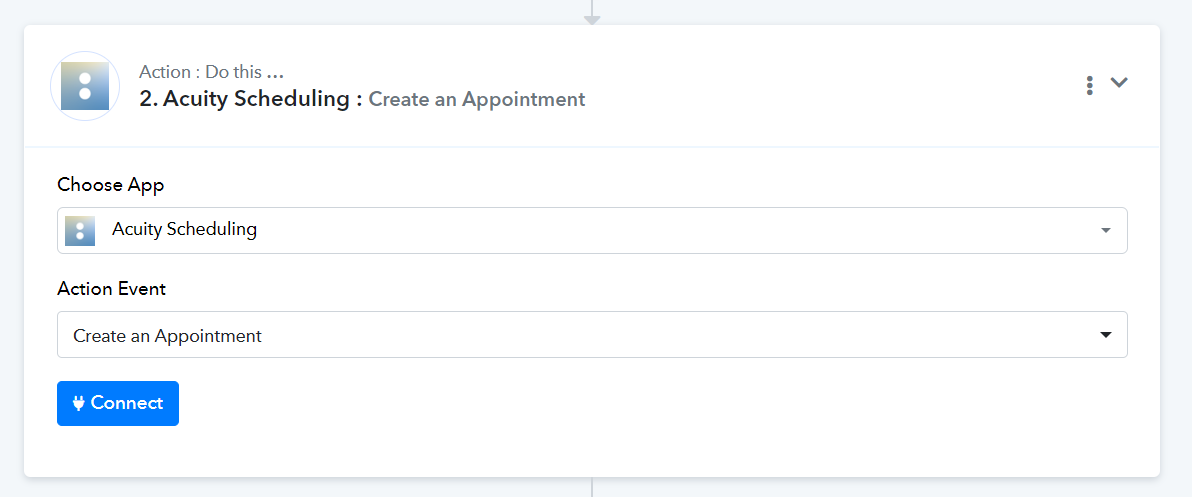
I am suggesting this method to you because I am not certain if the appointment created in Acuity will trigger your workflow with Google Calendar as your trigger step.
Hello, thank you for the reply. The reason that I didn't connect the acuity account directly is that I only want 1 calendar to sync, not all of them and all appointments. It's easy to set the calendar I want to sync with Google Calendar, but I don't see a setting directly from Pabbly to only take appointments in that single calendar and send them through to 2nd Acuity account.
Are you sure there isn't a way to make a new appointment in Google Calendar trigger a new appointment in Acuity? Just pretend that this is all I want to do. This should be a pretty standard setup I think, but it gave me an error when I tried to make it work. I guess I'm looking for help figuring out why it's giving me an error.
Here's the setup I want:
1. I make appointment in Google Calendar
2. This triggers an appointment in Acuity.
Thanks!
Kaj
Hey @casualkaj
There is no explicit mention in Acuity Scheduling about directly assigning events to a specific calendar.
https://developers.acuityscheduling.com/reference/post-appointments
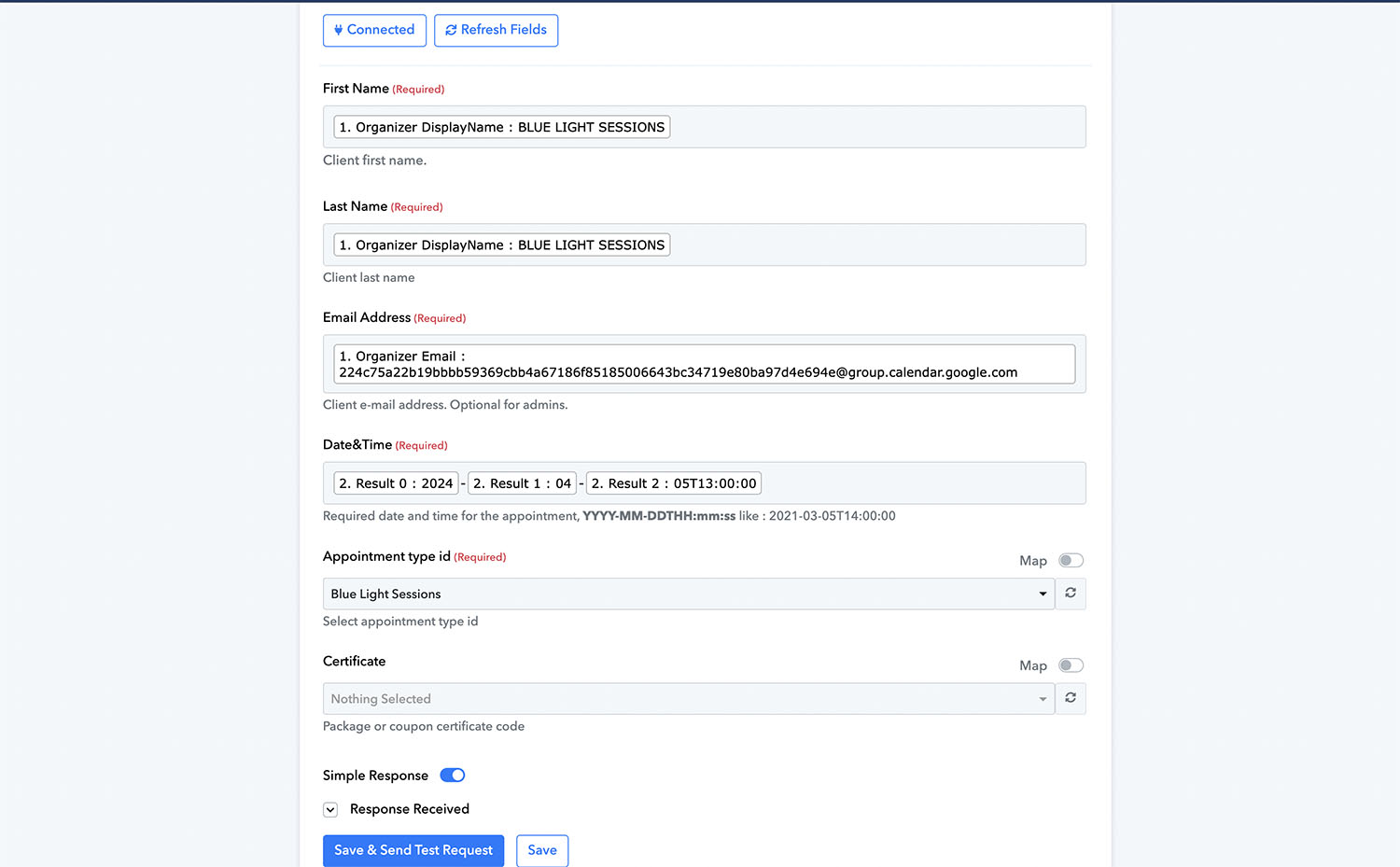
Okay, so it looks like someone from the Pabbly team added a Text Formatter to the Workflow. This got rid of the error when saving, however I did a test and it still came back with an error. (this is for the Google Calendar triggering an appointment in Acuity).
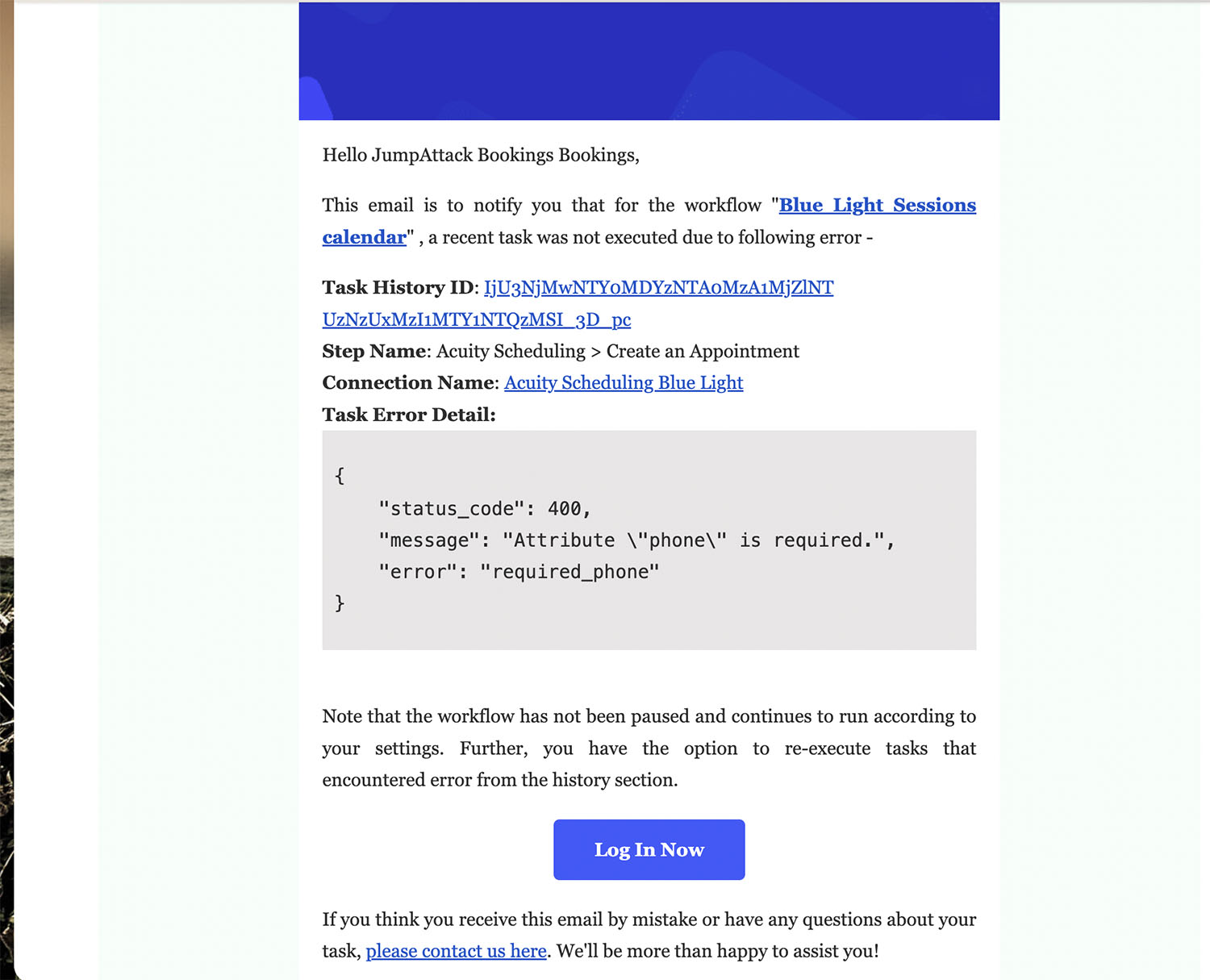
I have attached a screen shot of the workflow setup, and the error message that was emailed to me. It says it's the phone number but I don't see a phone number field in workflow.
Could you please help solve this?
Attachments
Could you please try establishing a new connection with your Acuity Scheduling account and see if that fixes the issue for you?
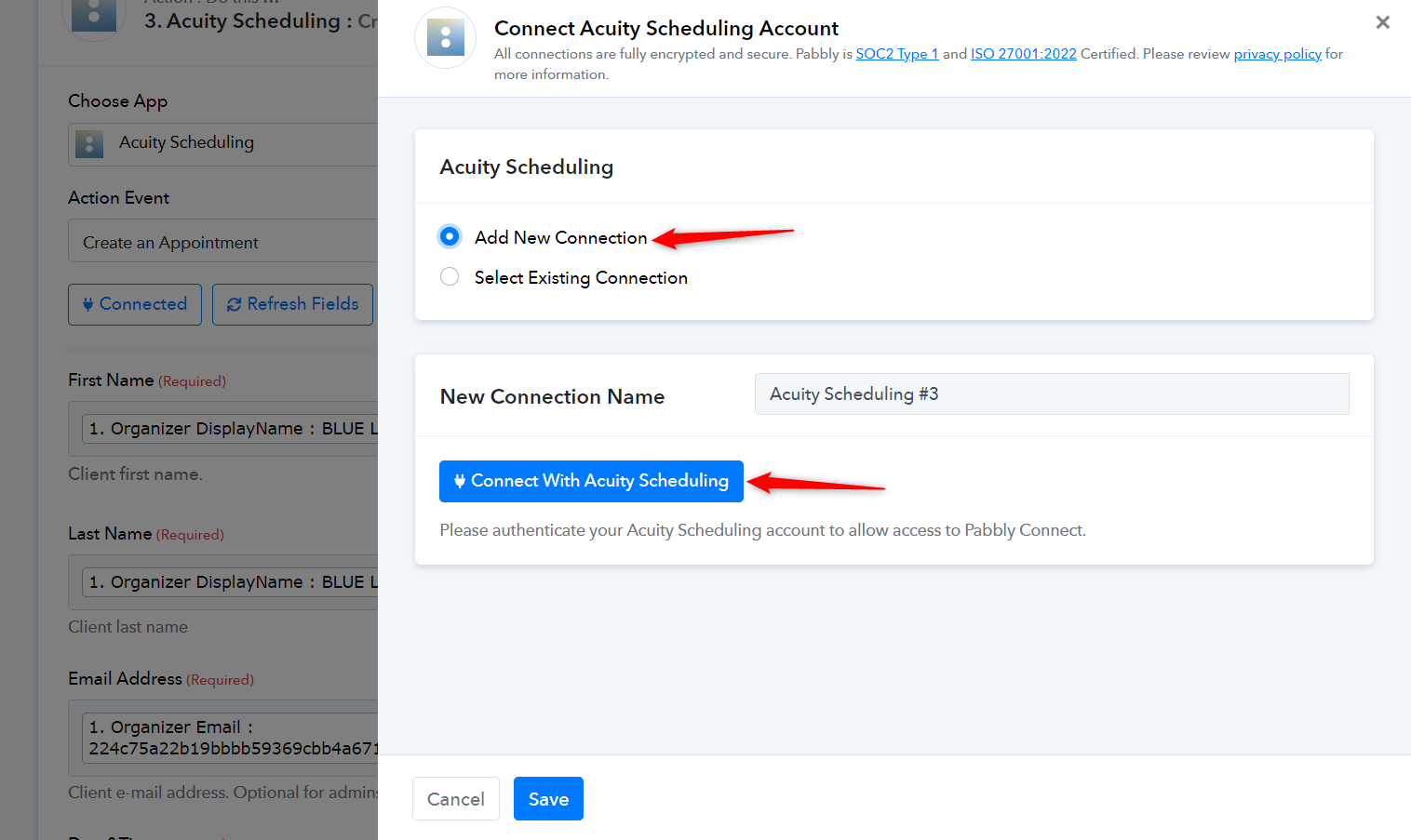
Made a new connection, and when I test this is what it says (screenshot)
Attachments
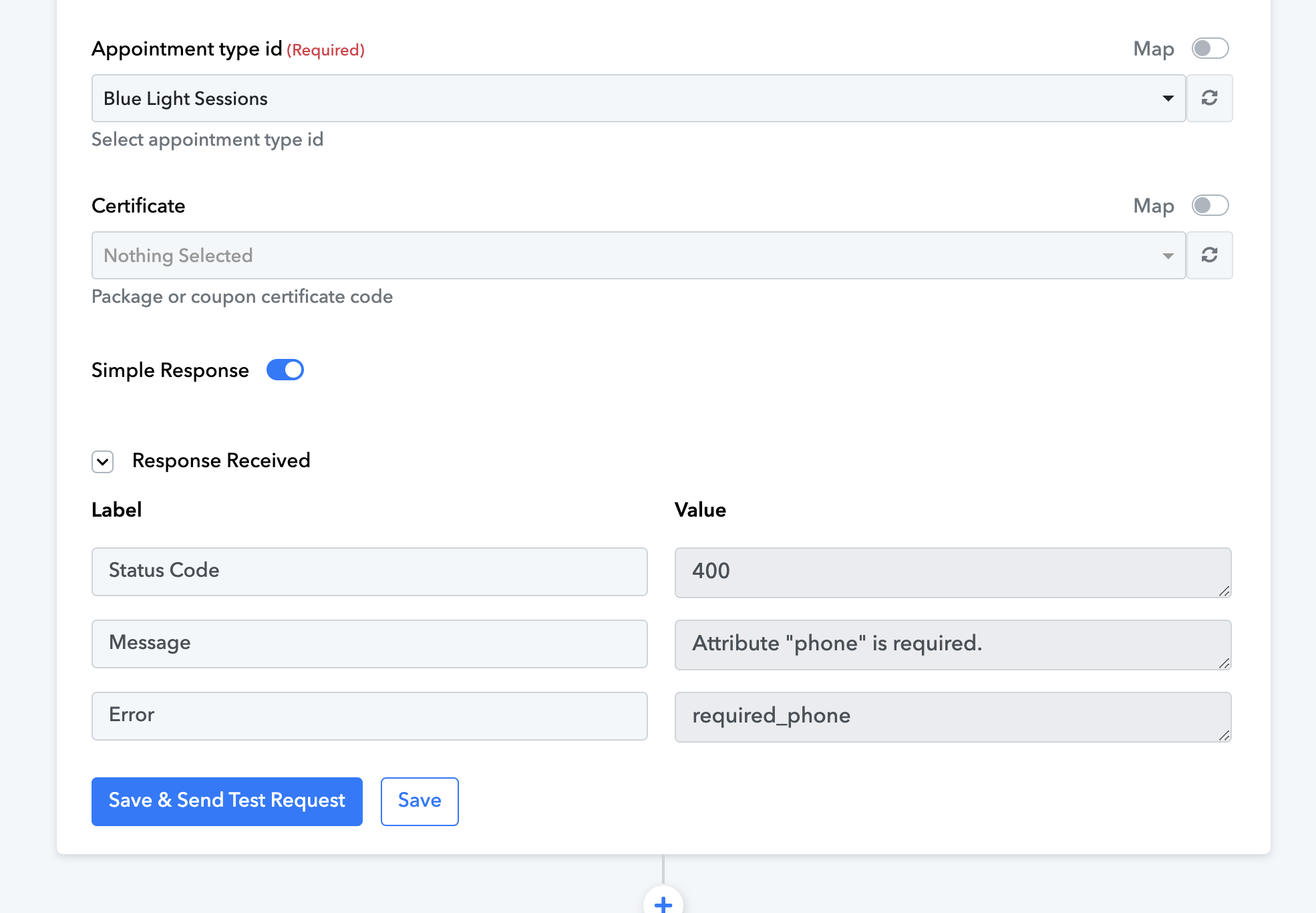
Please allow us some time to look into this concern. We will get back to you with an update soon.
Thank you!
We have updated the 'Create an Appointment' action step. Please delete your current step and then use the new 'Create an Appointment' action step.