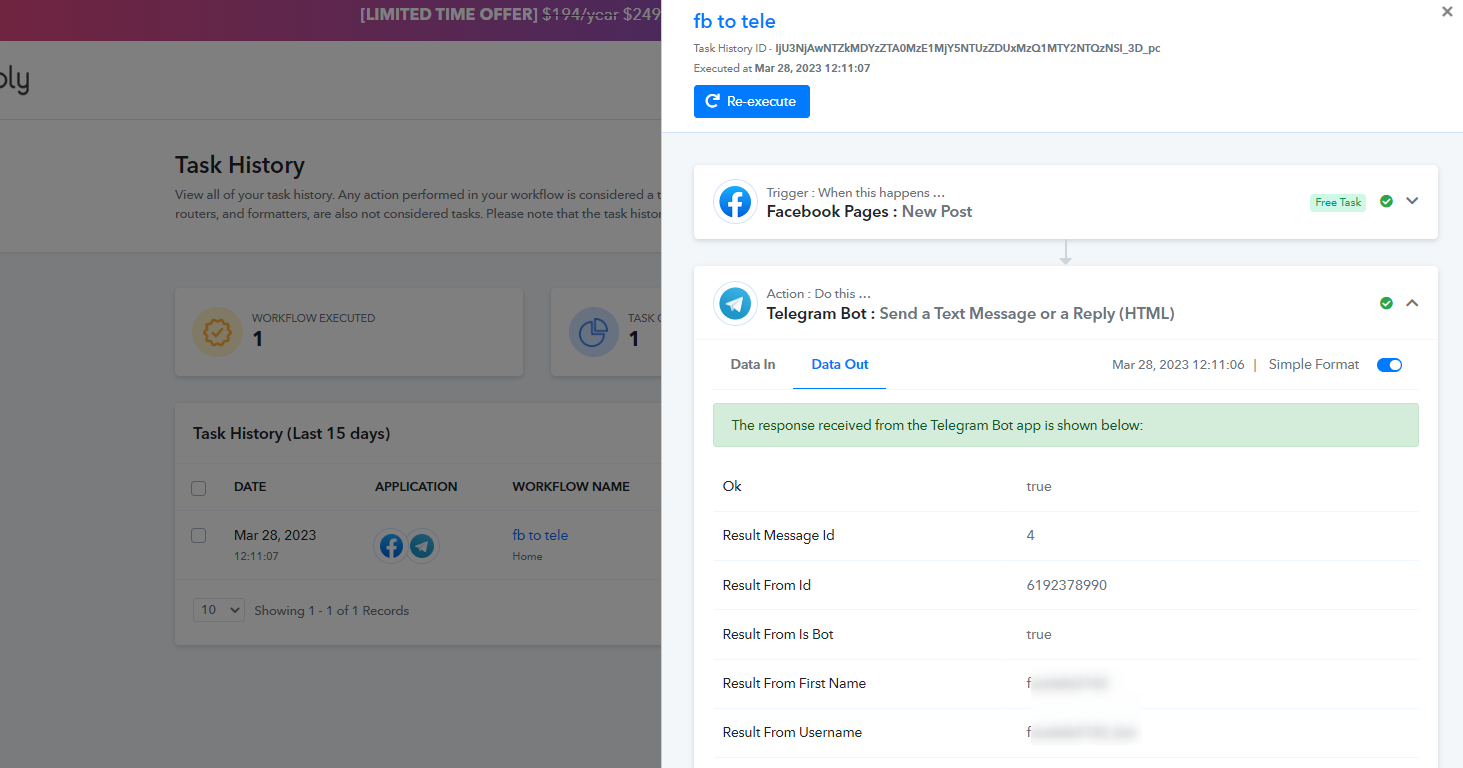
Connecting Facebook to Telegram
Status: Closed · Asked by LuxxDeals on · 0 views
I've followed all of the steps to integrating my Facebook account to Telegram. The error keeps coming back as "Chat not found" for Telegram integration. What else can I do to fix this?
Hey @LuxxDeals
As we can see from your Telegram action step you were not passing the Chat Id in the correct format, you need to add+100 as a prefix in the Chat Id to send the Telegram Message.
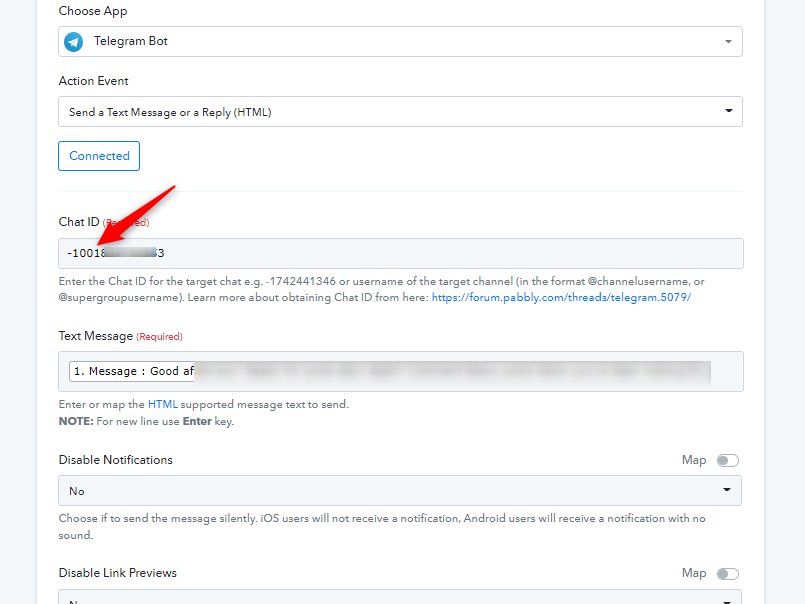
Hey @LuxxDealsAs we can see from your Telegram action step you were not passing the Chat Id in the correct format, you need to ass +100 as a prefix in the Chat Id to send the Telegram Message.
It's working now. Thank you!
I'm now having an issue with the preview image not showing with the link in Telegram. How should I go about this?
I'm now having an issue with the preview image not showing with the link in Telegram. How should I go about this?
Kindly try passing the URL in the following format.
Kindly try passing the URL in the following format.
Would this be pasted into the text message box?
Would this be pasted into the text message box?
Yes, in the same format you can pass your link.
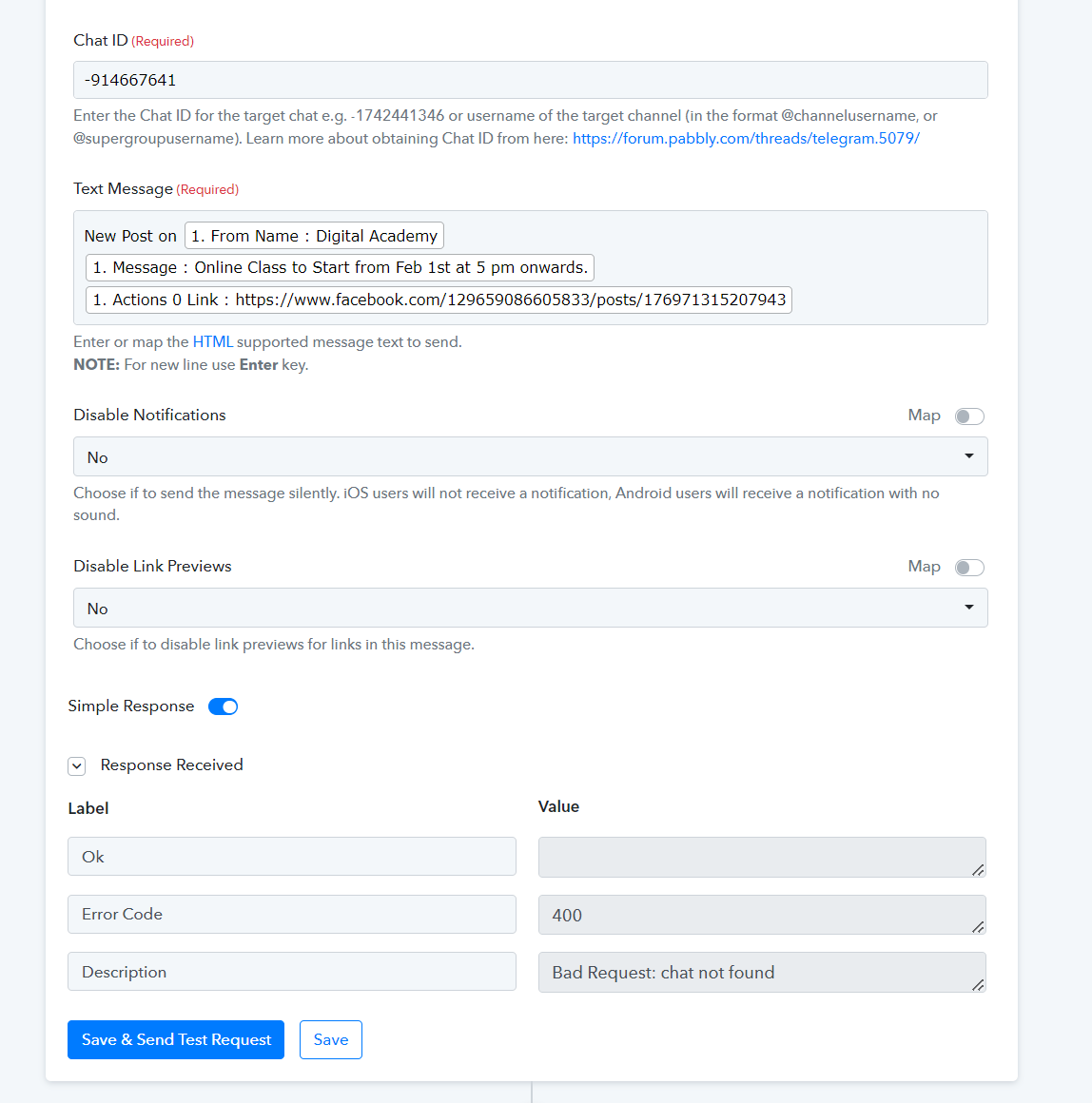
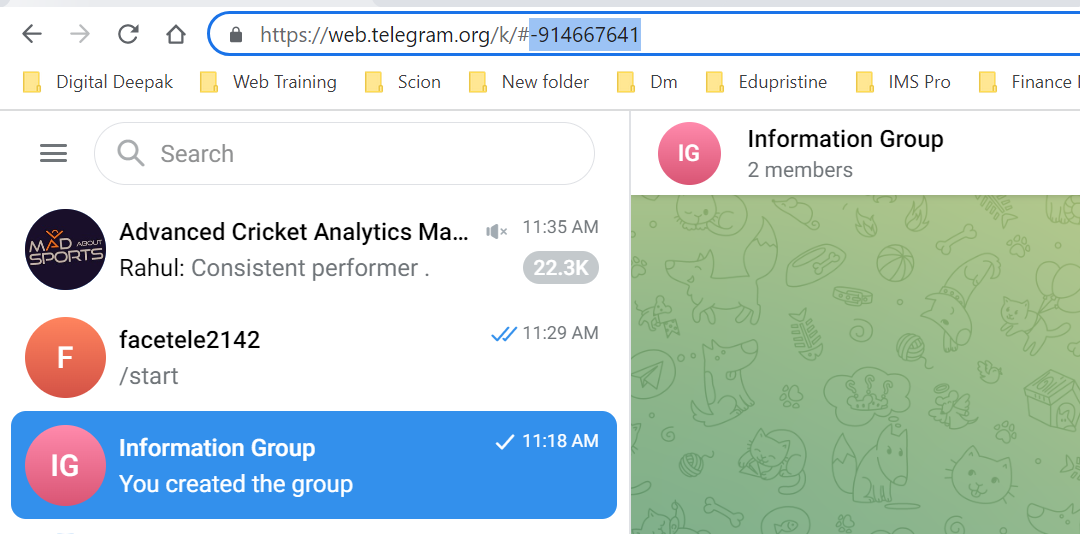
I am stuck in the same way... not able to proceed in the final stage...Kindly Help
Attachments
Hey @supreethg
As we can see from your workflow, your Telegram action step is working fine.
Try your automation and let us know if the issue still persists.