Connecting Gravity Forms to HighLevel
Status: Closed · Asked by CSWeb on · 0 views
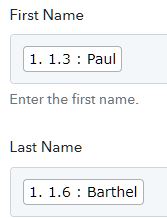
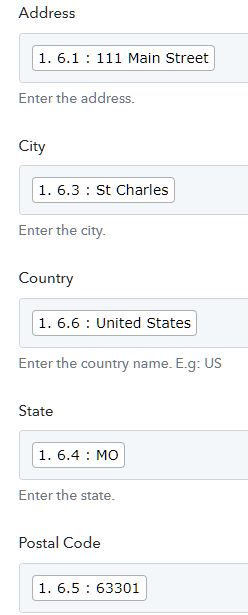
I have Gravity forms connected to HighLevel. The webhook is working and I get a response and can map the data; which is first name, last name, address, email and phone. When I send the test data to HighLevel or fill out the form on the website it doesn't send any of the data. The attached file shows what is mapped (I'm not sharing real name and address obviously) and what is sent to HighLevel.
Attachments
Hey @CSWeb
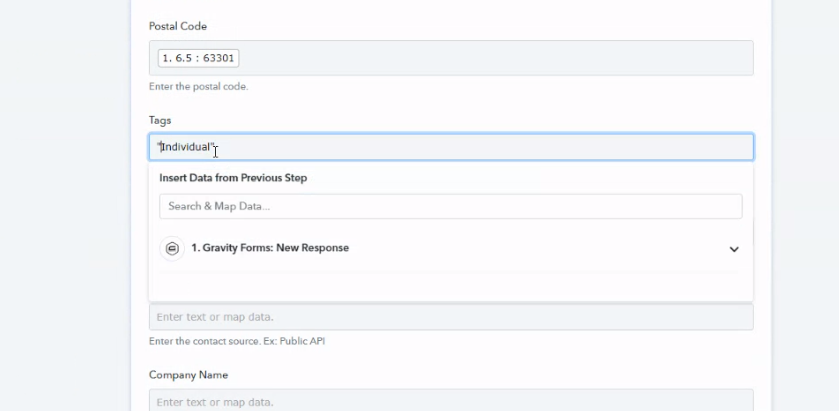
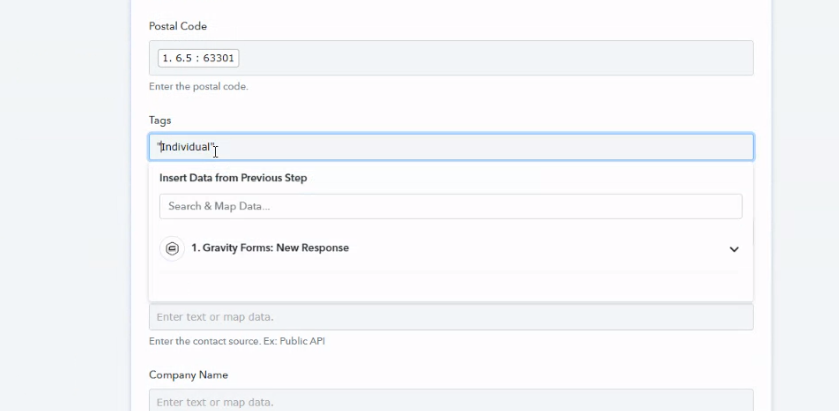
As we can see from your workflow, in the GHL action step you were not passing the tags in double quotes and because of that GHL might not be accepting the contact.
Though we have corrected it for you and it shall work now. Kindly try again and let us know if that works for you.
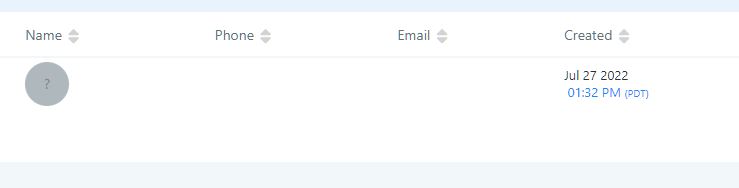
When I send a test request it works; but when I submit the actual form I get the same thing. Please see attached file.
Thank you.
Attachments

The form is here:
https://forwardnevastg.wpengine.com/blog/aa-pabbly-test/
The third test worked but it's not sending the phone number, which is a required field on the form.
Attachments

Hey @CSWeb
The third test worked but it's not sending the phone number, which is a required field on the form.
In the "HighLevel: Create or Update Contact" action step you need to pass the phone number in the desired format as mentioned in the help text whereas you can use the "Number Formatter by Pabbly: Format Phone Number" action step to format the phone number.
Though we have made the desired changes in your workflow and GHL is now taking the phone number correctly.
Kindly cross-check the same at your end and let us know if that helps you out.

Why is the phone number showing as in the attached file? It should be formatted as (123) 123-4567
Thanks
Attachments

Hey @CSWeb

As per the API, you can send the phone number in this format +0887158120.
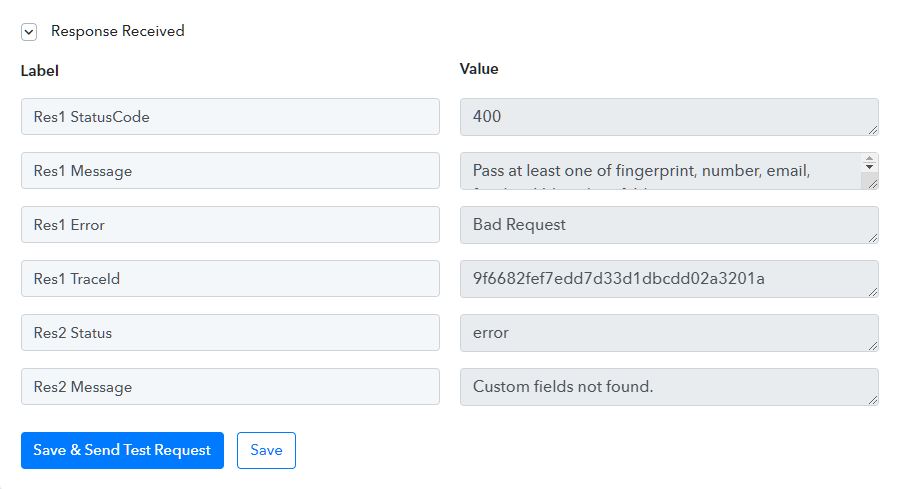
Now I'm getting errors in the test response and no data is being sent to HighLevel.
Attachments
Hey @CSWeb
As we can see from your workflow, in the GHL action step you were not passing the tags in double quotes and because of that GHL might not be accepting the contact.
Though we have corrected it for you and it shall work now. Kindly try again and let us know if that works for you.