Connecting LinkedIn Lead Gen Form to HighLevel
Status: Closed · Asked by Joanna Ericta on · 0 views
I'm trying to create a workflow to get lead info from LinkedIn Lead Gen Forms to HighLevel. Workflow name is LinkedIn Lead Gen Form > GHL.
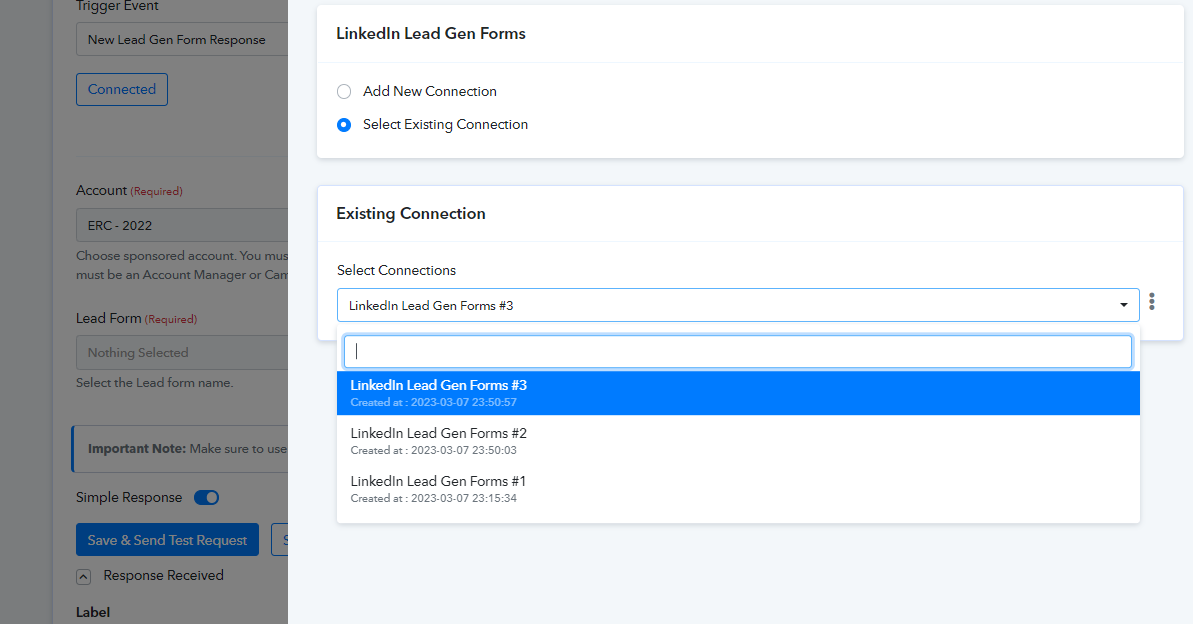
I was able to connect LI Form and HighLevel just fine, but when I map out the info, I noticed that the HighLevel fields aren't the same as my other HighLevel workflows (missing Number of Employees in 2021 field, for example).
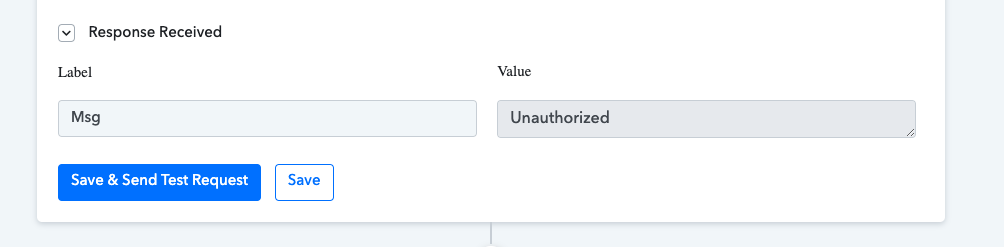
Then, when I have the contact info mapped out for the HighLevel section, when I hit "send test" it comes up with this error:
Label: Msg
Value: Unauthorized
Please help.
Attachments
Hey @jericta07
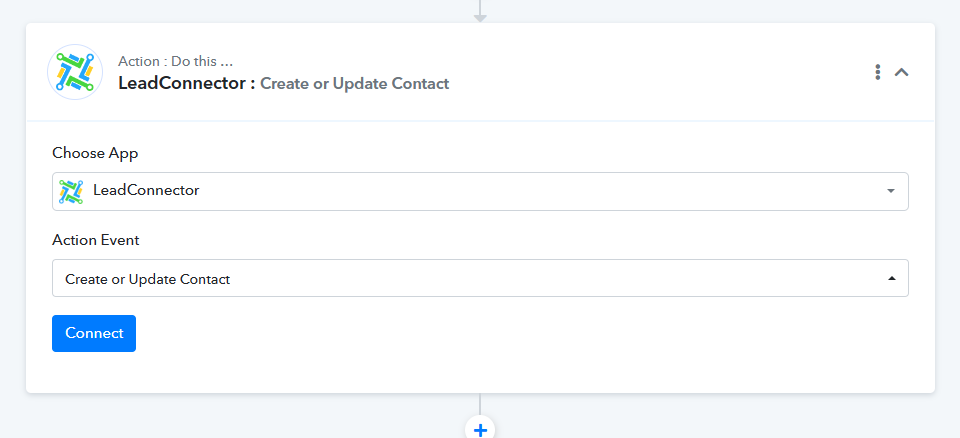
As we can determine from your workflow that you are using the legacy version of GHL, we recommend that you use the updated and upgraded version of GHL, Lead Connector.
Hey @jericta07As we can determine from your workflow that you are using the legacy version of GHL, we recommend that you use the updated and upgraded version of GHL, Lead Connector.
Thanks! That worked. But for some reason, it's not pulling in the correct Source info. It pops up as "ERC Advance Application" — any ideas how I can get it to populate what I currently have in the Source field? (In the source field, I want it to be linkedin, lileadgenform)
Please add just one connection to LinkedIn. We can see that you have several connections, thus we advise our users to only add one connection at a time.