Contacts from Highlevel not showing on google sheet
Status: Closed · Asked by Digitals on · 0 views
I setup a workflow to add the contact from a form submitted on highlevel to my Google Sheet automatically, and the contact details are not showing on the Google Sheet but the task consumed is reading the contact submitted. What might have gone wrong?
Hey @Digitals
Seems like you might not have captured the webhook response correctly and because of that you might getting the empty response from your Lead Connector trigger response.
So, please recapture the webhook response once and then try again.
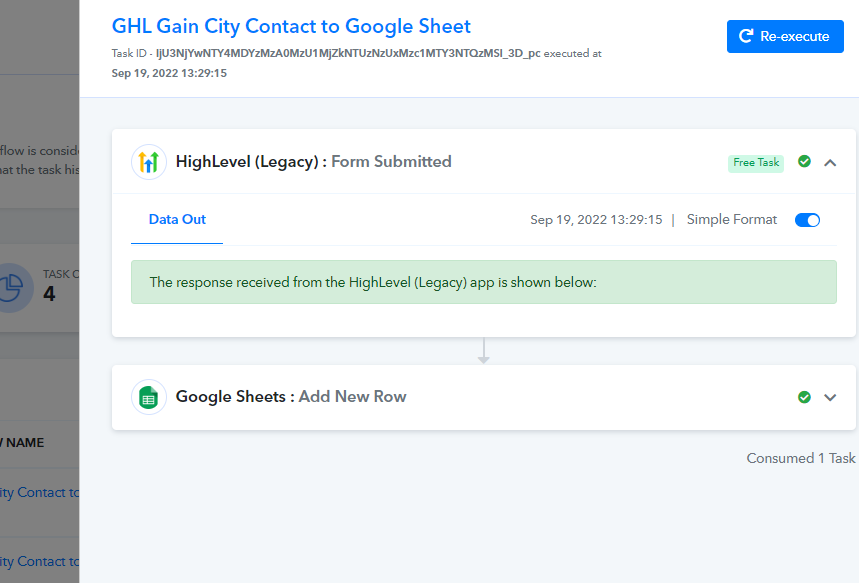
I have re-captured the Webhook but am still not getting the submitted contact in my google sheet. The Task Consumed read that a contact has been added thou
Attachments
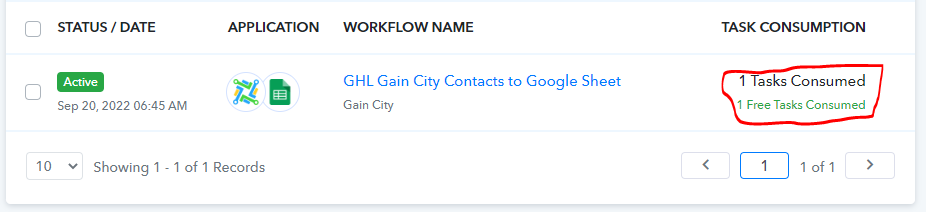
Hey @Digitals
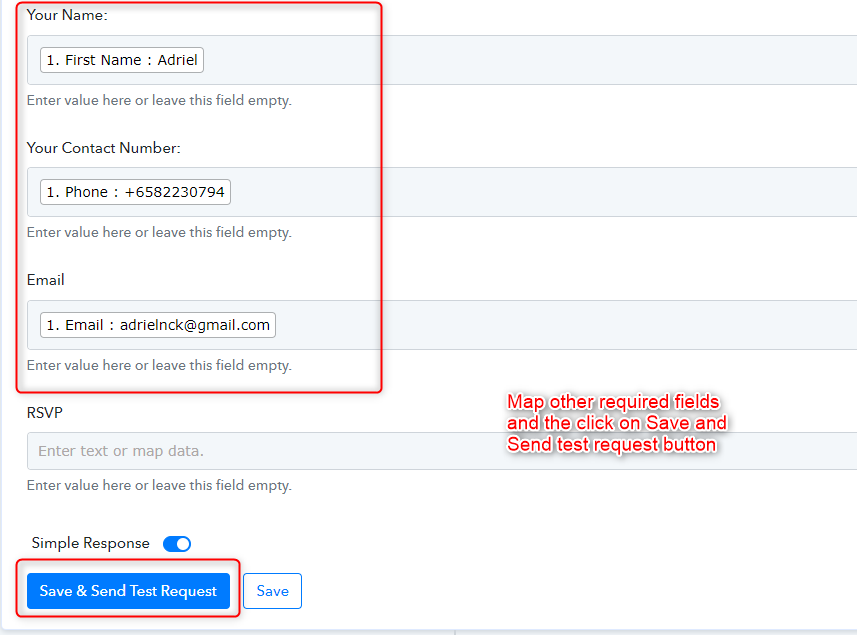
We have checked the workflow and found that you have not captured the data in the Google Sheets. Kindly map the fields in the Google sheets and click on Save & Send Test Request.
Also, regarding the screenshot that you shared will only demostrate that LeadConnector has submitted a free task and the task count is also 1.
Thanks
Kunal