Continuously facing error while updating specific workflow "cold mail workflow"
Status: Closed · Asked by Parth Nayak on · 0 views
Facing below error since morning constantly while updating specific workflow "cold mail workflow"
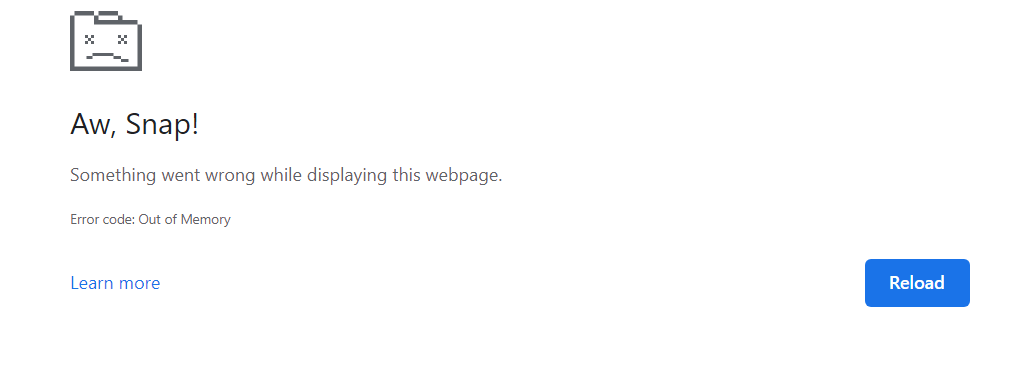
Hey @Parth
As we can see from your workflow, it seems like your sheets contain more than 15000 rows and because of that, your browser was unable to fetch the data.
So, kindly try to fetch the minimum rows at once, so that your browser tab does not get freeze afterward.
how many raws are advisable for smooth operation, please suggest
i have reduced to 5000 ROWS but still it is showing same error
hi @Supreme , can you please help
hi @Supreme please resolve
Hey @Parth
Kindly try to retrieve 500 rows at a time from your Get Row(s) action step.
am sending daily 500 Mails, in that case i have to update Google Sheet Daily, guide me how to avoid this.
still after 400 Rows its not working.
@Supreme please resolve, am unable to edit/expand any step of workflow
Hey @Parth
Since you are again trying to fetch all 12000+ rows from your Google Sheets Get Row(s) action step and because of that your browser is unable to open that up. Fetching such big volume of data is not at all recommended at all.
Please check your workflow now and ensure that you're using Get Rows action to fetch lesser volume of rows, else you're again going to same similar issues.
i have removed all entries by keeping 400 Entries in Google Sheet, however it wasnt working. may be because of active area after deletion.
Hey @Parth
We have already told you that we would recommend you to fetch t500 rows at a time in the Get Row(s) action step which we have already fetched in your workflow once.