CopperCRM>Creating a task without project
Status: Closed · Asked by Saul on · 0 views
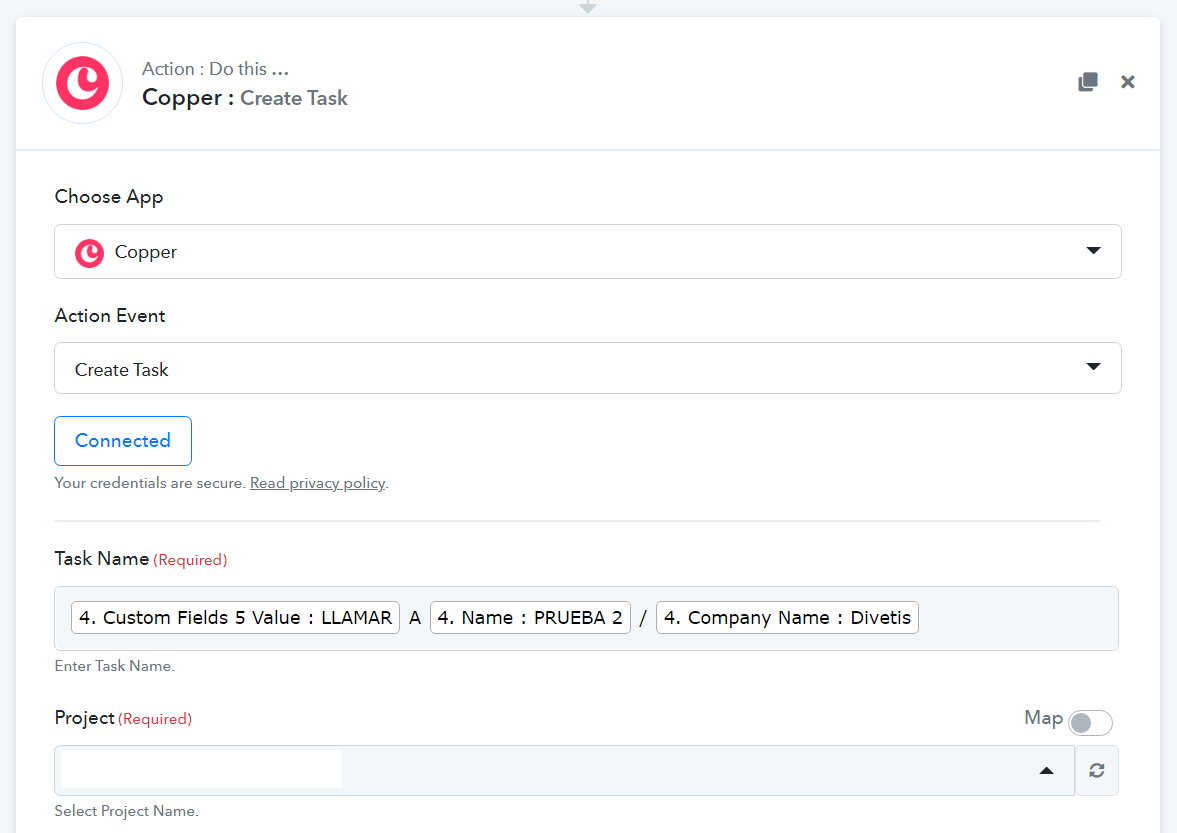
Hello, tasks usually go without project. But when automating task creation, project field is required on pabbly...
How can we jump over this field...?
thanks
Attachments
Hey @Saul
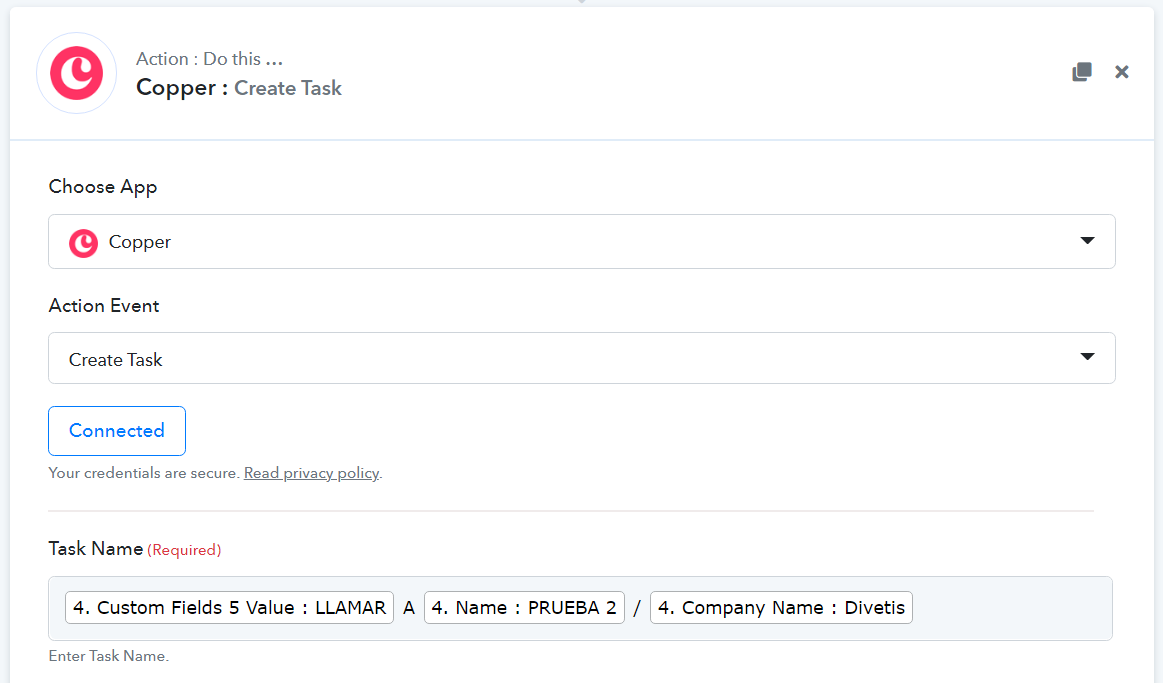
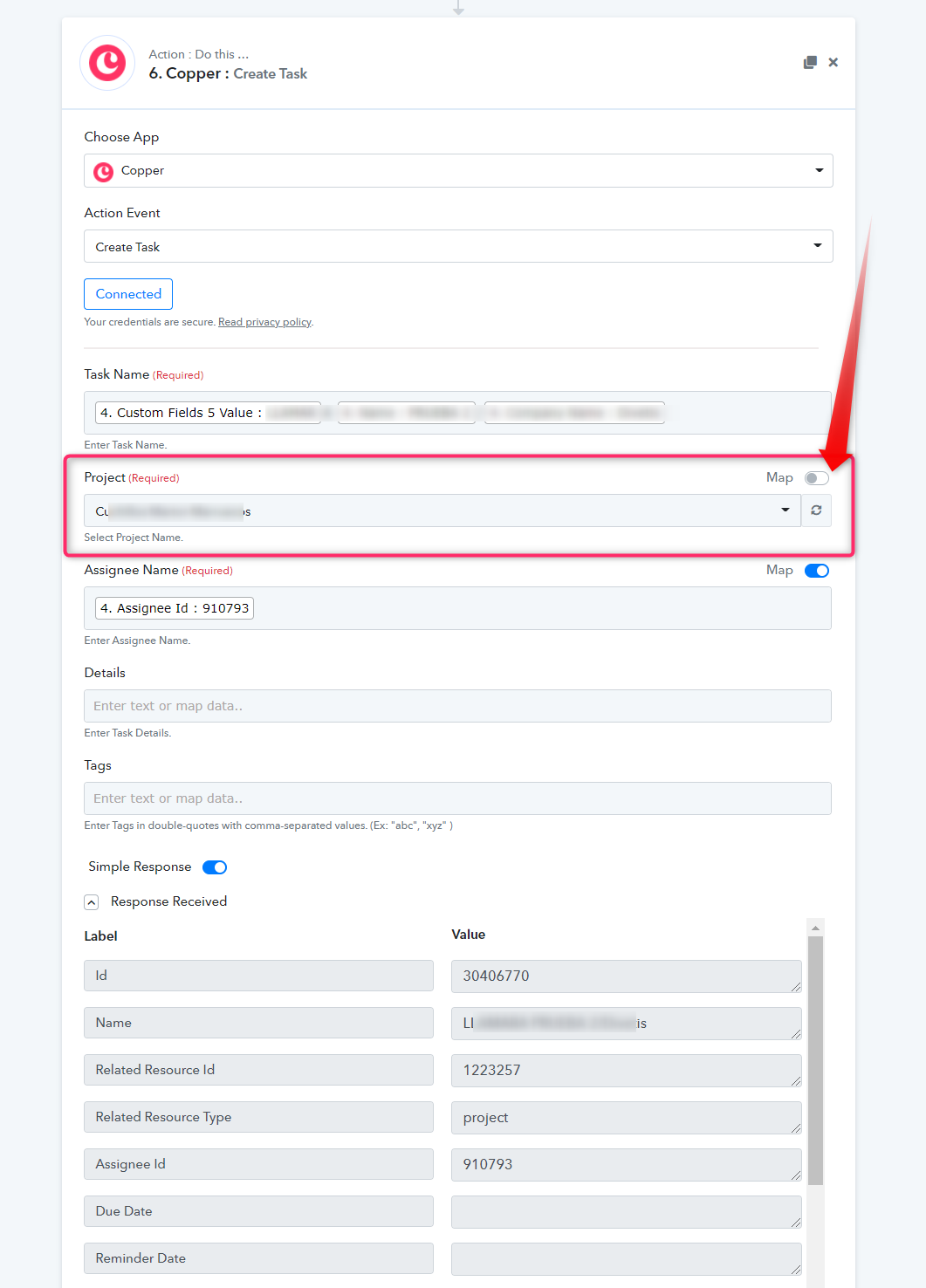
You can jump into the Project field directly by switching off the map button, refresh it and then can select the project in the dropdown.
Further, the project field has been made required from the Copper application end itself.
Hello,
..no, even if I switch map off, this field is still marked as required... while most tasks dont have a project, and when you create them in copper you dont need a project
Hey @Saul
Our team is currently looking into the possibility of creating a task endpoint without a project.
So we will update you ASAP if it's possible.
thanks a lot!
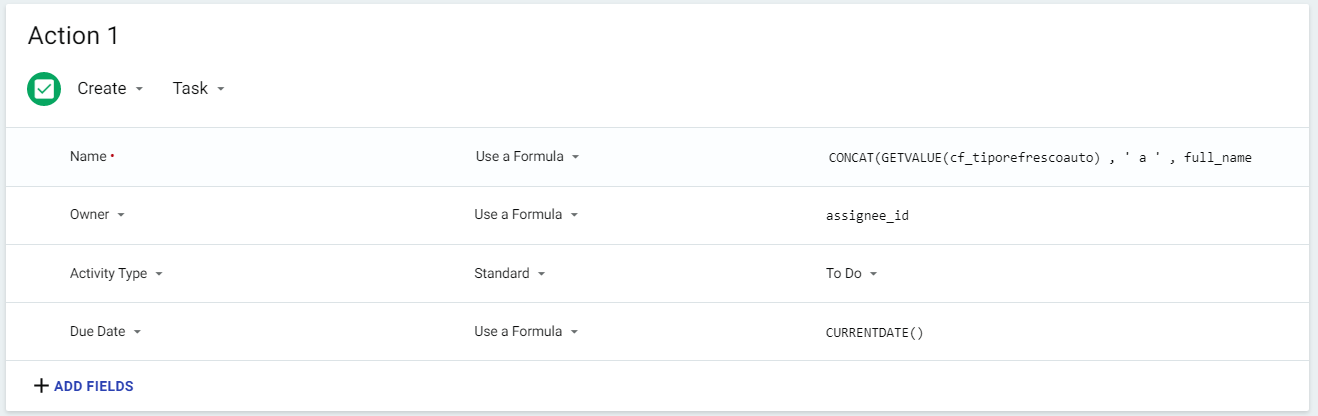
It would be also possible to add when creating, activity type and Due date?
thanks
Hey @Saul
..no, even if I switch map off, this field is still marked as required... while most tasks dont have a project, and when you create them in copper you dont need a project
We have checked the possibility and tried with the conditions according to you.
Now the Create Task Action Event doesn't require the project to be mentioned. We were also able to add the Due Date field as well
Regarding the Activity Type field, we have contacted the Copper team to look into the possibility.
As of now you can use the create task Action without Project and with the due date fields as shown below -
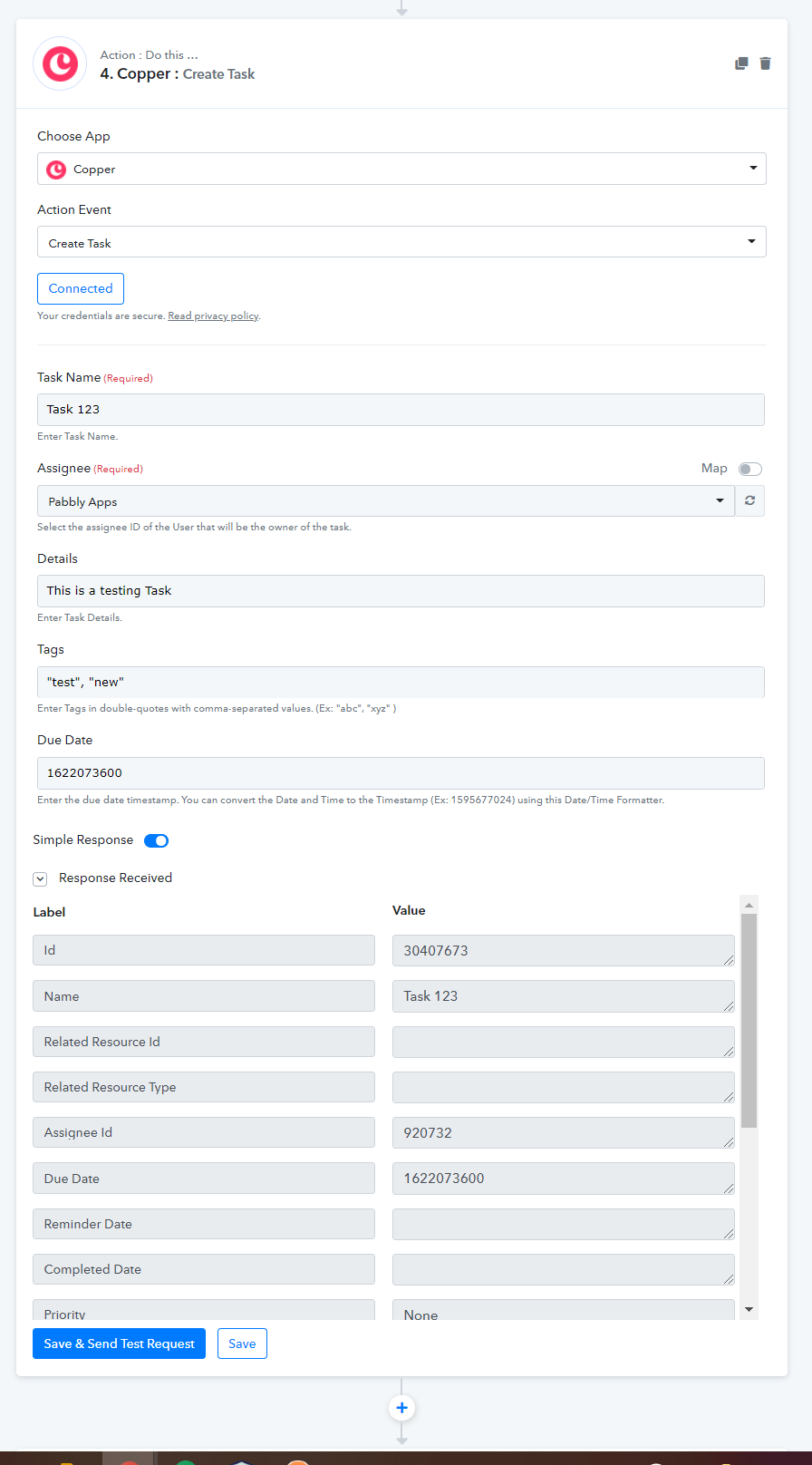
Please try at your end and let us know if that works for you.
Hey guys... you are great! :)