Couldnt find the previous steps
Status: Closed · Asked by Omar Afifi on · 0 views
Hi ,
I am trying to create workflow , when am doing actions , the previous steps not shown as per the attached pictures , so i couldnt compelete the workflow as all the steps are related to each others, so i couldn't like connect action 5 or 6 with action 2.
if you can aassist please.
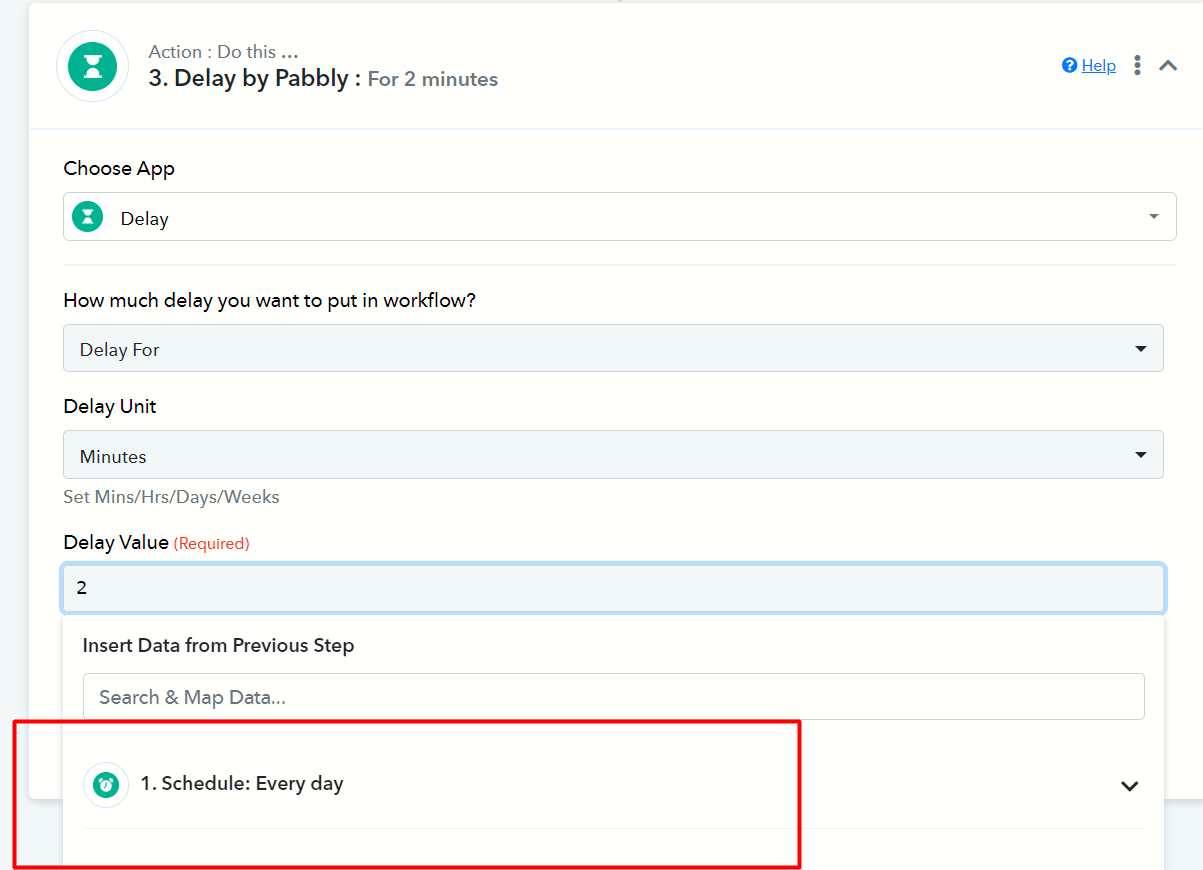
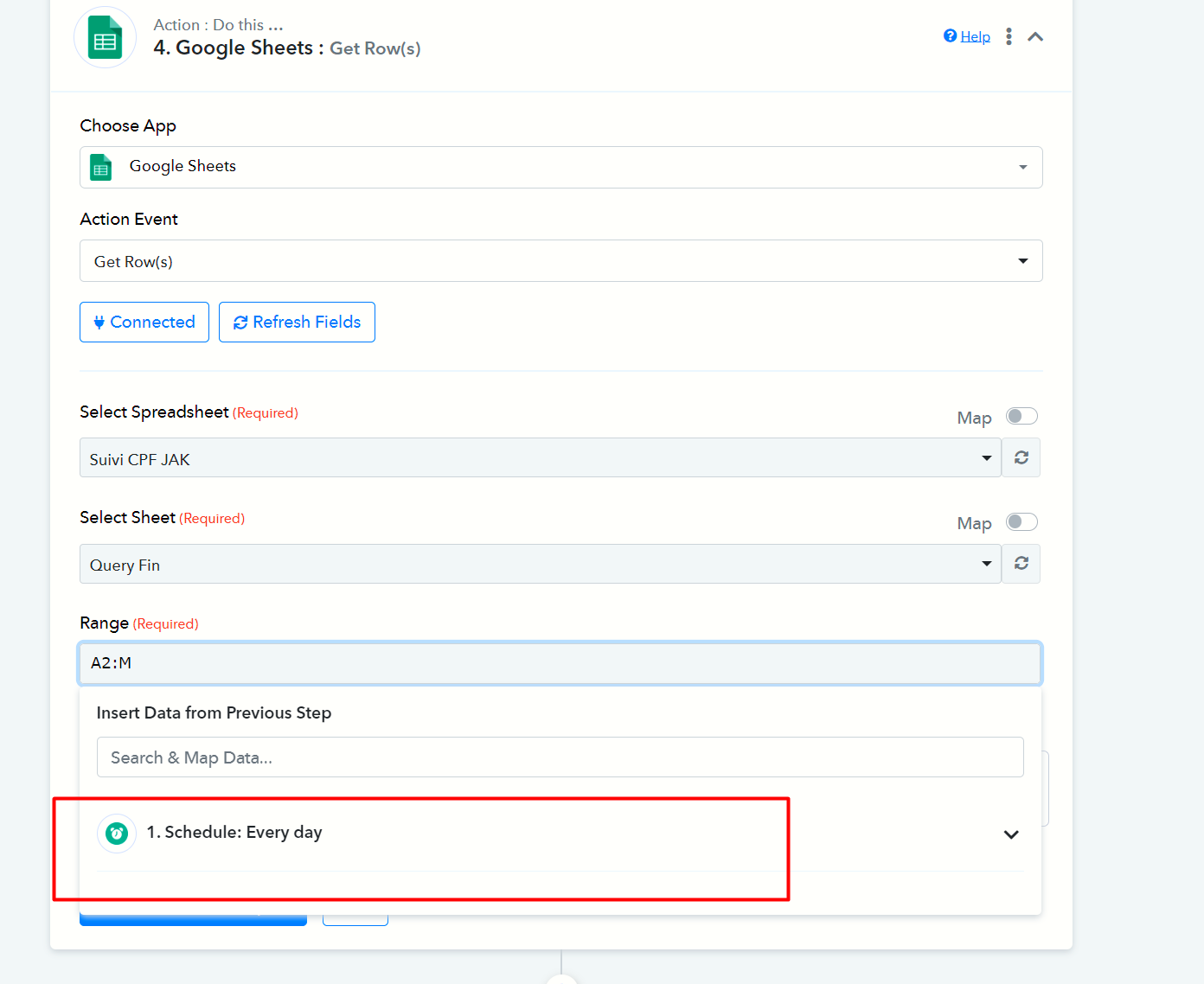
Attachments
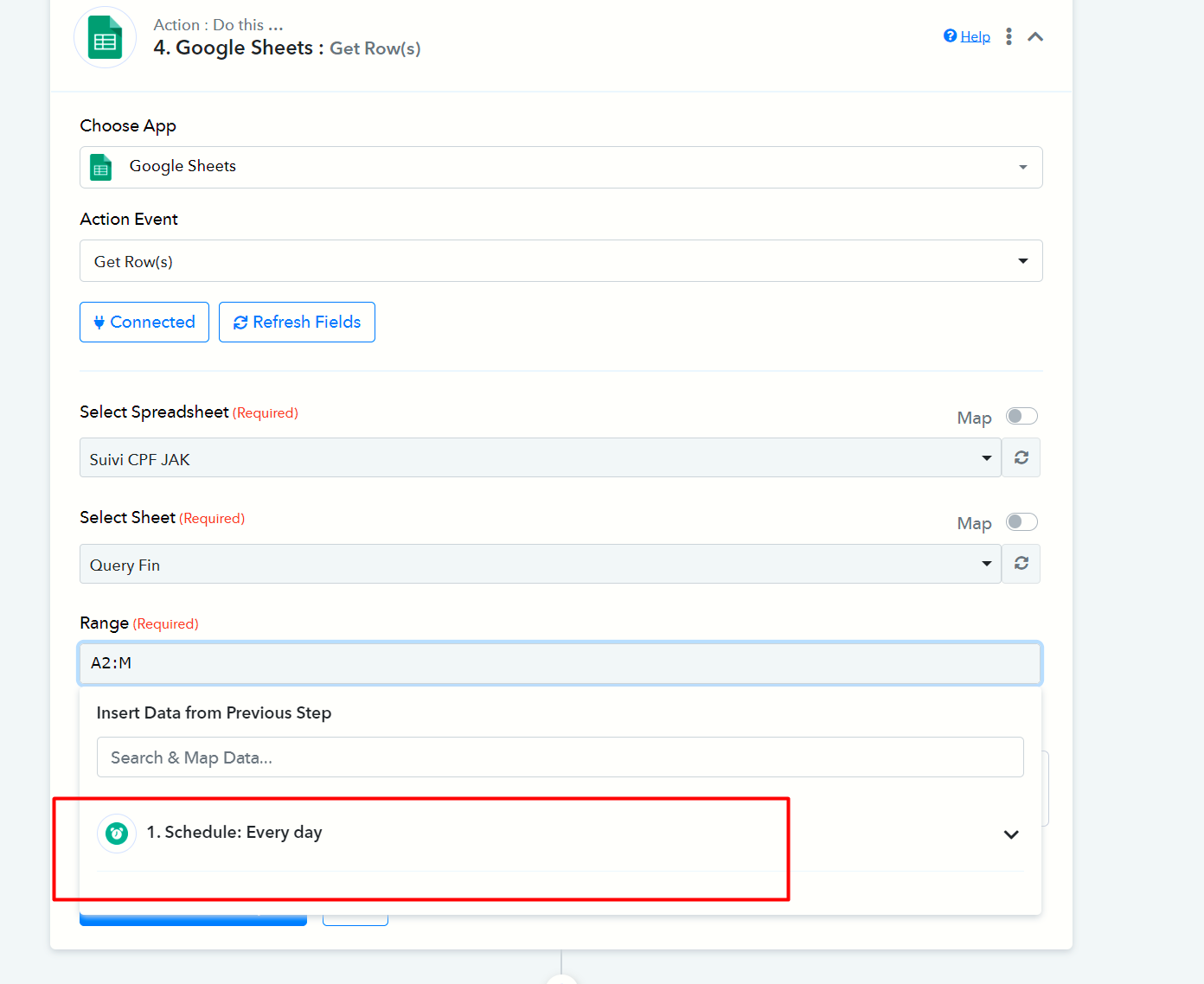
Hey @JAK
As we can see from your workflow, all your action steps responses are showing correctly.
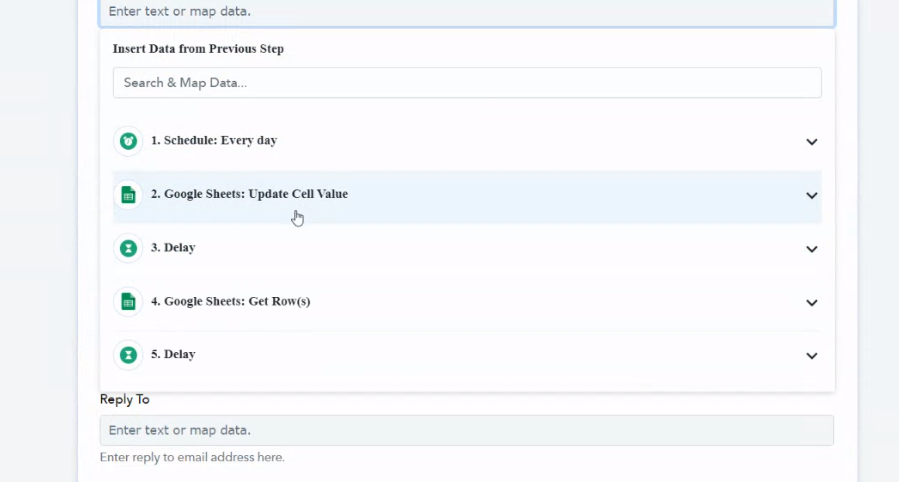
Can you please clear your browser's cache memory once and then check?
i clreared my browsing cache and still the same ,
can you assist please.
can you inform me how i get full accesss for adminstration?
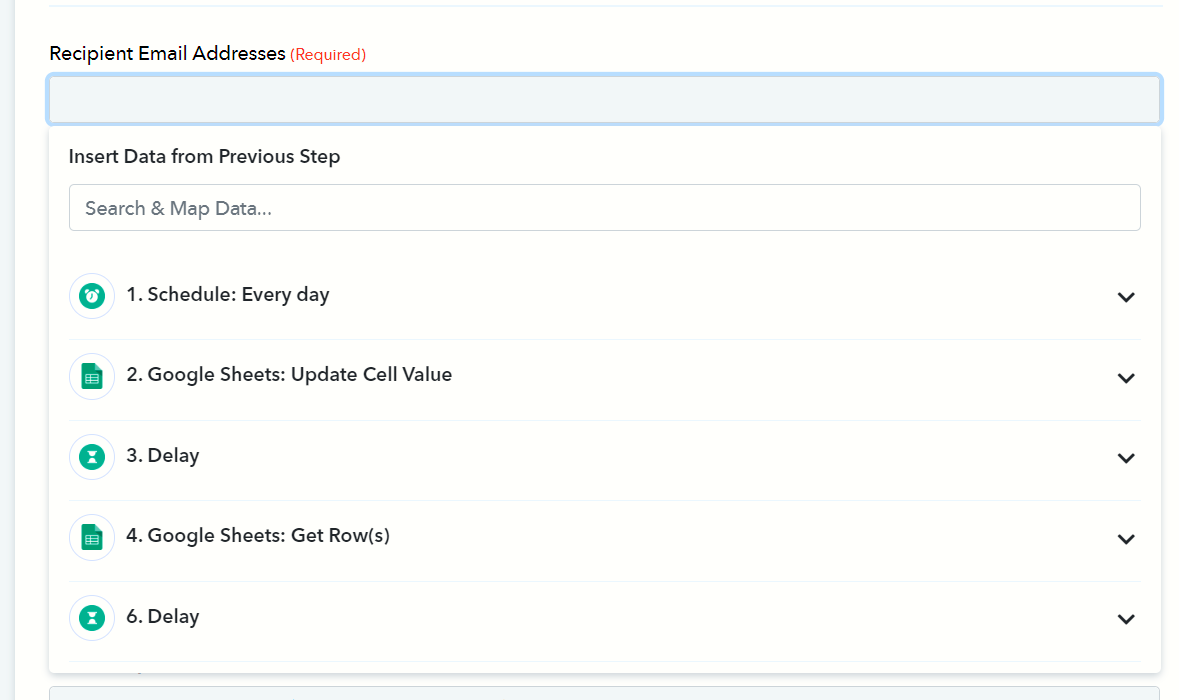
It is right there please click on the desired action steps response and select it.
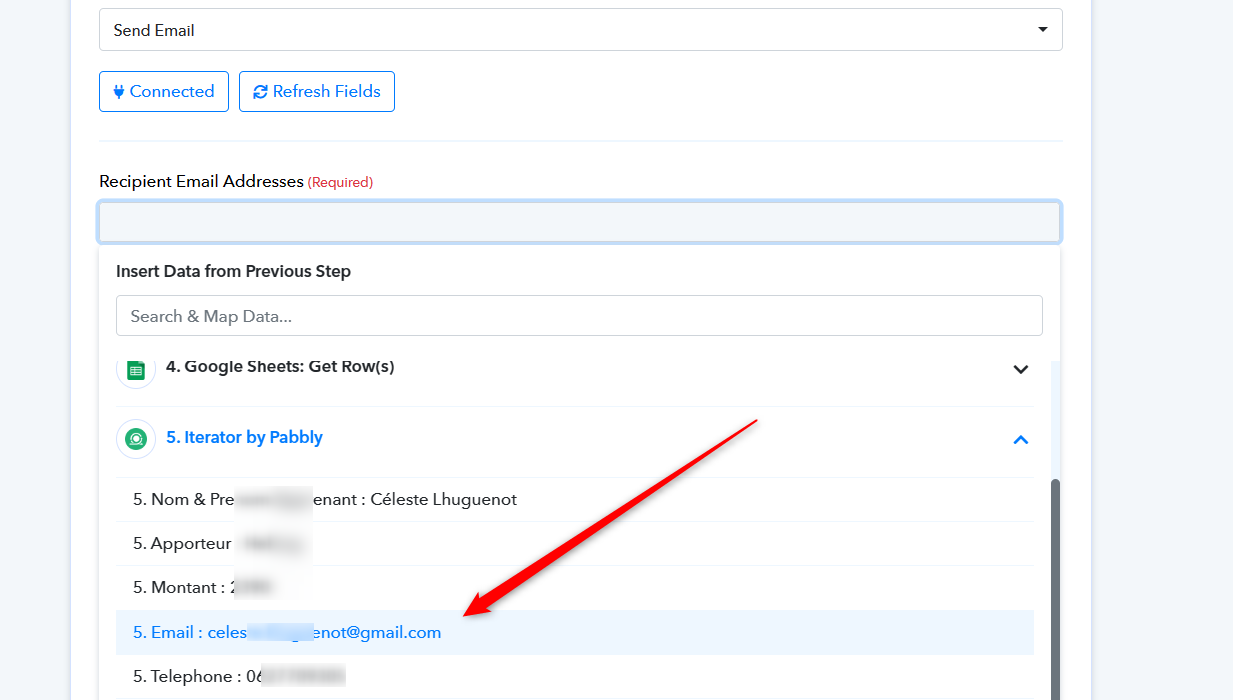
ok now this process is done from this email [email hidden], so i need to chahge this to be send by this email [EMAIL][email hidden][/EMAIL], so can you assist plz
You can simply erase the existing written email address and map the email address that you want to set on that field as mentioned in the screenshot.
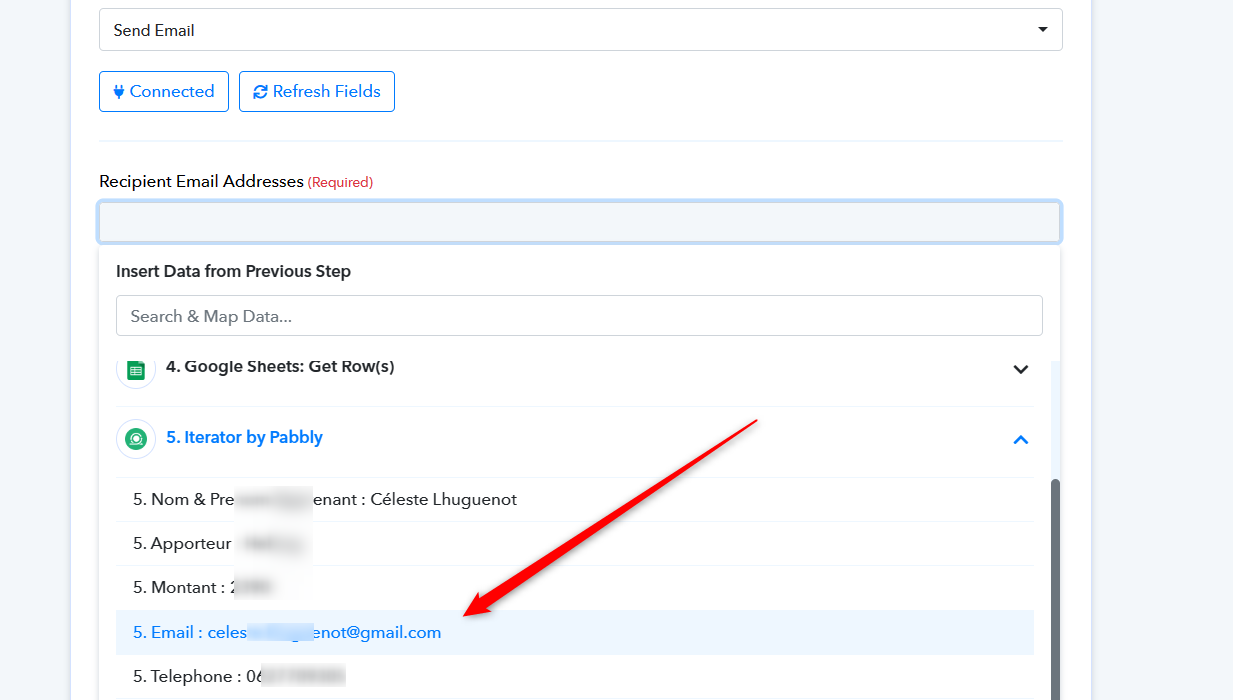
the one you mentioned is the email of the customer we need to send to him,
i need to change the Gmail That am sending from not customer email.
Please consult the provided video tutorial that explains the process of sending emails within live automation. You can access the tutorial through the following link:
(
youtube.com/watch?v=18czJyY1S5M
)If your intention is to send an email to an individual recipient, you can manually input their email address. Alternatively, if you wish to send emails dynamically to multiple recipients, you have the option to map the email addresses accordingly.