Create a contact and invoice a client in xero through pabbly from jotform
Status: Closed · Asked by CWJA on · 0 views
Hi, is it possible to use the same pabbly/xero connection and workflow to create a contact and invoice a client in xero through pabbly and a single jotform response? So when a jotform gets completed, the client is set up in Xero and an invoice is created after the line itemiser is applied?
I see this video to set up a client -
youtube.com/watch?v=L3g4EsZOApk
I don't recall going through the above connection procedure to set up the invoice part of the workflow.
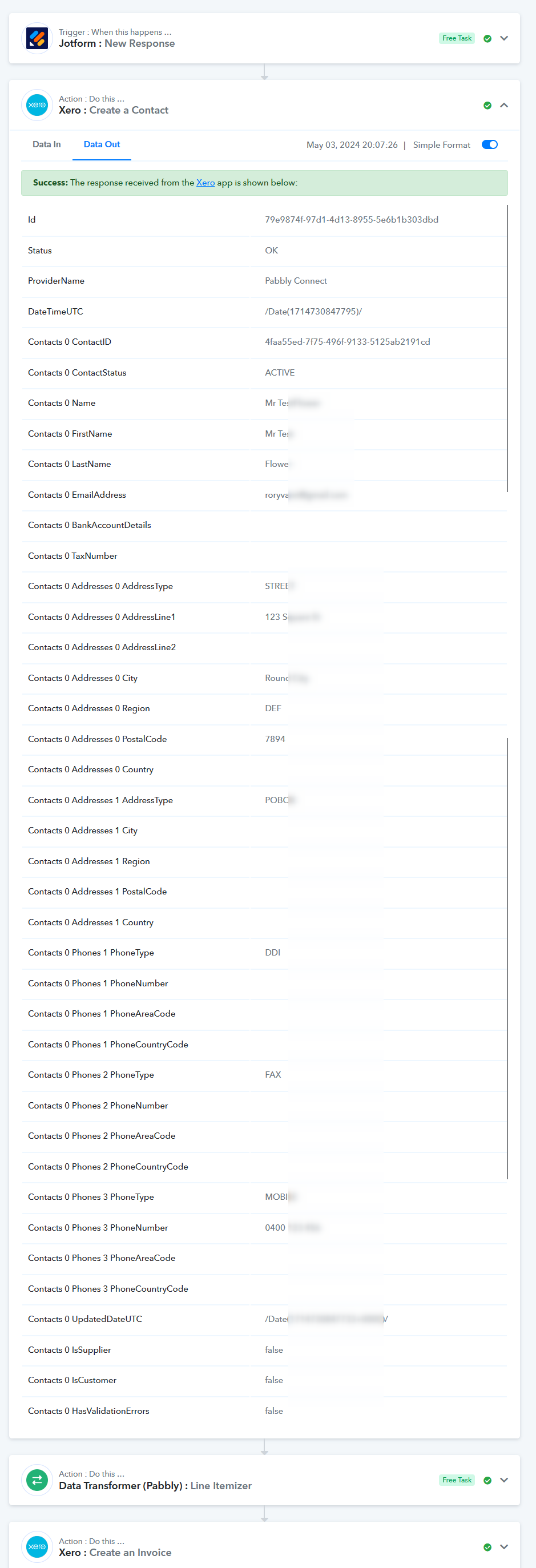
The problem I have (when using the same Xero connection currently), is that I am not getting the address information or phone number through to Xero on the invoice and the contact is not created in Xero.
Your assistance is greatly appreciated, Joy.
Hey @CWJA
The problem I have (when using the same Xero connection currently), is that I am not getting the address information or phone number through to Xero on the invoice and the contact is not created in Xero.
As we can see from the trigger response we can see that the phone number is coming from the Jot form correctly.
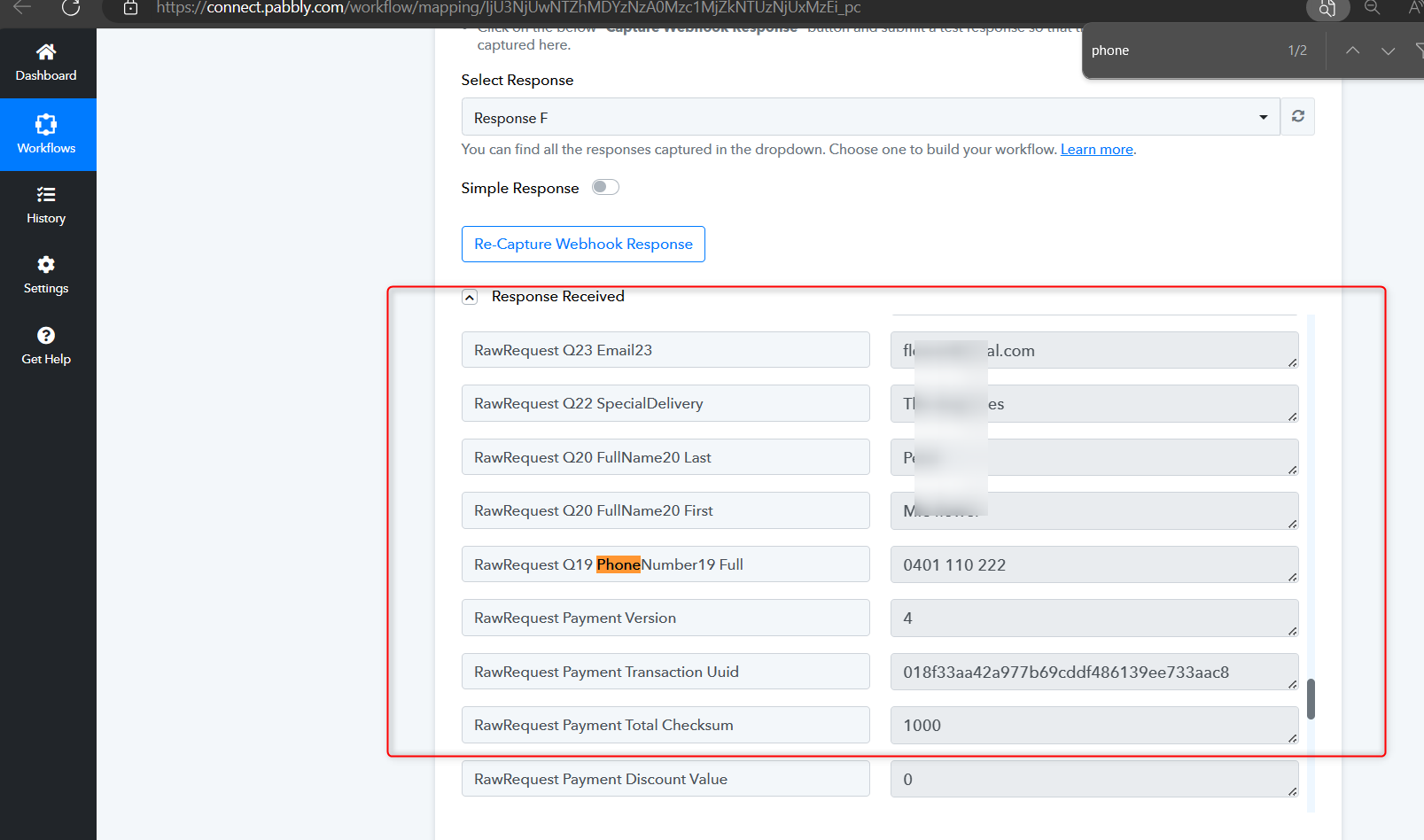
Hey @CWJAAs we can see from the trigger response we can see that the phone number is coming from the Jot form correctly.
Hi. Thanks for your response, appreciated. Yes, I can see the details are coming in from the jotform trigger, my question is why is the address and mobile number not going through to the "create contact" and "invoice" step in the workflow in Xero?
My workflow is creating the contact and the invoice in Xero, HOWEVER, it is not accepting the billing address and phone number into Xero for the contact.
Please take a closer look at my full workflow history and provide direction on which way to progress with this.
Thanks in advance, Joy.
Hey @CWJA
According to the latest task history in your workflow, all required fields have already been passed to Xero. Please see the attached screenshot for confirmation.