Create a Task in Plutio from a Task template
Status: Closed · Asked by peter on · 0 views
I'm trying to create a task in Plutio, based on a template. From what I understand you need to:
1. Create a Task action, based on a template
2. Then add another Task action to update the fields.
I've tried doing this in Pabbly:
Trigger: [WebHook is a form response from a Plutio form]
Action:
App: Plutio
Action Event: Create Task
Title: /template [Plutio task template ID]
If I enter the task template ID, say (fla6oWBIsZ21FhgV7), and "Save and Send Task Request", I get a task created with that title: fla6oWBIsZ21FhgV7. But it's not a template.
Note: I can get the data submitted form the Plutio form Ok.
I've also tried:
Title: /template [Plutio task template name]
Title: [Plutio task template name]
Title: [Plutio task template ID]
Any advice please?
Attachments
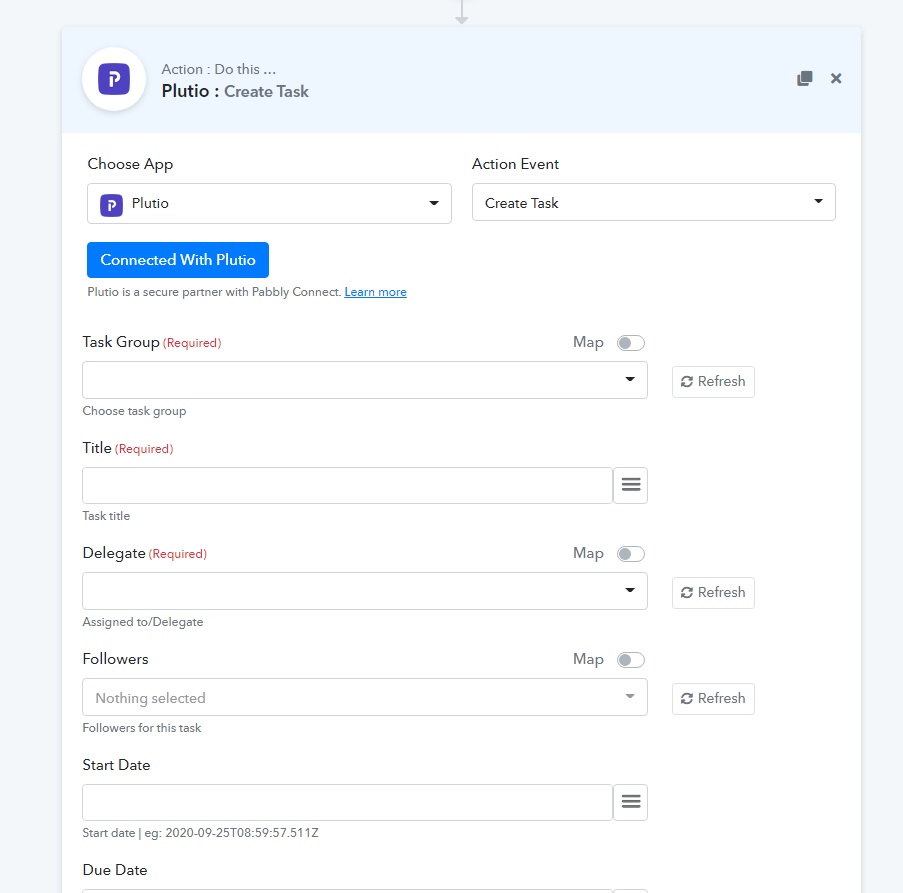
Create from template is not yet in Plutio (i see now). The difference between create task from template and this way (just create task) is that subtasks wont be available (they are in templates) and colours. So if you want to be able to create task from template you need to request that here: https://pabbly.hellonext.co/roadmap/b/Update-Existing-Application
Otherwise it can be done if you know how to set up api calls to plutio: https://docs.plutio.com/#tasks-create-task
I have created a few tutorials in the facebook group how you can do that.
This is an example how you can create api calls to plutio: https://hera.nimbusweb.me/s/share/4425716/u128ear3ti6lticxrean fbclid=IwAR1XCGvKne0s8i1JgGM5XmbbXF27N4G8iH6Dig5kXJa4AgT6pNEzQYCVfTI
This is an example how you can create api calls to plutio: https://hera.nimbusweb.me/s/share/4425716/u128ear3ti6lticxrean?fbclid=IwAR1XCGvKne0s8i1JgGM5XmbbXF27N4G8iH6Dig5kXJa4AgT6pNEzQYCVfTI
Thanks Hermes!
In the "5. API" image > Set Parameters, is the "title" field:
/template [Plutio task template name]
(As this is how you would create it manually in a task board)
@peter Parameters should be:
token
templateId
taskGroupId
title
If a task is added, immediately create an action to change the task (use taskid from step above) and edit the values you need to change.
Hey @peter @Hermes
Please check this out we have successfully added the "Create Task by Template" endpoint in the "Plutio" App.
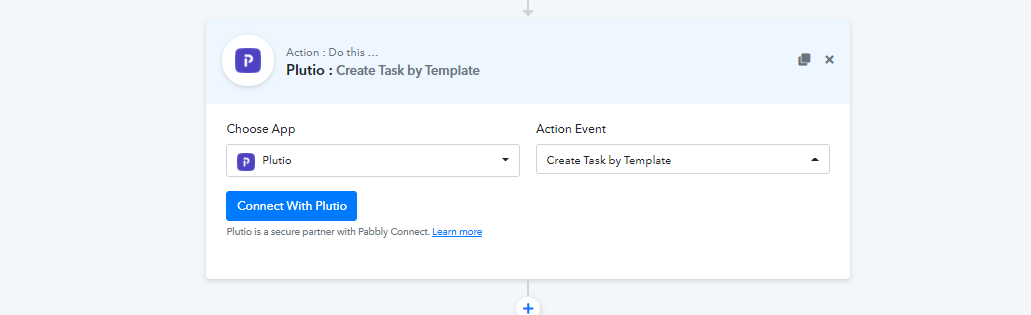
Also please do test this at your end.
Thank you Supreme and Hermes!
I can confirm the "Create Task by Template" is working.
As Hermes mentioned in #2 above, it's a 3 step process:
1. App: Webhook [capture Plutio form data]
2. Action: Plutio : Create Task by Template
Enter the Required fields and Start/Due dates
3. Action: Plutio : Update a Task
Update the required fields with your required values