Create event in Plutio
Status: Closed · Asked by Tjeps on · 0 views
Create event is already available in the Plutio API but not in Pabbly when setting up a task. Ideally, I would create an event in Plutio when an event is created in Outlook 365. Because that would give me a perfect view on my day in Plutio.
Hi Tjeps,
If you feel comfortable with this, you can achieve it by this option:
Tool: Plutio
Action: Custom api request (post)
URL: https://api.plutio.com/v1.9/events
Raw JSON: {"title":"My event","startDate":"2021-04-20T14:15:00.978Z"}
Events have many fields you can add. https://docs.plutio.com/#event
Like participants, projectID, startDate, endDate, descrriptionPlain. This way you can select the fields you need and it will be usable for many connectors (pabbly users, lol).
Attachments
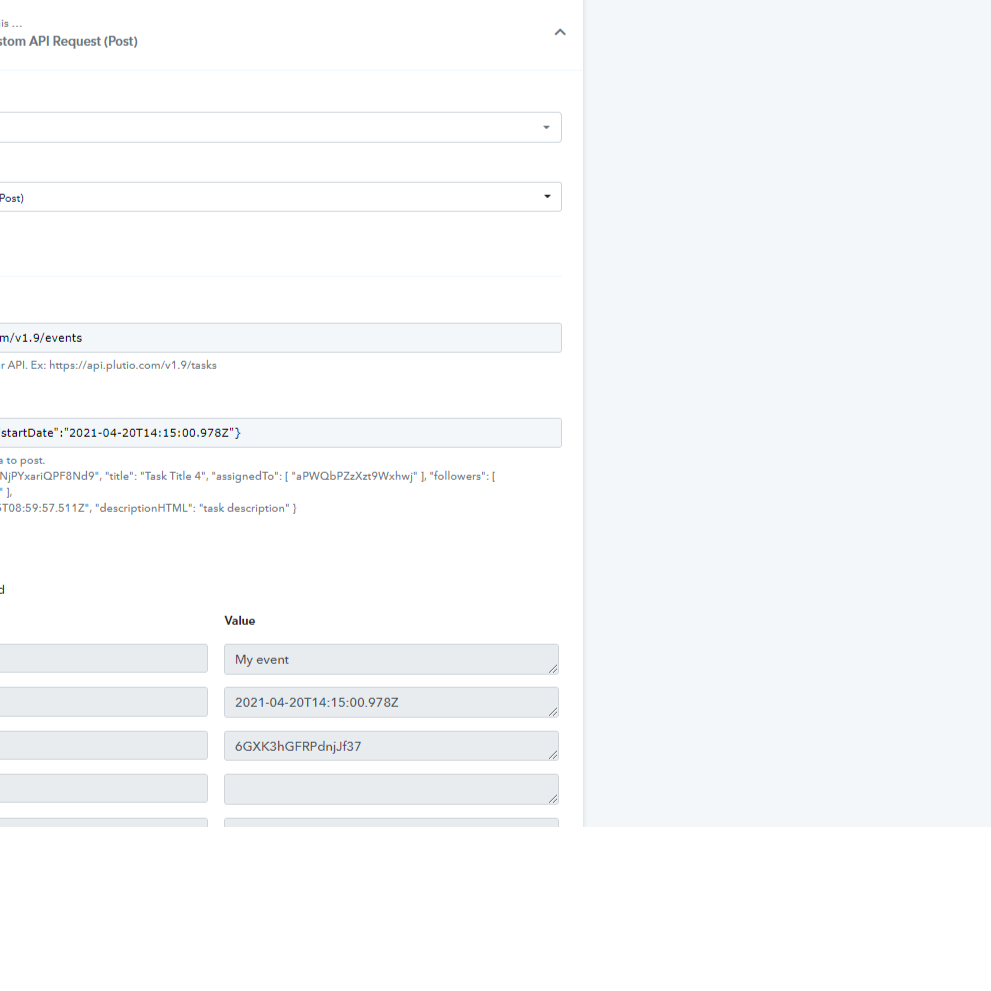
Pabbly says ok.
But if I create an event in Outlook, there is no Event in Plutio. Might that be because Plutio only shows 'My events'?
So, the raw json should look like:
{"title":"My event","assignedTo": [ "aPWQbPZzXzt9Wxhwj" ], "startDate":"2021-04-20T14:15:00.978Z"} ?
If that is the case, I am curious how to find the correct version of aPWQbPZzXzt9Wxhwj as that is an example but not 'me' in Plutio, I assume
Attachments
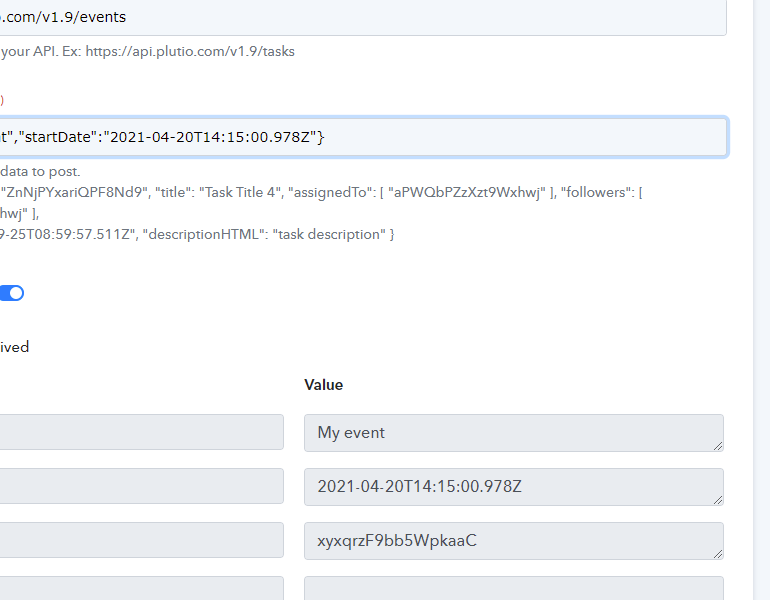
Hi @Tjeps, activate my link for my demo (its Hermes here) and I will help you. But if you go to contacts, you will see the URL. After this: plutio.com/contacts/people/ you will find that id of that contact. If you need more contacts, use [ "aPWQbPZzXzt9Wxhwj" , "aPWQbPZzXzt9Wxhwj"]
This is the json we used:
{
"title": "2. Subject : Hermes Test5",
"descriptionPlain" : "2. BodyPreview : ",
"participants": [ "contactID" ],
"startDate": "5. Result : 2021-09-24T17:00:00.978Z",
"endDate": "6. Result : 2021-09-24T17:30:00.987Z"
}