"Create Tweet with Media" creates a tweet WITHOUT media ?♂️
Status: Closed · Asked by jonbstrong on · 0 views
I am trying to use the "Create Tweet With Media" action so that I can post a status update to Twitter with an image.
It doesn't post the image.
https://connect.pabbly.com/workflow/mapping/IjIwNjkzOSI_3D
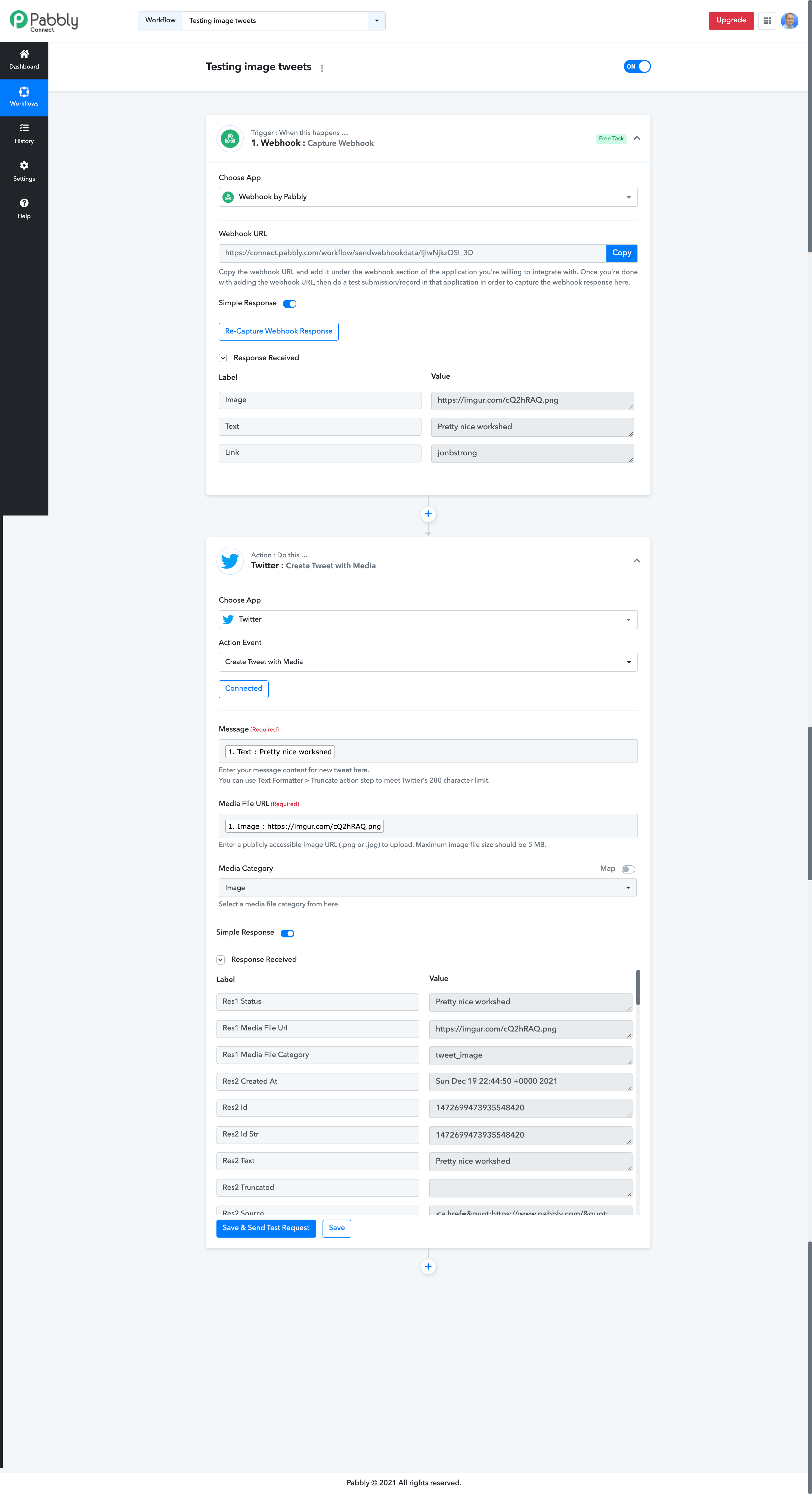
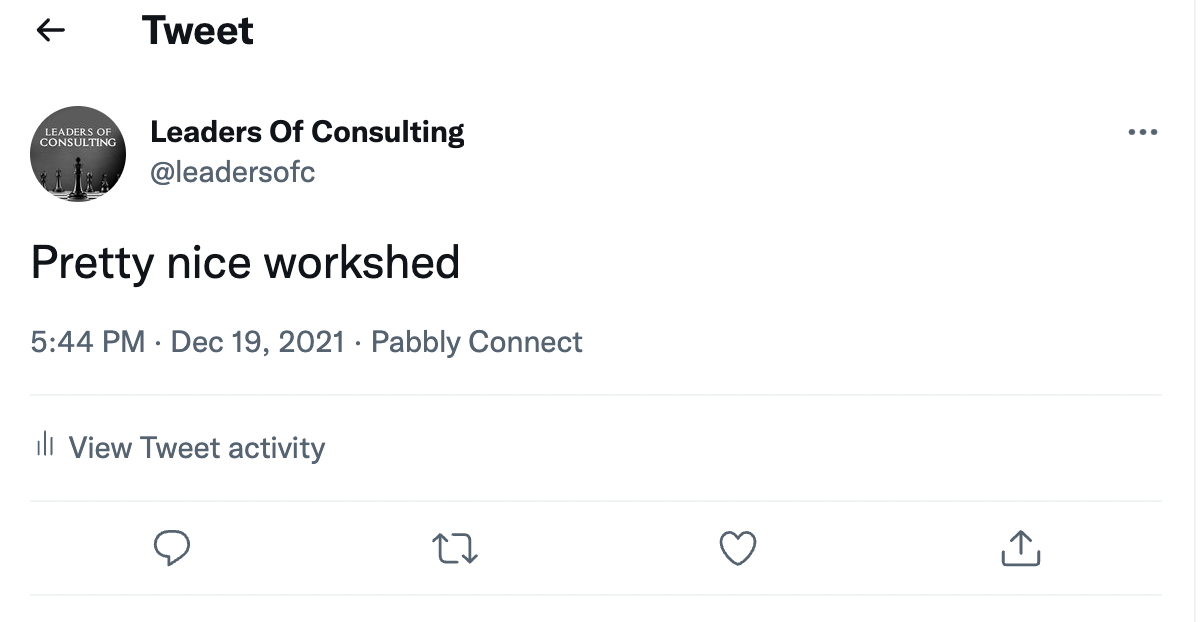
Please fix!
Hey @jonbstrong
We are currently looking into it. Kindly allow us some time.
Thanks
Hey @jonbstrong
Could you please check the Image size whether it is the proper size or not? For better understanding please refer to the following documentation.
The screenshot you shared earlier was for a GIF. I'm not trying to send a GIF
The image I am sending is square. Zapier is able to send this to Twitter as a media tweet
Yes, it is the proper size, I've tried several different ones
We have double checked the same by uploading it on our server and we are able to send it to Twitter from there. There is no restriction for any resolution in the image size.
Give us some time to check it at our end. We will get back to you soon.
Strange!
I just testing using this image
VH5nizb
It's 16:9 ratio (1200px X 675px), which is the "deal image size and aspect ratio" according to the article you shared.
It's still not tweeting the image.
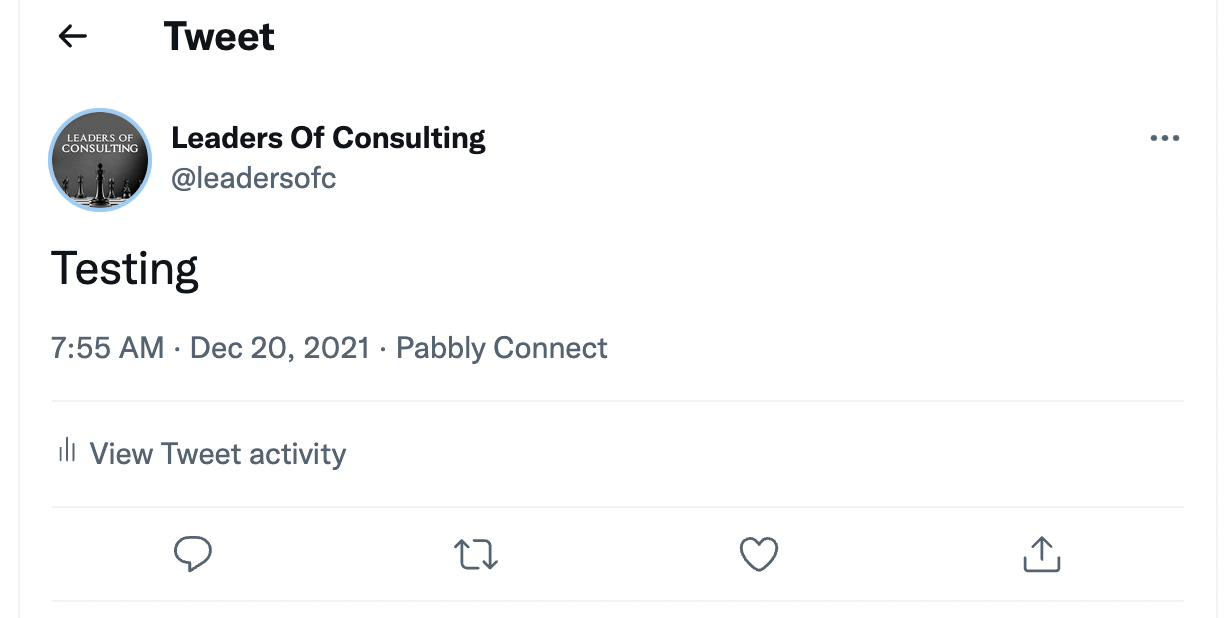

We are able to upload it at our end. Can you please try again one more time with the same image: cQ2hRAQ ?
Watch our testing video: https://www.screenpresso.com/cloud/10YUe/

Also - do I need to update other existing workflows with this action? Or will it work without changing anything?
We didn't fix anything it was probably from twitter's end, I hope your workflows will work, you won't need to update them.
Ok… It was always working on zapier though..
It's still not working on the original workflow I experienced this issue with :(
It's still not working on the original workflow I experienced this issue with :(
Can you share your workflow name or URL and the publicly accessible image link that you are trying to post in Twitter?
Thanks for sharing the link. We will check it and get back to you.
Could you please try again? we have made some changes to the integration and it should work now.
Yes this works now, thanks!