Create/Update Aitable Record from Gravity Forms
Status: Closed · Asked by kyliegarner on · 0 views
Hi guys,
I am having trouble with the Search and Router actions of my Workflow and would love someone to have a look to see what I am doing wrong.
I would like to search for a record in Aitable. If it EXISTS, update the record. If it DOES NOT EXIST, create the record. However, doesn't seem to be doing either. It keeps returning a record EXISTS even though they don't in Aitable. And the data it's updating is from the original test response that the Web Hook first received.
Here is the workflow - https://connect.pabbly.com/workflow/share/XRVUZlEGAGNWHFQ-VQZRdl1JUlZVDwM7ARhVRwQLUChRHAFqURAAaghEWHoHVAhpBUwDaQ9TATldSQsPAlQCcV1QVXlcXwV_URwGfQdKXG9dA1R8UTA#
Let me know if there is any other info you need.
Thank you!
Kylie
Hey @kyliegarner
We have fixed the filter condition in your Router action steps, and the Search Record action will now only return a response when the provided data is available.
Please review your workflow and test it out. I hope this clarifies the process.
Hi, thanks for looking into it for me, but it still seems to be executing incorrectly, so I must be doing something wrong.
Please have a look at task history - IjU3NmQwNTZjMDYzNDA0M2Q1MjY0NTUzNzUxMzI1MTY1NTQzNiI_3D_pc
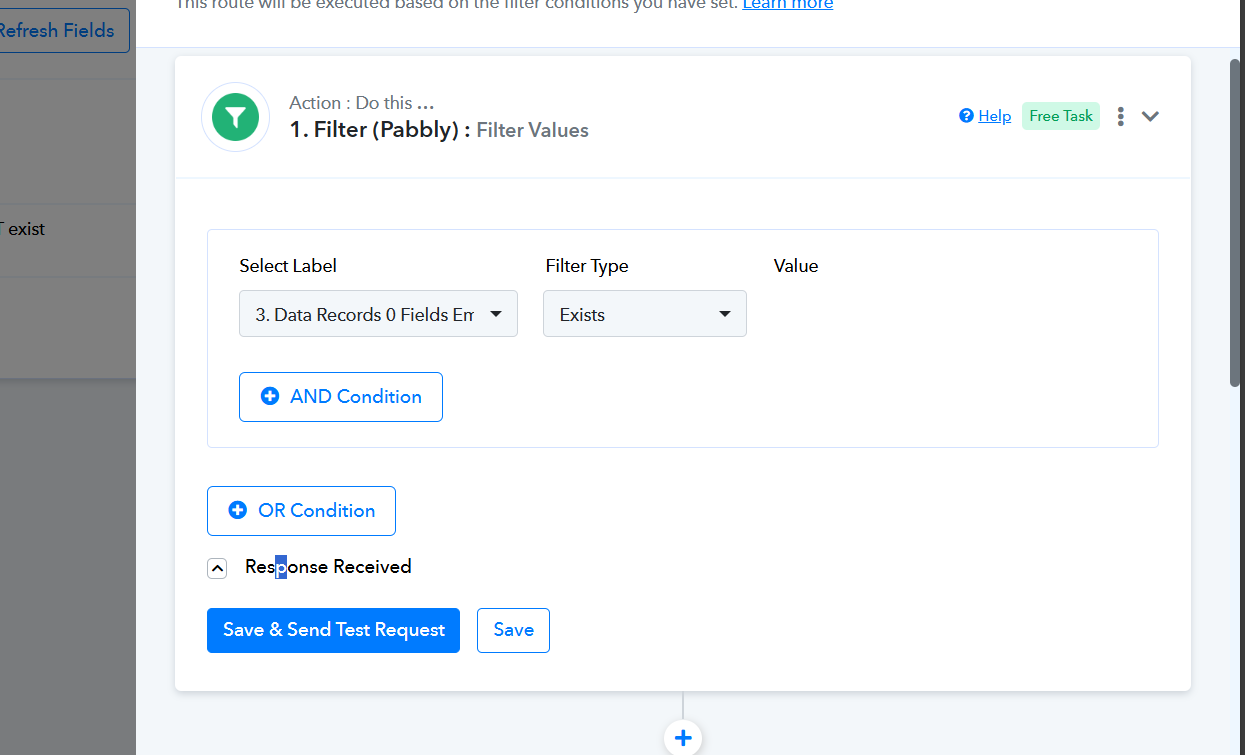
This form response is for a NEW contact that does NOT exist in AiTable, but the Router / Filter is returning that she does exist and triggering Router 1 which is to update an existing contact. In Aitable though, nothing is updated as there is nothing to update.
It should be triggering Router 2, as she does not exist and a new row needs to be created.
Have I applied the filter incorrectly?
Thanks,
Kylie
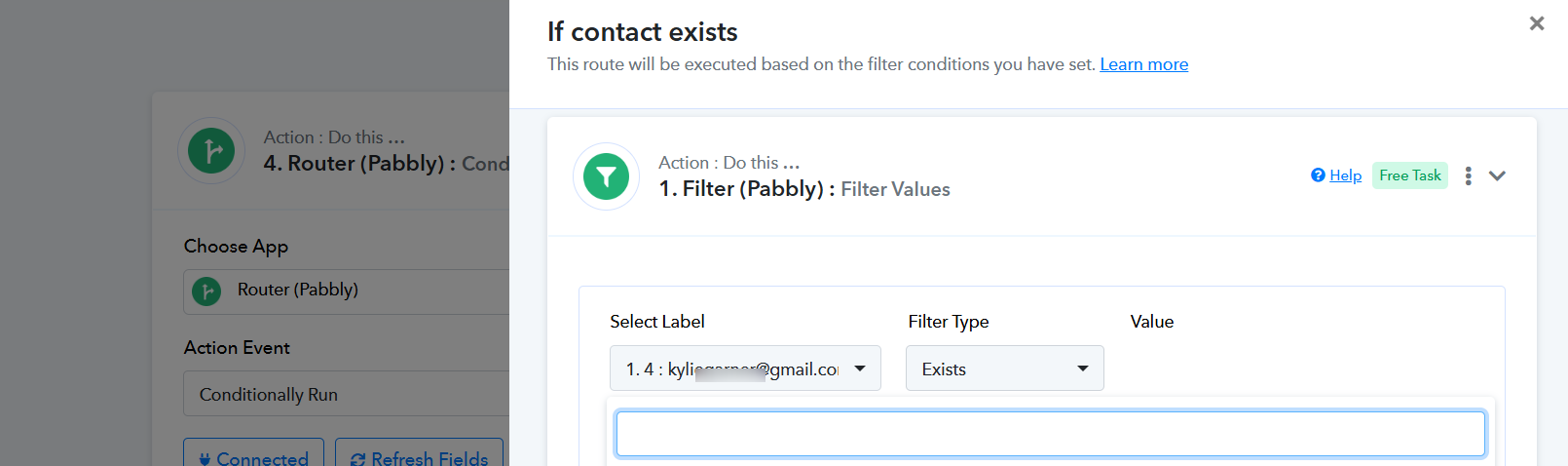
It appears from your workflow that you have altered the filter condition and mapped the values for verification from the trigger response. You should select the email address in the filter condition from the 'Search Record' instead.