Creating Opportunity in GoHighLevel
Status: Closed · Asked by Hector Elias on · 0 views
Hello,
I have an issue with Connect and GoHighLevel.
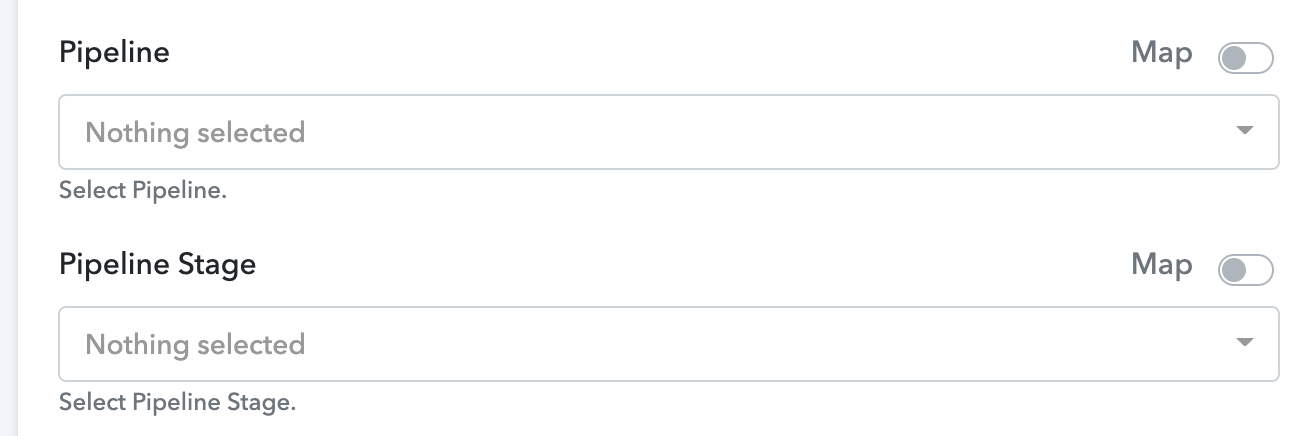
When creating an opportunity I have the Pipeline fields but they appear empty, even though there are Pipelines in my account.
I'm guessing because there is no way to select the Location inside GoHighLevel.
Is there a way to fix this?
Thanks!
Attachments
Hello,
I have an issue with Connect and GoHighLevel.
When creating an opportunity I have the Pipeline fields but they appear empty, even though there are Pipelines in my account.
I'm guessing because there is no way to select the Location inside GoHighLevel.Is there a way to fix this?
Thanks!
This can happen when your GoHighLevel Credentials are not correct.
When connecting with GHL, make sure you add the following Bearer string in the start during authentication.
You just need to add Bearer and than the API key will follow.
If the authentication is successful, you will get the access to locations.
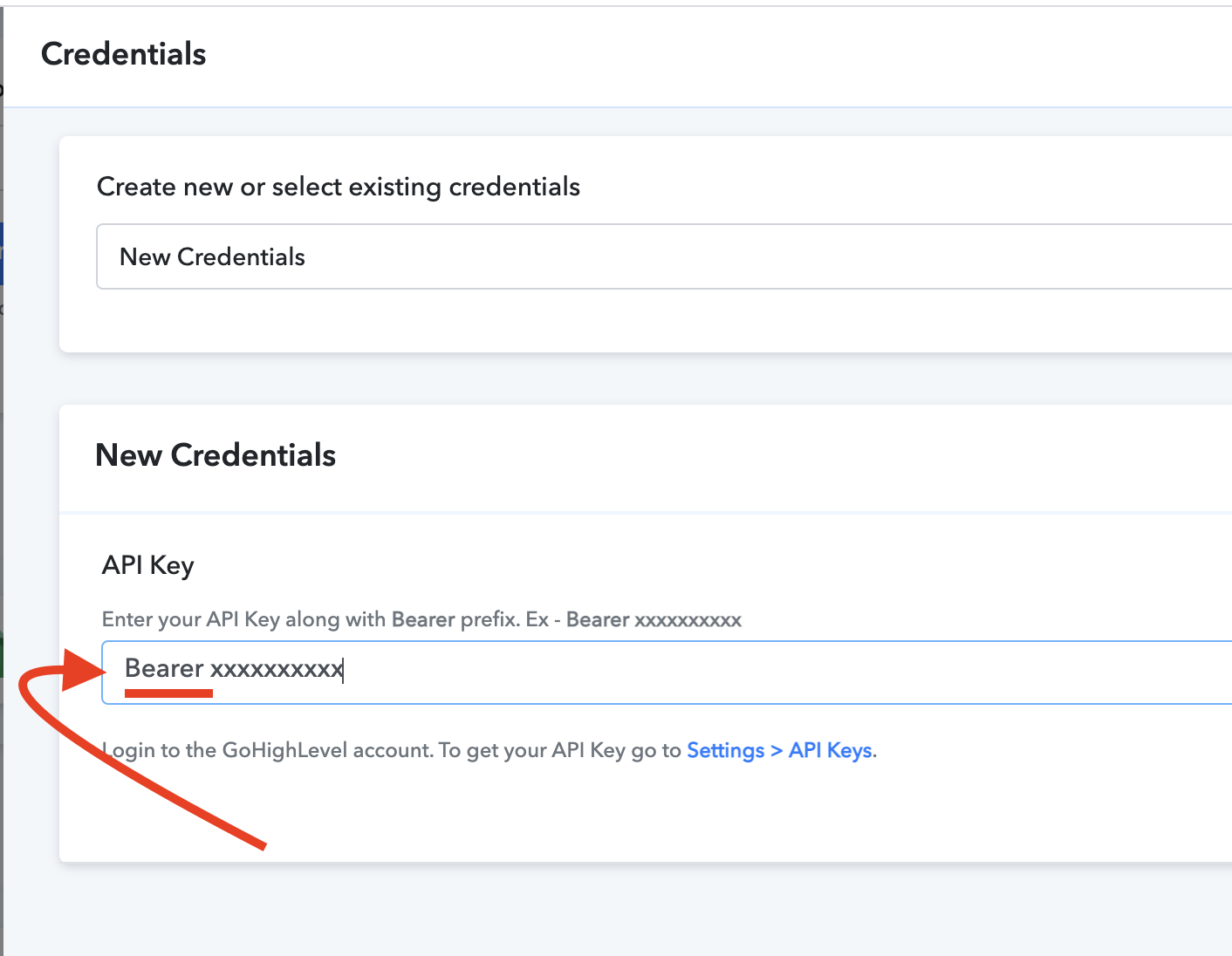
It has the Bearer string and it still doesn't appear.
I can create locations and create users, but I don't get the the pipelines
As we checked the same in our Go High-Level account, it seems to be showing up -
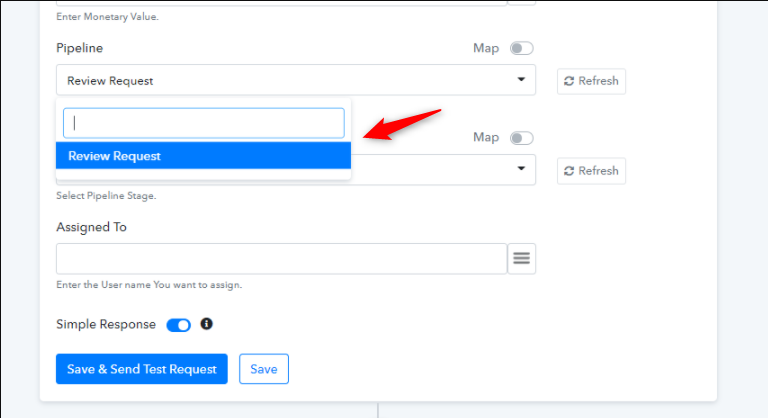
Will it possible for you to provide your Go High-Level account details so that we can review your account?
You can share the details in private thread here - https://forum.pabbly.com/forums/private-discussions.27/
there seems to be a bug in the new app. When using it to create a location, it seems to be acting as though its a GET locations. The response is ALL existing locations and not a newly created location. and there is no new location in the high level account.
there seems to be a bug in the new app. When using it to create a location, it seems to be acting as though its a GET locations. The response is ALL existing locations and not a newly created location. and there is no new location in the high level account.
Could you please share some screenshots of the concerned areas so that, we can have a look and check the same at our end?
Could you please share some screenshots of the concerned areas so that, we can have a look and check the same at our end?
Thank you, this has been resolved