Creatomate Modiffication Issue?
Status: Closed · Asked by Bananajuice2002 on · 0 views
Good morning, I am trying to figure out how to modify a particular word in the text value. I am following the instructions, but Pabbly keeps returning the video unchanged. I have done it before, but I erased everything, and I cannot recall how I did it for the first time. Perhaps I am missing a dot, parenthesis, or comma. Can you help me with this? I am mapping values from the template: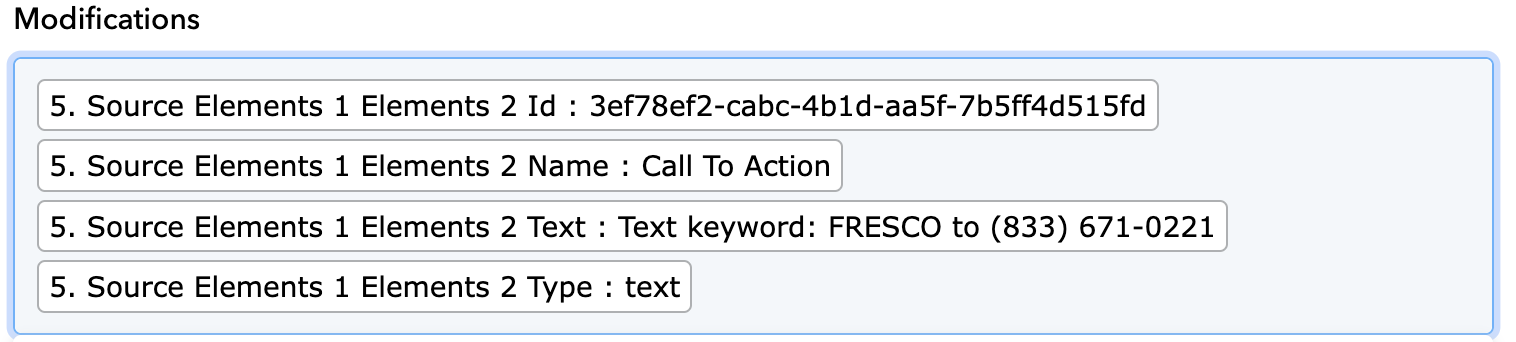
I tried:

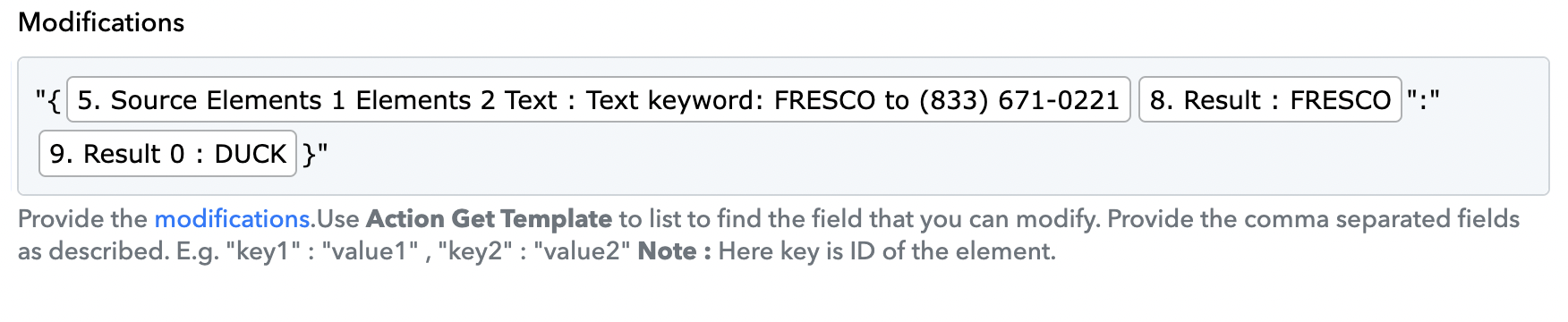
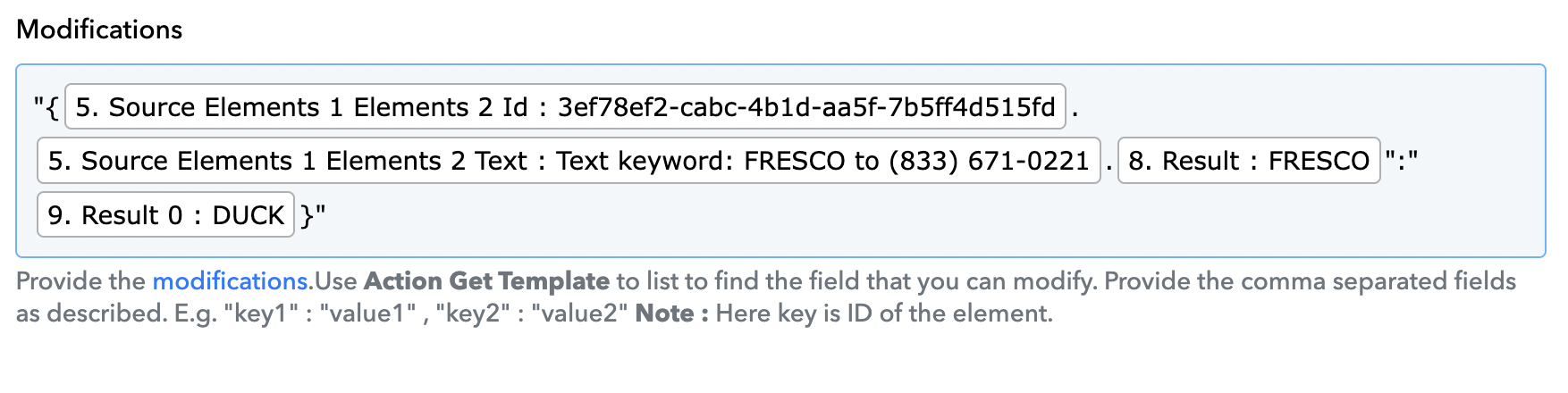
and a bunch of other combinations and nothing has been working...
Can you help me please?
I followed the instructions from the Creatomate website: https://creatomate.com/docs/api/rest-api/the-modifications-object
In order to ensure that only a specific text element is replaced, prefix it with the element's name:
{
"my-text-element.text.name": "Casper"
}
Hi @Bananajuice2002,
Please watch the video shared below to understand how you can use 'Create Single Render' action event.
I understood the action event, but according to what you sent to me, nothing happened, and no change was applied to the video. The video remained unchanged. I just want to change one particular word in a text field. I wonder what I am missing because I tried all combinations according to the video that you sent me.
"Name first, word": "new word" (did not work)
"ID First.full text.word": "new word" (did not work)
Please record a short screen recording that shows the Text Key associated with the placeholder you want to update in your Creatomate Template
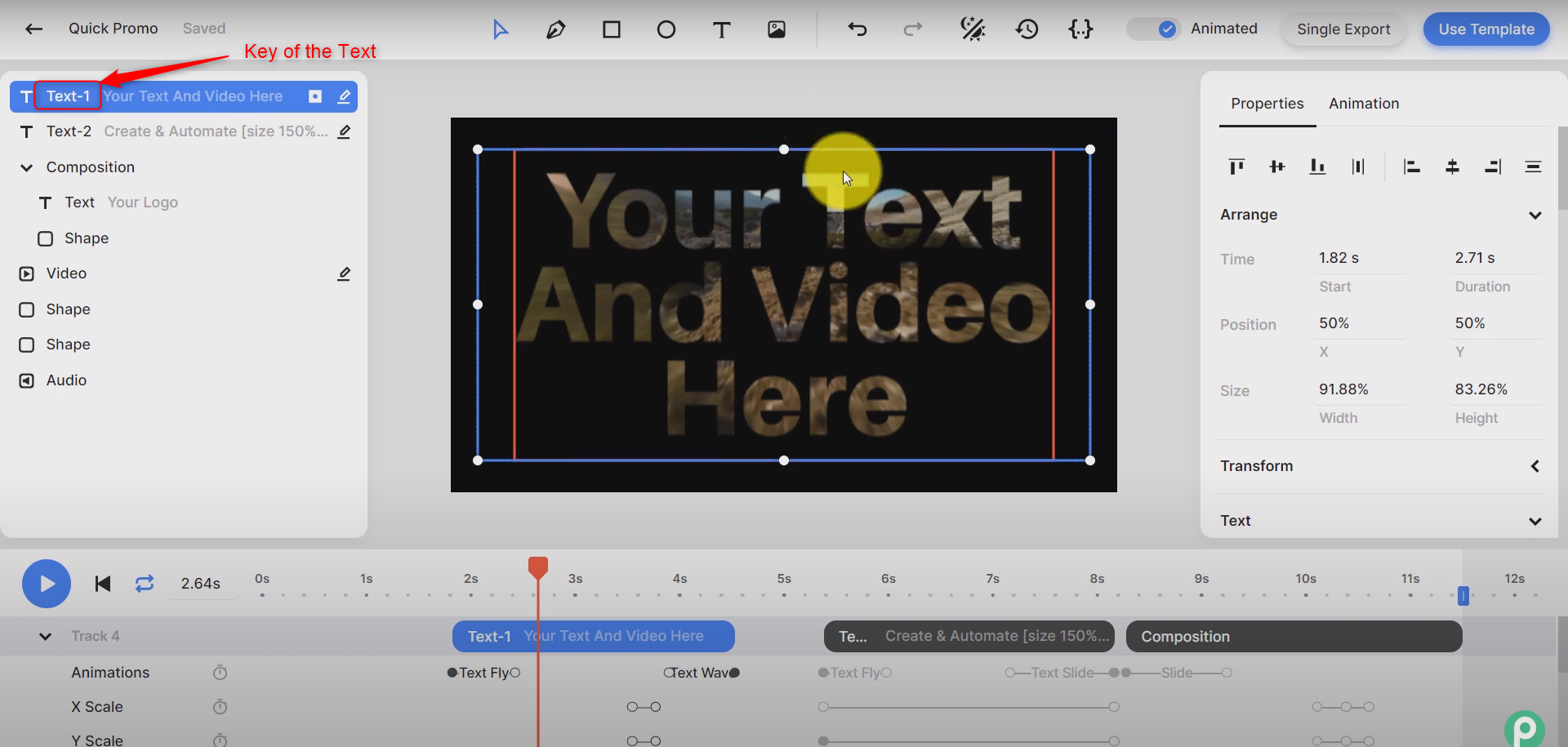
Additionally, please state the value you wish to map from the previous step. This value will update the placeholder associated with the Text Key.
If you want to update only a specific word in your placeholder without changing the entire placeholder, you can do so in the following manner. For example, in the placeholder 'FRESCO to {{phone number}},' 'FRESCO to' will remain the same while the phone number will change.
It worked, thanks.