Custom Fields not importing to Google Sheets
Status: Closed · Asked by Roxy85 on · 0 views
Hey all,
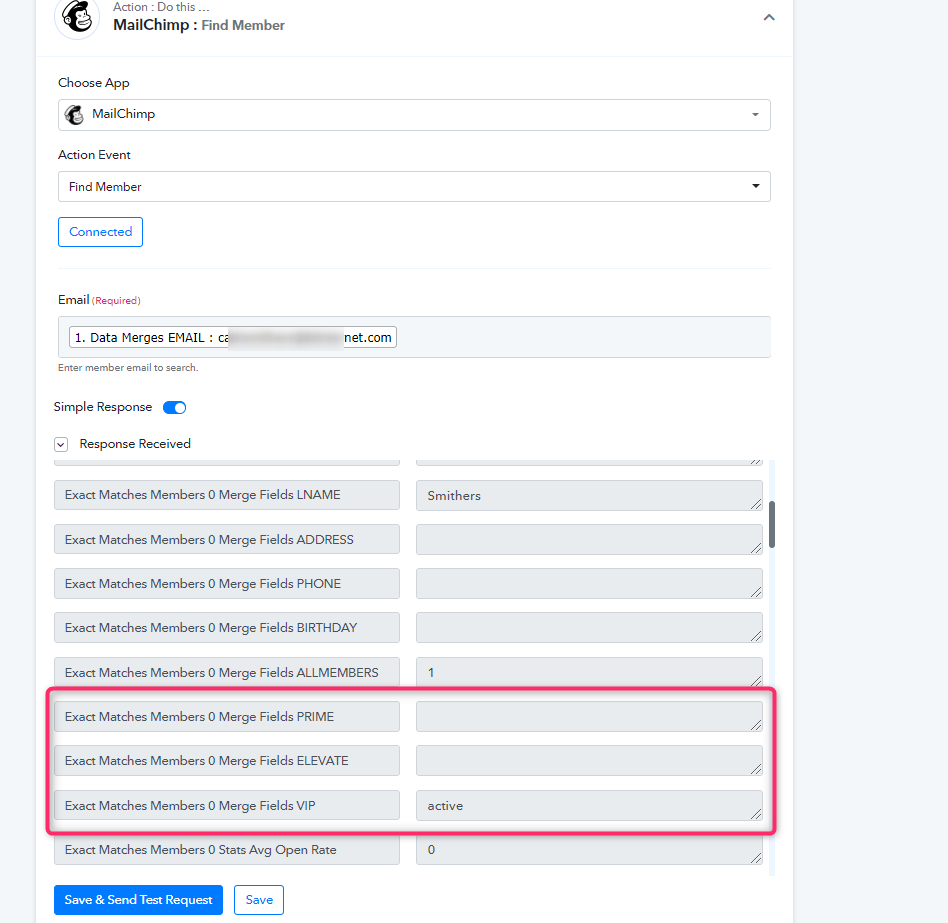
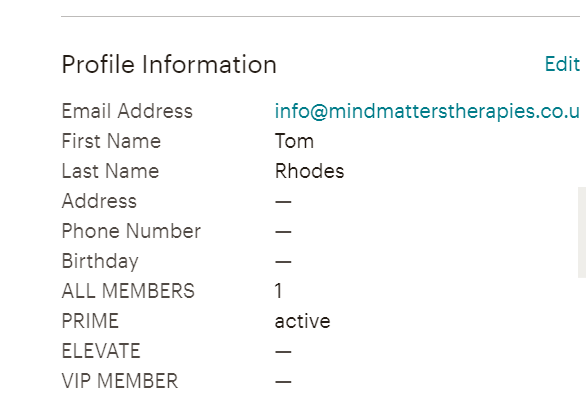
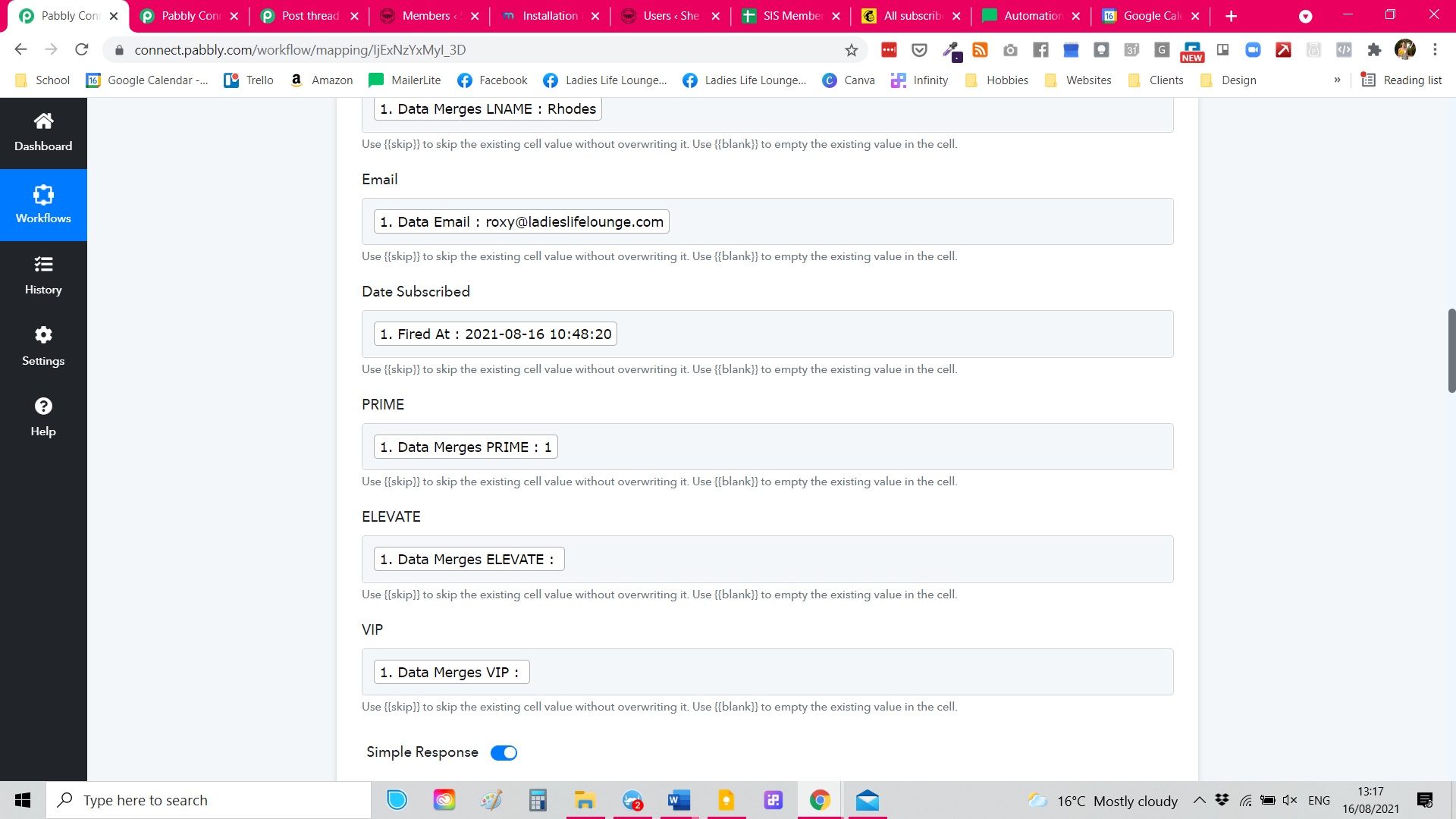
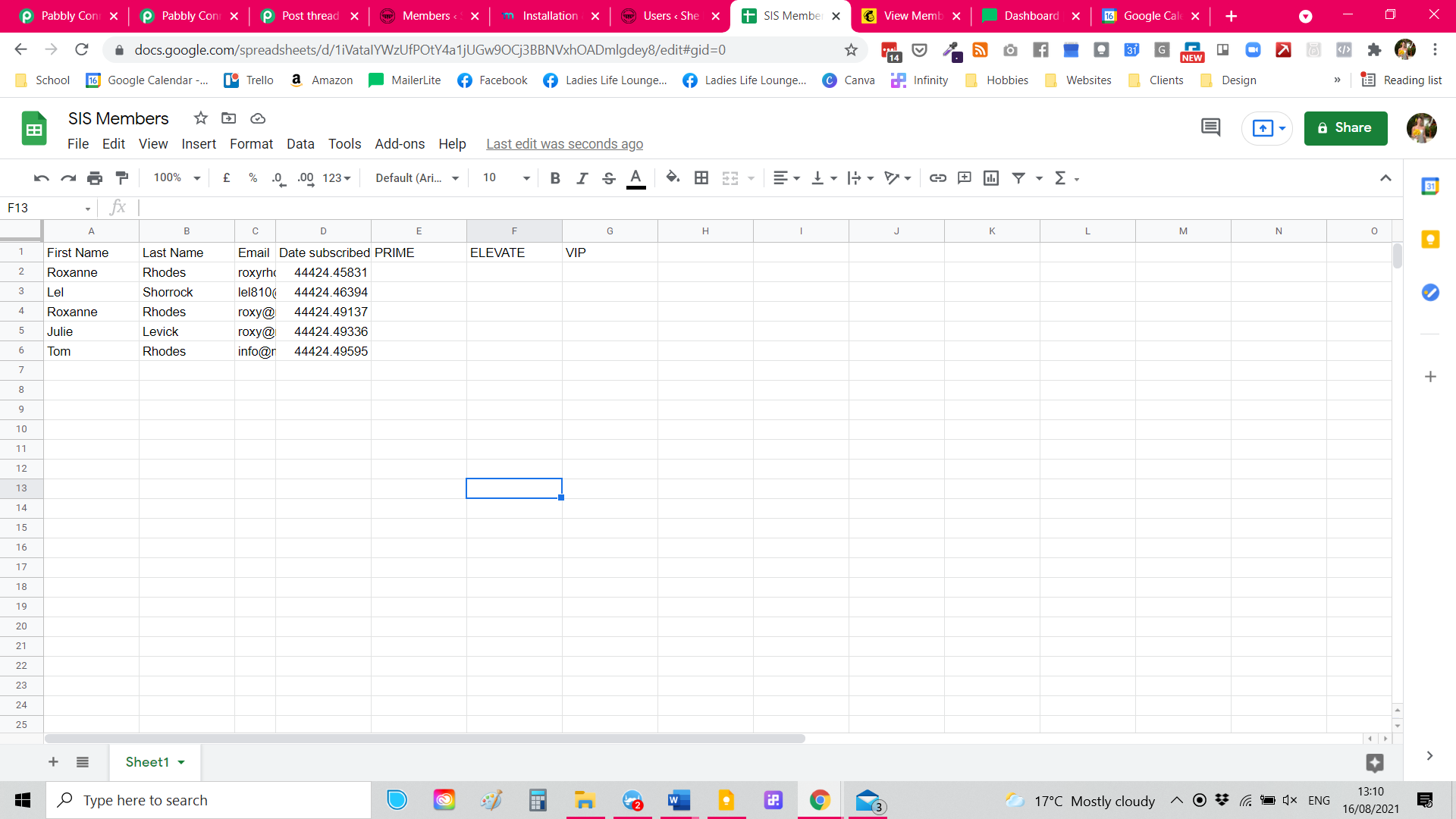
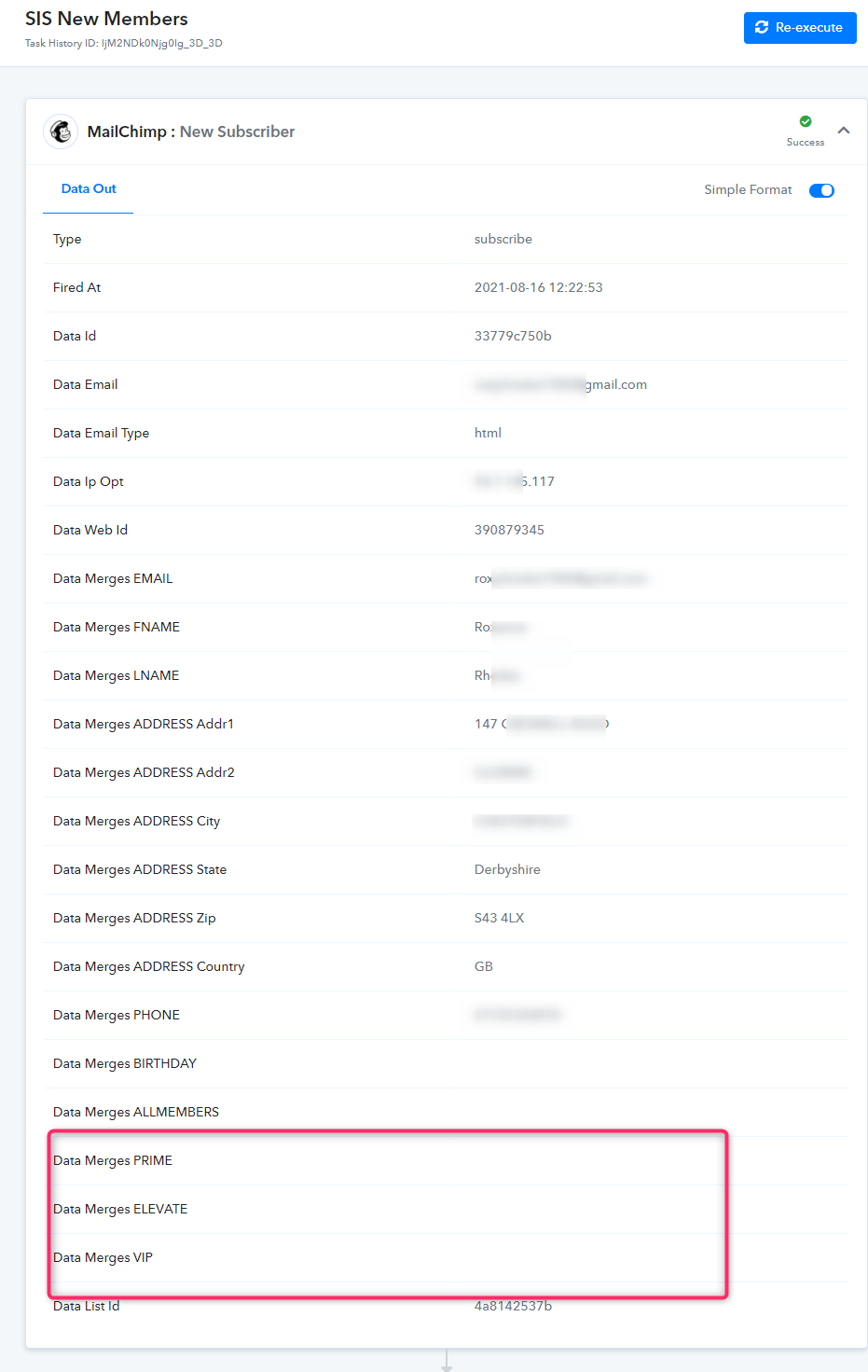
I'm new to Pabbly but I have a problem. I have some custom fields on MailChimp that aren't importing to Sheets. I've attached some screenshots but I'm hoping it's self-explanatory. The "active" or "1" that shows in the PRIME, ELEVATE, or VIP column is not being pulled in Google Sheets - and therefore not into Mailerlite!
Is there anything I'm missing here?
Thanks so much!
Roxy
Attachments
Hey @Roxy85
We looked into your workflow and its history logs. It seems like the PRIME, ELEVATE and VIP fields are not coming directly from your Mailchimp/ the subscribers are not filling it out.
Hence, the Google Sheets is not getting your custom fields.
Hey @Roxy85We looked into your workflow and its history logs. It seems like the PRIME, ELEVATE and VIP fields are not coming directly from your Mailchimp/ the subscribers are not filling it out.
Hence, the Google Sheets is not getting your custom fields.
Thanks for your reply @Supreme Verma !
You're correct - they're not - they get filled in automatically through MemberPress to specify which membership people are on. Pabbly doesn't integrate with MemberPress yet, so do you have a workaround suggestion please? Thanks so much!
Hey @Roxy85
You can use Mailchimp's Find Member action event to get the members' details such as PRIME, ELEVATE and VIP fields. Further, you can map its response on your Google Sheets's desired fields.