Custom Schedule for Pabbly Trigger
Status: Closed · Asked by gregdev on · 0 views
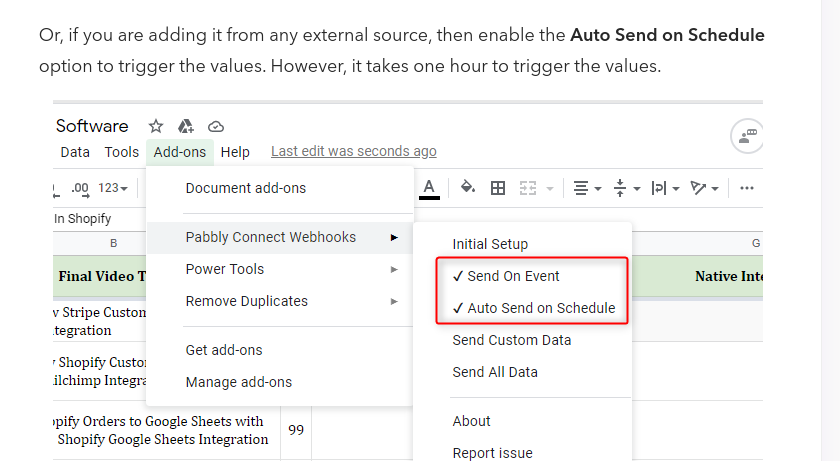
I would like to send the data every day and not every hour, is this possible if so how do I achieve it?
Hi @gregdev,
It is currently not possible to increase the trigger interval time to fetch the data from Google Sheets every day.
okay is there any alternative?
I want to use the data to send post to my page everyday?
I want to use the data to send post to my page everyday?
Regarding your concern about sending posts every day, please refer to the following video lesson for a similar logic.
I tried this and it did not give the automation I want.
So I have a set of keyword in G Sheet. And I would like to get the keyword from G Sheet everyday and then create content using OpenAI
I already have all set but just the part where G Sheet sends the keyword everyday to Pabbly Is what is left
To achieve this use case, you would have to set up your workflow in this manner. I am assuming that you have a keyword in each row of your Google Sheets spreadsheet, and you want to create content based on that keyword using OpenAI. Here is how it would work:
- The scheduler will trigger your workflow every day.
- The counter will change the row from which the keyword is to be captured.
- 'Get Rows' will help capture the keyword in that row.
- Finally, you can replace Gmail with OpenAI as the last step to create content.
Perfect !
Thanks alot
I have spend days think of a solution.