Data Forward, Drive, Webhook no response captured
Status: Open · Asked by e0979d on · 0 views
I have a workflow that provides a Folder ID to a new Workflow inside Pabbly, so I can provide a custom ID for the folder to be watched for new files
- is Forward data to another Pabbly Workflow not possible to do? Right now, the data forwarder reports data being sent but New workflow still is pending to catch response
- Google Drive "New File in specific folder" can only be used as trigger?
- Is there any way to have a Google Drive folder dynamically to be watch for this function, as a step? (new uploads). My case: the folder would be dinamically created, therefore the watch folder would be changing
I have a workflow that provides a Folder ID to a new Workflow inside Pabbly, so I can provide a custom ID for the folder to be watched for new files- is Forward data to another Pabbly Workflow not possible to do? Right now, the data forwarder reports data being sent but New workflow still is pending to catch response
Please check whether you have entered the Webhook URL correctly in your Data Forwarder.
Kindly watch the video attached below to gain a better understanding of how a Data Forwarder functions.
https://drive.google.com/file/d/1oJbpUlfKRffwRl8mZXnOJFiUZiVVWYlh/view?usp=sharing
youtube.com/watch?v=JwjWx7vx0hE
- Google Drive "New File in specific folder" can only be used as trigger?
- Is there any way to have a Google Drive folder dynamically to be watch for this function, as a step? (new uploads). My case: the folder would be dinamically created, therefore the watch folder would be changing
This use case is not possible.
Just to confirm: there is no way to make Google Drive "New File in specific folder" as step?
Just to confirm: there is no way to make Google Drive "New File in specific folder" as step?
Unfortunately, no, we cannot make 'Google Drive: New File in Specific Folder' as the action event.
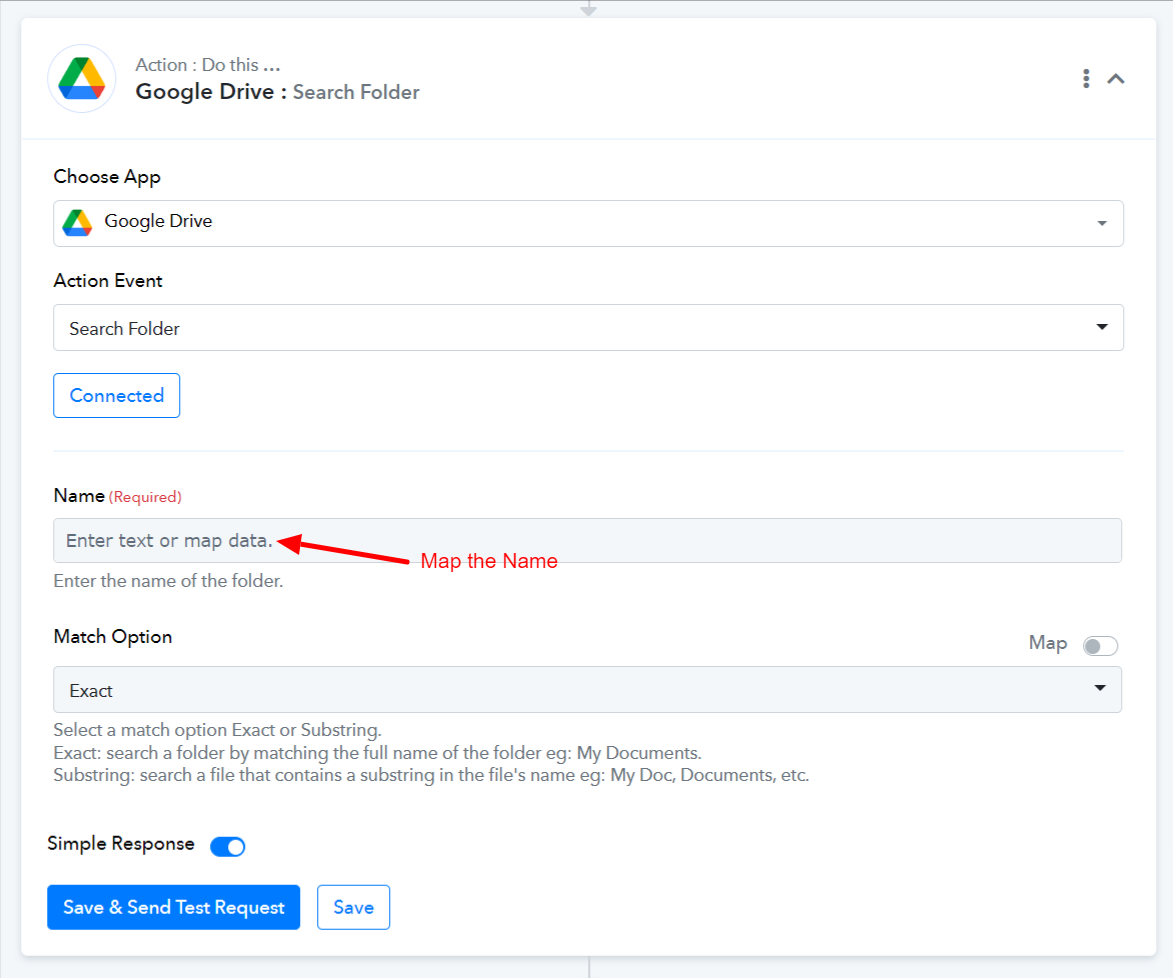
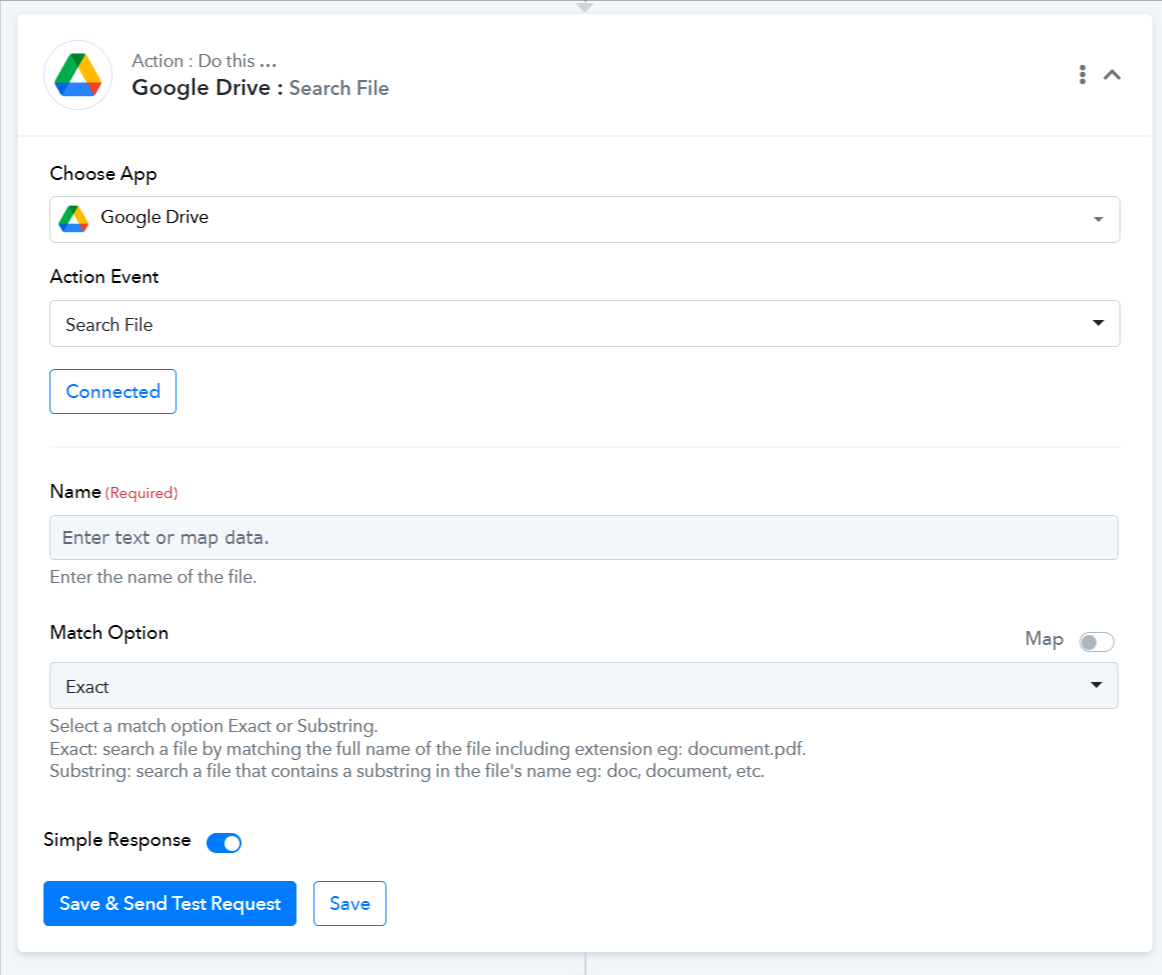
You can, however, use 'Google Drive: Search Folder' or 'Google Drive: Search File' action events if they serve your purpose.