Data forwarder
Status: Open · Asked by mishael on · 0 views
Please can I use WPforms to perform data forwarder like the example below:
youtube.com/watch?v=S_t2F1J-X20
thanks
Hey @mishael
Yes, you can try "Data Forwarder" to return the webhook data to the source in your case you can use it for WP form.
Kindly try this at your end and let us know if that works for you.
Hi,
I tried "Data Forwarder" to return the webhook data to the source with WPforms but it didn't work.
I add the [show_webhooks_respons] on my thank you page. No success. Is there something I am doing wrong?
The [show_webhook_response] tag will only work with Pabbly Forms. As we have developed Pabbly Forms to allow capturing the end response.
It will not work in WPForms.
Thanks Neeraj, so data forwarder can "only" work with pabbly forms? Is this correct? If so is there a way we could use other forms apart from pabbly forms?
Thanks
Yes. I have seen someone making the same work on Elementor as well apart from Pabbly Forms.
Do check the video once and see if it can be of any use to you.
https://www.berrycast.com/conversations/b7345c94-3f44-5133-9369-a5eba4ac6841
Hi Neeraj, I have just upgraded to pabbly business because of data forwarder. please see the screenshot below. The thank-you page just keeps loading with no result.
Attachments
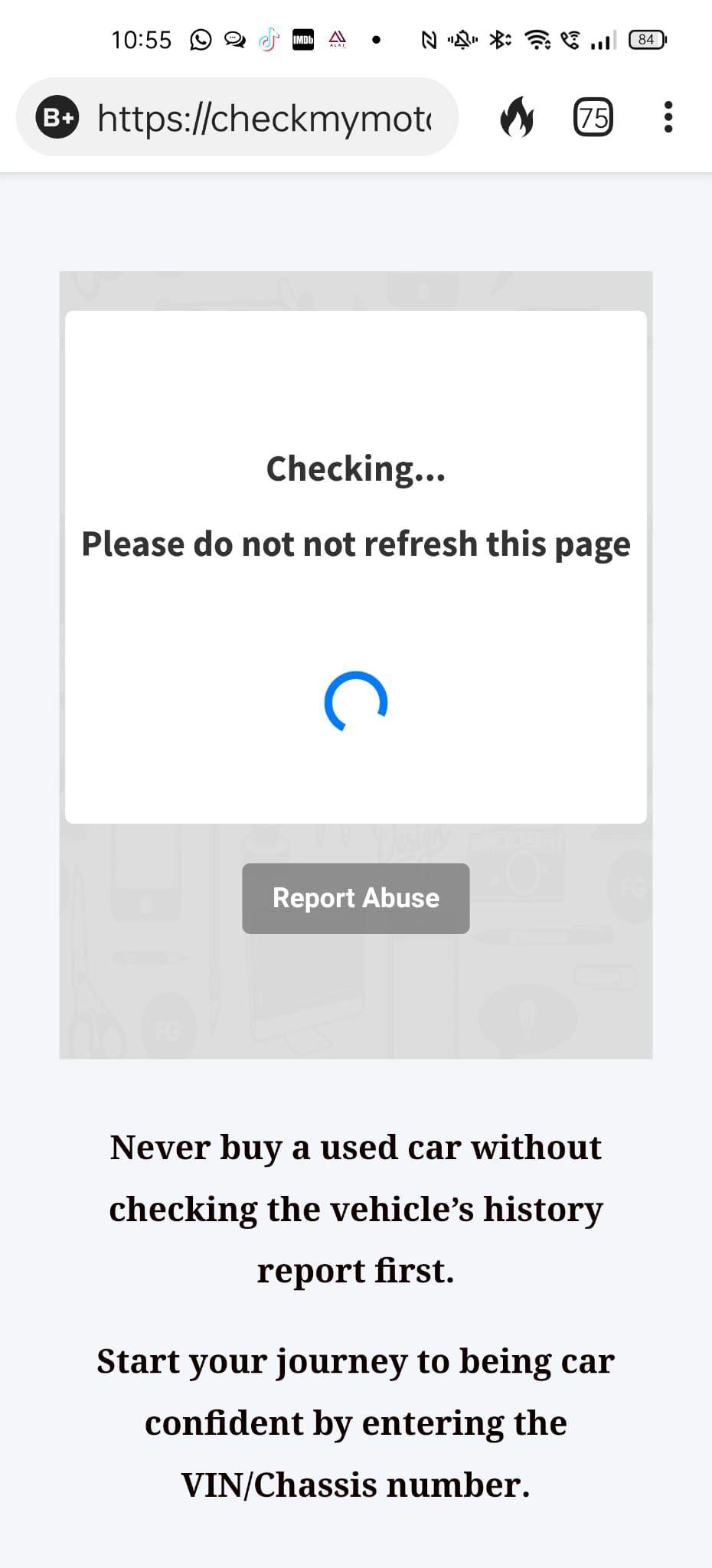
Hi Neeraj, I have just upgraded to pabbly business because of data forwarder. please see the screenshot below. The thank-you page just keeps loading with no result.
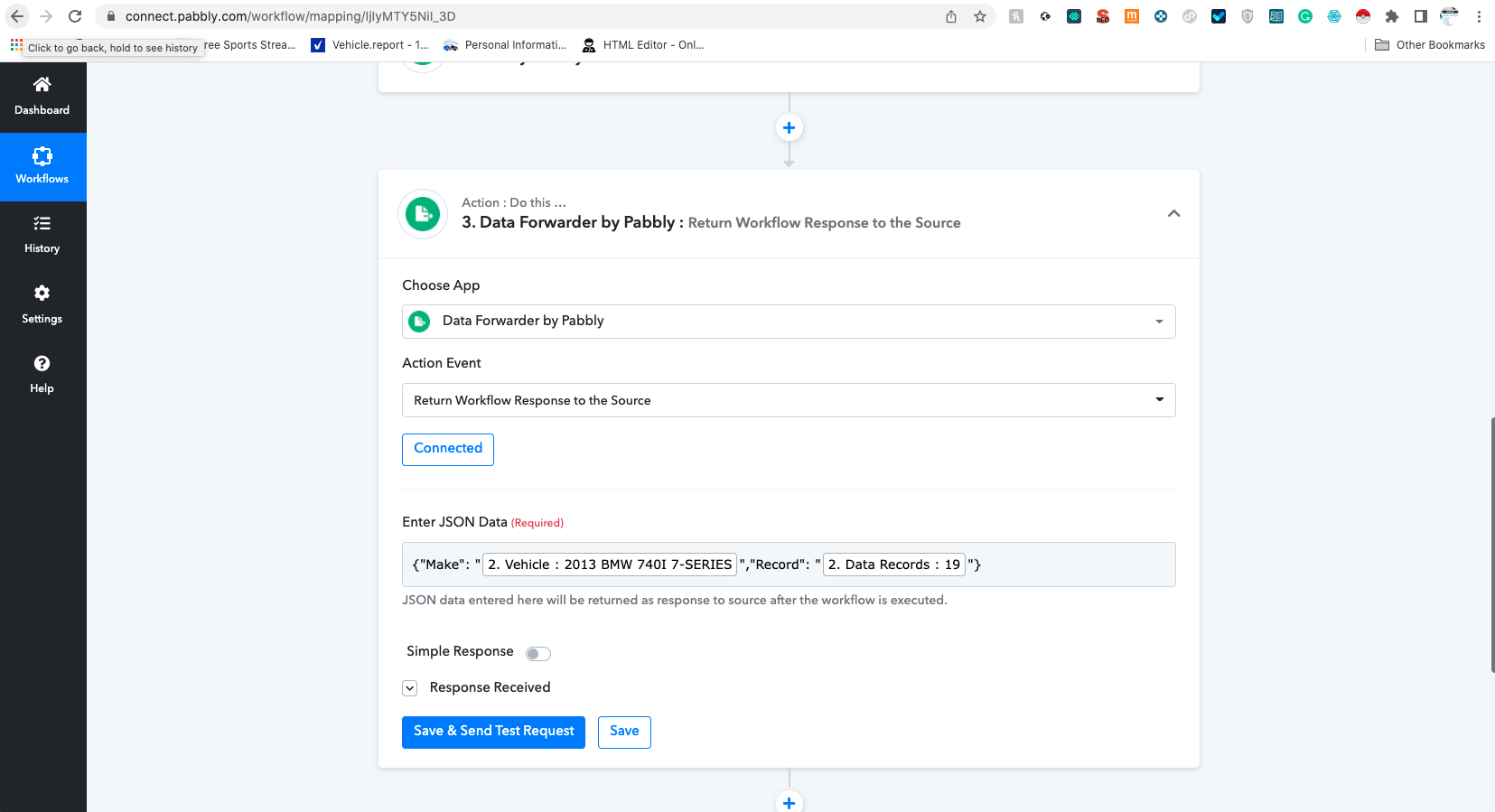
Can you please share the screenshot of the JSON that you are sending from the Pabbly Connect to the form?
please see the screenshot
{"Make": "2. Vehicle : 2013 BMW 740I 7-SERIES","Record": "2. Data Records : 19"}
Attachments
Just tested it out and it worked fine for me.
Let me share some screenshots and see if you can follow along:
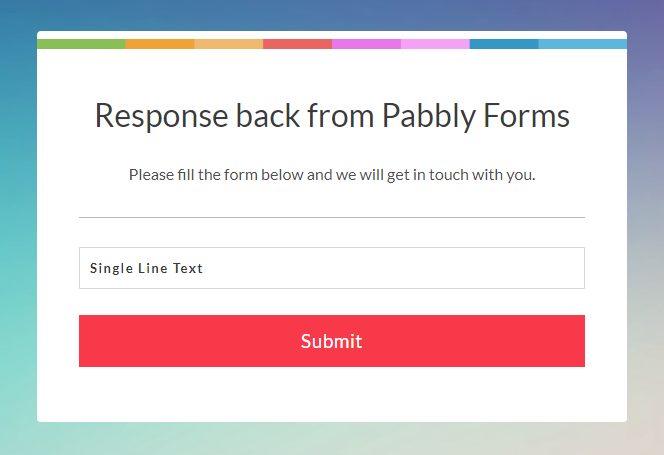
My Form:
Backend Setup: I am seeing that you have a Simple Response Turned Off. You need to Turn it ON. Try with a very simple setup first and than you can expand on that.
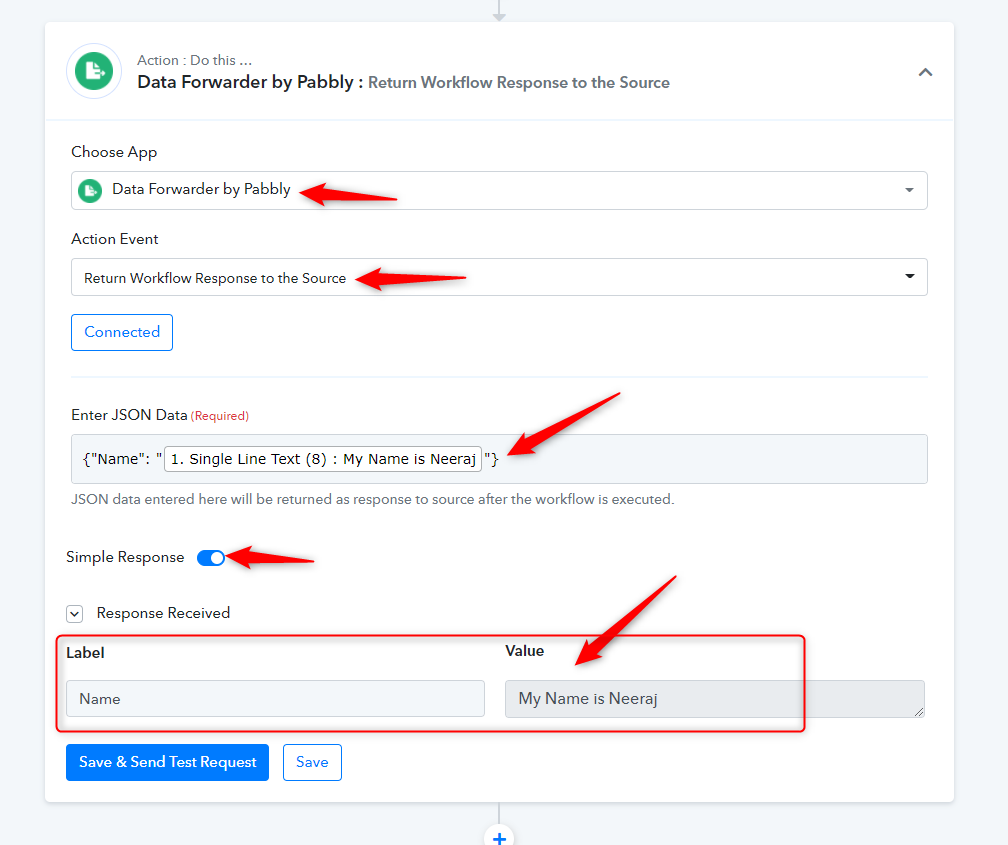
You need to add the [show_webhook_response] in the Thank you page text.
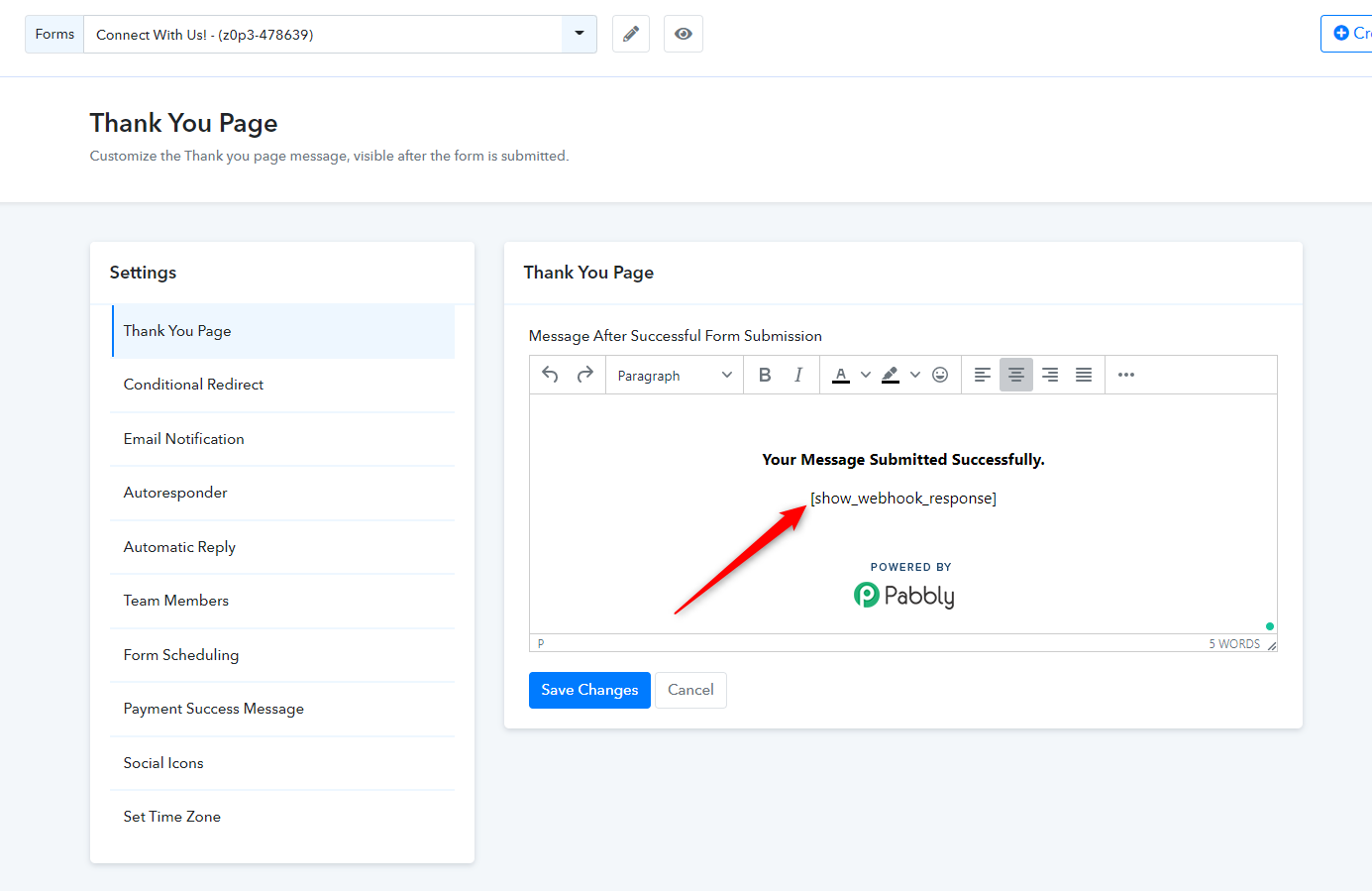
After setting everything up:
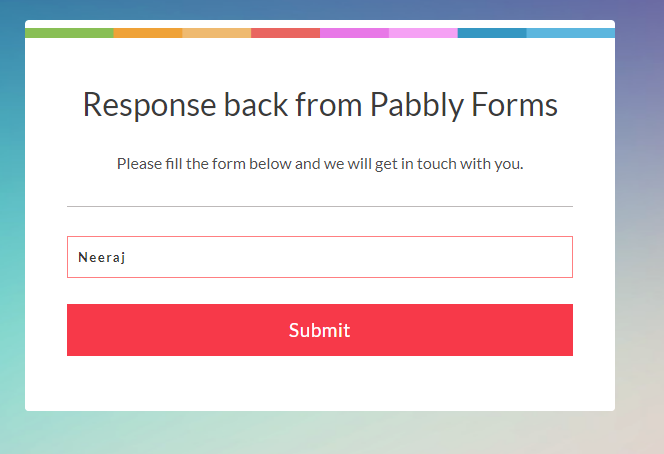
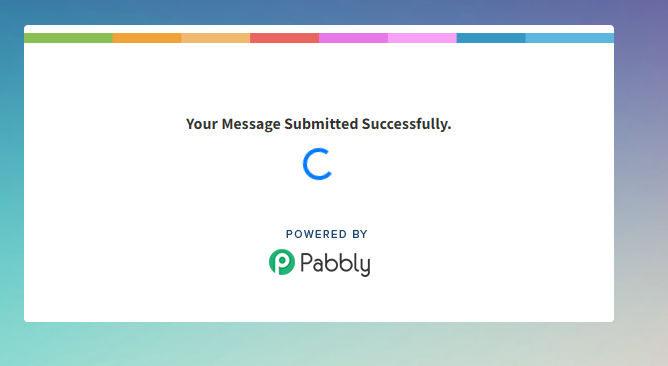
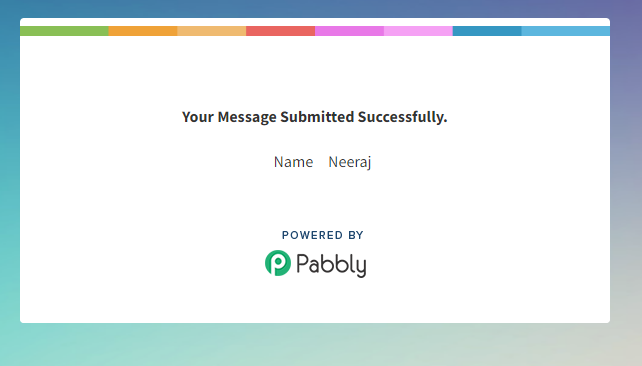
After submitting the form. You should see the result.
I did exactly as you advise but still no success. please see the screenshots.
Attachments
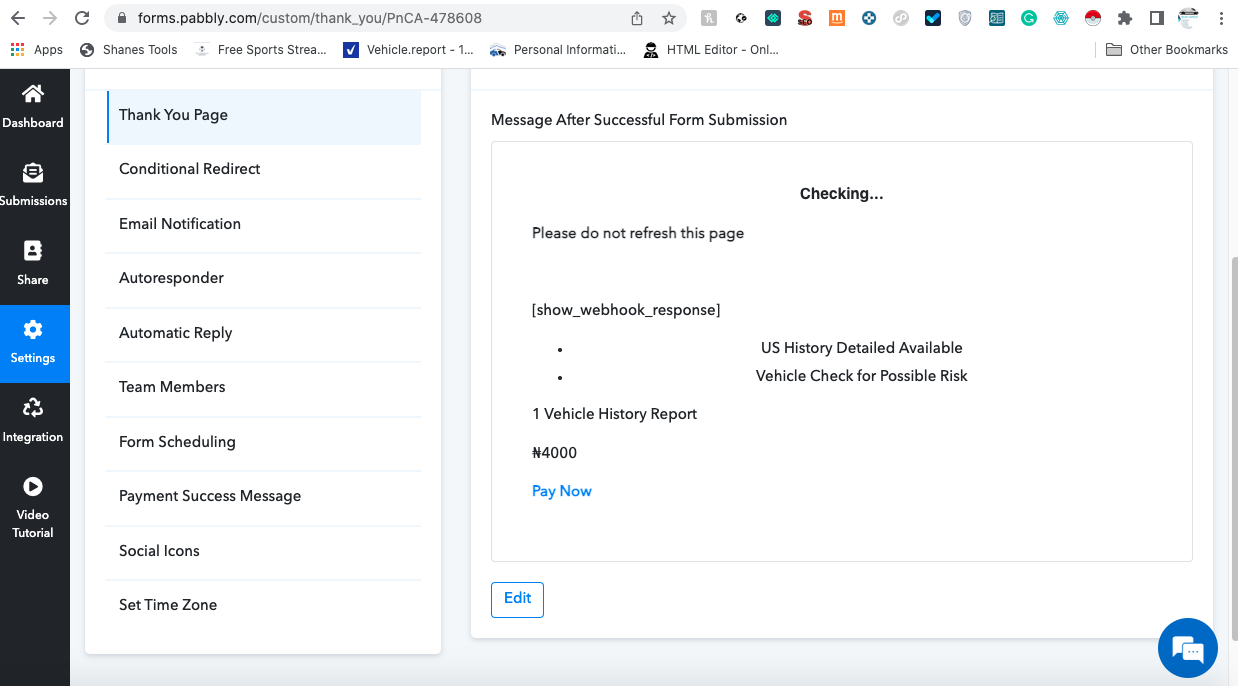
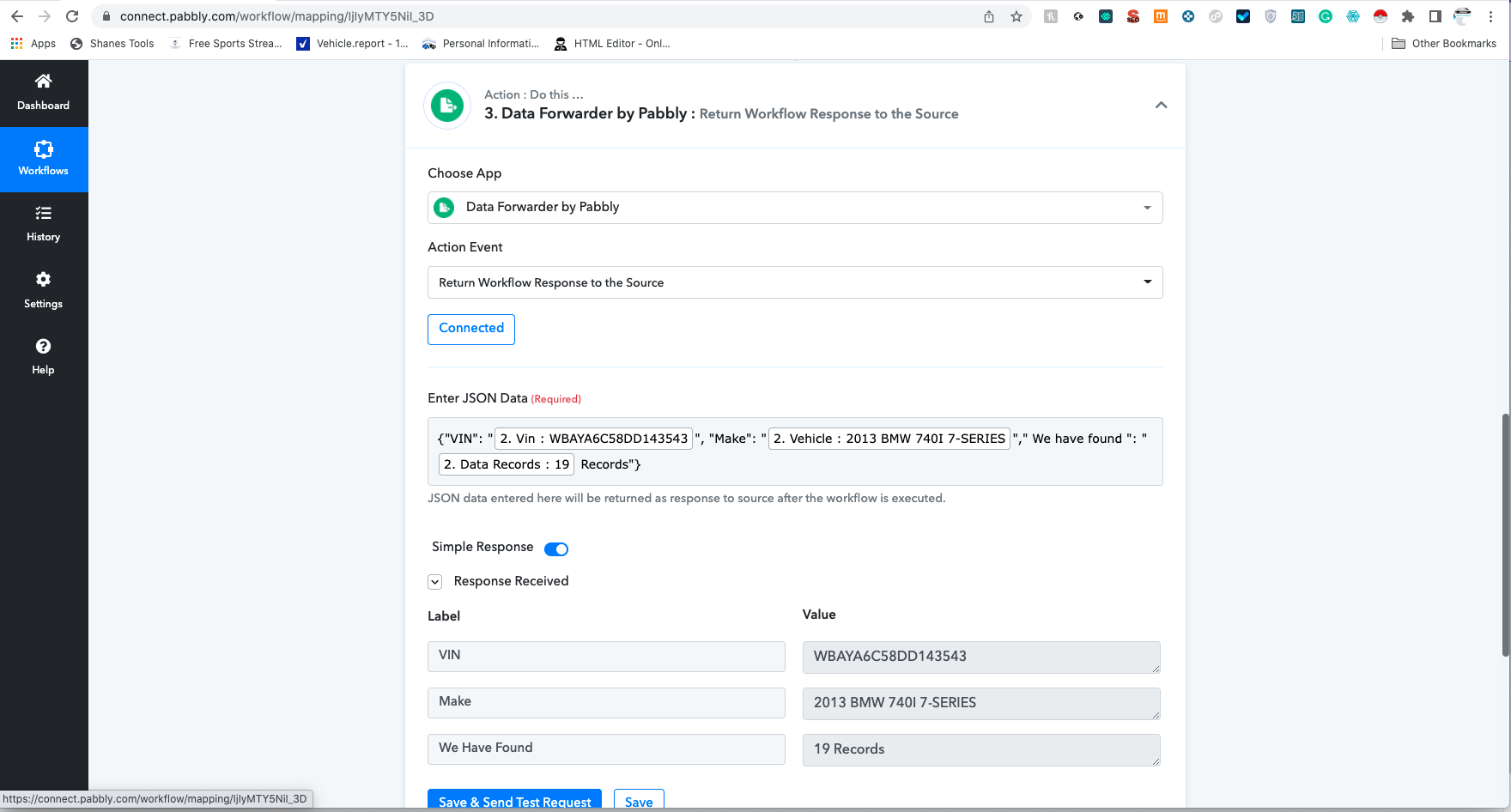
Please let me know the name and URL of your workflow.
Also let me know the form link
Just tested out your form and it did show me the data. I didn't make any changes to your workflow yet.
https://forms.pabbly.com/form/share/PnCA-478608
Searched the VIN Number as WBAYA6C58DD143543
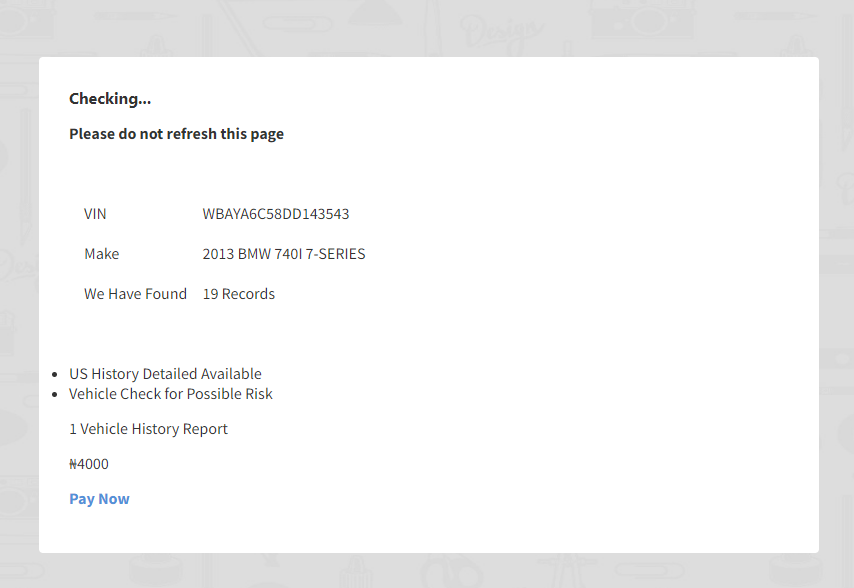
Just tested out your form and it did show me the data. I didn't make any changes to your workflow yet.https://forms.pabbly.com/form/share/PnCA-478608
Searched the VIN Number as WBAYA6C58DD143543
This is not working from my end. I have tested on all browsers on my mac and phone.
Right, the form doesn't work from my WordPress site but when I paste just the form link it worked. why is it not working in my work WordPress?
Right, the form doesn't work from my WordPress site but when I paste just the form link it worked. why is it not working in my work WordPress?
Share the link to your WordPress website, please.
Sorry wordpress site