Data is in wrong columns in google sheets
Status: Closed · Asked by Niels Przybilla on · 0 views
Hello Pabbly Team
I assigned data i receive from a webhook to a google sheet.
The data is in the wrong columns in google sheets. In pabbly all looks right assigned.,
Here is a screenshot: https://www.dropbox.com/scl/fi/00m9ru1jqsfg1qd6fkoa5/Monosnap-MISO-HERO-UTM-Google-Tabellen-2023-07-26-07-45-19.jpg?rlkey=az9530sjby2hgg6ek1hfztsvj&dl=0
Your help is highly appreciated.
THX Niels
Hey @niels.przybilla
Can you please reconnect the Google Sheets action step and then try again?
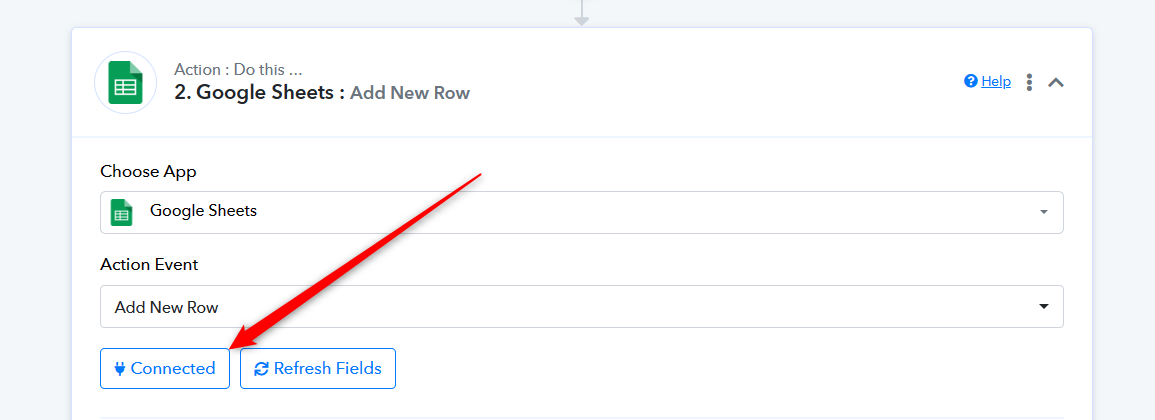
Hi. Yes I did.
I think the issue ... somehow the order ... Pabbly does not show the same order like in my google sheet.
But it is adding the fileds in the same order like in the google sheet.
thats why it puts Fbclid data on third columen even if it is another column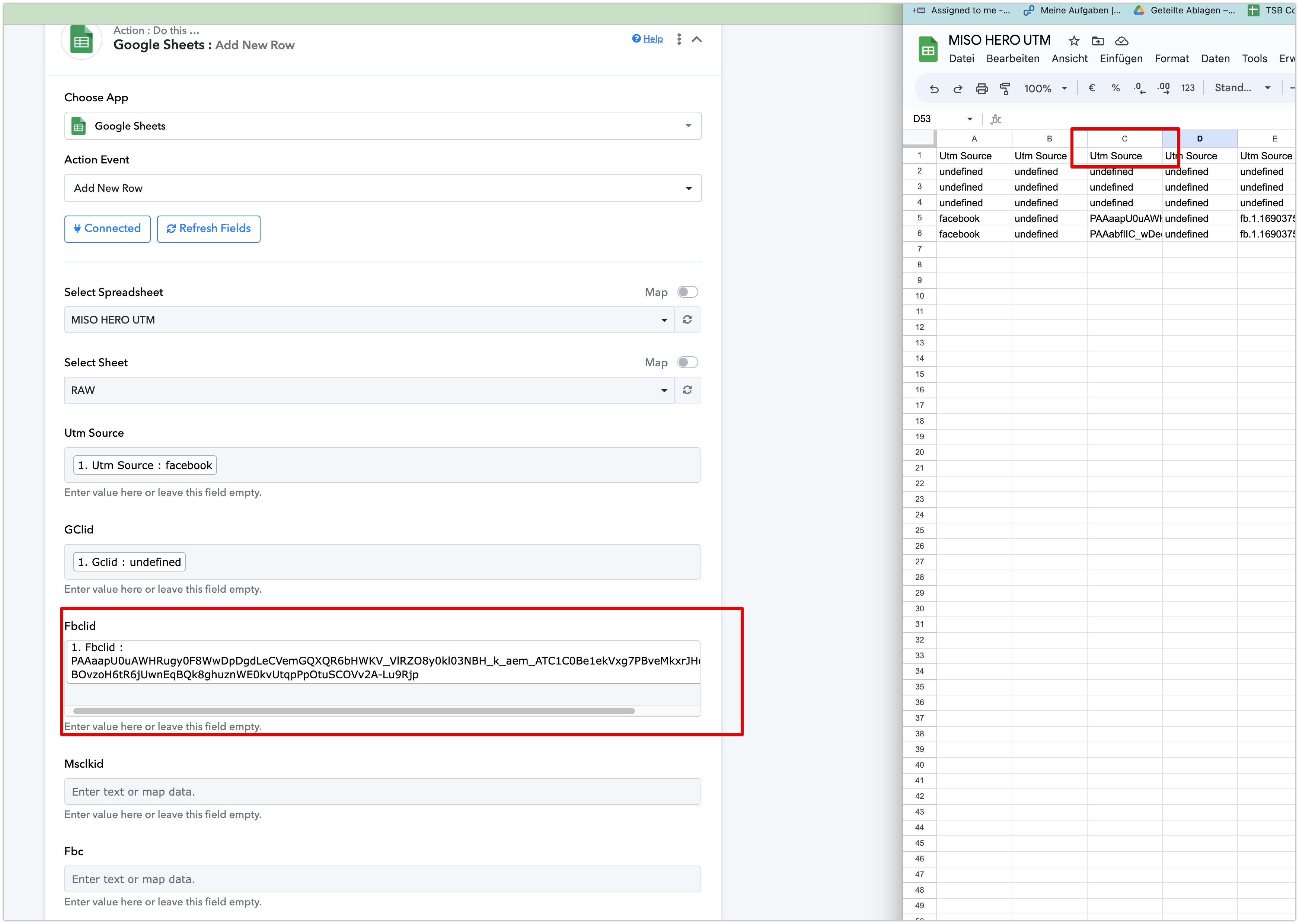
Any idea @Supreme ? I would appreciate this a lot
It appears that you might have done some changes in your Google Sheets after configuring the action step.
So, we recommend you if you make any changes in the Google Sheets then kindly reconnect the action step and reconfigure it to avoid such discrepancy.
1. I did not change the google sheet
2. I reconnected even the google account (not only the table)
What to do now?
Kindly remove the Google Sheets action step once and then configure it.
@Supreme I reserached more. It seems to be related to the field naming
1. I created a new google sheet and copied the column names. Same wrong results
2. Now i renamed the columns from 1 - 45 ... and now in pabbly it shows the right order
3. Now i renamed back ... and again it is wrong.
I figured out the problem. The first 6 columsn had the same title. That seem,s to confuse pabbyl as it seems to refrence on the title and not the static column Like A, B, C ,...
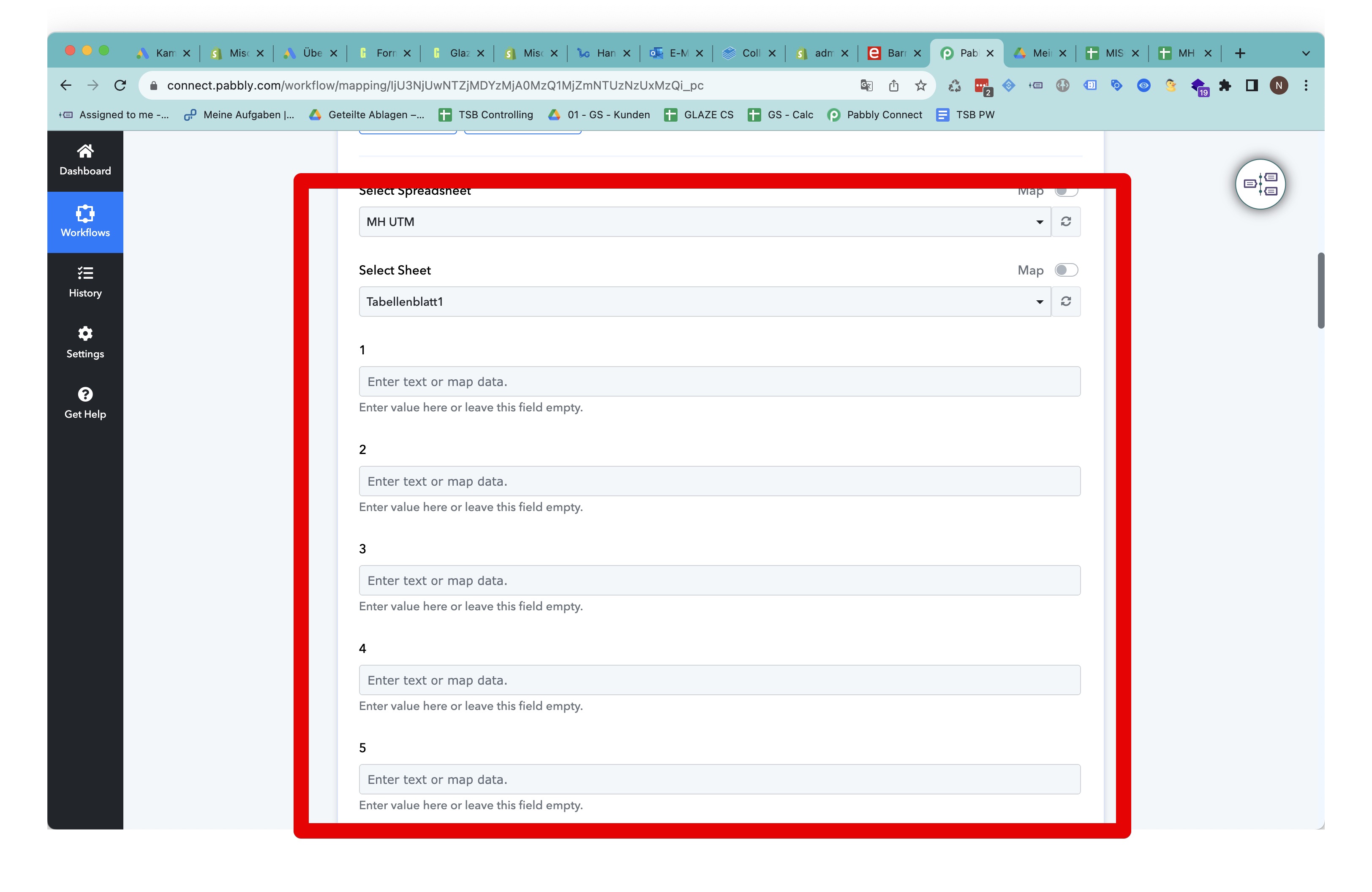
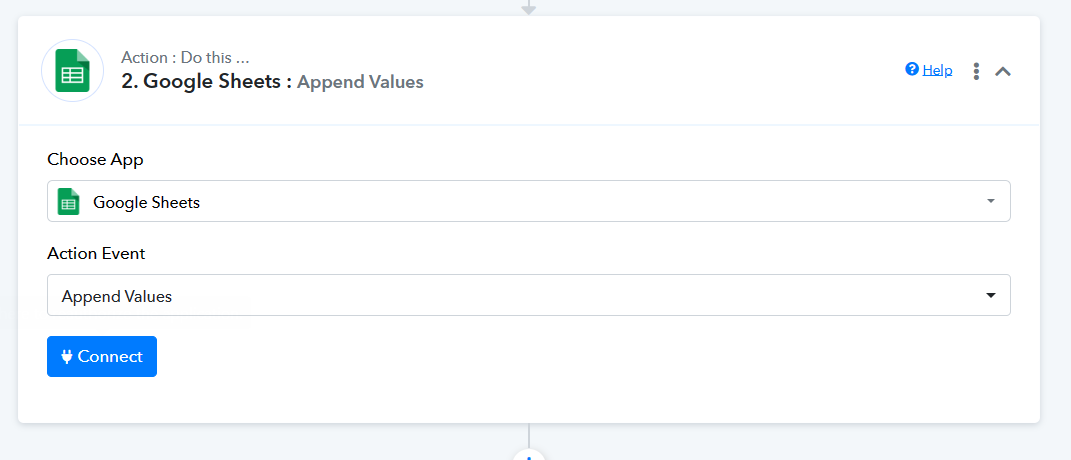
If you do not want to change the column name then you can try using the "Append Value" action step.