Data values not being captured to post to Infinity
Status: Closed · Asked by psythe333 on · 0 views
When i test my google sheets to Pabbly to Infinity connection it works fine. Once I make it live it does not pass the Data Values from sheets and I keep getting an error. Any ideas on how to fix this issue?
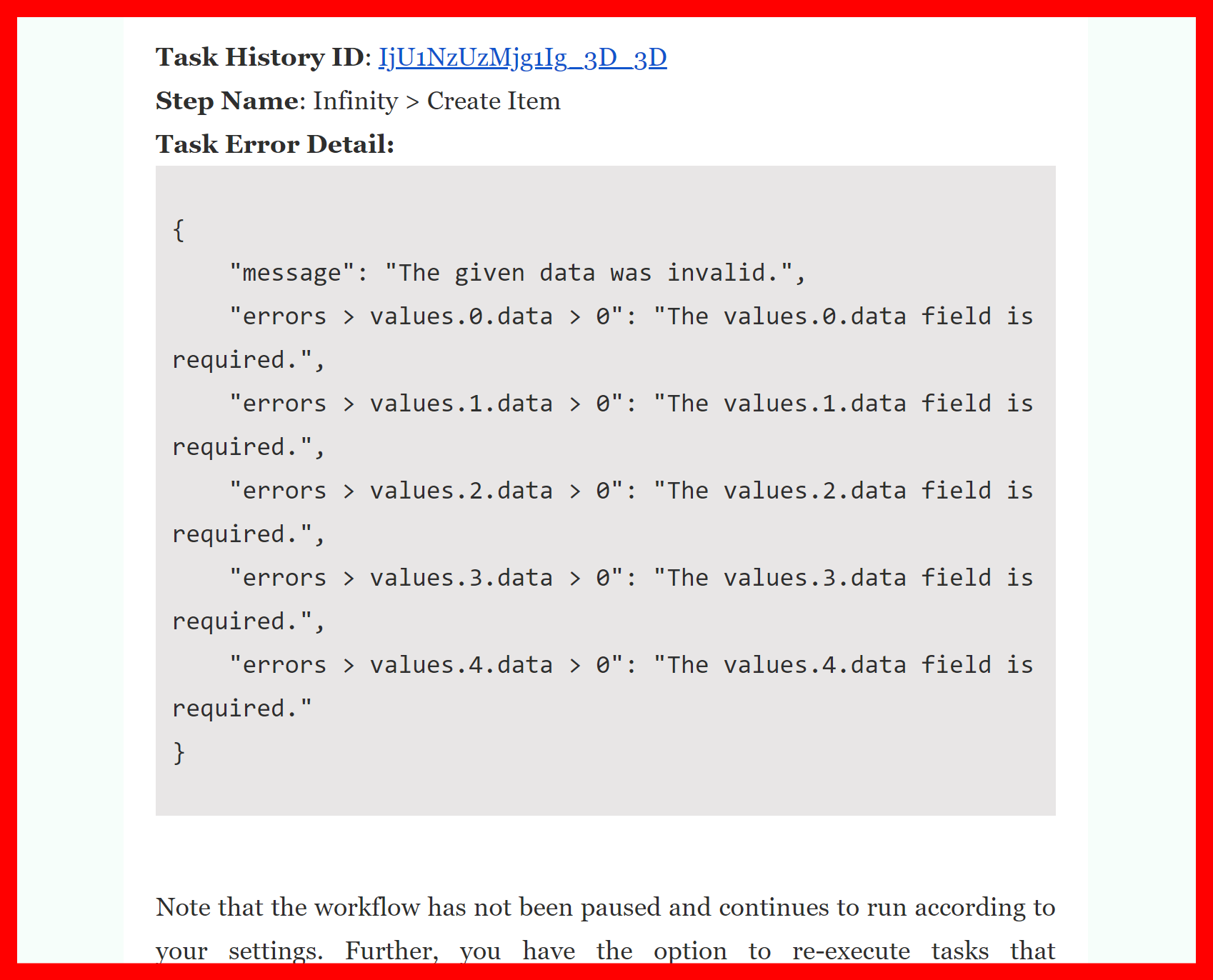
Hey @psythe333
We looked into your workflow's history log and it seems like you are getting missed/distorted data from your Google Sheets.
Kindly correctly map and pass the values in the Infinity action step.
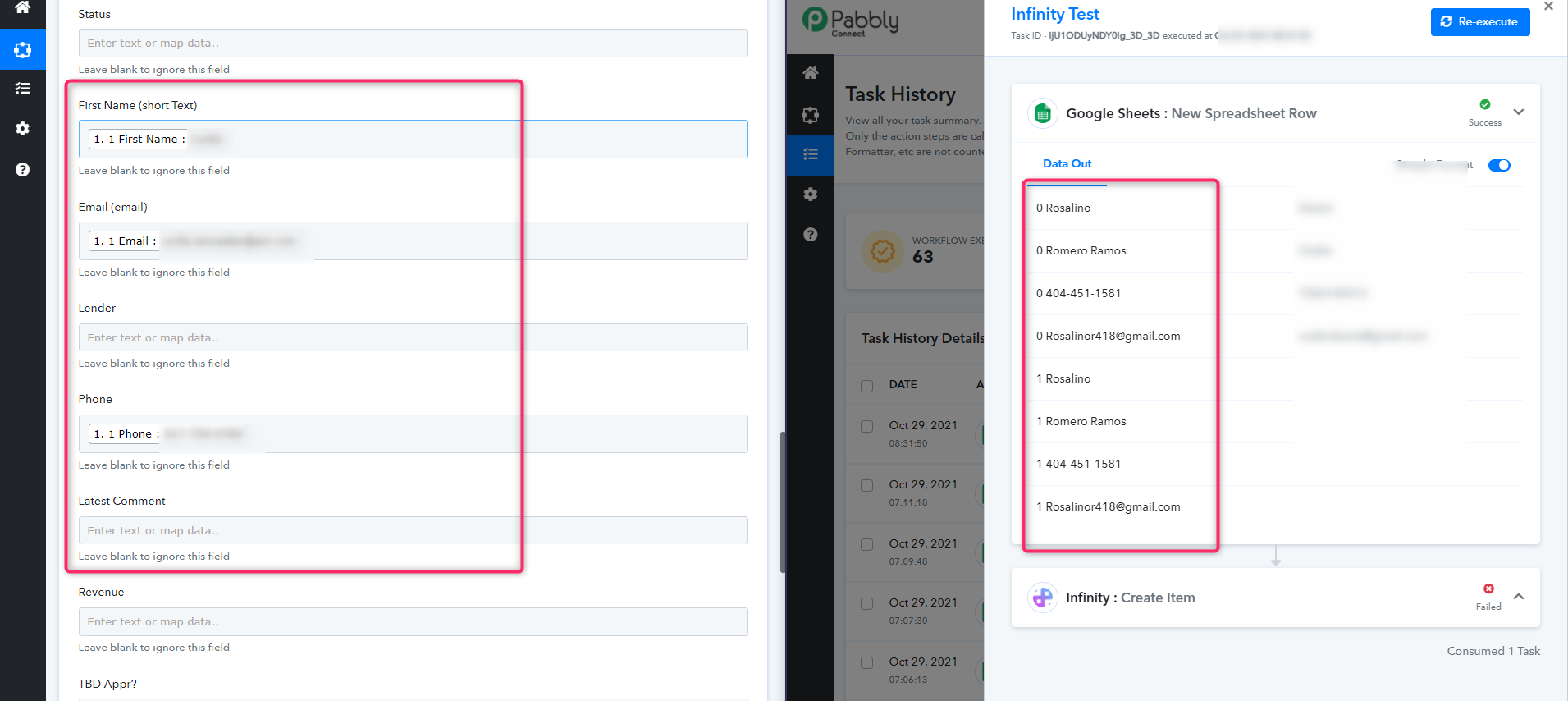
Not sure how or what to do. The data in my google spreadsheet is very basic First Name, Last Name, Phone and Email. I use the drop-down to map and what your system gives me. I dont know what else to do as I dont think I can manually type the fields:
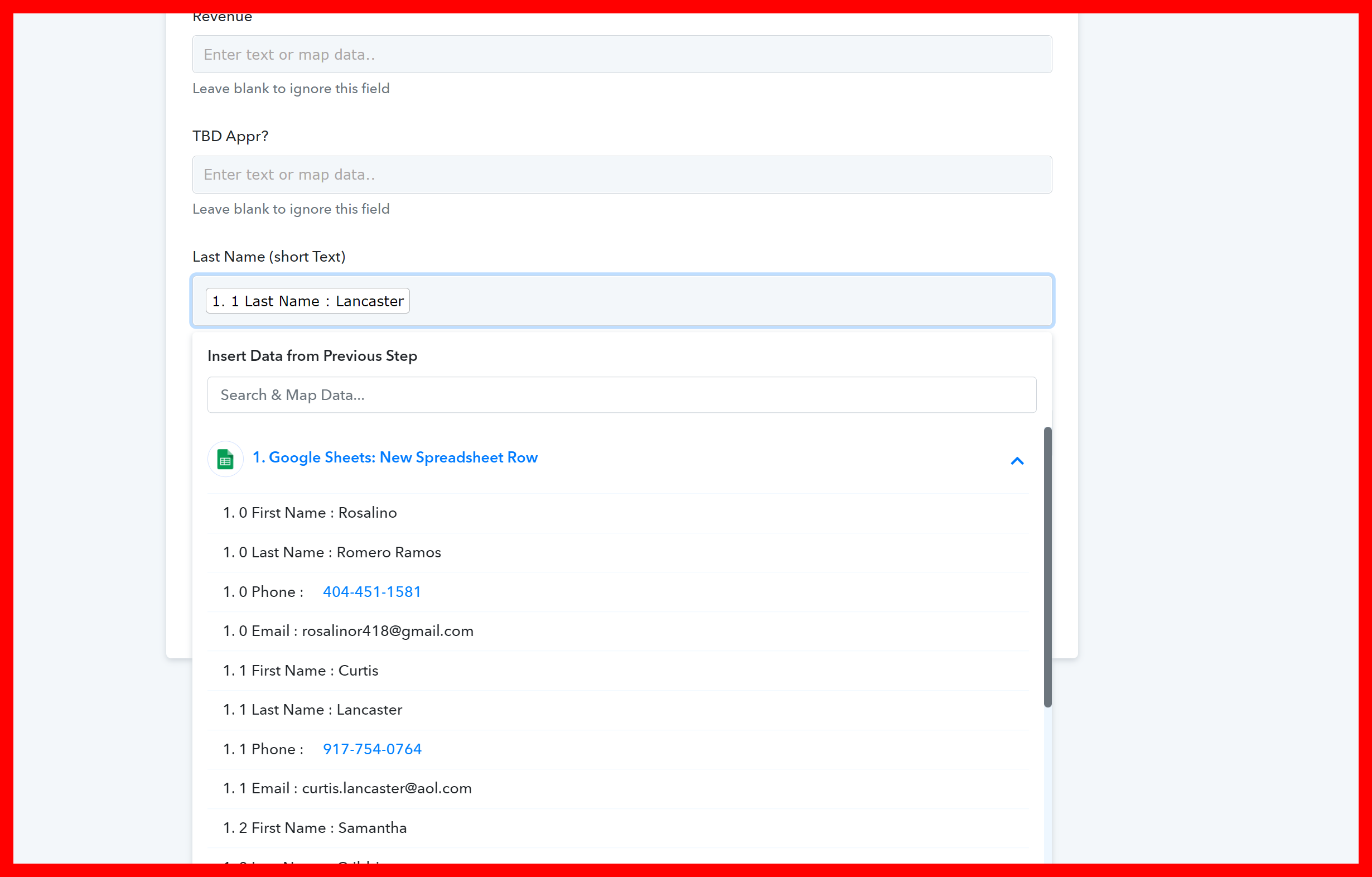
Hey @psythe333
Since it seems like you might have made changes in the Google Sheets with the column header, We would recommend you to re-capture the webhook response again and then map the infinity action step.
Kindly try this at your end and let us know if that works for you.
Still doesnt want to work but I do have 3 different Gmail accounts that I flip back and forth in throughout the day, possibly something is missing with the connection. I have found a 3rd party App that allows me to do what I need to post to Pabbly manually... its fine for now
thank you guys for the help...
I am trying to connect Pabbly Email Parser with Infinity, I want to capture the information from that email and create a new item in my parent folder on infinity and everything goes fine until the last step when I am trying to send the camptured information to infinity. You guys sent me an email saying that there is something wrong but I don´t understand why the connection is no happening suscessfully. I will appreciate if you can take a look at my workflow. Thanks
Pd
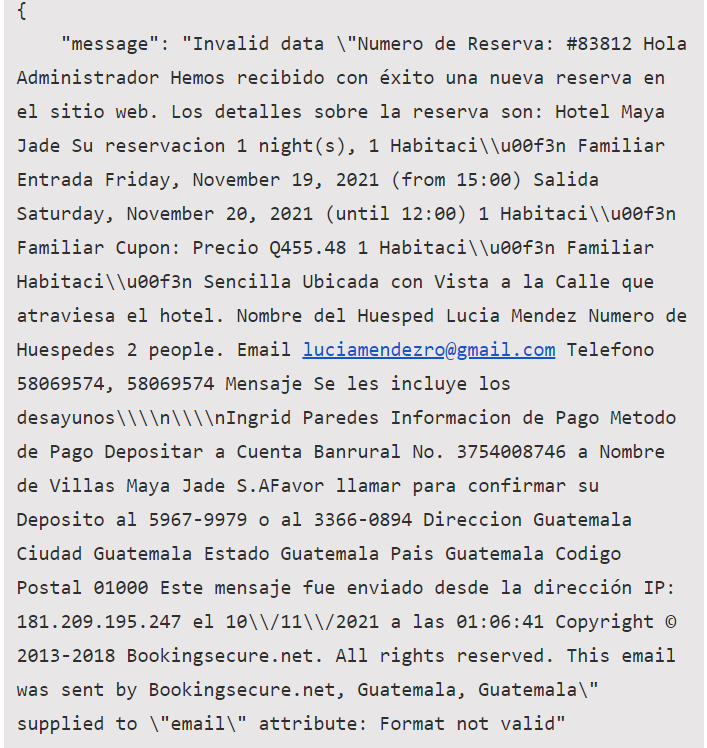
The error message is attached
Attachments
Hey @Zel Giron
We looked over your email, the workflow's history log and it seems like the email(Body Text) data that you captured in the workflow contains the * in it and after a few executions, the data started coming without "*" in it.
Due to which your Text formatters action steps didn't recognize the text to parser your required entities which you mapped in the infinity action step.
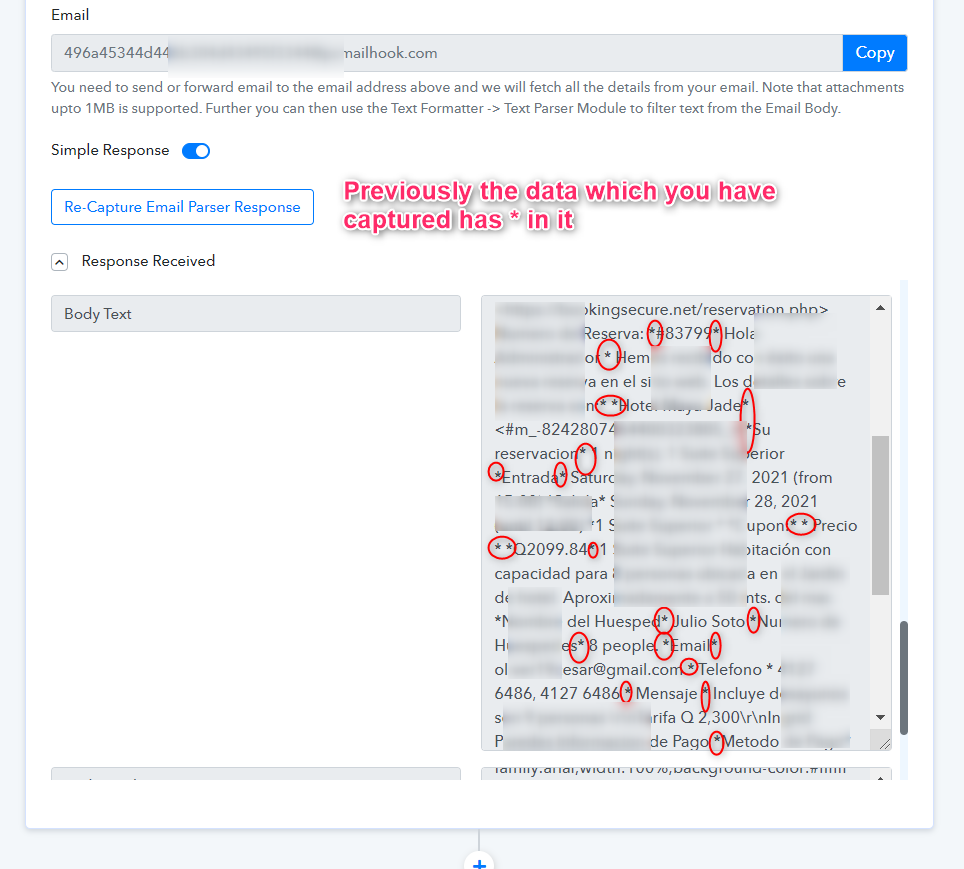
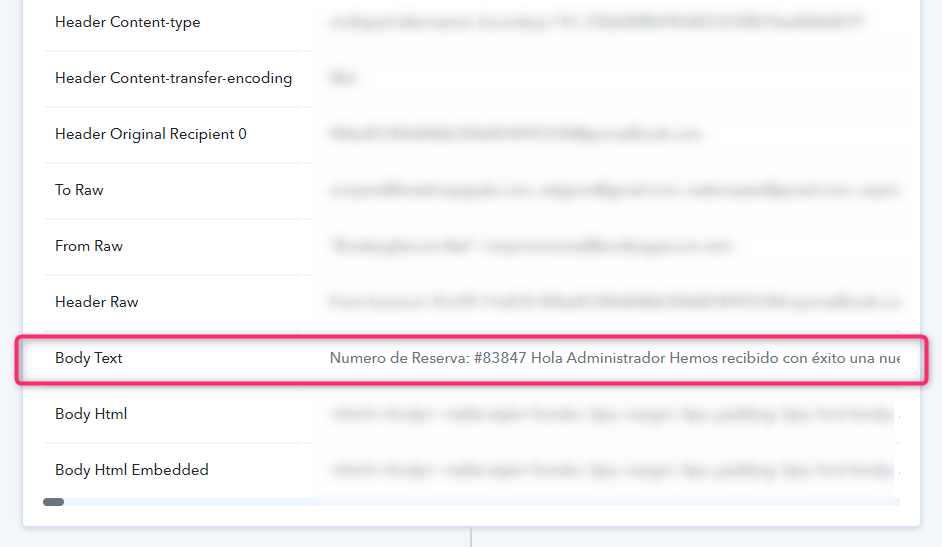
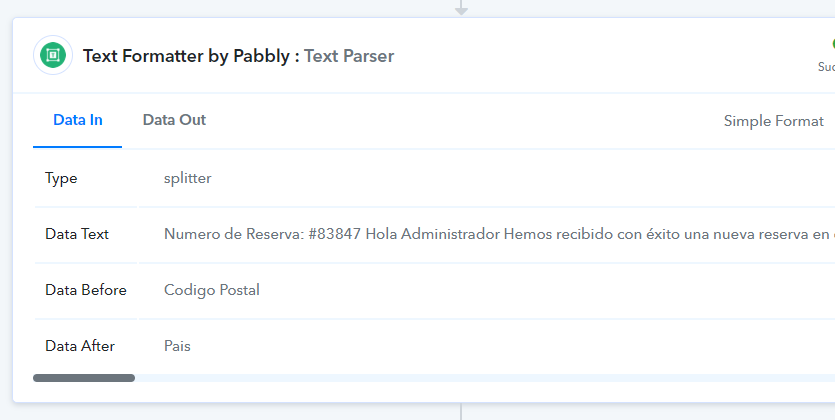
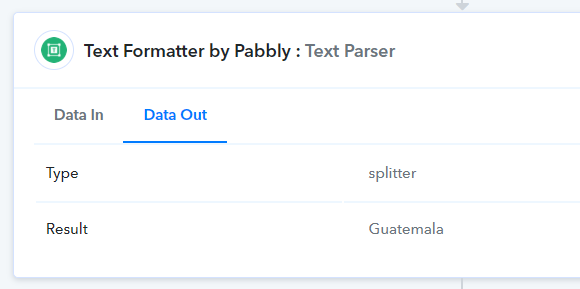
So, as a solution, you can use words without * while using the Text Formatter to parse the respective entities from your Body Text linked in the following screenshot.
Thank you so much! It's working now