date & time format error
Status: Closed · Asked by Abhijeet Janorkar on · 0 views
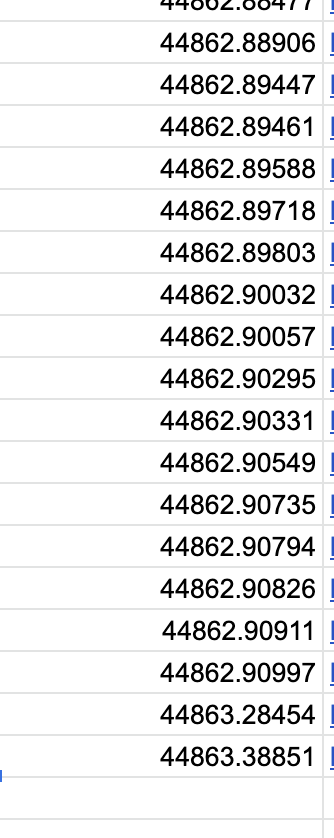
i am using date and time formatter to put data in google sheet. but the data look in google sheet like this 44862.90794.
i have attached the screenshot as well.
Workflow name -
WhatsApp Notifications to Zoom Registrations GTP Step 2
please solve this on priority
thanks
Attachments
Hey @abhipatil
It appears that the issue is developing because you may have utilized the formatting in your Google Sheets' Date Column.
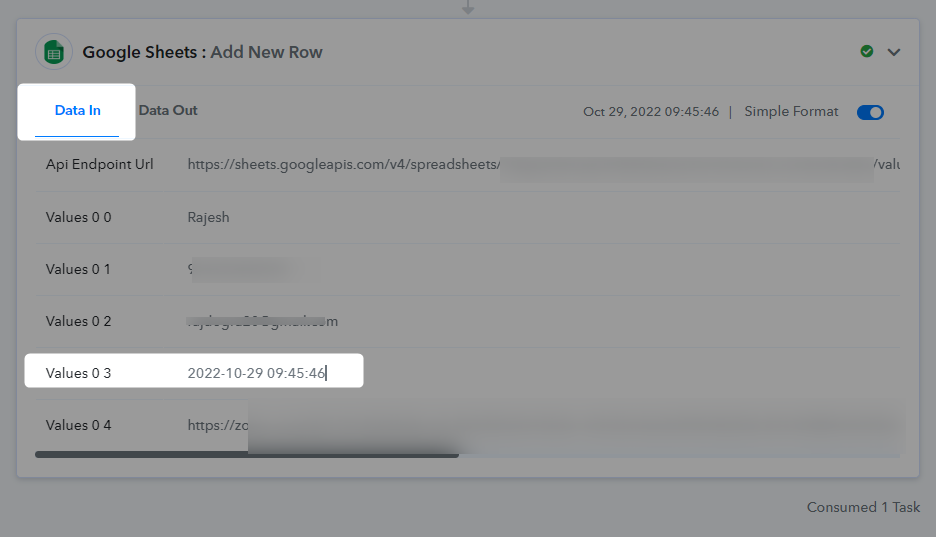
Please try clearing the date formatting or conditional formatting from the Date Column. Otherwise, the DateTime was getting sent to your Google Sheets in the correct way.
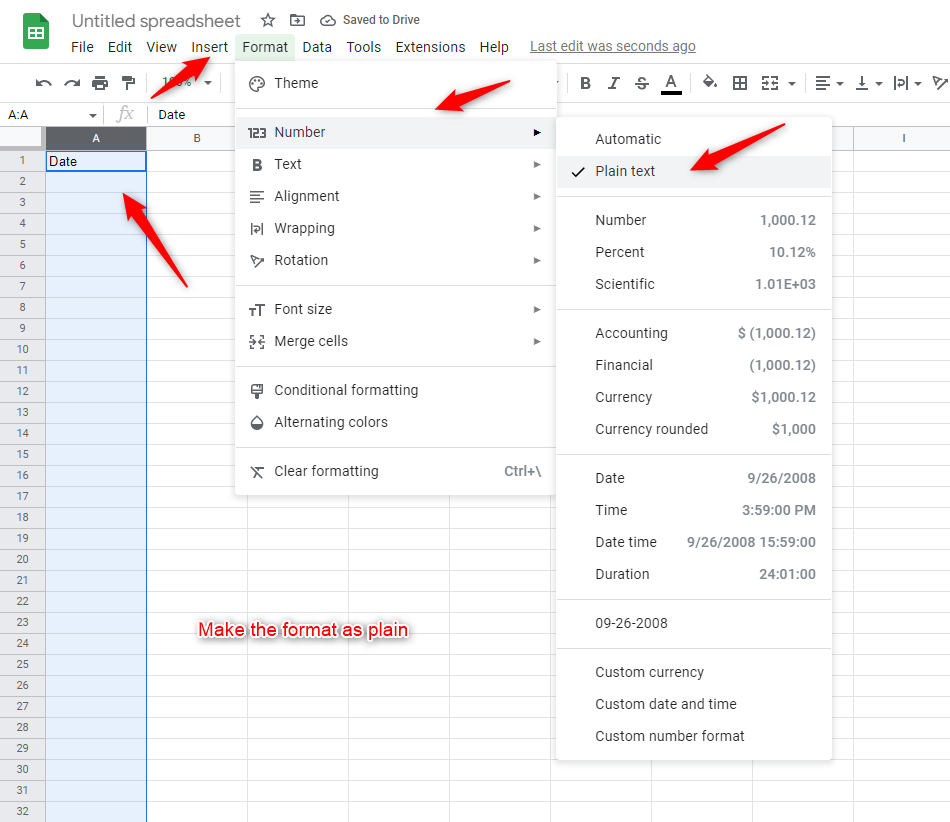
Also make sure you have selected the format of the date column as plain as shown below -