Date time formatter Google sheets workflow
Status: Closed · Asked by searchdusoleil on · 0 views
I have a bunch of date/time entries I need to convert - have set up a workflow that is > new row on sheet1 > date/time formatter > new format on new row on sheet2
The test send works, and is saved, however it isn't running when I add new rows on sheet1 - is there a delay? How often does the add on run?
Please check on send on event
Hey @searchdusoleil
Could you please confirm that you have set up the initial setup correctly and selected the "Send on Event"?
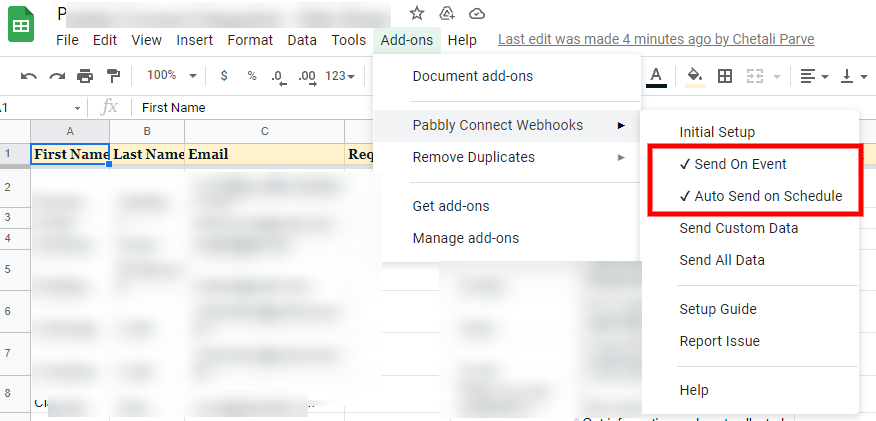
Further, you can prefer our tutorial video for better understanding.
It is set up correctly as far as I can see:
The test send works, but not when new rows are added...?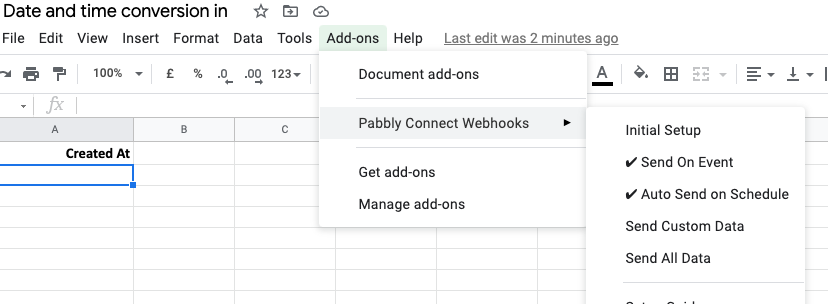
How the data is being added to the Google Sheets? Manually or via some external application? Further, is your Sheet located at 1st place.
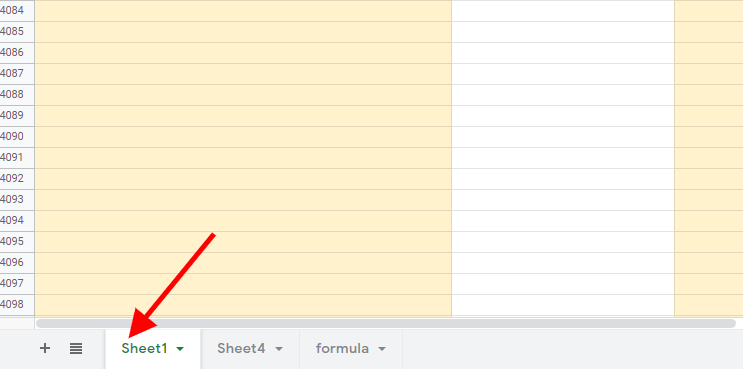
I am pasting in sheet1, want pabbly to run a date format and then send the result into sheet2. Could you have a look at my workflow?
Your workflow seems to be running. Can you please confirm?
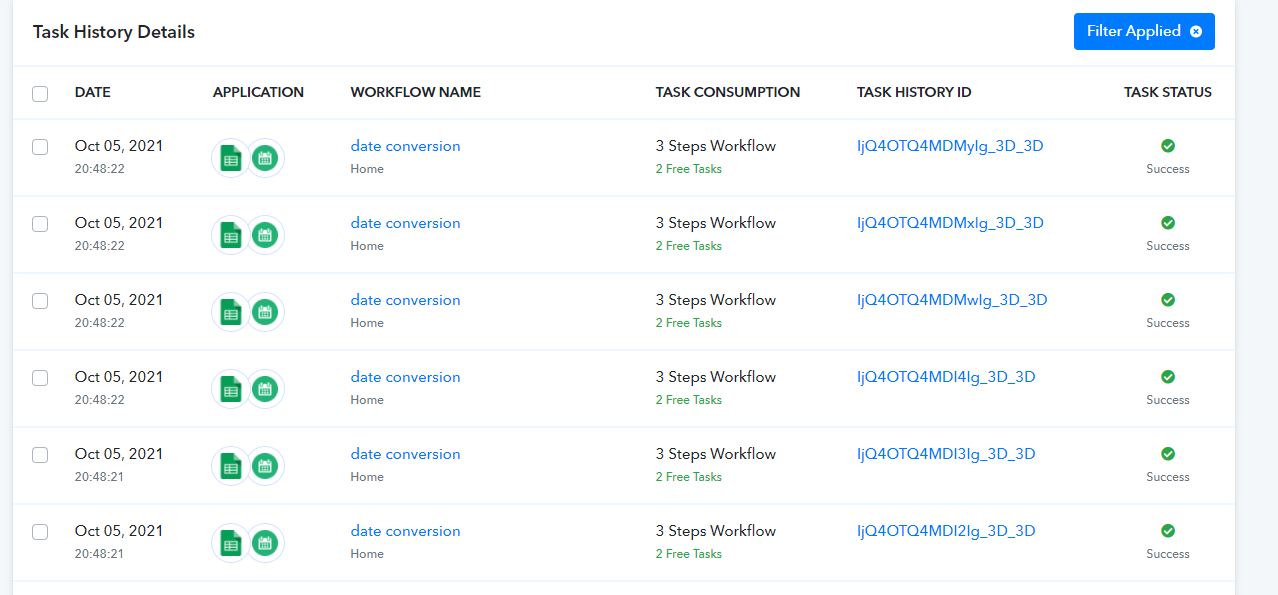
Hi there, thanks for coming back to me. It is running now yes - I started the workflow from scratch. I think I might have done things in the wrong order initially, and so it wasn't picking up the "send on event" settings on the add-on.
Thanks again.