Delay function is not working
Status: Open · Asked by Jay Patel on · 0 views
Hi, the delay action seems to be not working in any or my workflows and the consecutive events also stops.
Could you please check and let me know if I am making any mistake?
Note, in this, I only get the first message on whats app and after that nothing gets triggered.
Hey @startwith_jay,
Please share your workflow with us at the provided email address so that we can gain a better understanding of your issue.
Email: [EMAIL]arshil.ahmad@pabbly.com[/EMAIL]
Also, remember to revoke access once your query has been resolved.
Attaching a video for your reference:
Hi, I have shared it on arshil.ahmad@pabbly.com
Please check and help me solve it
Attachments
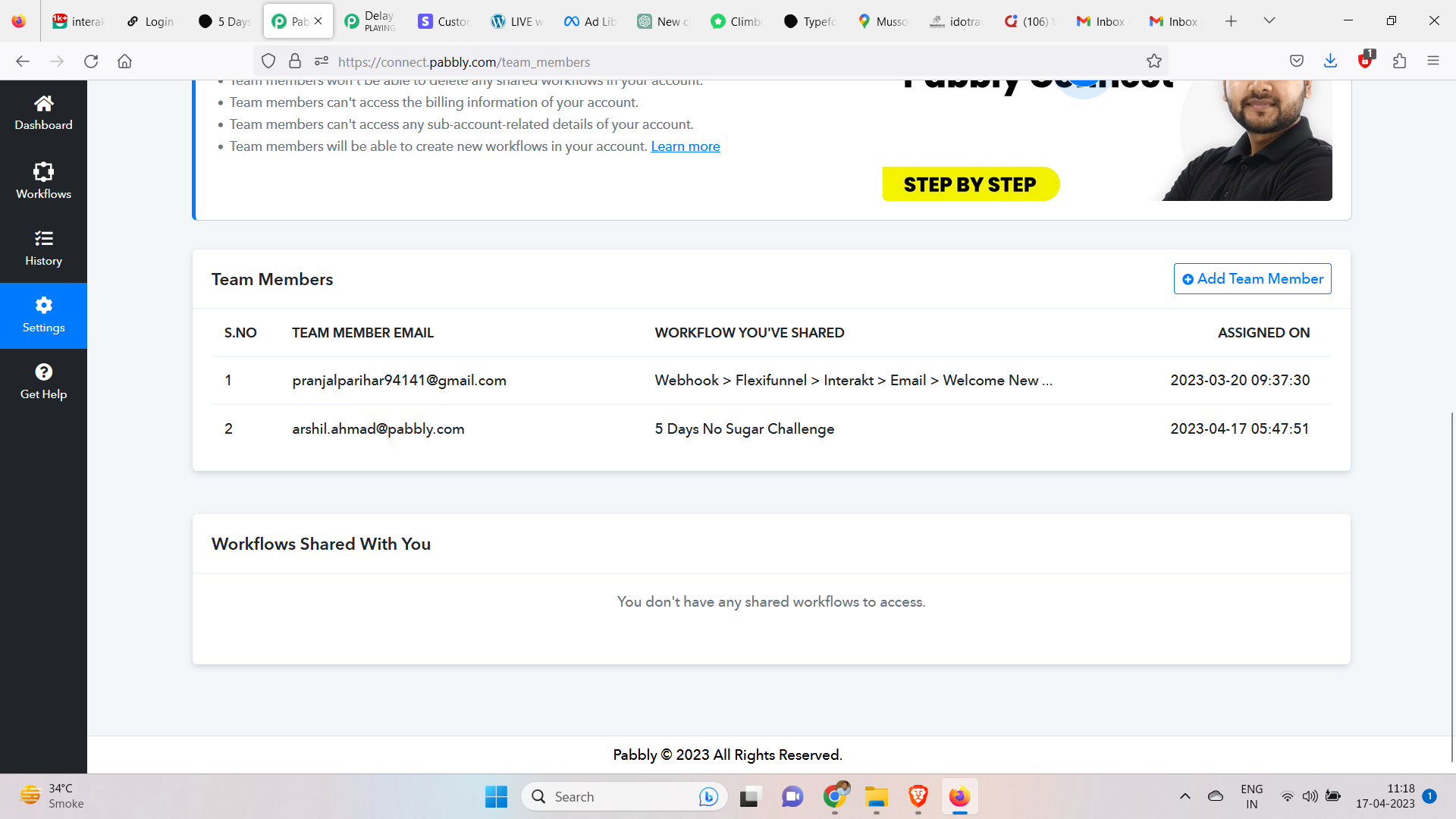
After reviewing your workflow, we can verify that the workflow you have created is correct.
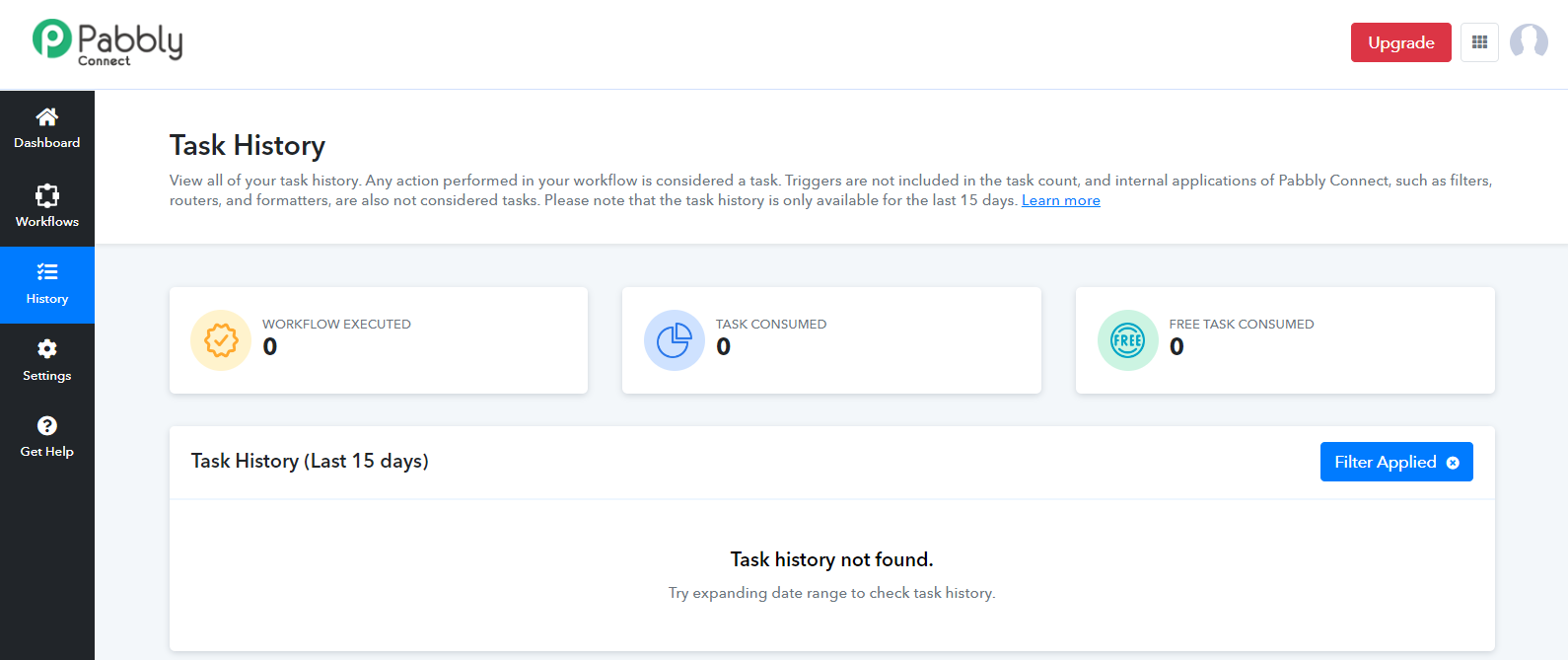
However, based on your history, it appears that your workflow has not been executed at all. We suggest attempting to re-run the workflow and verifying if the messages are sent successfully or not.
Thanks this seems to be working once I reconnected the google form.
I now have to create the same sequence on email once the same google form entry is triggered.
Would I be able to do that? If I am creating a new automation sequence, I can see that I need to capture a new webhook response.
Yes, it would work since you would be creating an entirely different workflow.
I understand that. But once I am connecting the same google sheet for the new workflow, would my old workflow stop working?
I only see single option of the setup inside the Pabbly Connect Webhooks extension.
If you are using the same Google Form, you have the option to add a Data Forwarder to your workflow and capture the responses in a different one.
Attaching a video for your reference: