Delay Until Task
Status: Open · Asked by ln87 on · 0 views
I have a task that will delay until a certain date but if the date is in the past it stops the task. How do I get past that? If the date is in the past it should just go right through and process, correct?
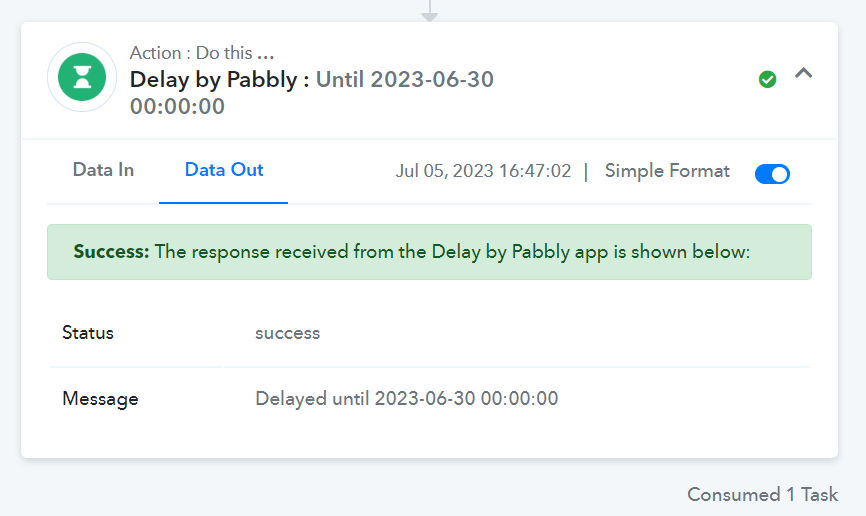
Hi @In87,
I'm afraid this will not work. In Delay, you need to enter a date or time that is yet to occur; otherwise, your workflow will stop.
Thanks! Any suggestions around this? I can’t control the date as it comes from a webhook and it won’t let me add a router so I can do an if then else type statement.
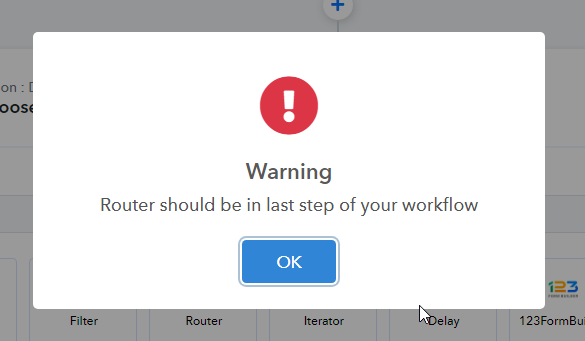
A Router could help you with this issue. Could you please confirm the error you are getting while adding a Router to your workflow? Please note that the Router is supposed to be the last step of your workflow.
It says it should be the last step. In most cases that would be fine but I need it before the delay so I can tell it to delay or not based on if the date is in the past. Is there a way around this?
That's exactly what a Router is used for. The first step of every route is a Filter, which you can use to decide whether to apply the Delay or not. You can set up one route for adding a delay before the execution of your main action step, and the other route to execute the action step without a delay. I would suggest watching the video I shared above to gain a better understanding of the Router. 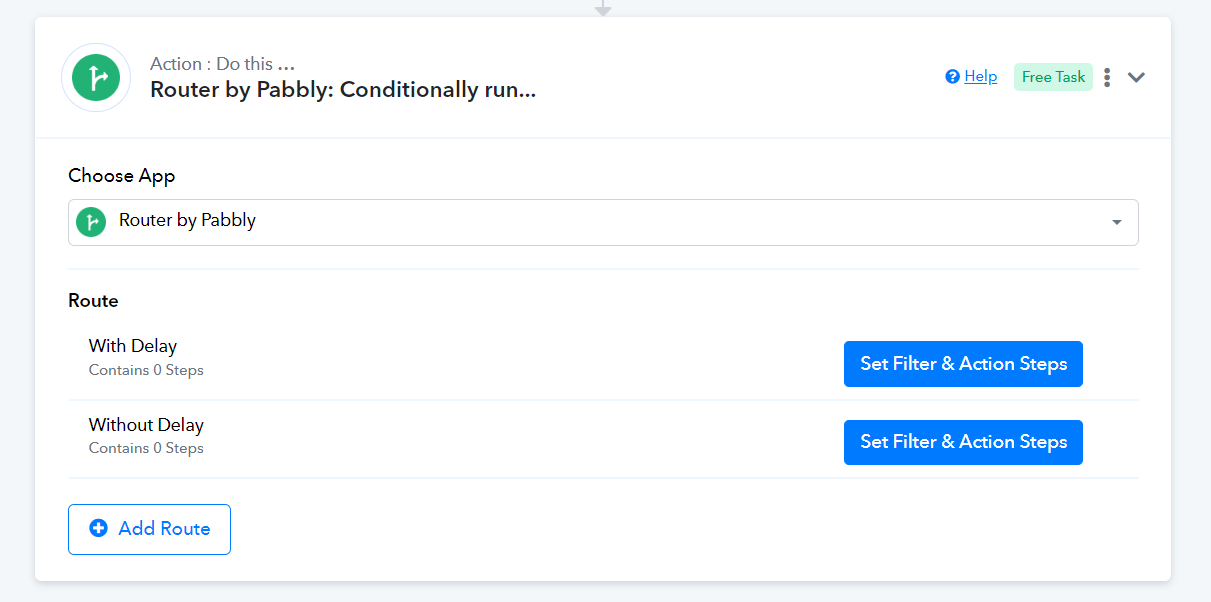
ArshilAhmad - Thanks for the reply and the video. That's exactly what I'm trying to do but it gives me that error message. Here is a quick GIF showing that.
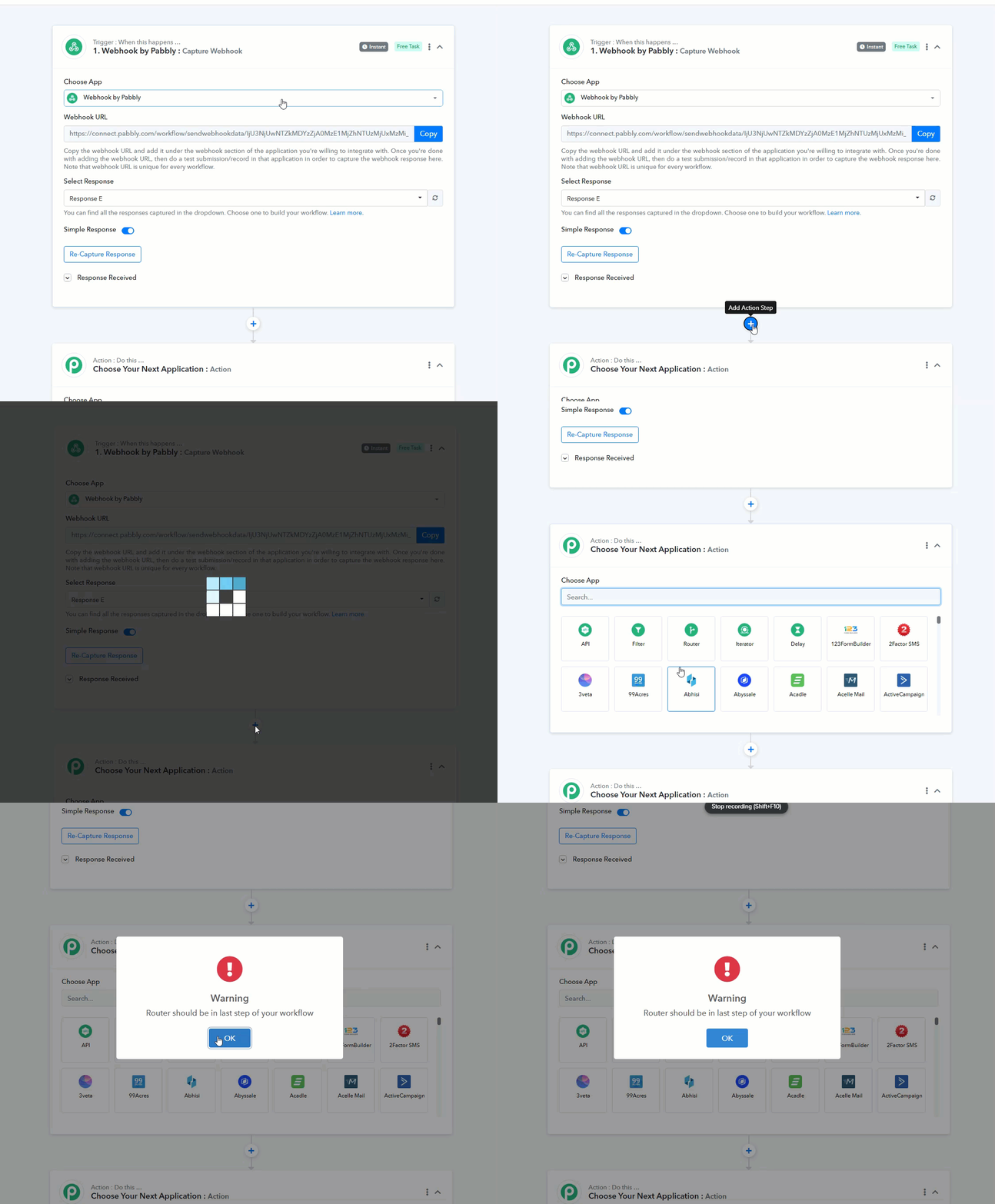
@In87, Instead of adding another step by clicking on the "+" sign, you can simply use the given action step as a Router.
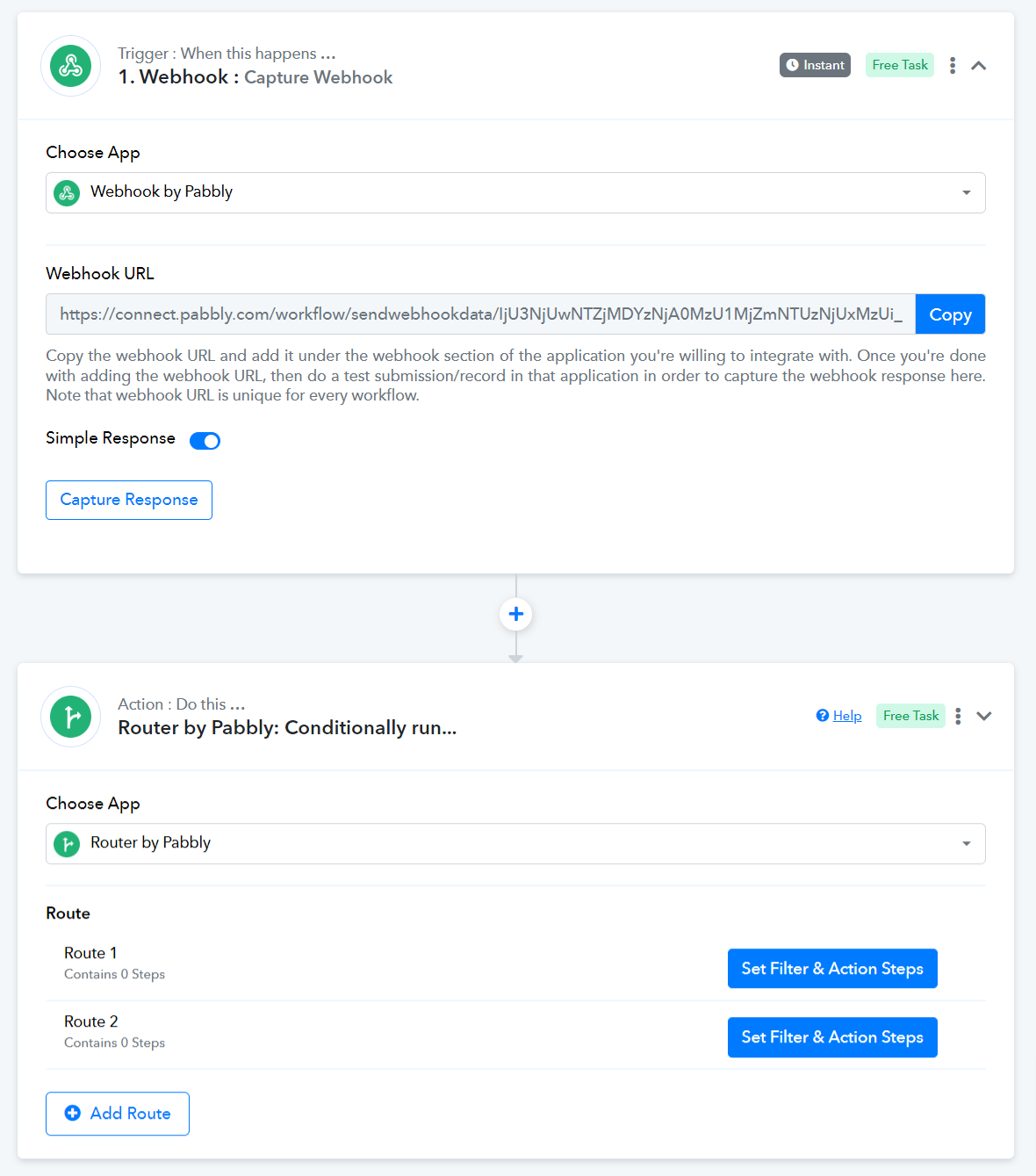
I was able to start a new Workflow and it allows me to add the router after the webhook. Not sure why it won't let me do it in an already-built workflow.