Disable Google Calendar Notification
Status: Closed · Asked by ghalitzka on · 0 views
I'm using the Google Calendar "Create Detailed Event" action to create entries on my calendar. I see places to choose the reminders method and the minutes before the reminder, but not to turn reminders off. Is there a way to disable the event reminder?
Hey @ghalitzka
Kindly try adjusting your default notification settings in Google Calendar once and then try again:
- Go to Google Calendar on a desktop browser.
- Click on the gear icon (Settings) at the top right.
- Select "Settings" from the dropdown menu.
- Under the "Event settings" section, adjust the default reminders. You can set the default reminder to "None" or adjust it to your preference.
- Save your settings.
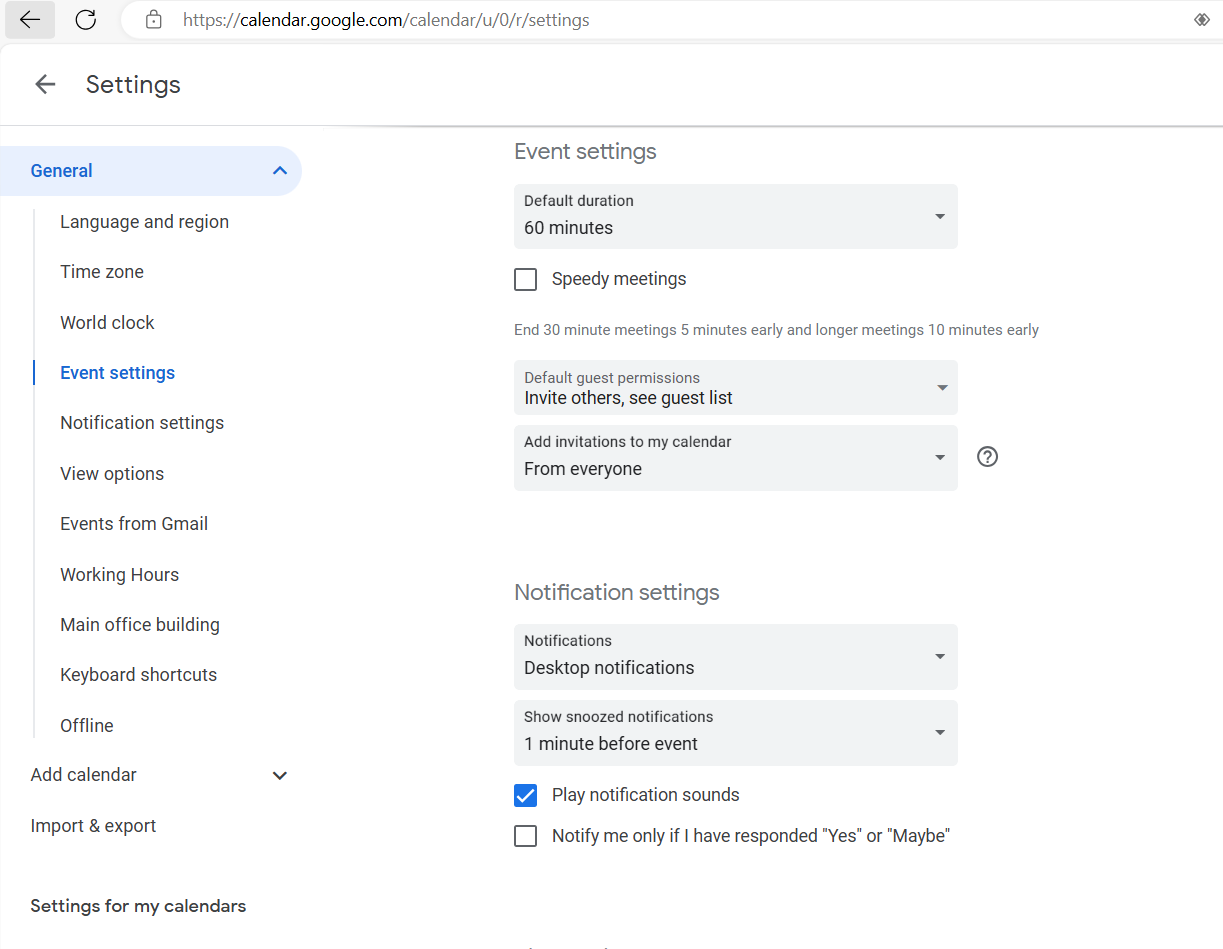
I tried adjusting the setting you suggested in Google Calendar to turn notifications off. However, the event generated with my Pabbly automation is still showing a reminder. Is there a way to disable this in Pabbly? Thanks!
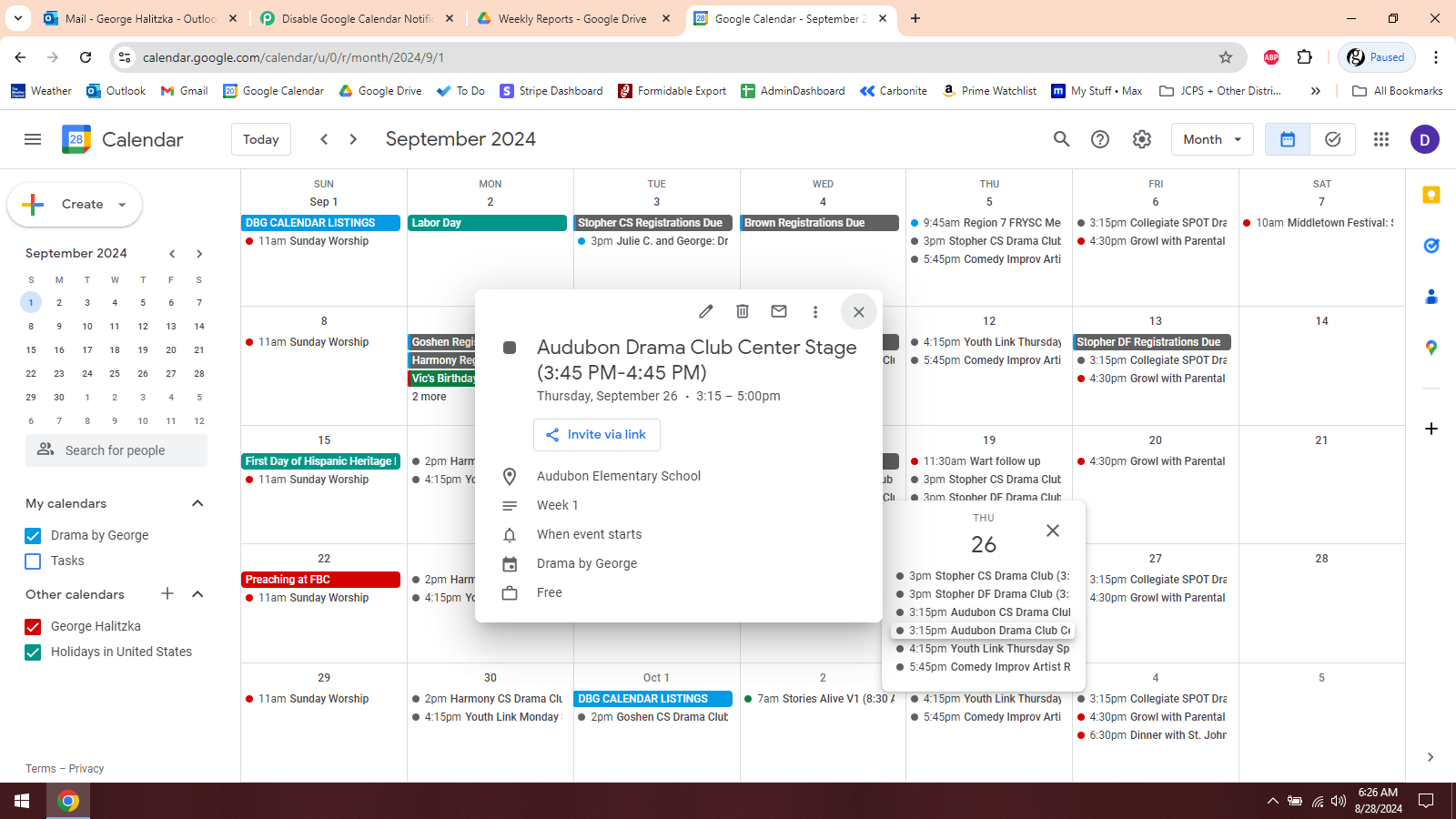
Okay, I just ran a test and found that although there is a notification on the event, it didn't trigger at the prescribed time because of the Google Calendar settings you suggested. So that seems like a good workaround. Thank you!