Disallowed characters error on redirect
Status: Closed · Asked by ryanb4614 on · 0 views
I am trying to use Data Forwarder to provide a redirect URL. If I manually type in https://www.google.com as the value everything redirects properly. If I use the actual URL that is provided in the workflow (its a pdf file link in AWS) I get a return error on the redirect in the browser not the workflow: The URI you submitted has disallowed characters.... The link returned in the workflow works and I can access it directly. I also tried a link shortener in the workflow but it still get this error. I also tried to have the URL running through the text formatter- URL parameter encode.
Any ideas?
Hey @ryanb4614
Upon conducting a thorough review of your workflow, we have tested with a random URL and it is functioning as expected.
So I kindly request you make a new connection to the data forwarder and attempt to process the URL once again. By doing so, you can verify that the data forwarder is properly configured and integrated into your workflow.
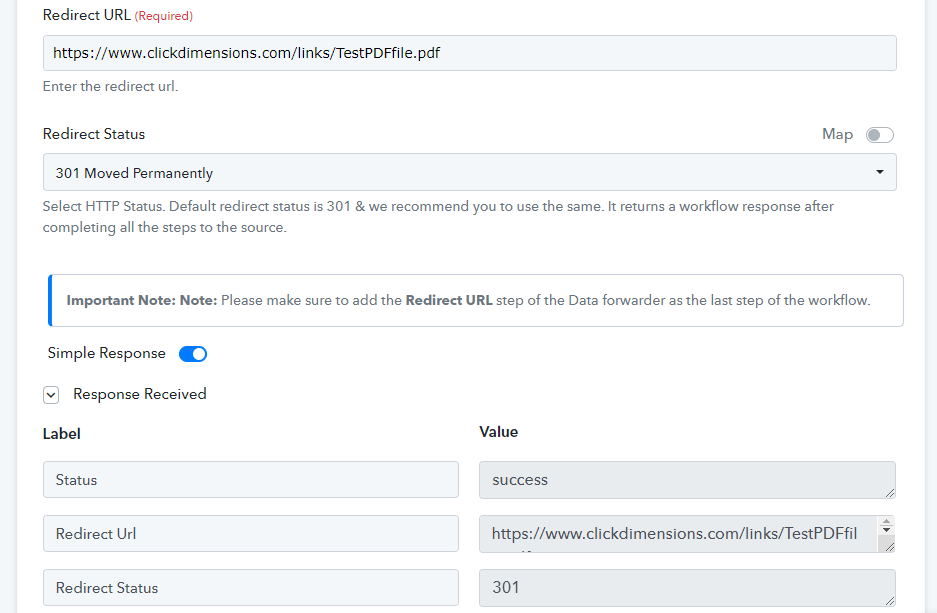
Please let me know if you are still facing the same issue.