Dropbox -> Google Drive
Status: Open · Asked by katalystjay on · 0 views
I am trying to create an automation that identifies a new file uploaded to Dropbox folder (works fine) which then uploads the same file to google drive.
Through mapping RES2URL I can get a file uploaded, however it is corrupted (pdf). None of the other links identified (including sharable URL) result in anythign being uploaded to google drive.
What is going wrong here?
I'm assuming it has something to do with Res2 URL opening the file in a dropbox container and Res2 Shareable Link redirecting to a longer URL?
Hey @katalystjay
We have replicated this issue locally and forwarded your query to the technical team for their review. We will keep you updated.
Thanks
Kunal
Hey @katalystjayWe have replicated this issue locally and forwarded your query to the technical team for their review. We will keep you updated.
Thanks
Kunal
Was this ever resolved? I have the same issue with a new file in Dropbox uploaded to OneDrive. It seems to work fine, but the file reads as corrupted. Image files work great.
Hey @SaraLaidlaw
Can you please share the workflow URL in which you have tried the same?
I have the same issue with a new file in Dropbox uploaded to OneDrive. It seems to work fine, but the file reads as corrupted. Image files work great.
Further, we have recorded a short video on how you can pass the data from DropBox to OneDrive.
I hope this might help you out.
Further, we have recorded a short video on how you can pass the data from DropBox to OneDrive.I hope this might help you out.
Thank you for the video. Yes, images (such as png or jpg) work great. I can’t get PDFs to work. They seem to work but I can’t read the PDF.
Hey @SaraLaidlawCan you please share the workflow URL in which you have tried the same?
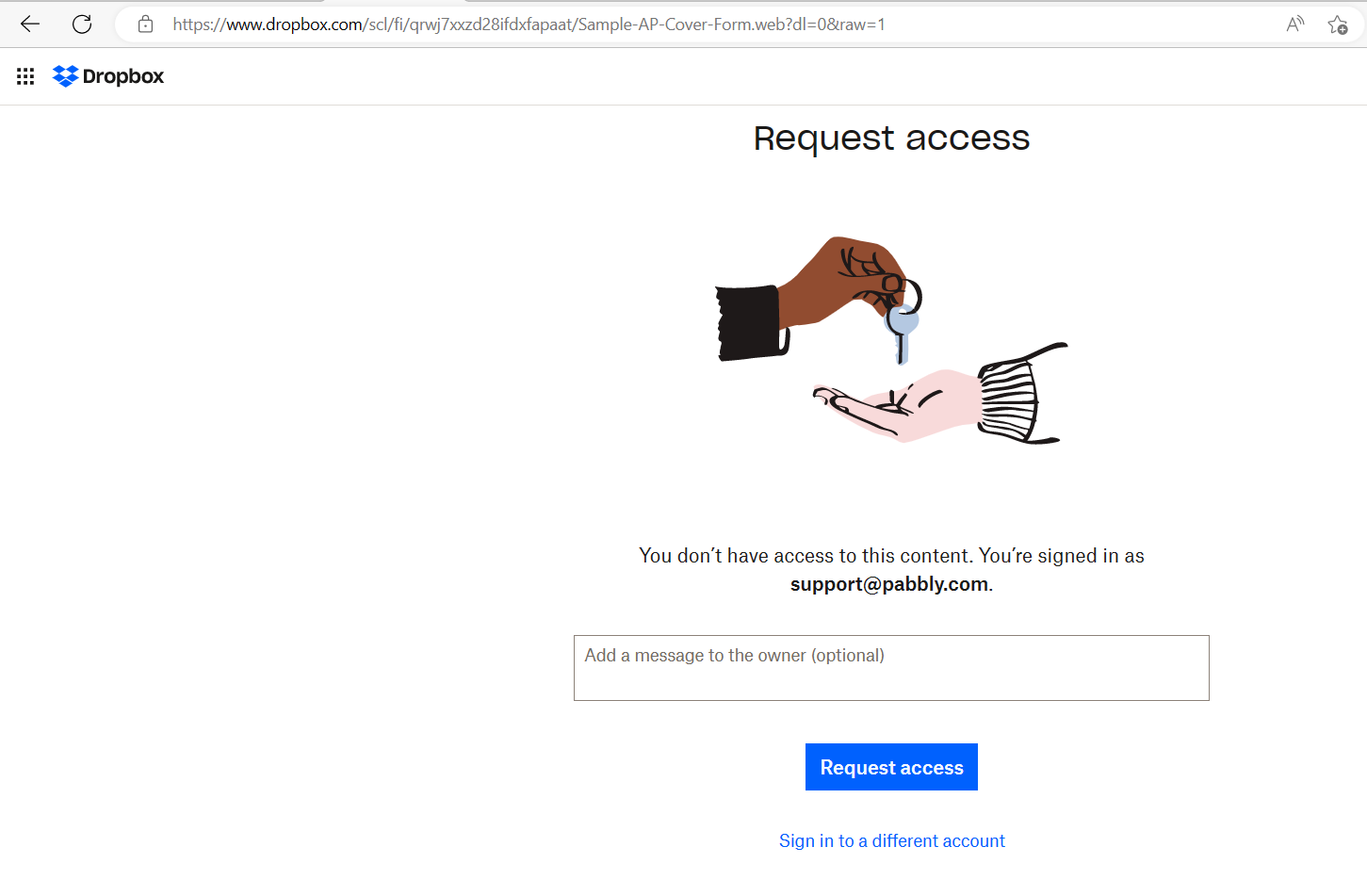
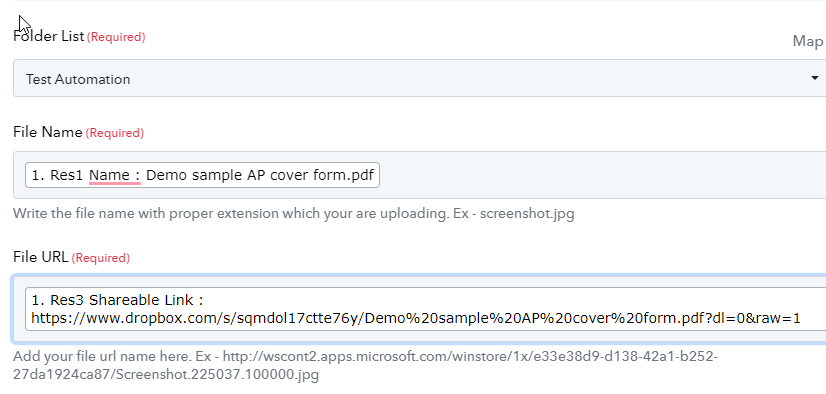
https://www.dropbox.com/s/sqmdol17ctte76y/Demo sample AP cover form.pdf?dl=0&raw=1
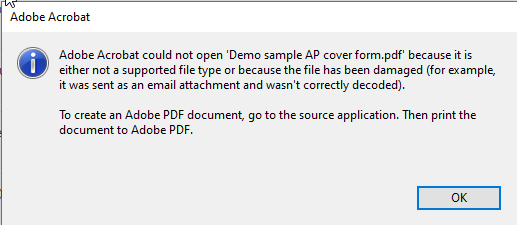
I get this message when I try and open the pdf: I wonder if it is a permission problem with the folder.
Hey @SaraLaidlaw,
https://www.dropbox.com/s/sqmdol17ctte76y/Demo sample AP cover form.pdf?dl=0&raw=1
I tried uploading this file to OneDrive and was able to do so successfully. Please ensure that you are naming your file with the .pdf extension.
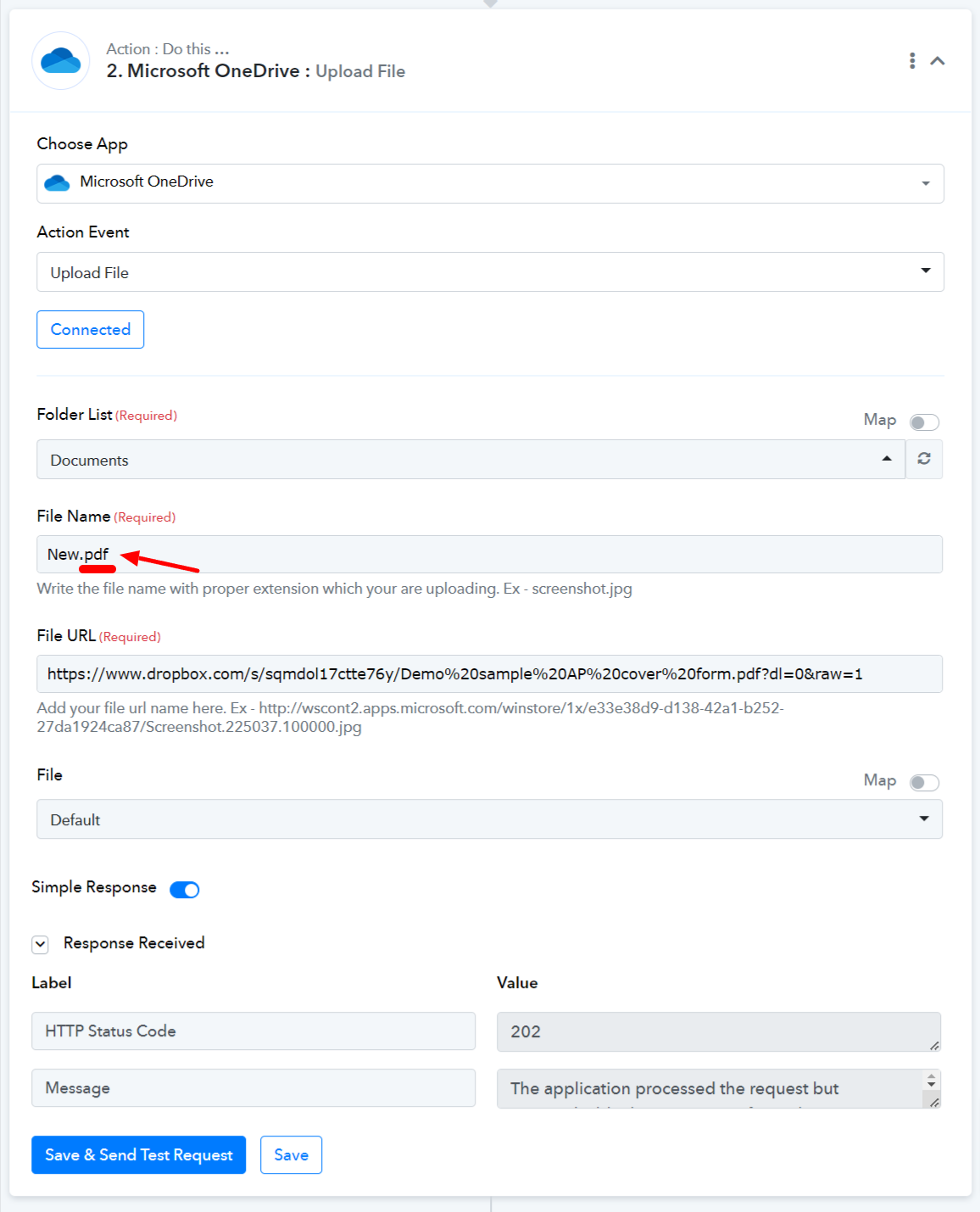
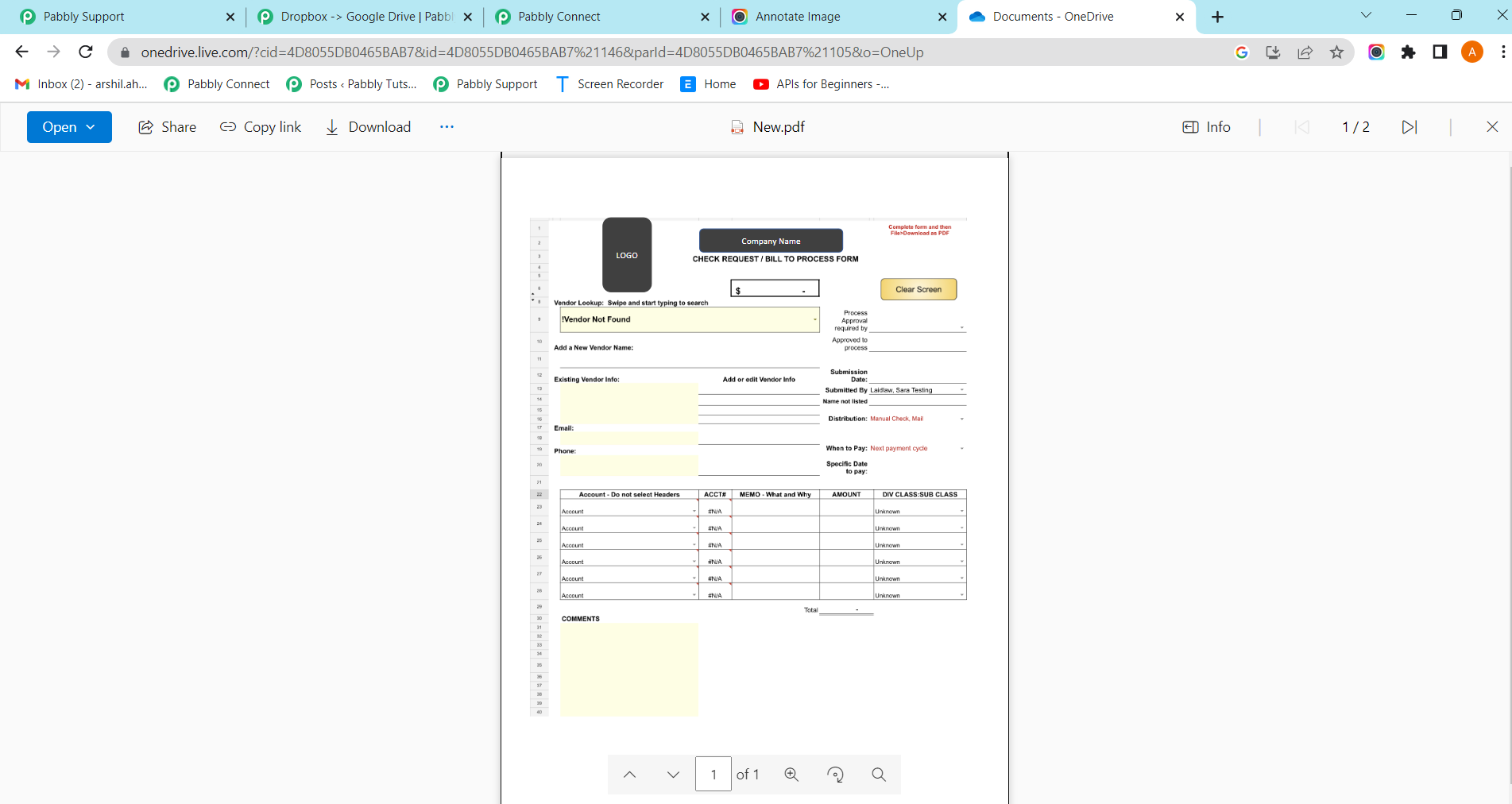
Hey @SaraLaidlaw,I tried uploading this file to OneDrive and was able to do so successfully. Please ensure that you are naming your file with the .pdf extension.
Please grant me access to your workflow by adding me as a team member. This will allow me to gain a better understanding of your issue.
Once you have added me as a Team Member, do let us know the name of your workflow.
Email: arshil.ahmad@pabbly.com
Also, remember to revoke access once your query has been resolved.
Attaching a video for your reference:
It appears that the problem is related to your specific OneDrive account. Regardless, I have made a note of your concern and will ensure that our technical team investigates it promptly. We will provide you with an update as soon as possible.
It appears that the problem is related to your specific OneDrive account. Regardless, I have made a note of your concern and will ensure that our technical team investigates it promptly. We will provide you with an update as soon as possible.
With Microsoft? That would not surprise me. Thank you!
Hey @SaraLaidlaw
Can you please check and enable the downloadable pass file from DropBox?
(Watch the first part of the video for a better understanding)
Hey @SaraLaidlawCan you please check and enable the downloadable pass file from DropBox?
(Watch the first part of the video for a better understanding)
Yes, this is how I configured the automation. It works fine.
When the new file is added to the DropBox folder, it puts a copy in the One Drive folder.
Image files, such as jpg and png, open perfectly in One Drive.
But pdf files can not be read by Adobe. They present as corrupt.
My problem is with pdf files.
Can you share the PDF Link from your One Drive or which you are trying to open?
It opens. Something happens to the file when it is saved in OneDrive.
Though I need to figure out how to make real data confidential.
Since the file is not publicly accessible because the file might not be getting open.