Dropbox — Google Sheets
Status: Open · Asked by Javier Martínez on · 0 views
Good morning, I have been trying to create an automation for more than a year in Zapier and it has been impossible. So I come to try to Make.
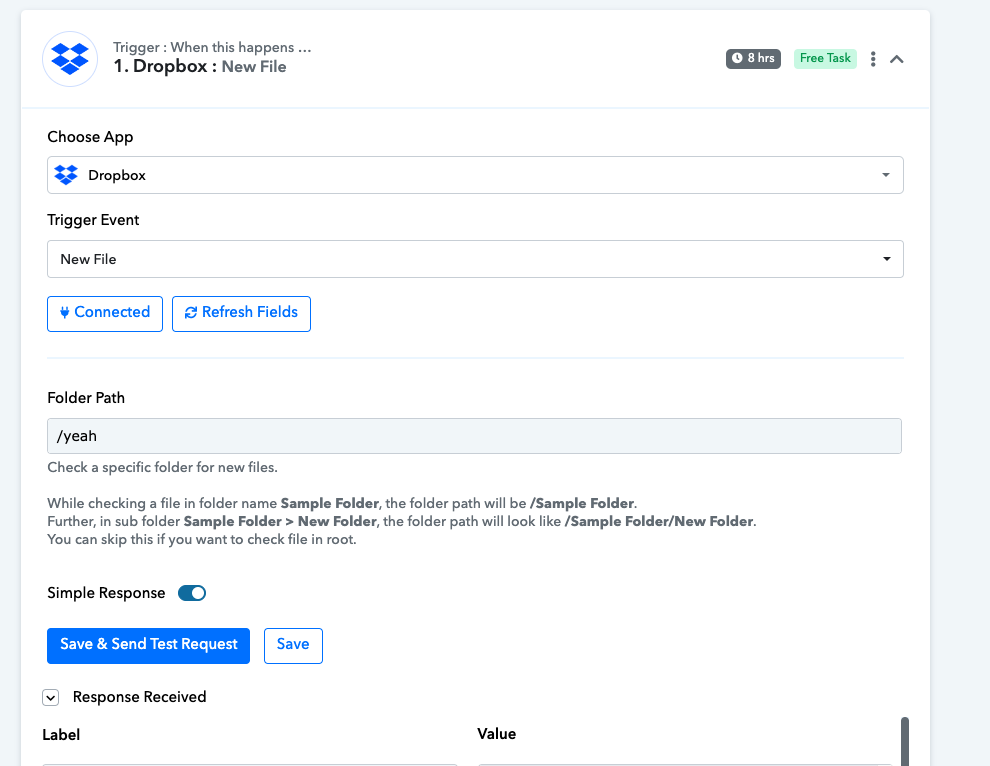
What I want to do is to connect Dropbox with Google Sheets.
The moment an image file is added in Dropbox (for example file name “EXAMPLE_1”) that it searches in a column given beforehand for the name “EXAMPLE_1”. If it finds it correctly, receive the downloadable link of the file from Dropbox and place it in the same row but in another column given beforehand (see image).
[IMG alt="CleanShot 2023-09-18 at 13.49.58"]https://europe1.discourse-cdn.com/business20/uploads/make/optimized/2X/e/e55b25ace95ec5c22f991a99b022183a96f158ee_2_690x131.png[/IMG]
Everything looks good until its time to setup Google Sheets part:
The name of the file in Dropbox is the SLUG (Column B in sheets), but I dont know where to get it update the K column (image field column)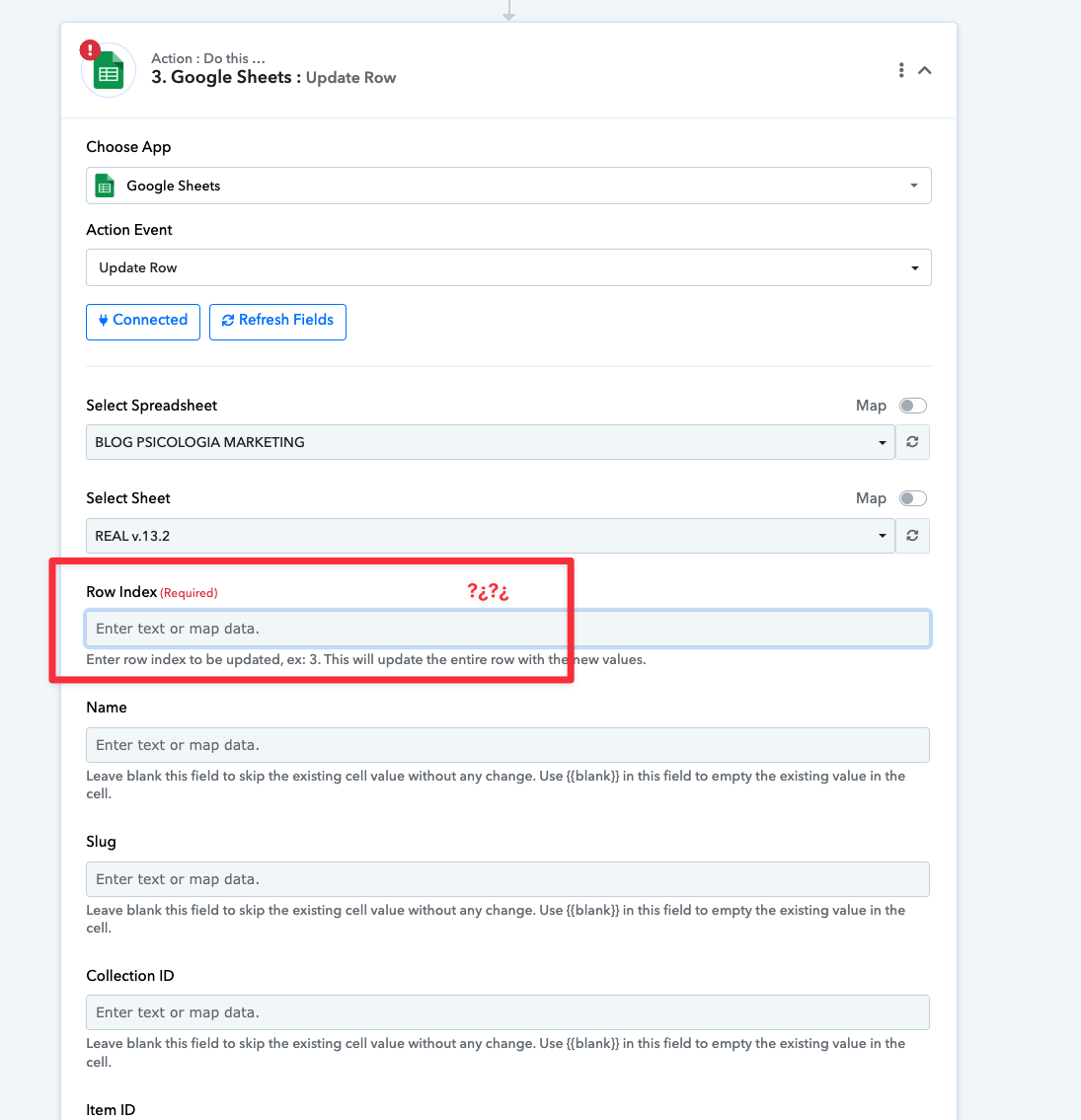
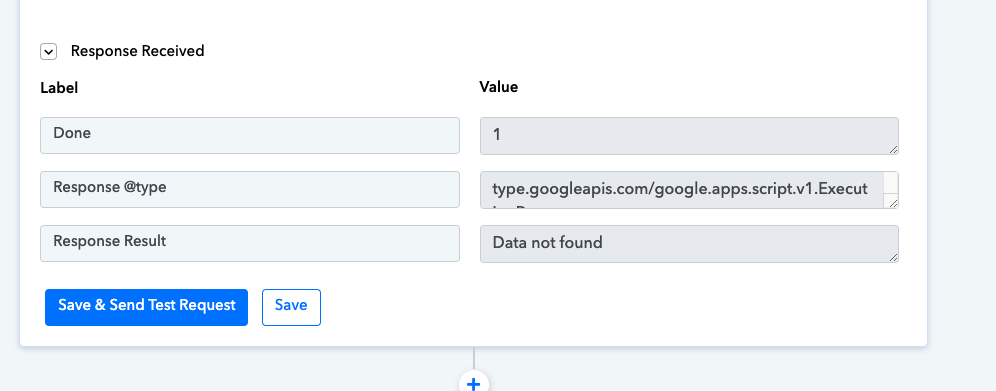
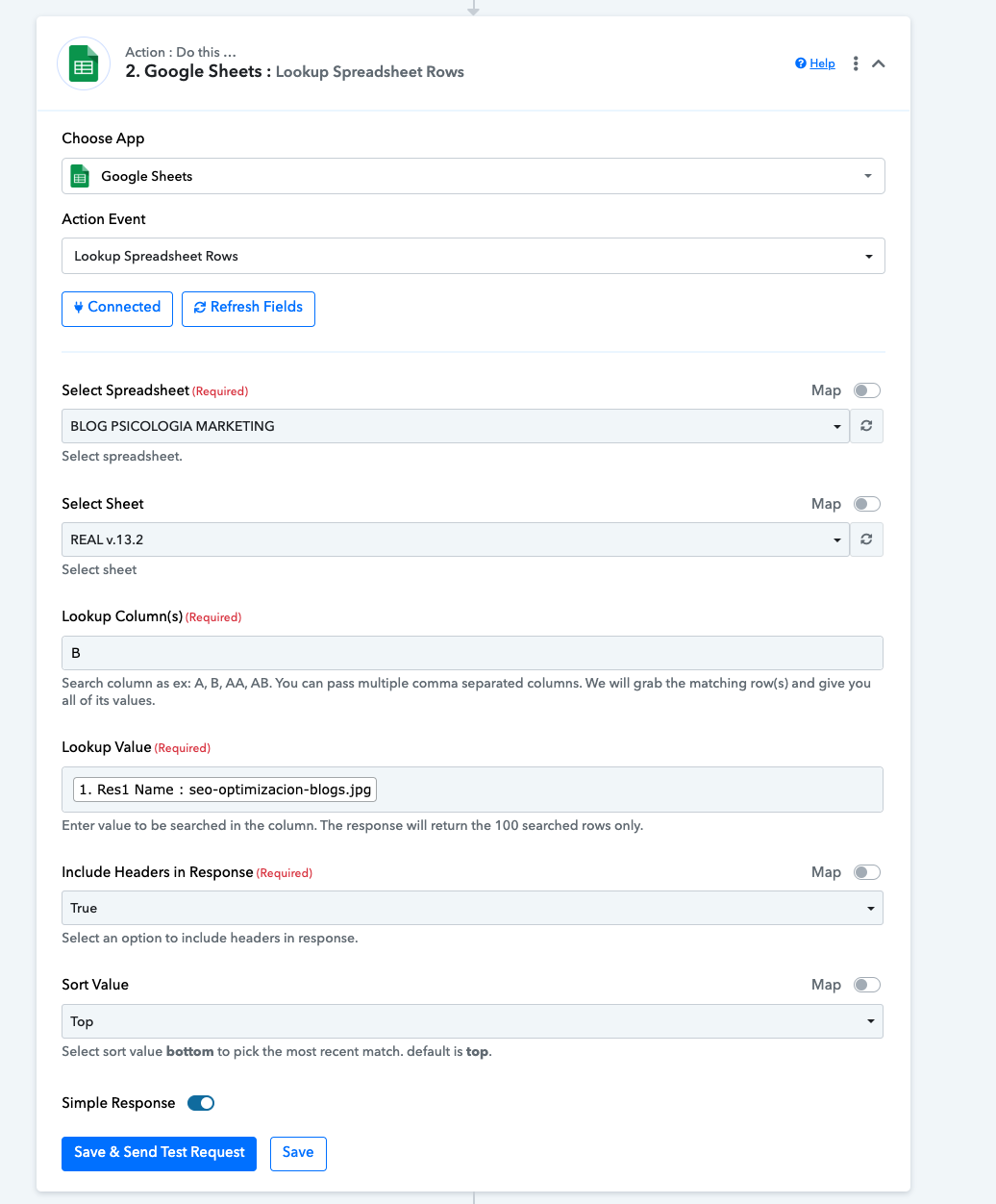
Any thoughts?
Hi @javiermartinez,
It seems like you are now using the 'Update Cell Value' action event instead of the 'Update Row' action event. This is the correct way to achieve your use case.