Dropbox To Google Drive - Not Working
Status: Open · Asked by saltproductions on · 0 views
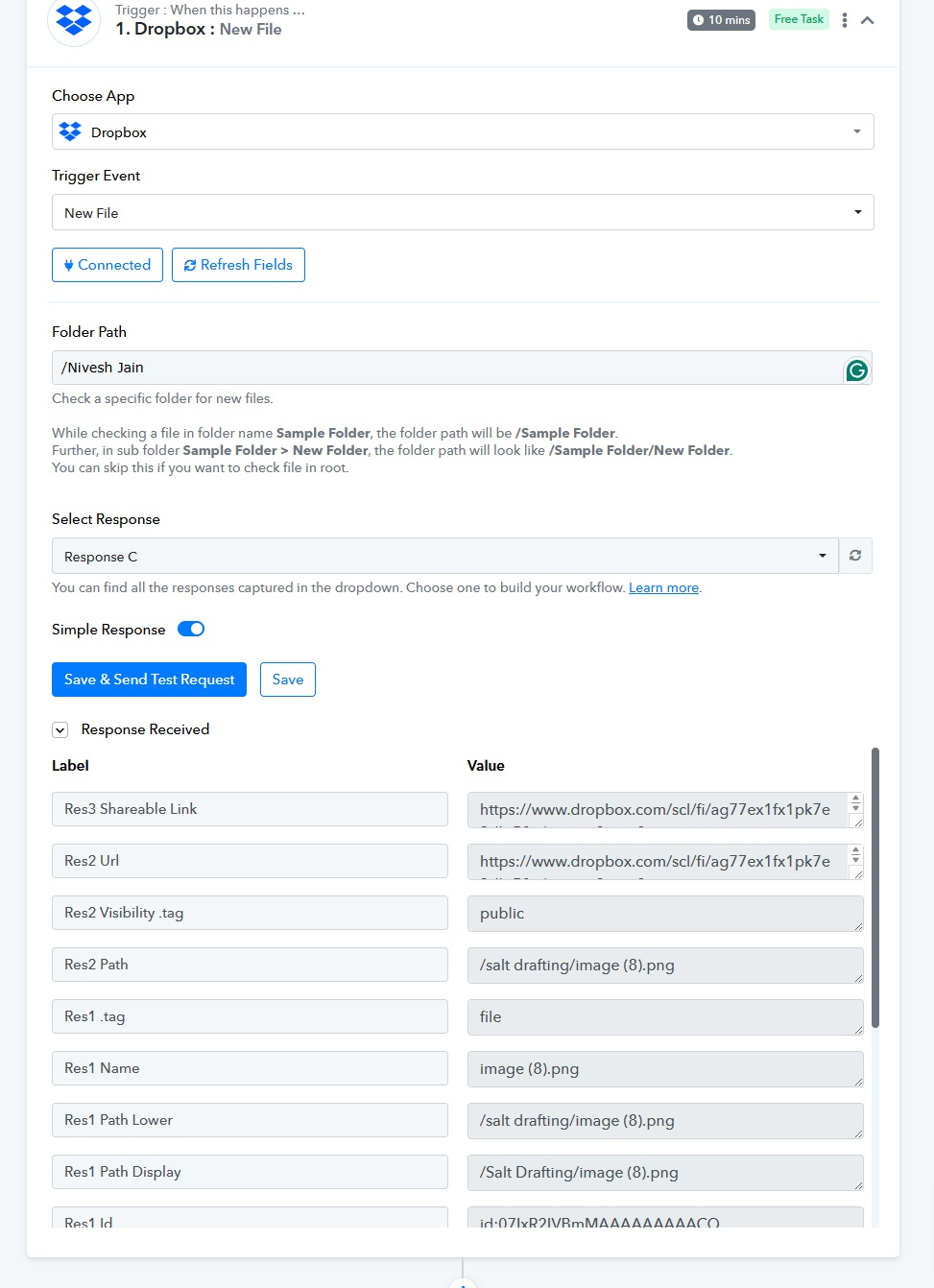
I'm looking for a sync that takes any new files in Dropbox and copies it to Google Drive. The connect I setup does not appear to be working.
Hi @saltproductions,
Please follow the steps provided in the video below to set up Dropbox as your trigger application. Only the first half is relevant for you.
youtube.com/watch?v=DLlZPnVXhB8:182
Then follow these steps to setup Google Drive as your action application and upload a file to your Google Drive. Skip to 09:40.
Thanks! I also seem to have an issue with my folder's path. In DropBox Business, it's simply the below: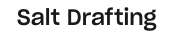
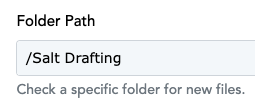
I've copied that directly into Pabbly: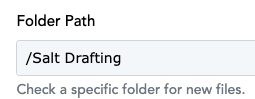
And I'm receiving these errors: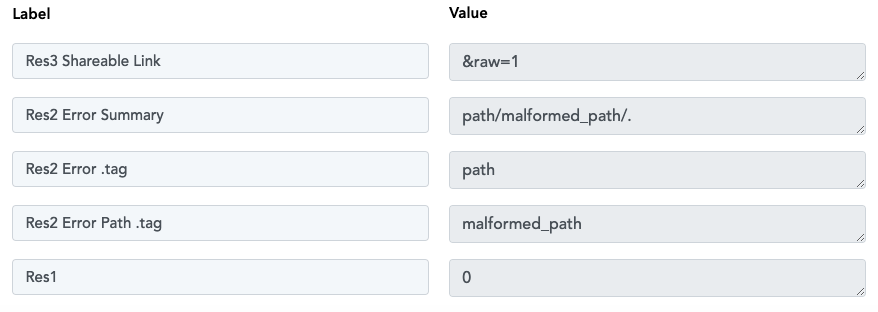
Attachments
Please add some files to the folder whose data you want to capture. Watch the video shared below, which explains how you can fix this issue.
Unfortunately this did not fix the issue. Does this connection work if we are using a DropBox Business account?
Unfortunately this did not fix the issue. Does this connection work if we are using a DropBox Business account?
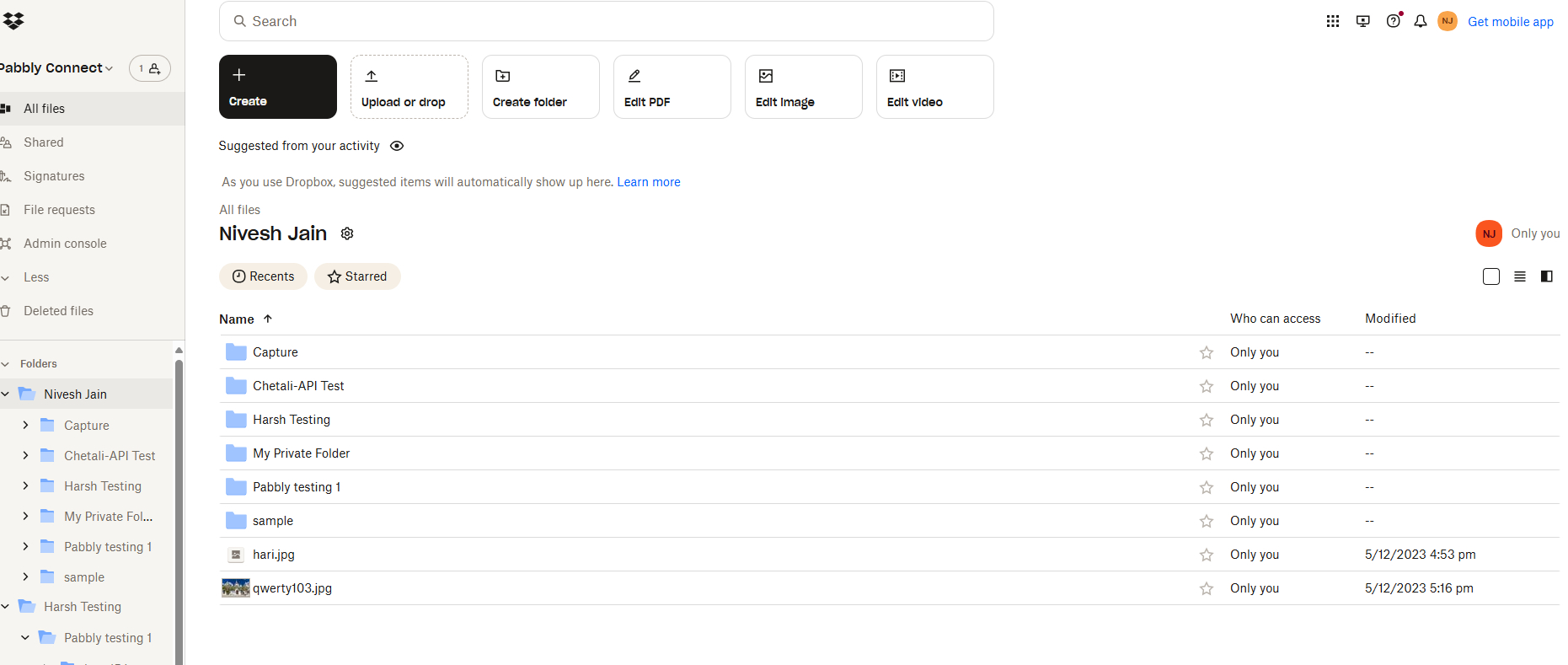
Can you please share the screenshot of your account where the path has been mentioned, so that we can look into it?
Here is a screenshot from DropBox Business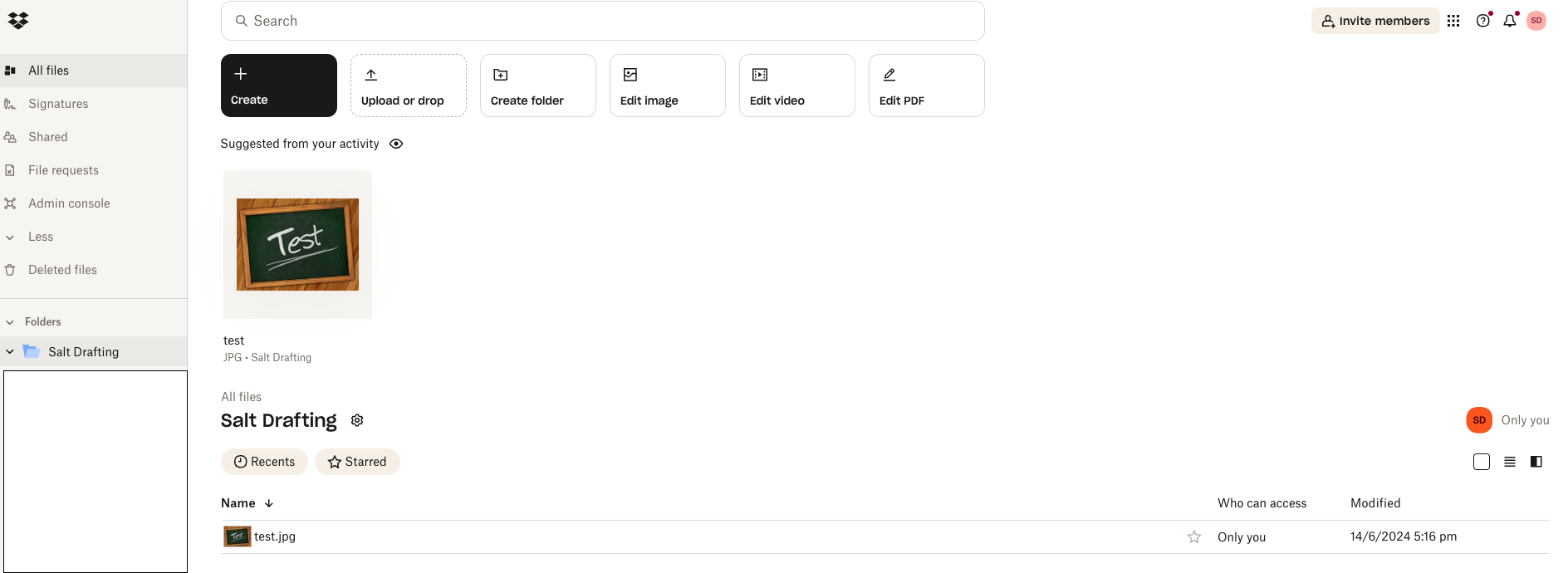
And here is a screenshot from Pabbly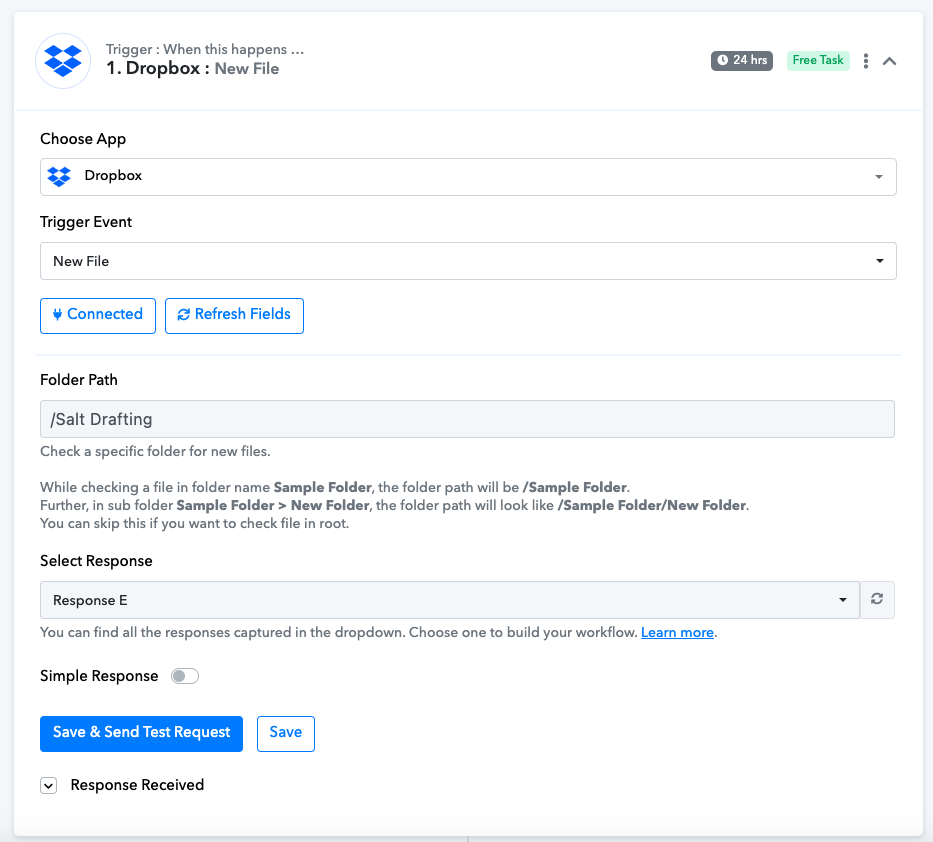
Hey @saltproductions
Can you please cross-check if your are using the same DropBox account to get the new file since the trigger event is performing accordingly?