Dynamic PDF Attachment with 'good' name
Status: Closed · Asked by ian bensley on · 0 views
Hi
I'm trying to send a PDF gift card as a Gmail attachment to people who fill out a form (via web-hook).
I've got everything to work. The only thing that is still not working is I want the PDF to be named what I called it in the upload file stage, or give it some 'nice sounding' name. At the moment, it names it "UC" in the attachment; and before it was naming it "export".
How can I use the original name of the file, or at least a generic name I choose, like "gift-card.pdf"?
See attached file of what I have built so far, plus a picture of what currently it sends. The workflow is called "Create Dynamic Giftcard" in my account.
Attachments
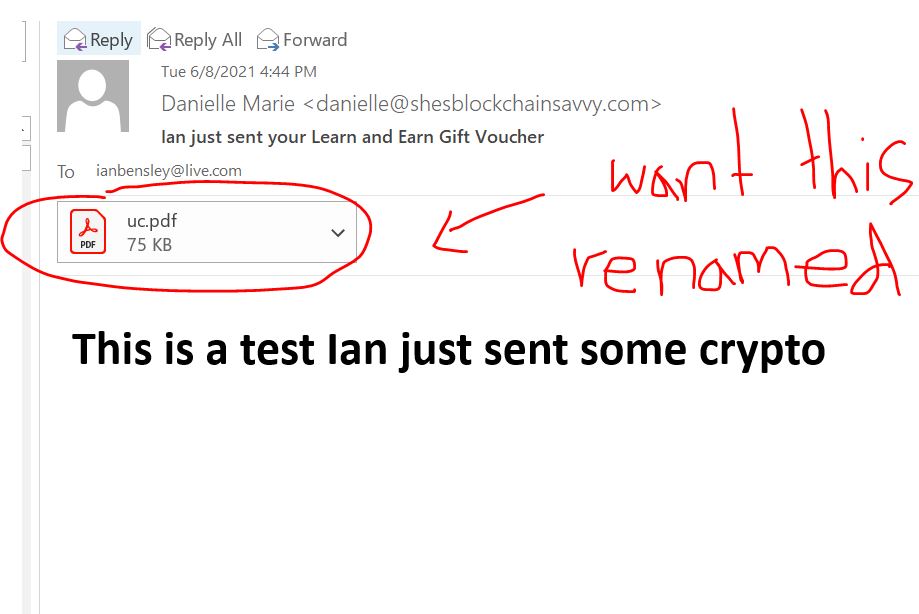
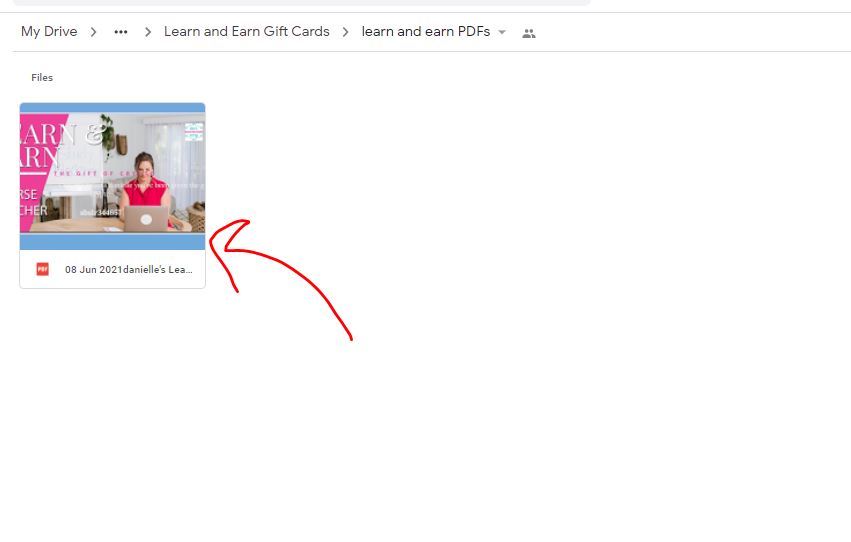
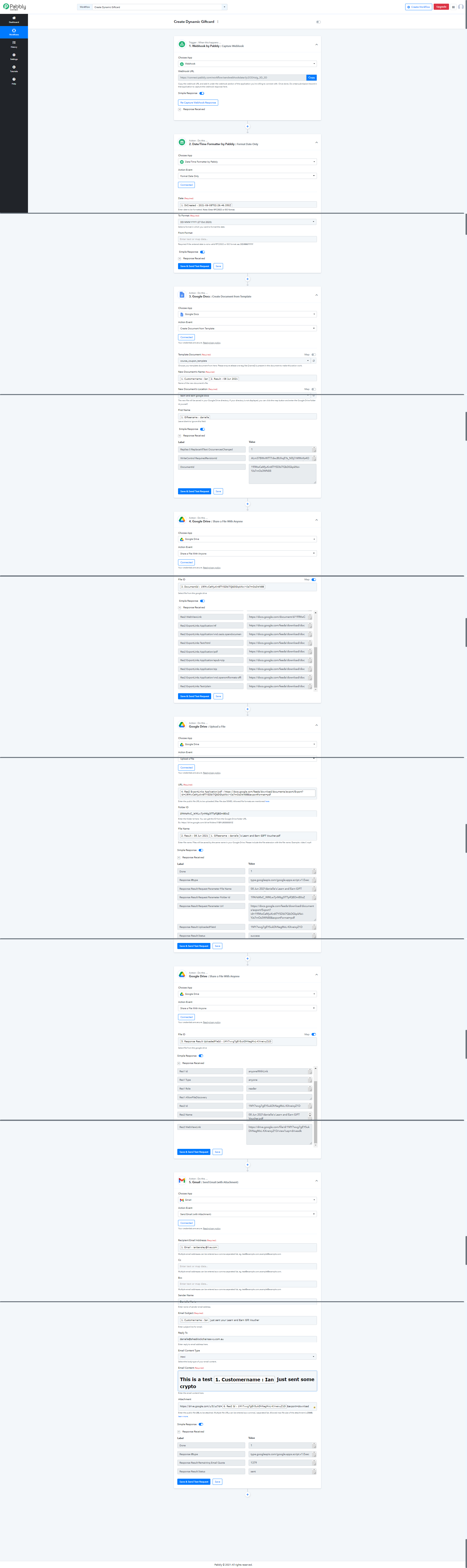
As of now, we don't have the option for renaming the PDF created. We have shared this requirement with the integration team and they should be able to provide this option in the next update.
We will make sure to notify you once the option for renaming is available.
Oh no worries; thank you for looking into this :)
We have added an action event in Google Drive for renaming the files -
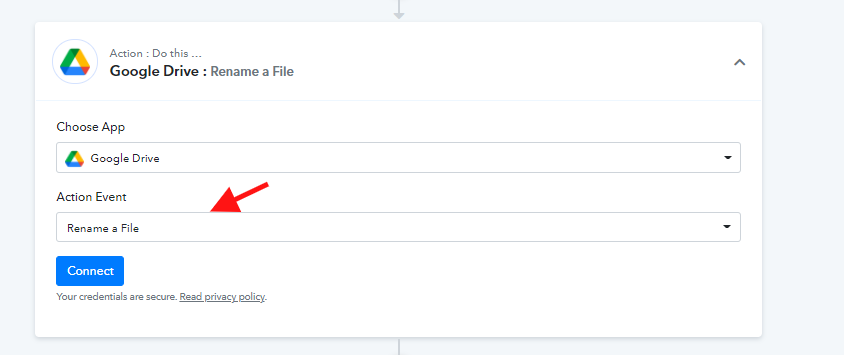
Thank you, I'll take a look at this (will be useful for a future project). However, I need to email this as a PDF attachment via "Gmail task", so it will still be named 'export.pdf'
We have added the option to provide a Name to the attachment as well. Now the "UC" issue should not appear anymore. Please check at your end -
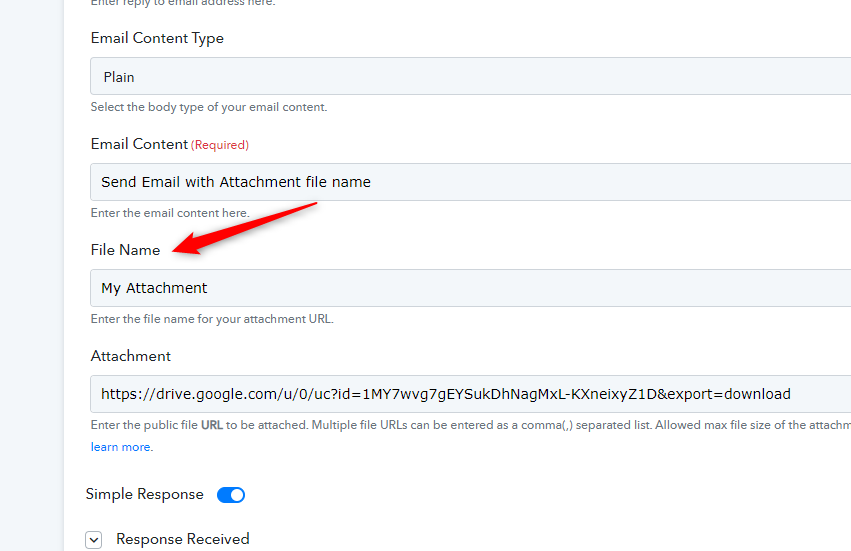
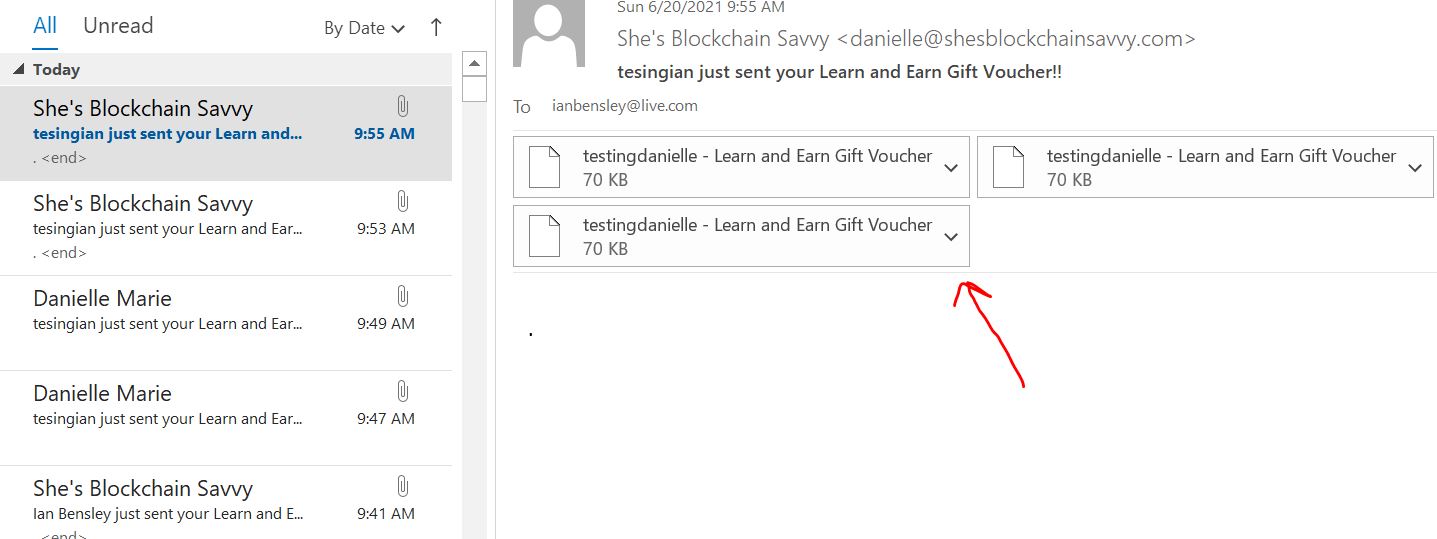
Hi, are you able to look at my workflow. It is re-naming it fine; but instead of attaching PDF's It is exporting "file" type. i.e. some unknown file type.
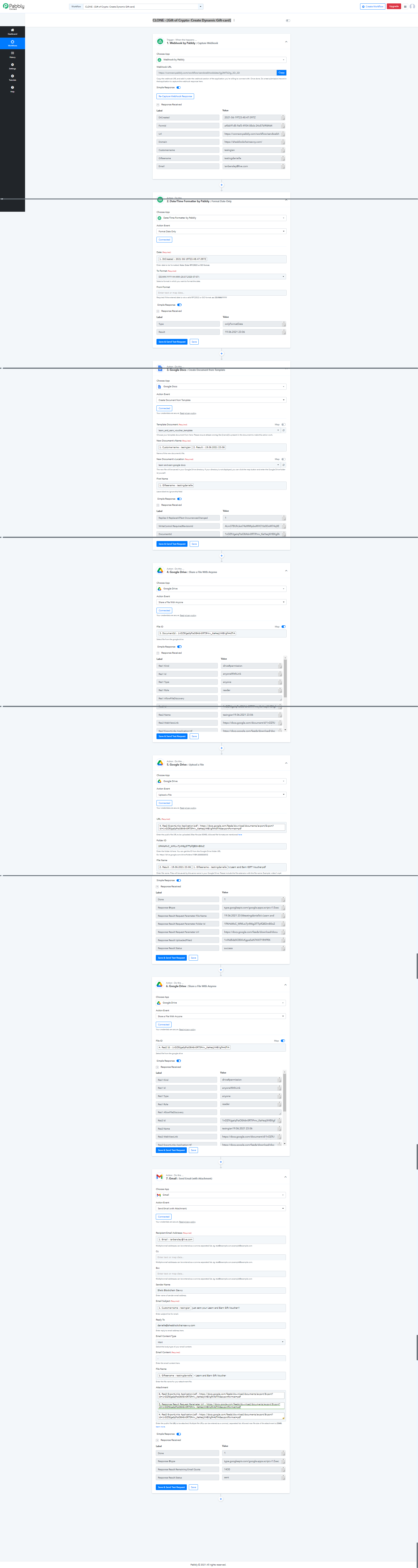
The workflow where I'm testing is called "CLONE - [Gift of Crypto- Create Dynamic Gift-card]"
see attachment of what is coming through. I've tried a couple of the steps to get it to work. (only need to send one file FYI).
Thank you
Ian
Attachments
Can you share screenshot of what you passed in Attachment field -
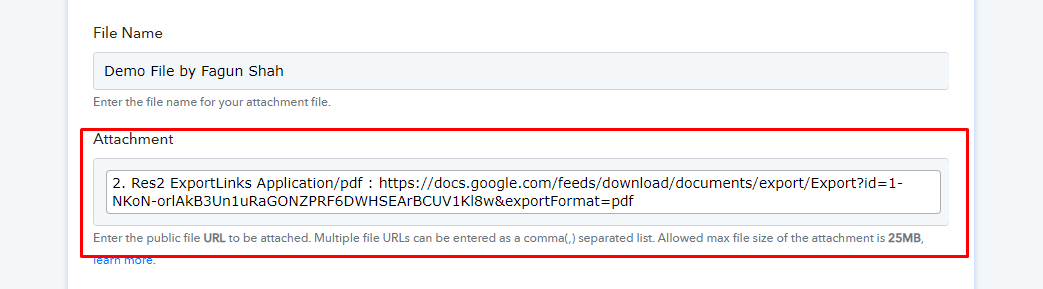
I've tried each of these individually as well... I just need to be able to send one of these files as a PDF.
Thank you
Ian
Attachments
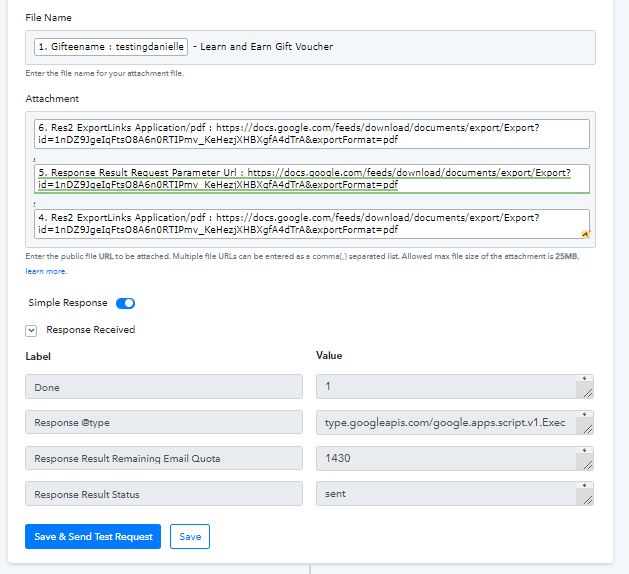
I think this the issue, add .pdf after filename without spaces - 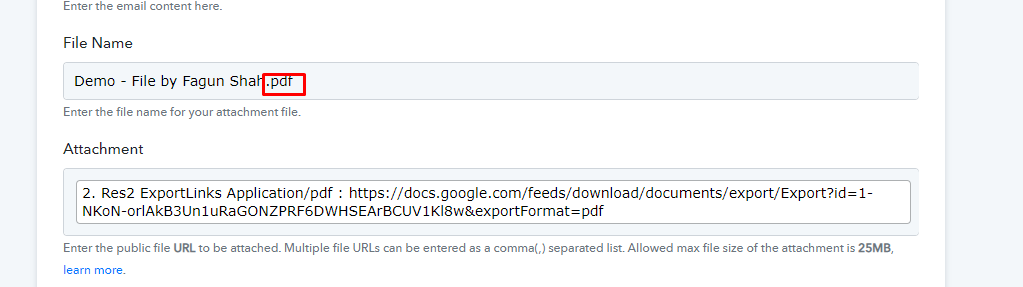
full workflow
Attachments
Thank you this is resolved using your suggestion of adding ".pdf" to the end of the file's name in the last step.