e-Goi integration is not working
Status: Open · Asked by vascomarques on · 0 views
Hi
The egoi integrations is not working
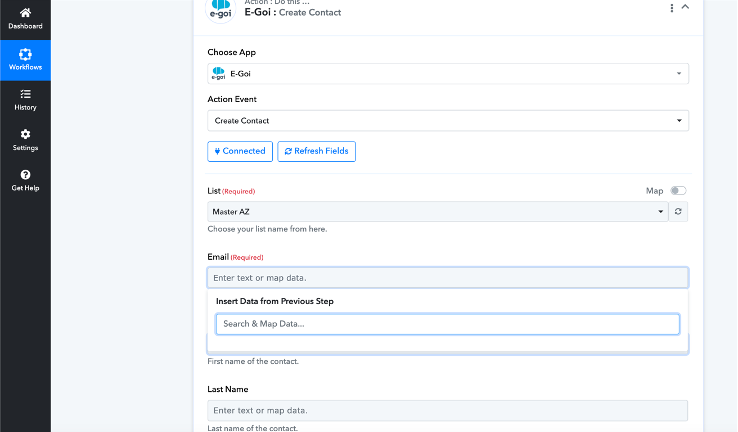
I can map fields, please see image
Attachments
Hi @vascomarques,
Could you please share the Workflow URL in which you have this concern?
Based on the workflow you have shared, it seems like you haven't captured any response in your trigger step, which is why there is no data that could be mapped to the E-Goi application.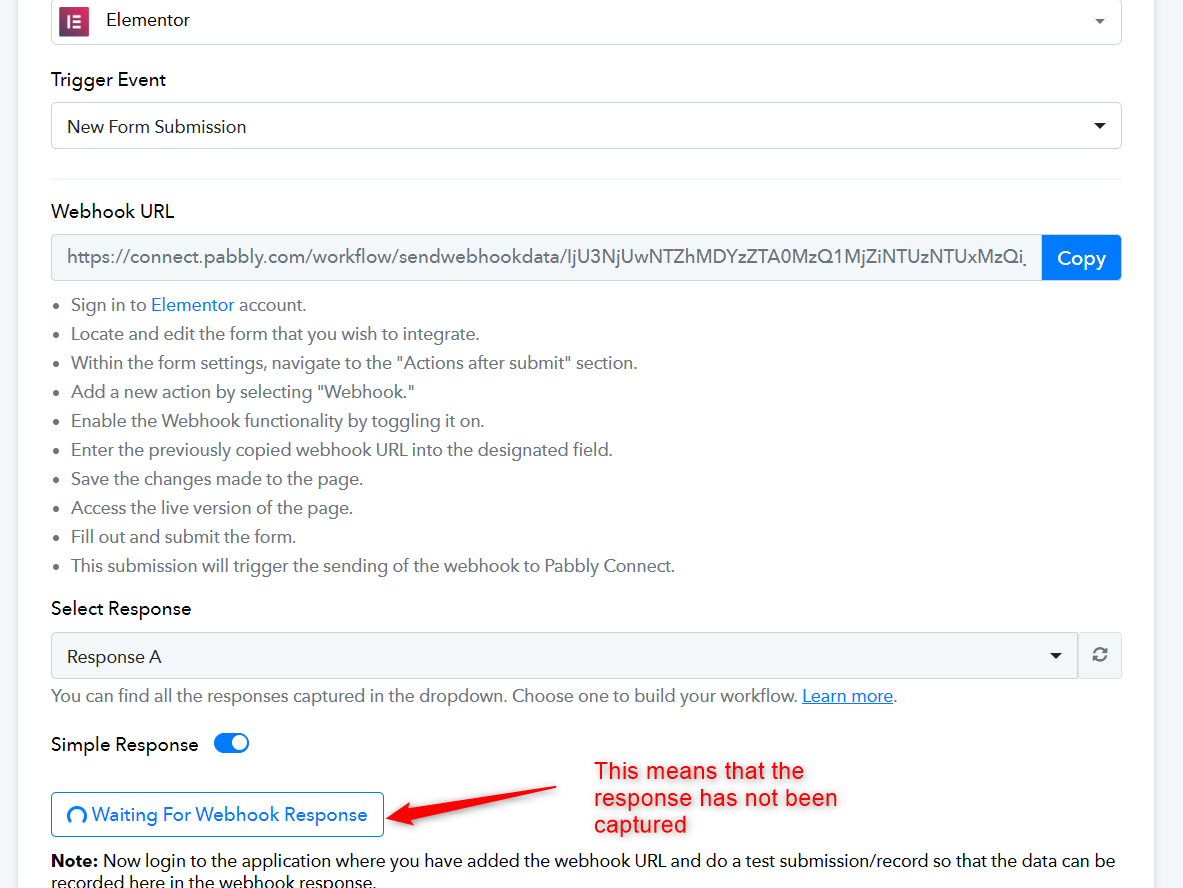
Please follow the steps given in the video shared below to setup your Elementor form trigger step and make a test submission to capture the response in your trigger step.
Thanks, now I can map fields, but with errors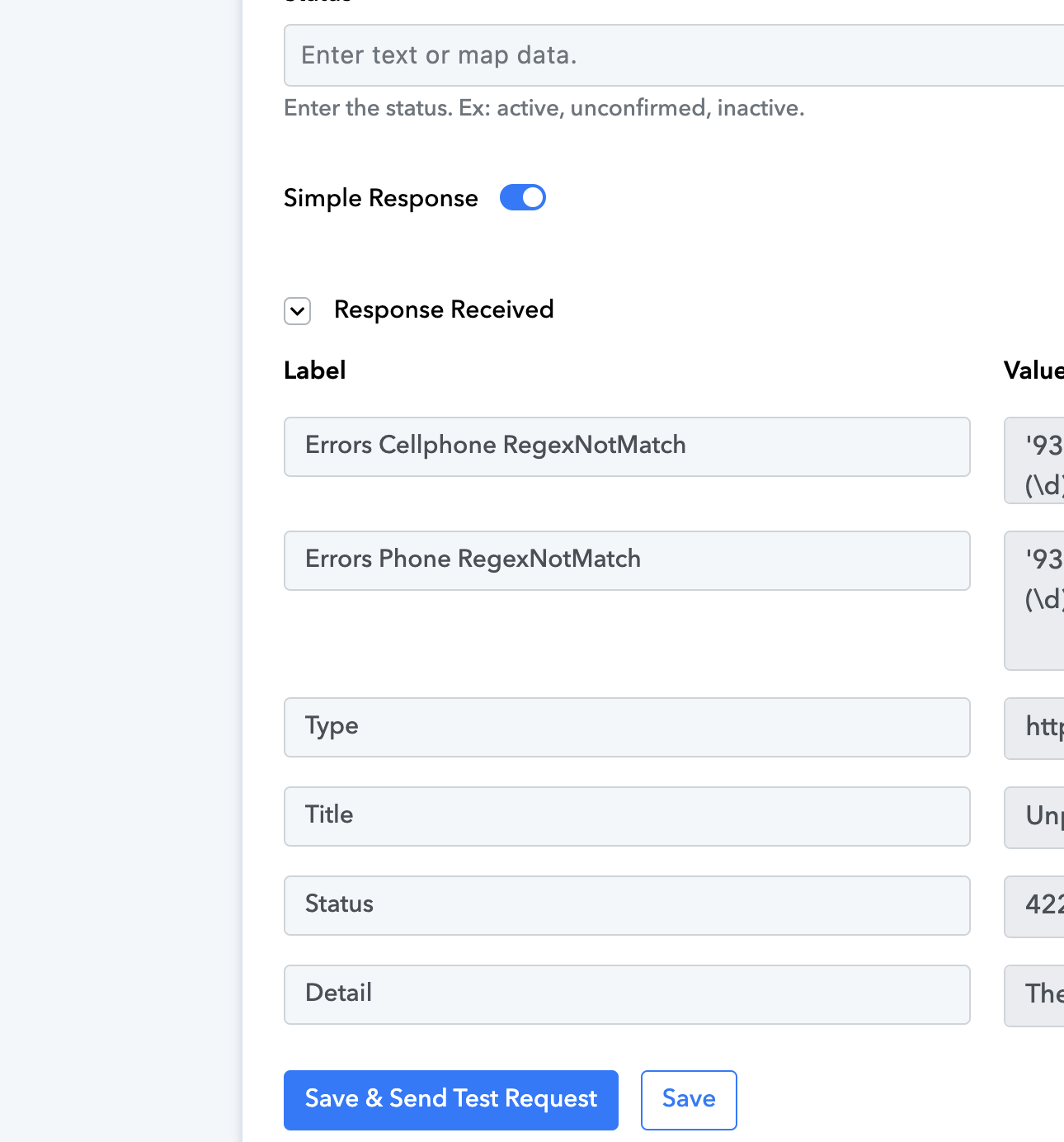
It seems you are trying to map a 9-digit phone number, which is invalid. Please make sure to map a valid phone number and see if that fixes your issue.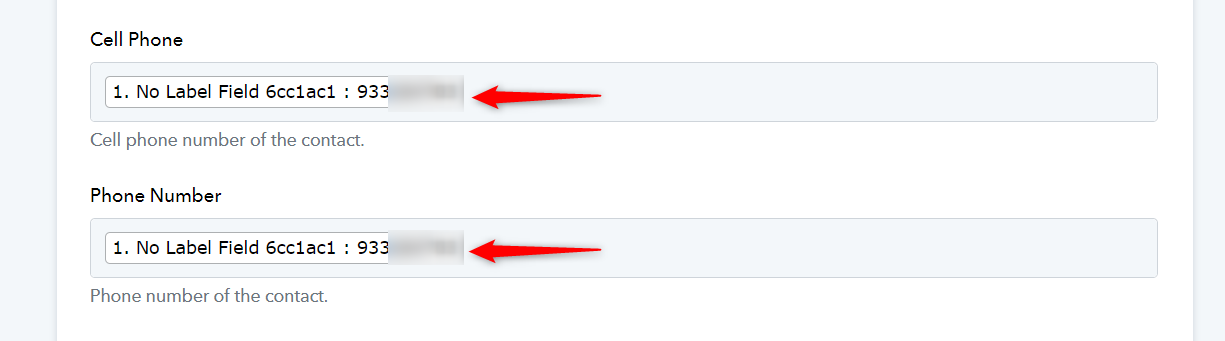
In Portugal the phone number has 9 digits, is correct.
the conutry number is +351
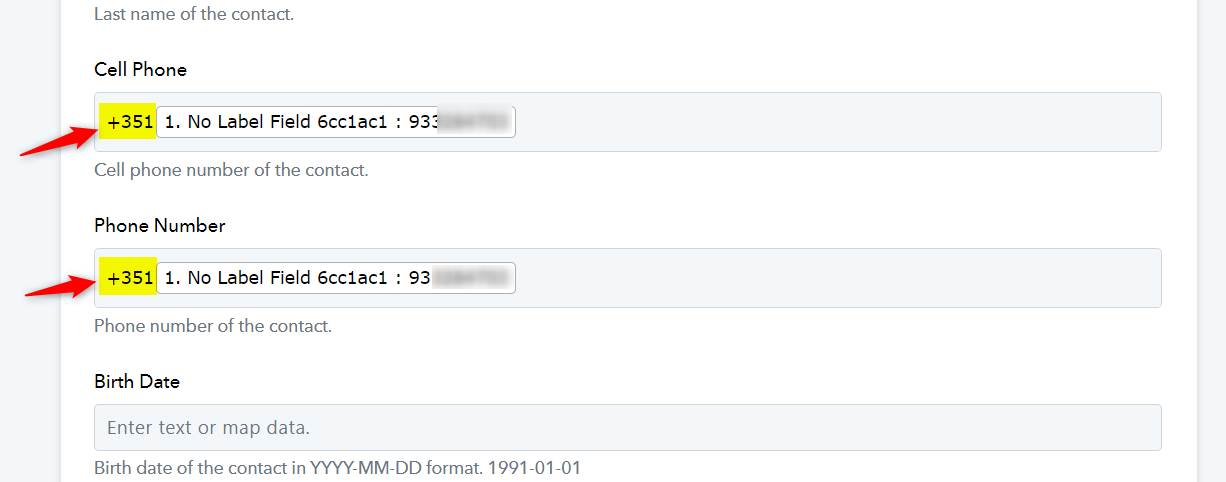
Could you please try entering the country code as a prefix to see if that fixes your issue?
All the leads dont have country code. The users only type their mobile phone without code.
To avoid such a situation I have added the Number Formatted action step which will add the country if there is not and if it's coming then it will pass the number accordingly.
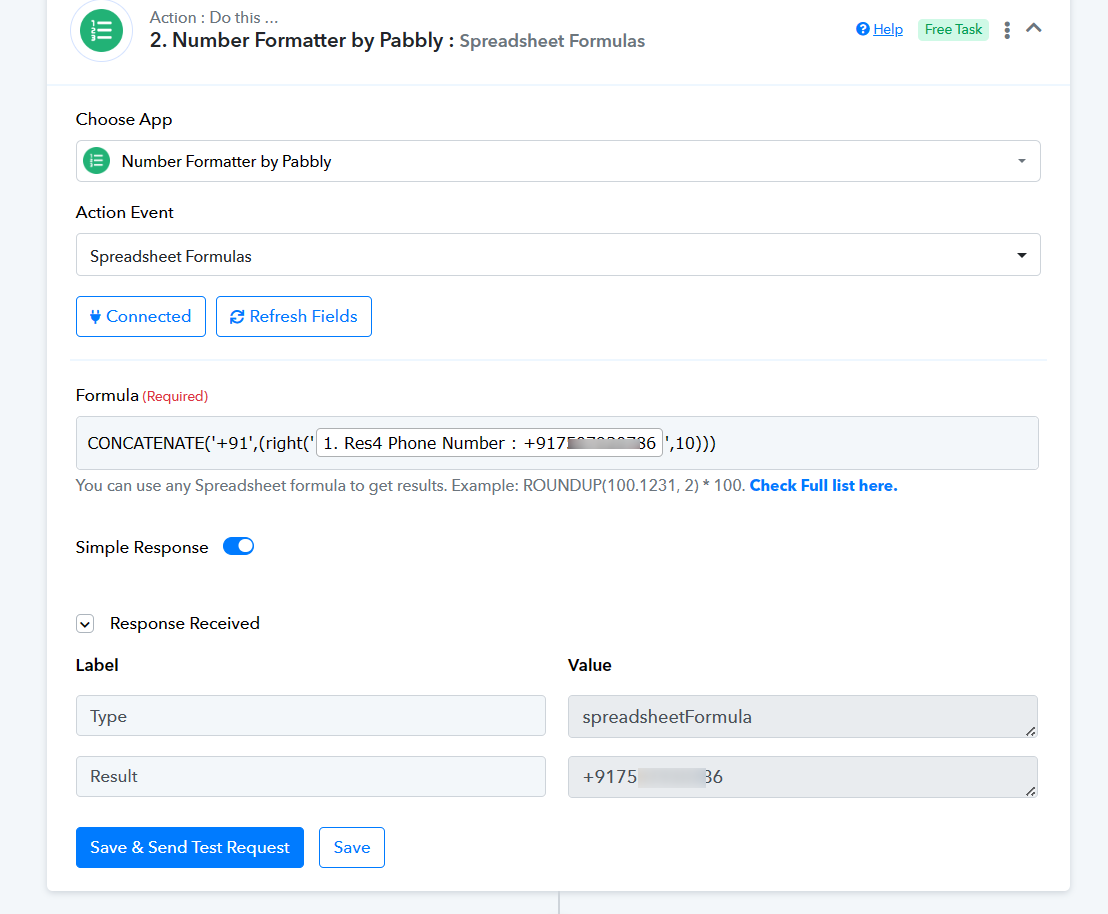
Thanks
Which country was added? Should be by default Portugal +351
Which country was added? Should be by default Portugal +351
Instead of using +91 and use +351, it should work accordingly.
I cant find any country code
https://connect.pabbly.com/workflow/mapping/IjU3NjUwNTZhMDYzZTA0MzQ1MjZiNTUzNTUxMzQi_pc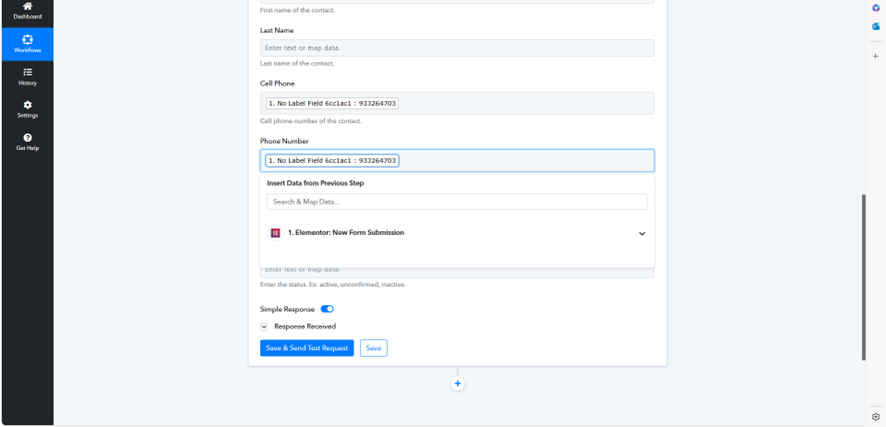
This automation is not working
I just tested is this LP https://master.vascomarques.com/marketing-digital-a-z/
That should trigger an email and whatsapp message, but is not sending new contacto the list on Egoi
C
This automation is not working
I just tested is this LP https://master.vascomarques.com/marketing-digital-a-z/
That should trigger an email and whatsapp message, but is not sending new contacto the list on Egoi
Regarding your concern, please try using the new connection and then check again.
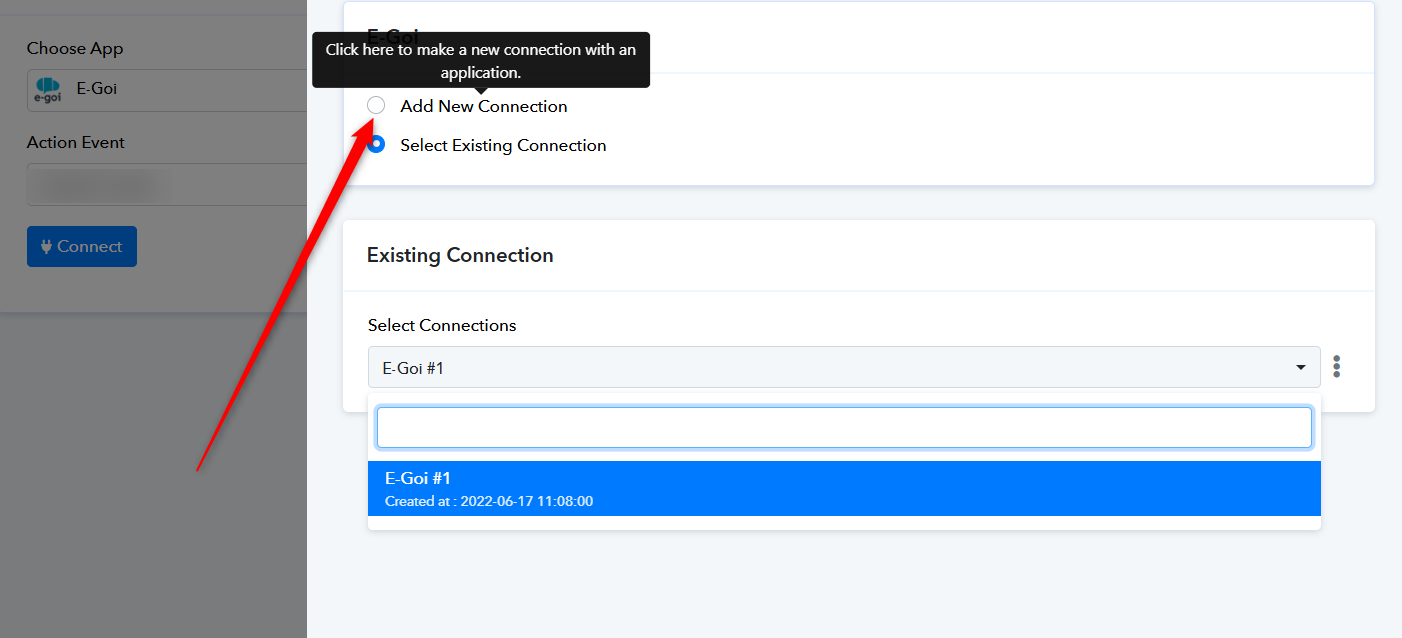
Just done that. Still not working.
Having this error
{
"errors > cellphone > regexNotMatch": "\u0027933264703\u0027 is not a valid phone format (/^(\\d){1,3}-(\\d){4,20}$/)!",
"errors > phone > regexNotMatch": "\u0027933264703\u0027 is not a valid phone format (/^(\\d){1,3}-(\\d){4,20}$/)!",
"type": "http://www.w3.org/Protocols/rfc2616/rfc2616-sec10.html",
"title": "Unprocessable Entity",
"status": 422,
"detail": "The server understands the content type of the request entity, and the syntax of the request entity is correct but was unable to process the contained instructions"
}
Please enter the country code before the phone number in this manner and try again.