Elastic Email Content Parameter Error
Status: Closed · Asked by rommel on · 0 views
Hello,
I'm employing Elastic Email to dispatch transactional emails containing pre-populated information to our form. However, I'm encountering an "Incorrect Format" error.
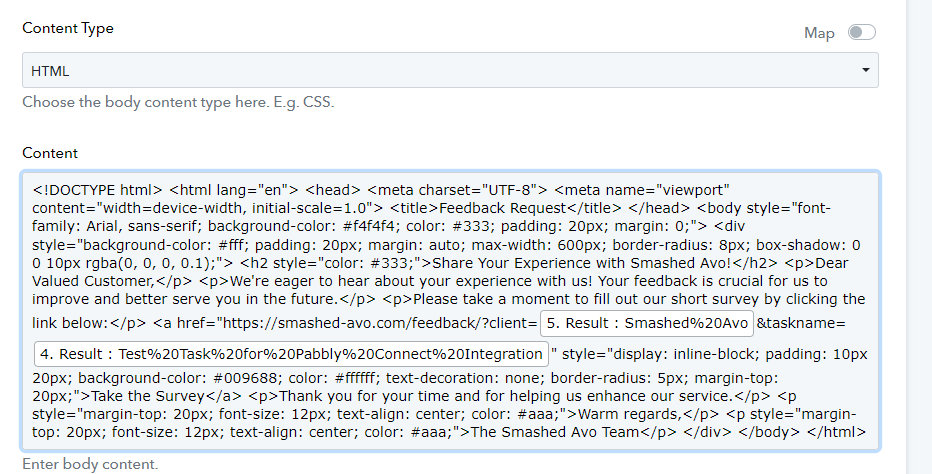

I've checked the code in HTML viewer and it is working fine. Any thoughts?. Thank you
Hey @rommel
Kindly provide us with the workflow URL in which you are getting an issue.
So we can check on it and guide you further.
Hello @Arshita.
Sorry for late reply
Here is the workflow link: https://connect.pabbly.com/workflow/share/D0cFNwRTVDdUHgRuBlVUc1tPAARTCQM-UElVR1JdAXlSCFU-AkMIYloWAiBVGlMyVh8FbwZaUGlfSwIGAVdTIAEbBQdQU1UvUh8JcgBRCjkPUQUtBGU#
Im really having a hard time to create custom template in HTML using Elastic Email.
Thank you.
You can change the content type from HTML to Plaintext. Please refer to the 2nd part of the below video tutorial and try again:
youtube.com/watch?v=r0PjuP8mQyc
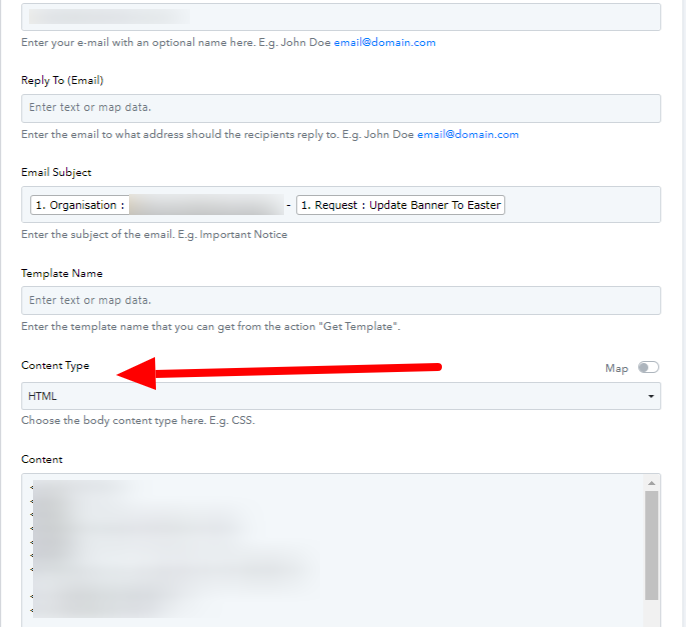
@Arshita i changed it to Plain text and still the same error occurs.

I noticed that if i remove the button with css style and hyperlink the email works.
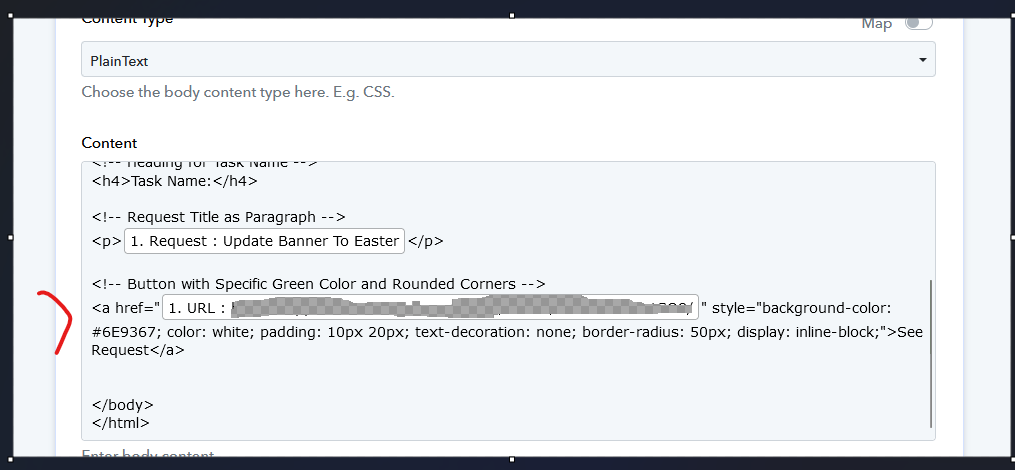
The sample video only uses only plain text and without custom style. I want to add design in my email template just like what i can do in zapier.
Hope you can help us for this. thank you.
In addition,
I've also checked our Old flow with elastic email on it and they are working fine but deprecated.
Here's the screenshot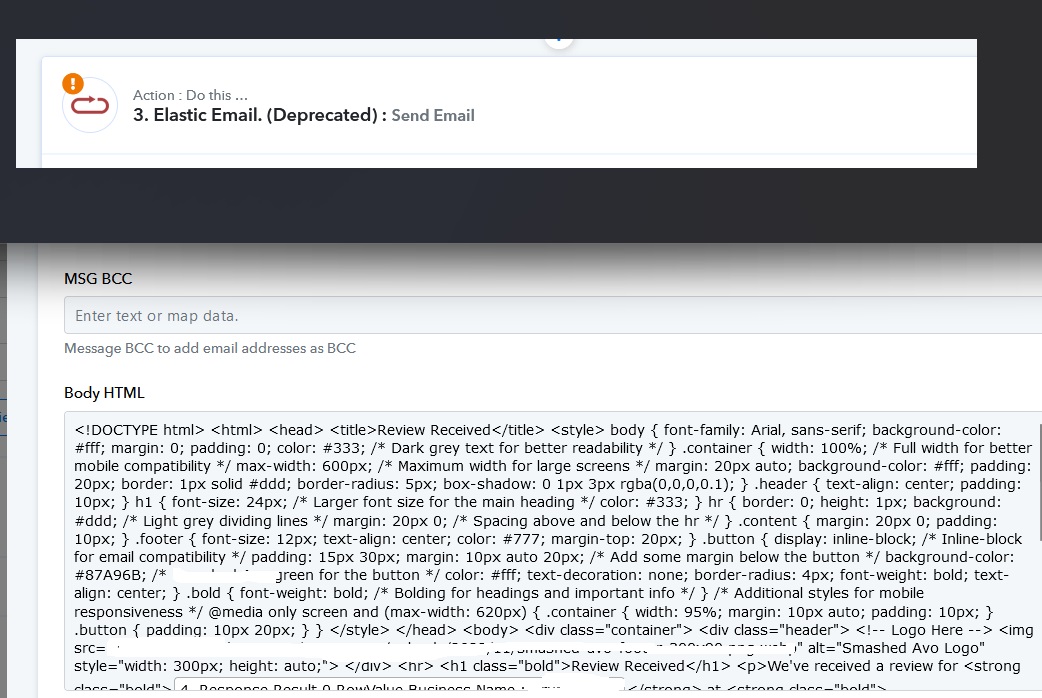
As I can check now your "Brunetti Site Support Widget" workflow, it appears that you have successfully entered the message in HTML format, and your action step is functioning properly.
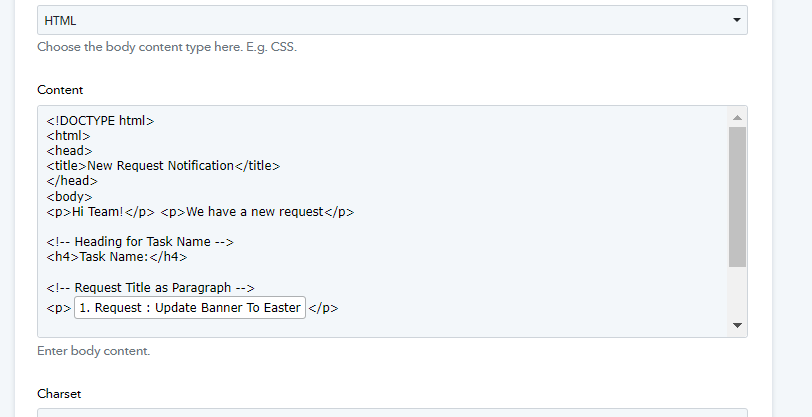
@Arshita It displays a parameter error when I attempt to add this button along with its styles.

The previous version of Elastic Email functioned flawlessly, but it appears to have encountered issues following the recent update.
As per my observation, when you are passing the message in HTML format, you have selected plain text, which means in plain text, you need to keep your message body without HTML.
Additionally, in the workflow, I am unable to find this email format, so I am unable to test it.
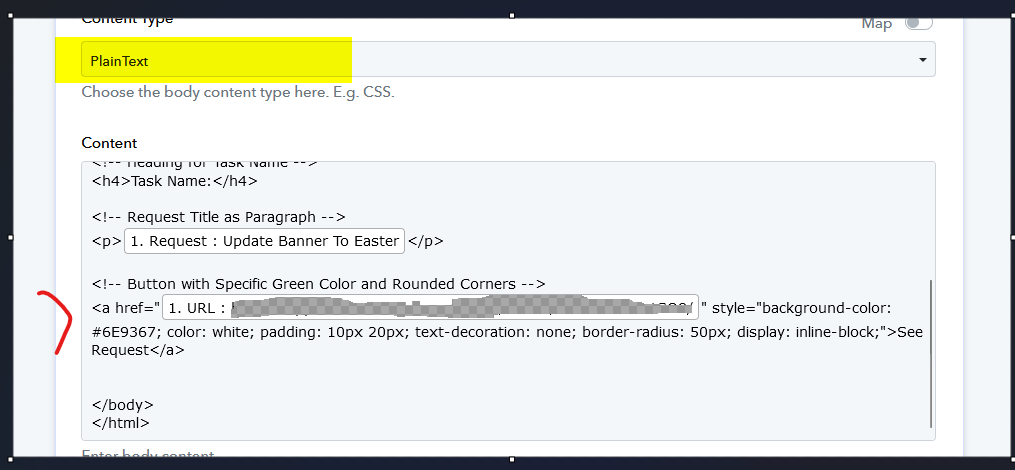
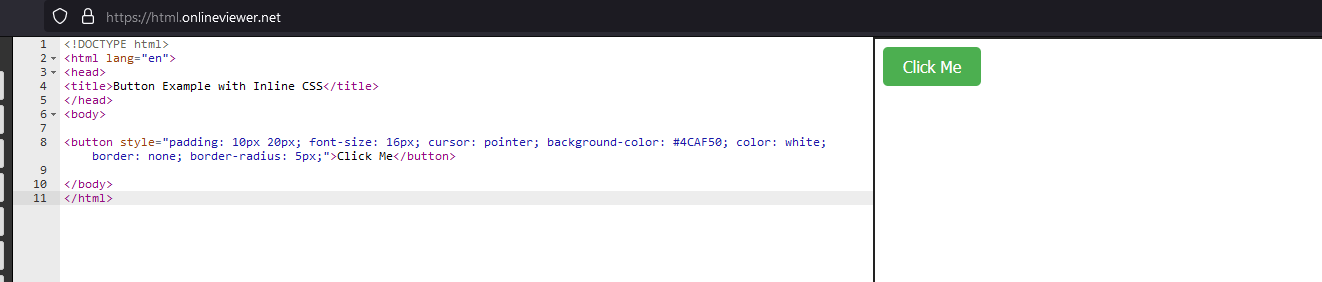
Hi @Arshita. I created new test workflow. Used elastic email HTML and added inline css for button style.
Here's how it looked
However, when i added this into content. It shows parse error.
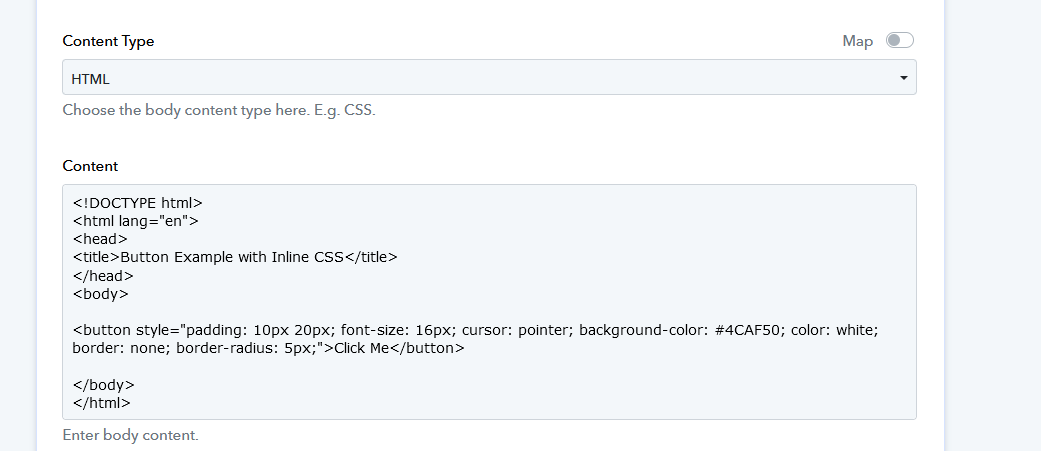

Here's the workflow link
Hey @rommel
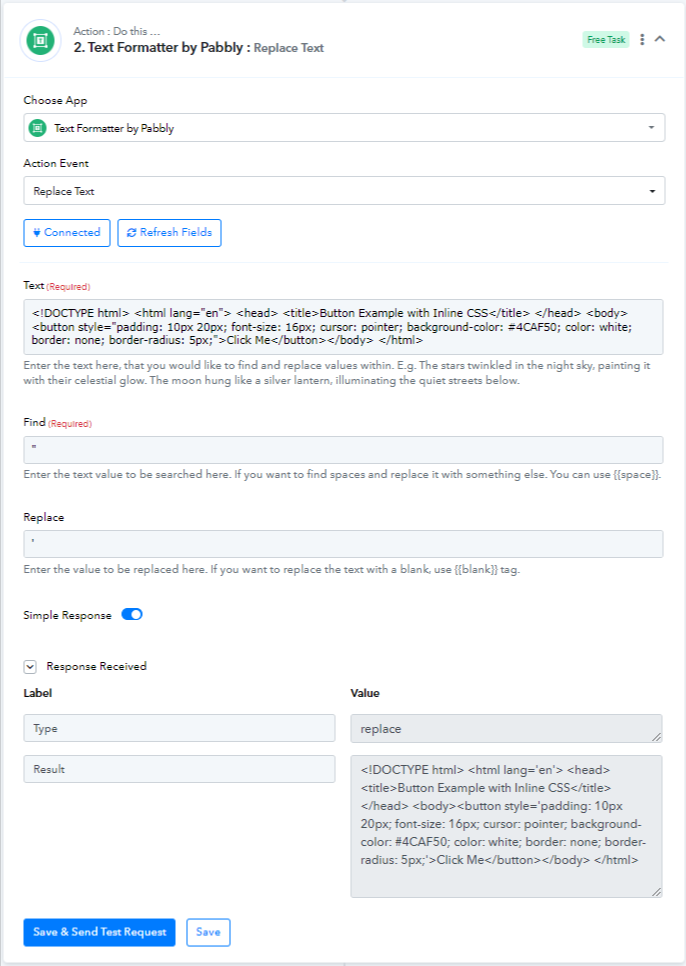
We have added the "Replace Text" action step to replace the (") with (') and it is working fine.
Please try this approach from your end and test it out.
Thank you @Arshita. It works.