Email attachment
Status: Closed · Asked by mr33 on · 0 views
My use case is
(1) forwarding a pdf document attached to an email to Parsio.io inbox - ✔️done
(2) parsing the attached pdf document using Parsio.io - ✔️done
(3) saving parsed data to google sheet using Pabbly - ✔️done
(4) sending an email (body of email populated using parsed data) using Pabbly - ✔️done
(5) renaming the pdf document stored and attach the renamed pdf document to an email using Pabbly then send via Sendinblue - :confused: not sure
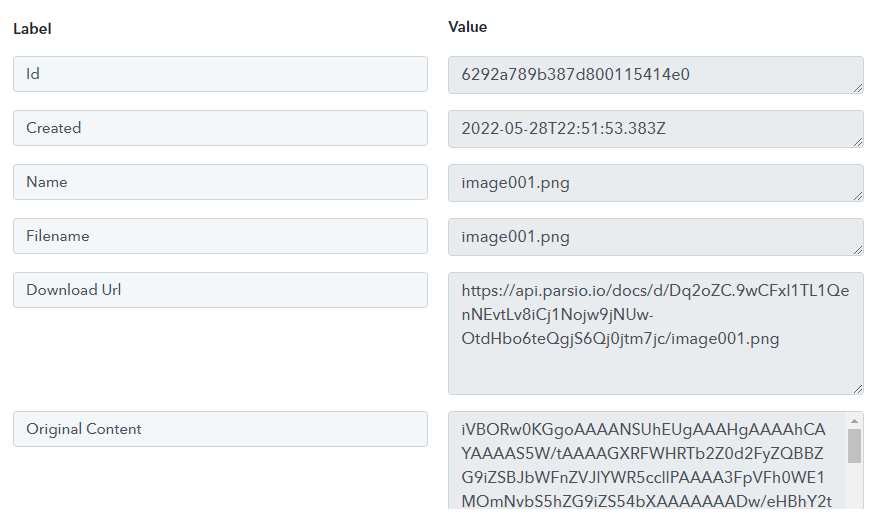
I am stuck on step (5) as Pabbly does not seem to grab the url to the pdf document stored by Parsio. And I am not sure how to rename the pdf file and attach to an email sent via Sendinblue.
https://parsio.io/blog/email-attachments-to-google-drive/
It would be great if someone could help. Thanks.
Hey @mr33
(5) renaming the pdf document stored and attach the renamed pdf document to an email using Pabbly then send via Sendinblue - :confused: not sure
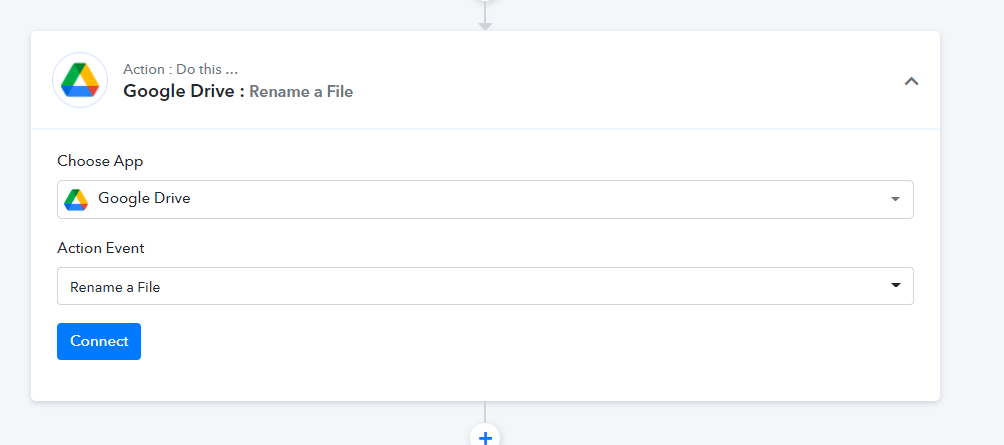
After uploading the PDF attachment to your Google Drive then you can use the "Google Drive: Rename a File" action step by passing the Id.
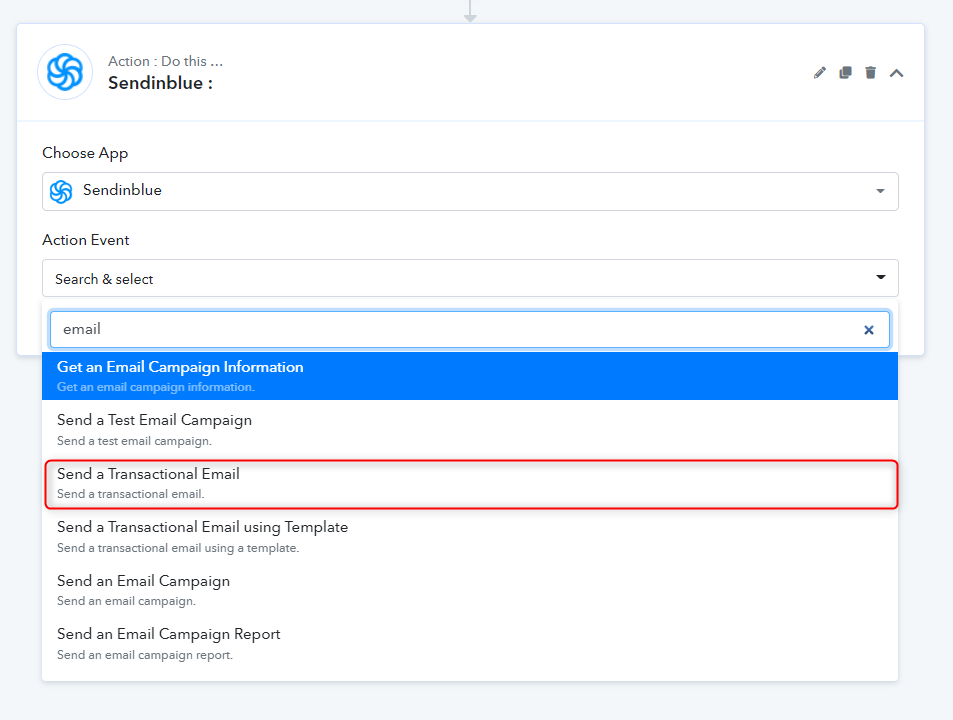
Then you can map the renamed attachment field in the "SendInblue: Send a Transactional Email" action step.