Email formatting keeps slipping
Status: Closed · Asked by Durkis on · 0 views
Hi, this automation is having trouble formatting the third email, step 18. I have recreated the email completely three times, and even sent it sucessfuly, but it keeps reverting to this and outputting unformatted text. Any suggestions? the other emails are well behaved.
Hey @Durkis
As we can see from your workflow, it's history logs and we couldn't find any error or any wrong input. Kindly tell us if you have made any changes to it or have you already corrected it by yourself.
I did correct it twice, but it kept getting corrupted again, even when I deleted the step and started again. Here's how the email looked. I wont have a chance to look at it again until tomorrow afternoon. Thanks for your assistance..
Attachments
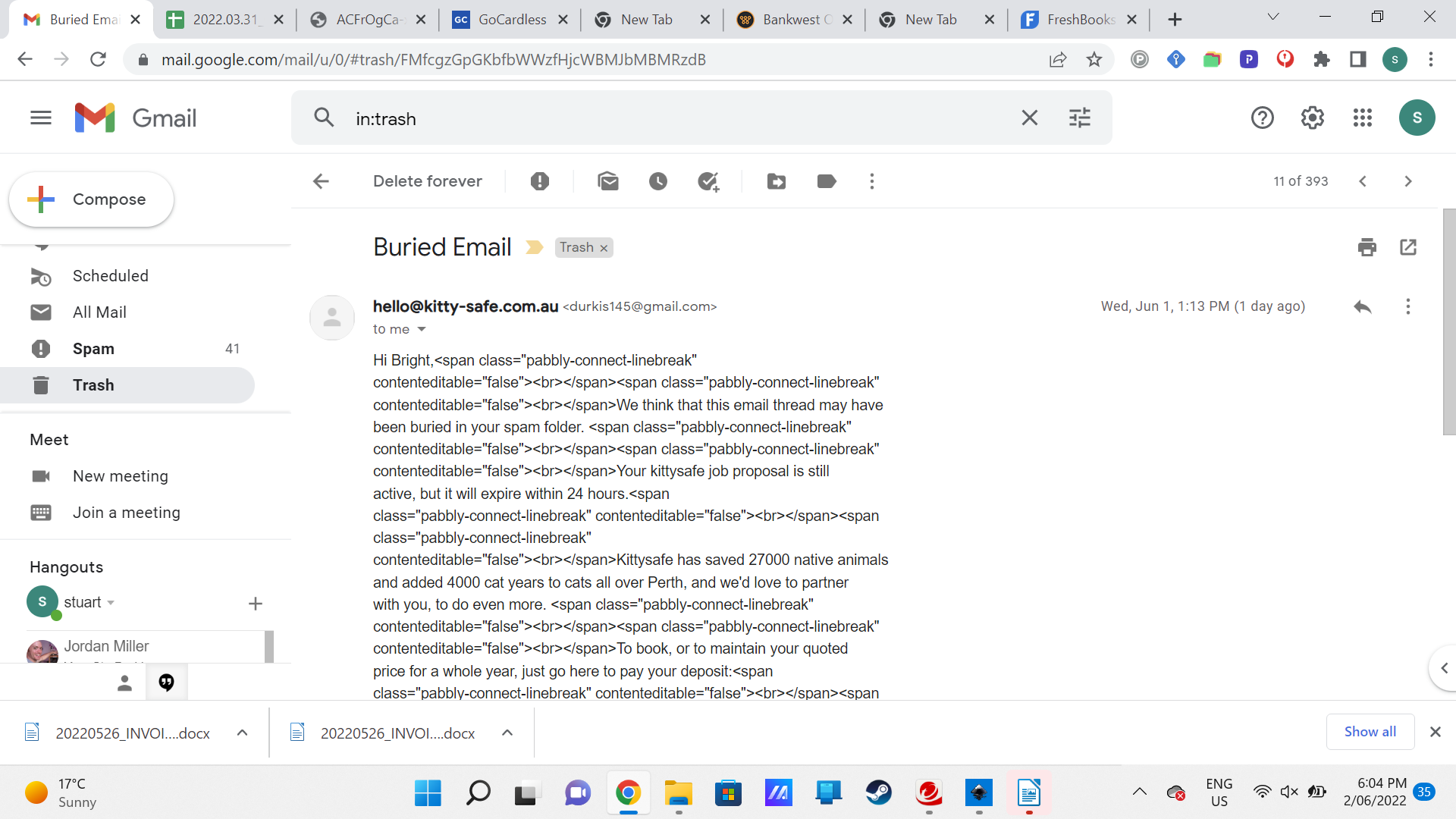
Hey @Durkis
I did correct it twice, but it kept getting corrupted again, even when I deleted the step and started again. Here's how the email looked. I wont have a chance to look at it again until tomorrow afternoon. Thanks for your assistance..
Can you reconfigure your Gmail action step once by removing and adding the Gmail action step again? Also, clear your browser's cache memory once.
OK. Cleared cache. deleted step. formatting was fine as you said so I copied text and re did the step. triggered sequence. first two emails sent fine, as they have been doing in the past.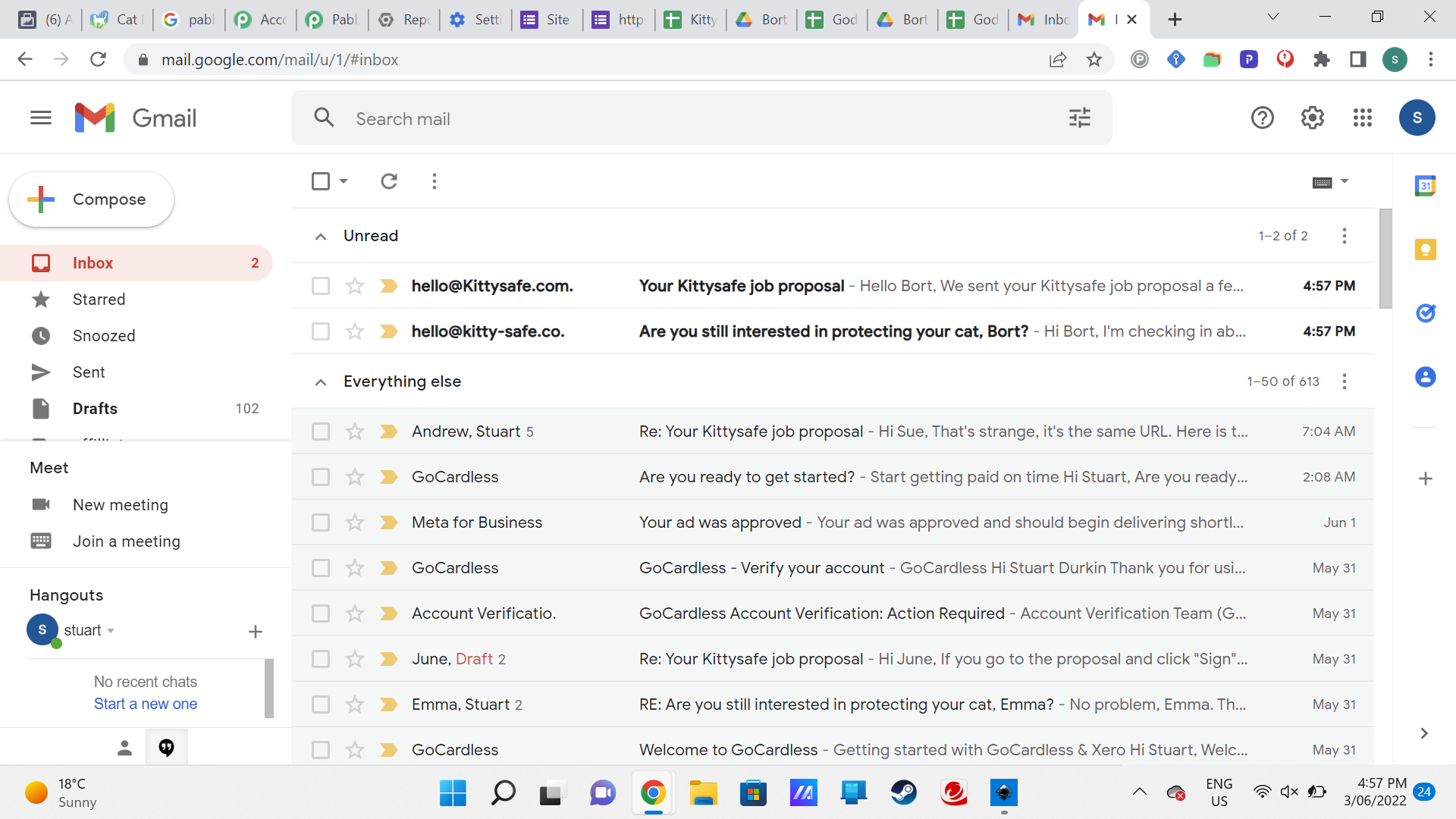
History clams all is OK on that third email.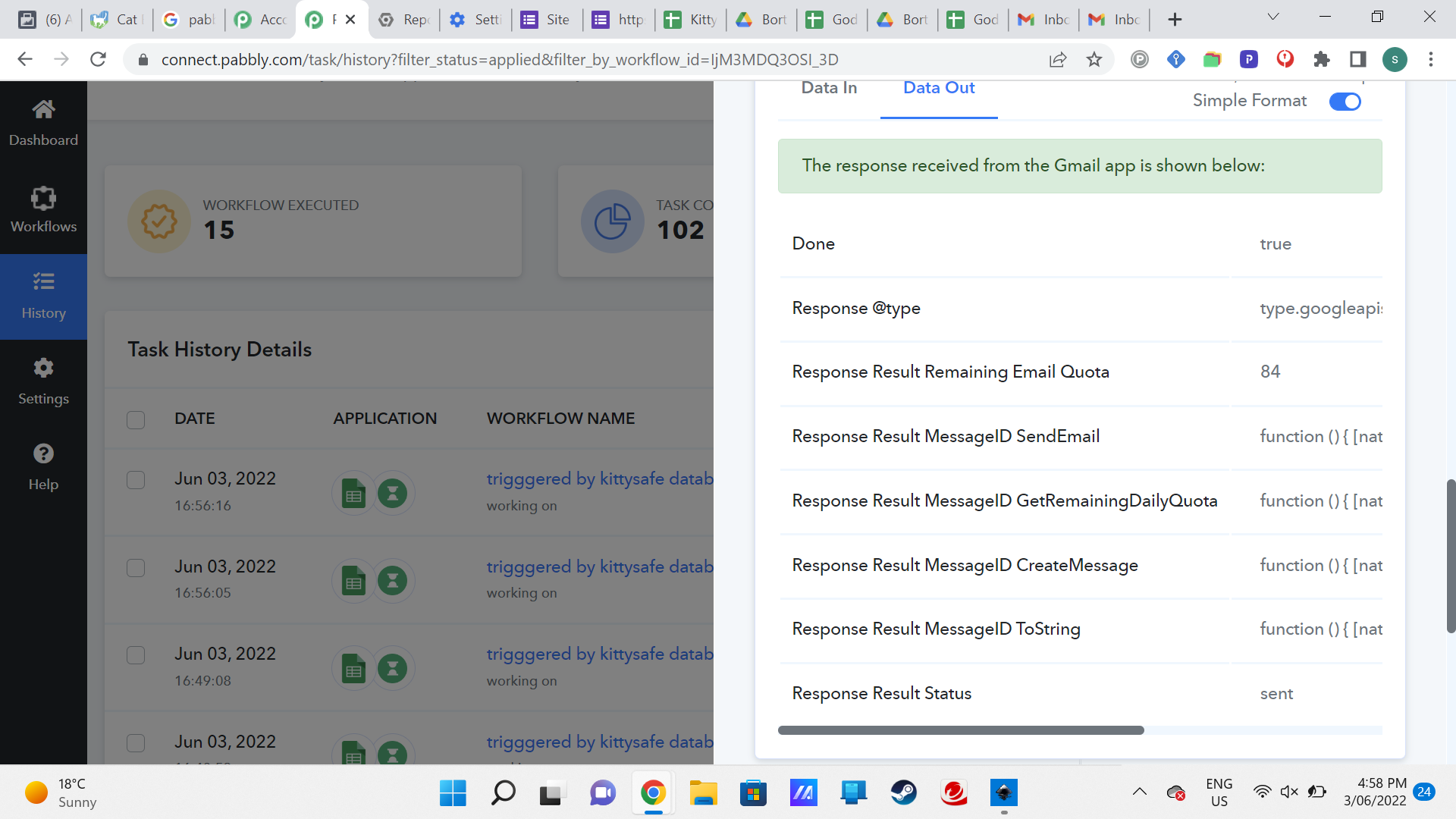
Here is the step, same field for email address as all the other emails. When I save and send test request directly form the step, it does arrive.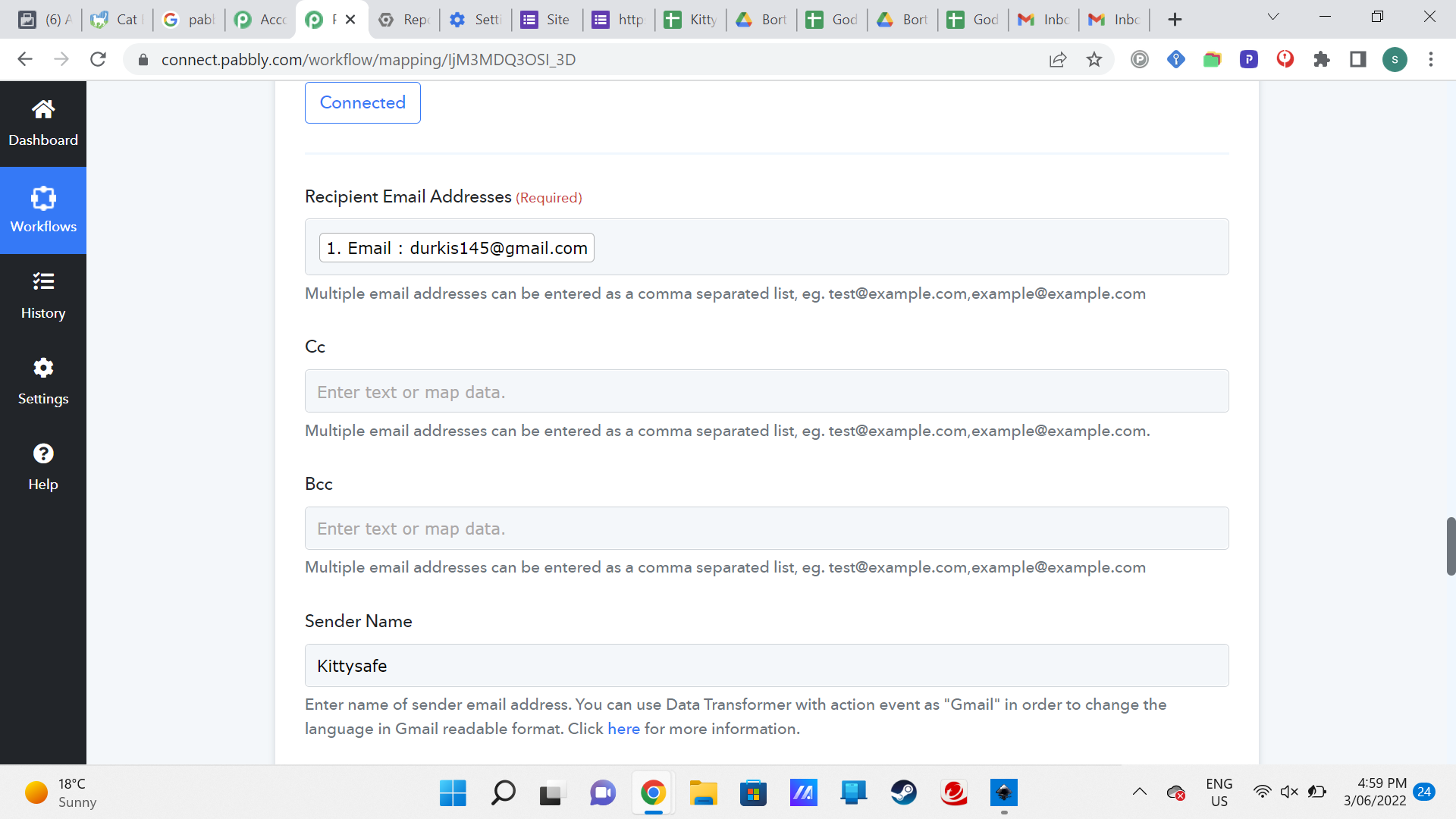
Thanks for your help as always
?
can we put this one on hold? I will add to it if I strike the same issue but I have had to rebuild the automation.
Hey @Durkis
You can pause the workflow if you want to and you can rebuild your workflow again if you see that the email content has been changed from the position which you have used to extract the details from it.