Email going to spam when sent using Zoho mail
Status: Closed · Asked by Poorva Singh on · 0 views
The email goes to spam when I send it using Zoho mail in the workflow.
What can be the reason for this? Please help.
Also, is there a possibility of adding the "Sender Name" field in addition to the "sender's email address"?
Hey @Poorva
Could you please share the workflow with us, also did you try sending the mail to another email address?
The workflow is shared in the screenshots.
It is working fine. Just that it goes to spam and content gets accumulated in a single paragraph even when I have written it paragraph wise with appropriate spacing.
I tried testing it with 3 different email addresses and all went to spam.
Attachments
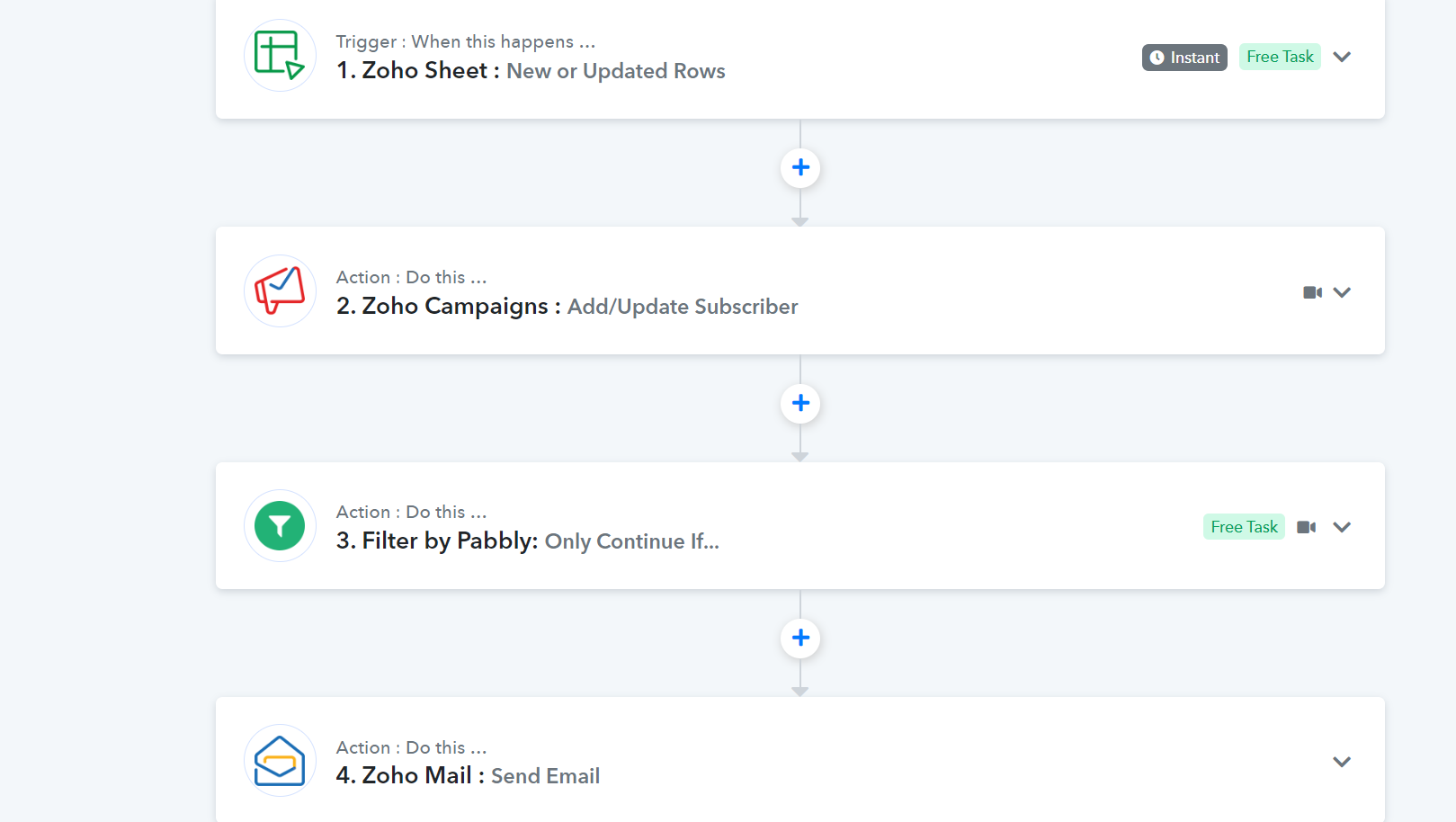
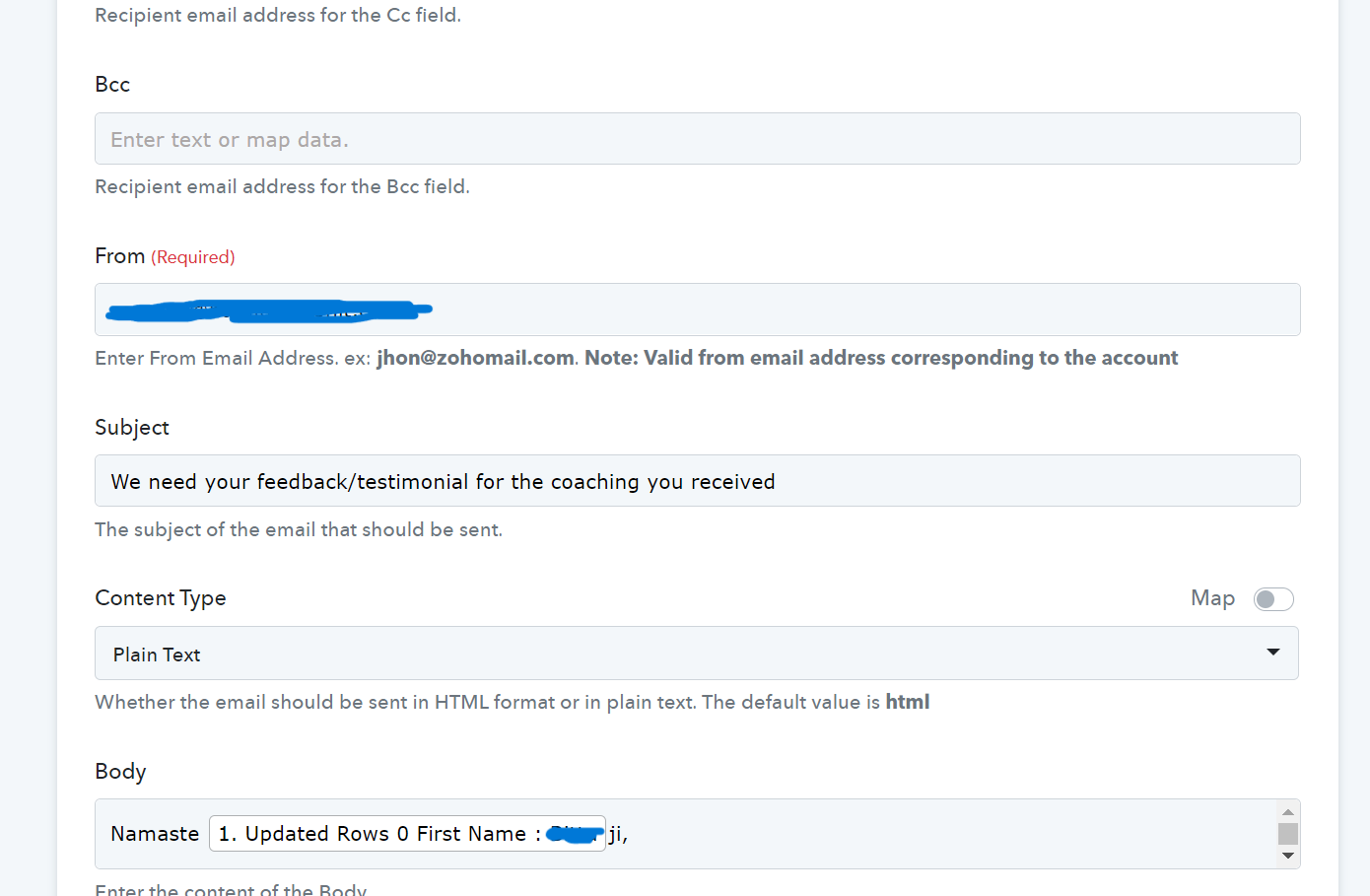
I tried testing it with 3 different email addresses and all went to spam.
Please check the action step after using a few more email addresses. It's possible that you spammed the email at first, preventing the action step from reaching the Inbox.
Please check the action step after using a few more email addresses. It's possible that you spammed the email at first, preventing the action step from reaching the Inbox.
I get all the other emails from the particular sender in promotion/primary mail when it is sent directly from Zoho mail or any other application. It is going to spam only when trying to send it through the pabbly workflow.
Please add the "sender name" field for Zoho Mail.
Hey @Poorva
We have tested the action step on our end and it is sending the mail to the recipient to the right address.
Also, as per the API documentation of Zoho Mail, there is no field to add the "Sender Name" in the action step.