Email Parser Not Returning Expected Value
Status: Closed · Asked by Fagun Shah on · 0 views
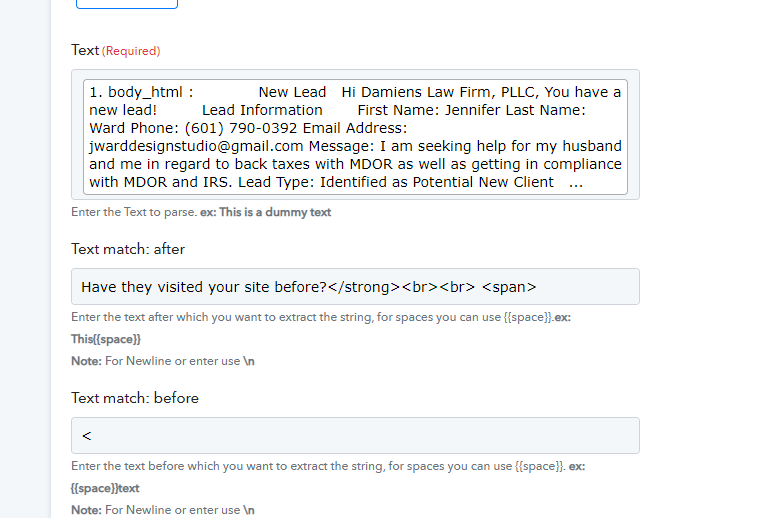
Red underline text is the value i am passing as After Text filed value in Text Parser of pabbly connect.
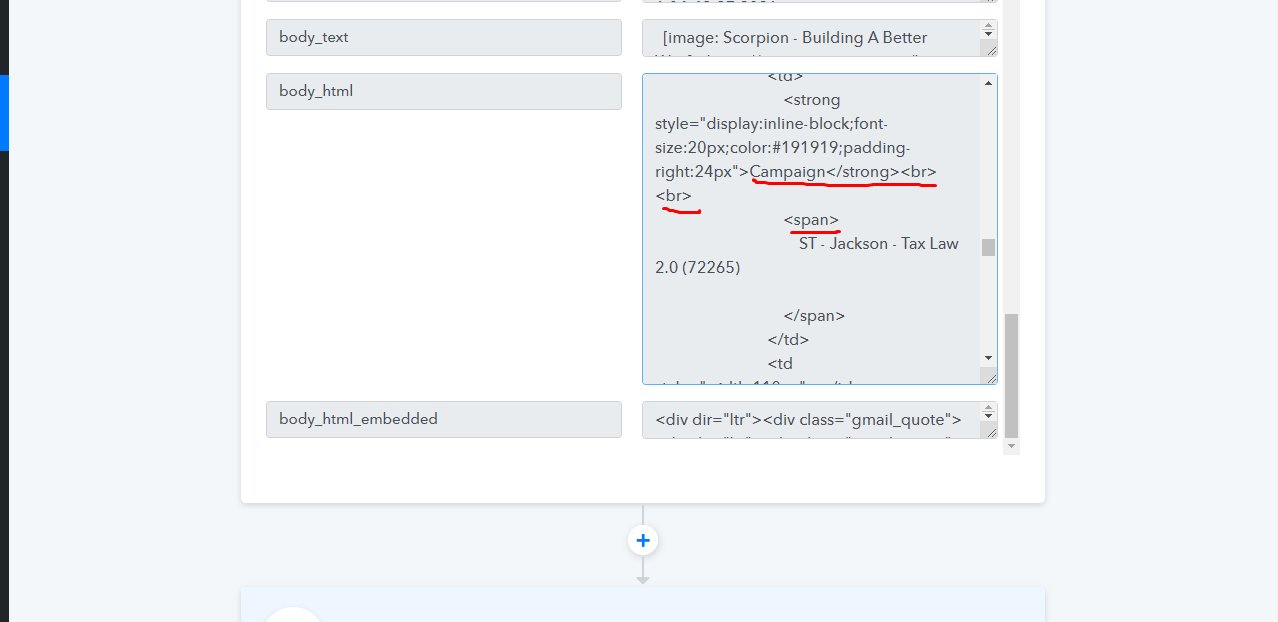
But it is returning nothing.
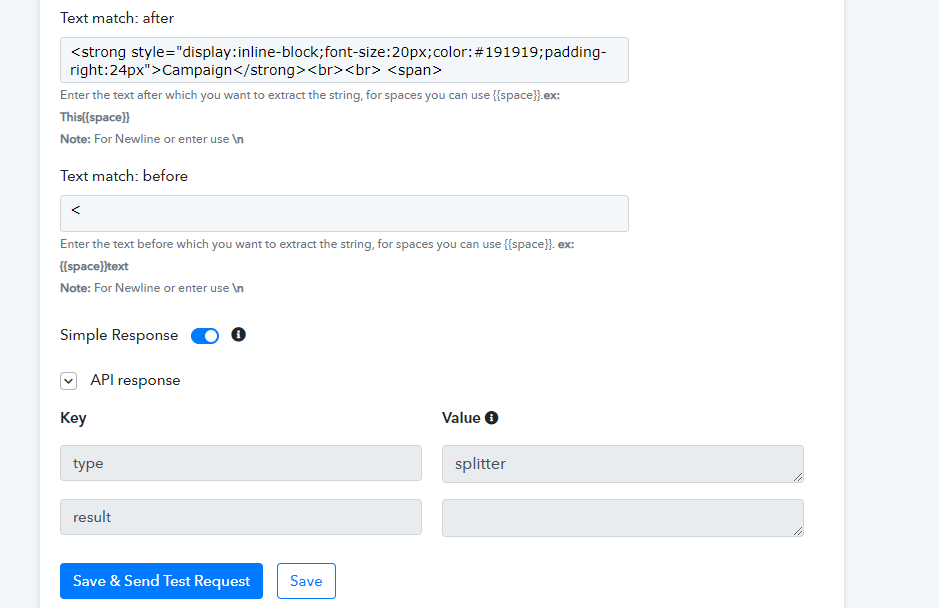
I tried \n also but no luck.
Can you guys tell what is that I am doing wrong here
Red underline text is the value i am passing as After Text filed value in Text Parser of pabbly connect.
But it is returning nothing.
I tried \n also but no luck.
Can you guys tell what is that I am doing wrong here?
Please share the workflow name so that we can check.
Thanks!
Website Form New Lead Email Parser
Check Last step
Website Form New Lead Email Parser
Check Last step
We are looking into it and will update you.
yes, got the same issue, mine - blank body text
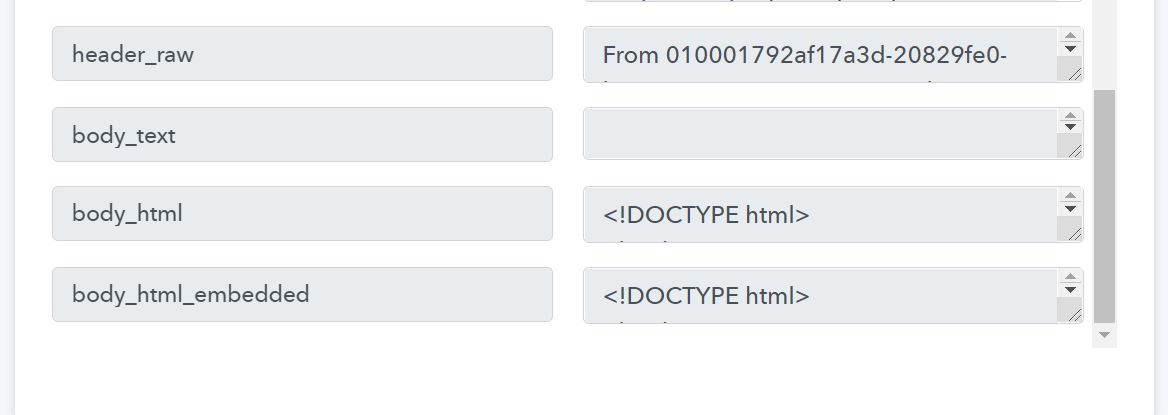
yes, got the same issue, mine - blank body text
We are checking this with the technical team and will update you.
Red underline text is the value i am passing as After Text filed value in Text Parser of pabbly connect.
But it is returning nothing.
I tried \n also but no luck.
Can you guys tell what is that I am doing wrong here?
We have made certain changes on our end. Please test the workflow at your end once and let us know if the issue persists.
We have made certain changes on our end. Please test the workflow at your end once and let us know if the issue persists.
Nothing seems to be changed...still returns blank -
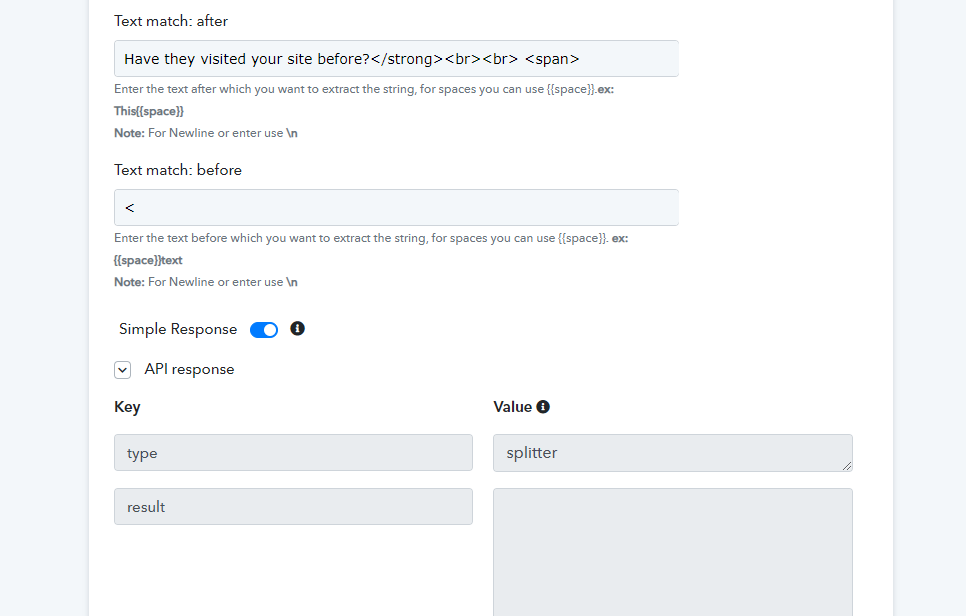
Nothing seems to be changed...still returns blank -
Please recapture the email parser response again and then try.
Nice, now it removes all unnecessary spaces from email's HTML.
Works good.
Last request - if possible stop rendering HTML in the workflow , it makes re-editing those field values much harder andthere no logical use to see those field's values rendered anyway
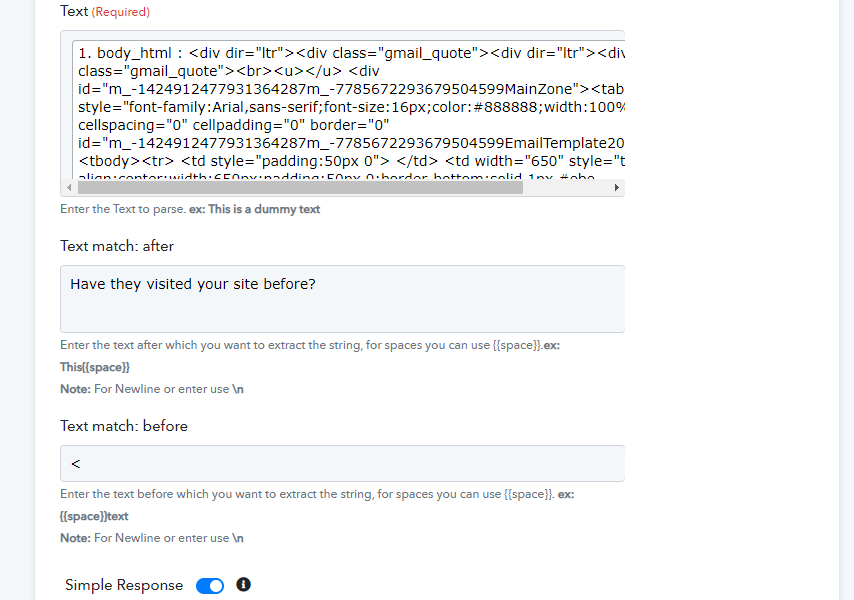
Nice, now it removes all unnecessary spaces from email's HTML.Works good.
Last request - if possible stop rendering HTML in the workflow , it makes re-editing those field values much harder andthere no logical use to see those field's values rendered anyway
If possible stop rendering HTML in the workflow , it makes re-editing those field values much harder and there no logical use to see those field's values rendered anyway.
This is also done. Check at your end.
If possible stop rendering HTML in the workflow , it makes re-editing those field values much harder and there no logical use to see those field's values rendered anyway.This is also done. Check at your end.
Still rendering in Text After Field -

Also another issue now created,
work flow name -
Calls Email Parser
Now it is not returning values properly for normal use cases.
Like when you enter After text - http://success.scorpion.co/images/email-templates/Rebrand/icons/icon-profile.png" alt="Profile Icon" title="Profile Icon">
Before Text -
It should return "Unknown", but it is returning nothing.
i tried sending email using autonami plugin (wordpress).
it still did not work, but it works when testing it using gmail.
this is how i tested it,
https://www.berrycast.com/conversations/e774c120-594d-5ef0-a3f5-8d8a70d55885
there are options in autonami to send email in 3 format, rich text, woocommerce template & html, not sure if it is the issue.
i tried sending email using autonami plugin (wordpress).it still did not work, but it works when testing it using gmail.
this is how i tested it,
https://www.berrycast.com/conversations/e774c120-594d-5ef0-a3f5-8d8a70d55885
there are options in autonami to send email in 3 format, rich text, woocommerce template & html, not sure if it is the issue.
Yes, the issue is because of the email format which your autonami application is sending.
Further, we have made few changes at our end. Please recapture the email parser and let us know if that works for you.
Next time, please create a new separate thread for your question so that we can help you on your own thread.
Yes, the issue is because of the email format which your autonami application is sending.Further, we have made few changes at our end. Please recapture the email parser and let us know if that works for you.
Next time, please create a new separate thread for your question so that we can help you on your own thread.
ok great. all is working fine now