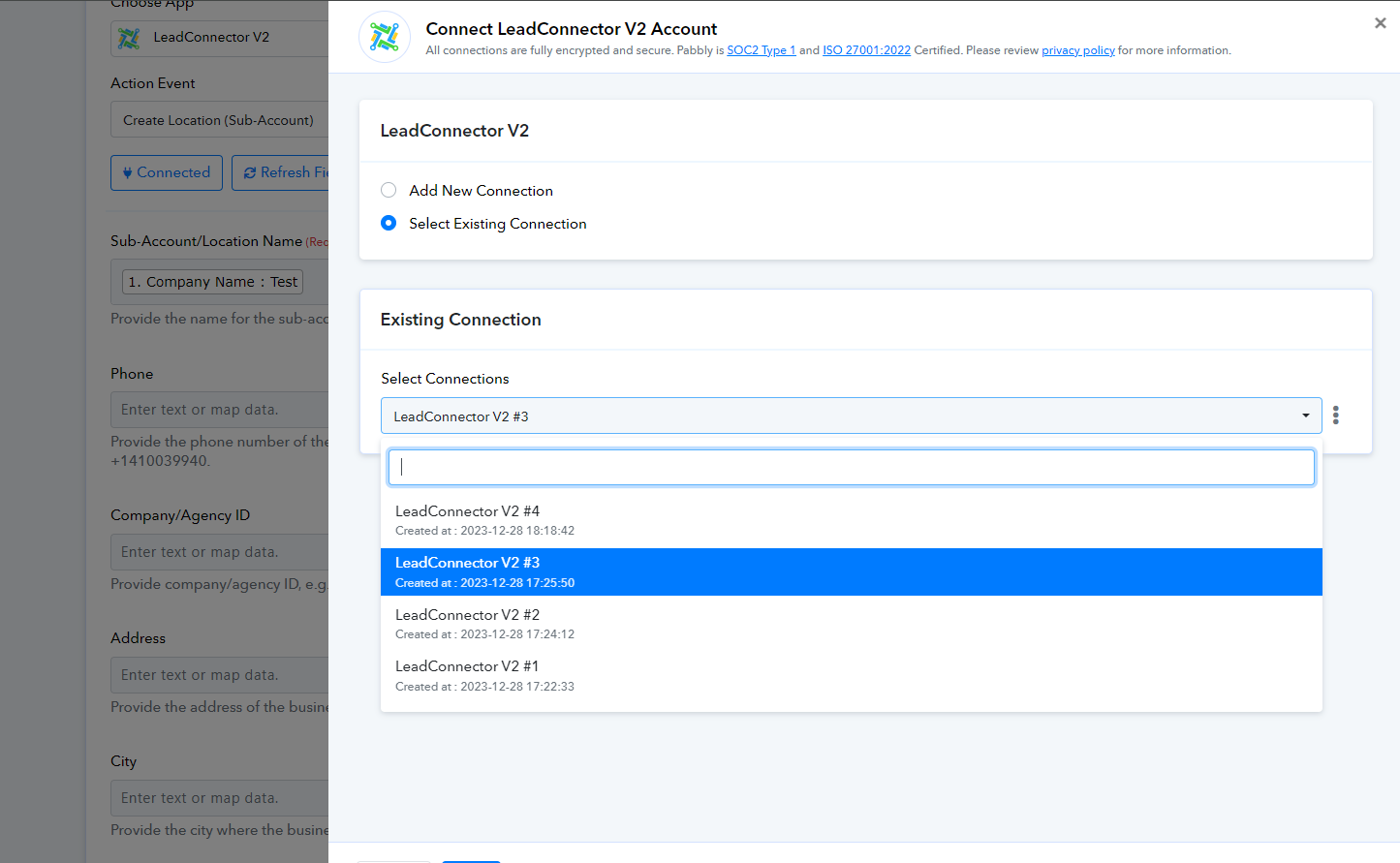
Error 401: This authClass type is not allowed to access this scope. Please reach out to the Platform team to get it added.
Status: Closed · Asked by kamil on · 0 views
Hey team, I created a workflow for creating new location in Go High Level ($297 plan). I did all the steps, integrated the account successfully. While testing I got the above response in the Action step. Furthermore mentioned: Error: Unauthorized, Try creating a new connection to resolve the OAuthException error. Learn more: https://forum.pabbly.com/threads/how-to-solve-oauthexception-error.18724/"
Please see the attach file for error and let me know what tweaks needed for me in the workflow or is there that you will update something at your end. Your response will be greatly appreciated. Thank You!
Attachments
Hey @kamil
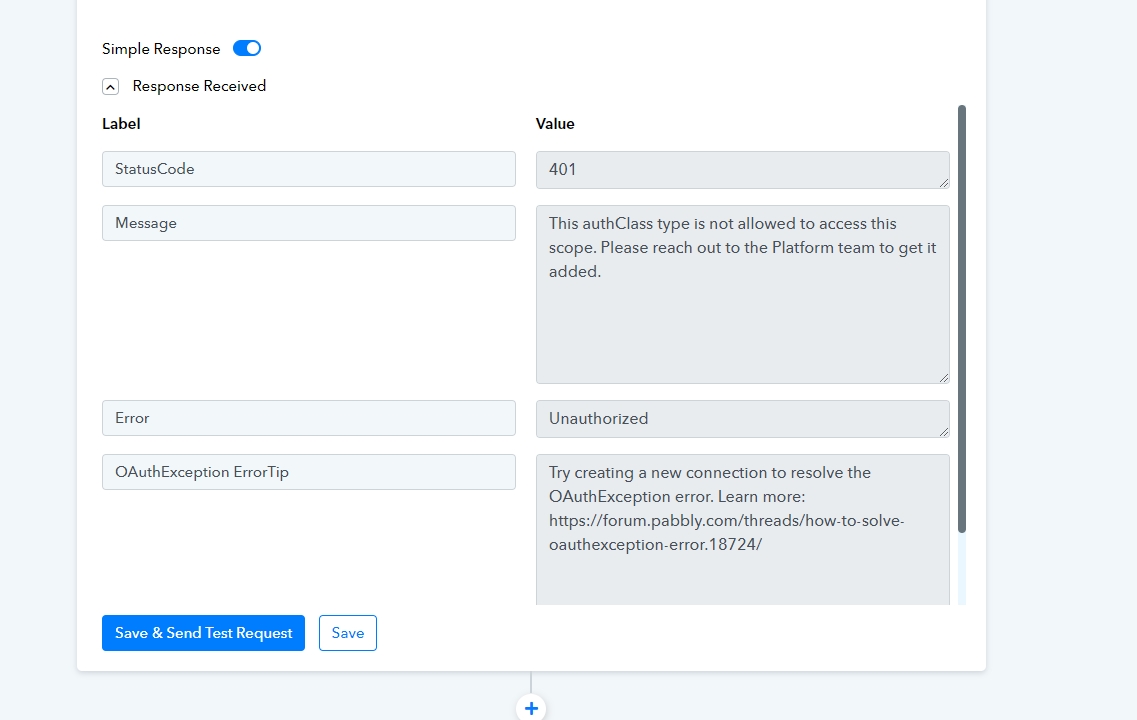
Can you please make a new connection once and then try again, as I can see from your workflow you have might changed the connection of LeadConnector.
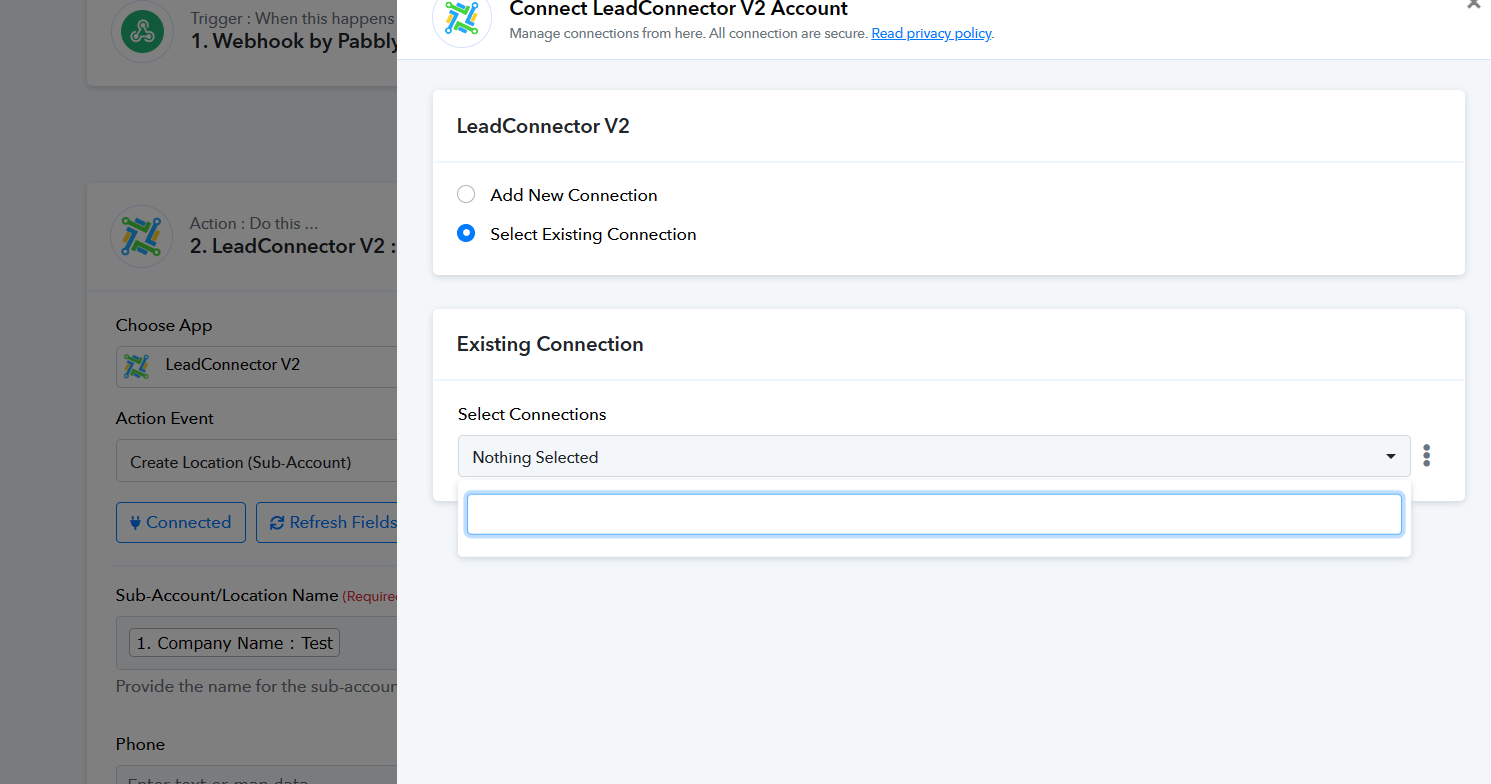
Hey, I did this again and retested it but still the same issue. Can you please check again. what's going wrong
I have forwarded your concern to the technical team and they are currently looking into it. Shall notify you with an update soon.
@Supreme i have similar issue, can you pls guide how to fix this?
@Supreme i have similar issue, can you pls guide how to fix this?
As per your workflow, it seems that you are using an outdated connection. Please establish a new connection and then try again.
Further, for action events of "Create Location", "Create User" and "List Snapshots", you need to use the agency account.