Error code on workflow from typeform to sendinblue
Status: Open · Asked by Celine on · 0 views
I've followed your tutorial on you tube and everything is set up but I get those response when testing my action. What does it mean ? Because when testing it works and uploads new data on my sendinblue account.
Also I tried to do it for real and got this error "Required field Contact Email missing".
How can I fix it ? 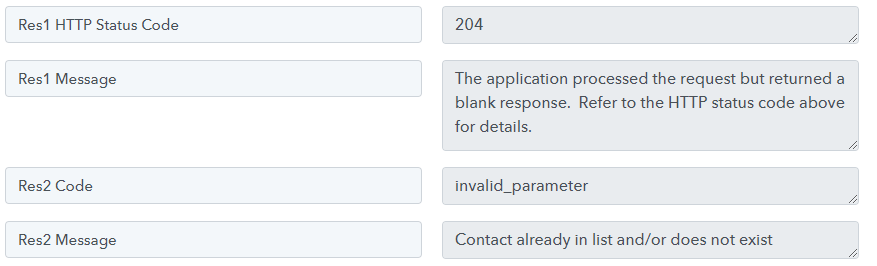
Hey @Celine,
Please grant me access to your workflow by adding me as a team member. This will allow me to gain a better understanding of your issue.
Once you have added me as a Team Member, do let us know the name of your workflow.
Email: arshil.ahmad@pabbly.com
Also, remember to revoke access once your query has been resolved.
Attaching a video for your reference:
Hello I've Added you. The workflow name is Archetype test
Hey @Celine,
Based on your task history, I can see that the label you are getting from the Typeform response is changing, which is causing it to not get mapped in the next step, resulting in your workflow failing.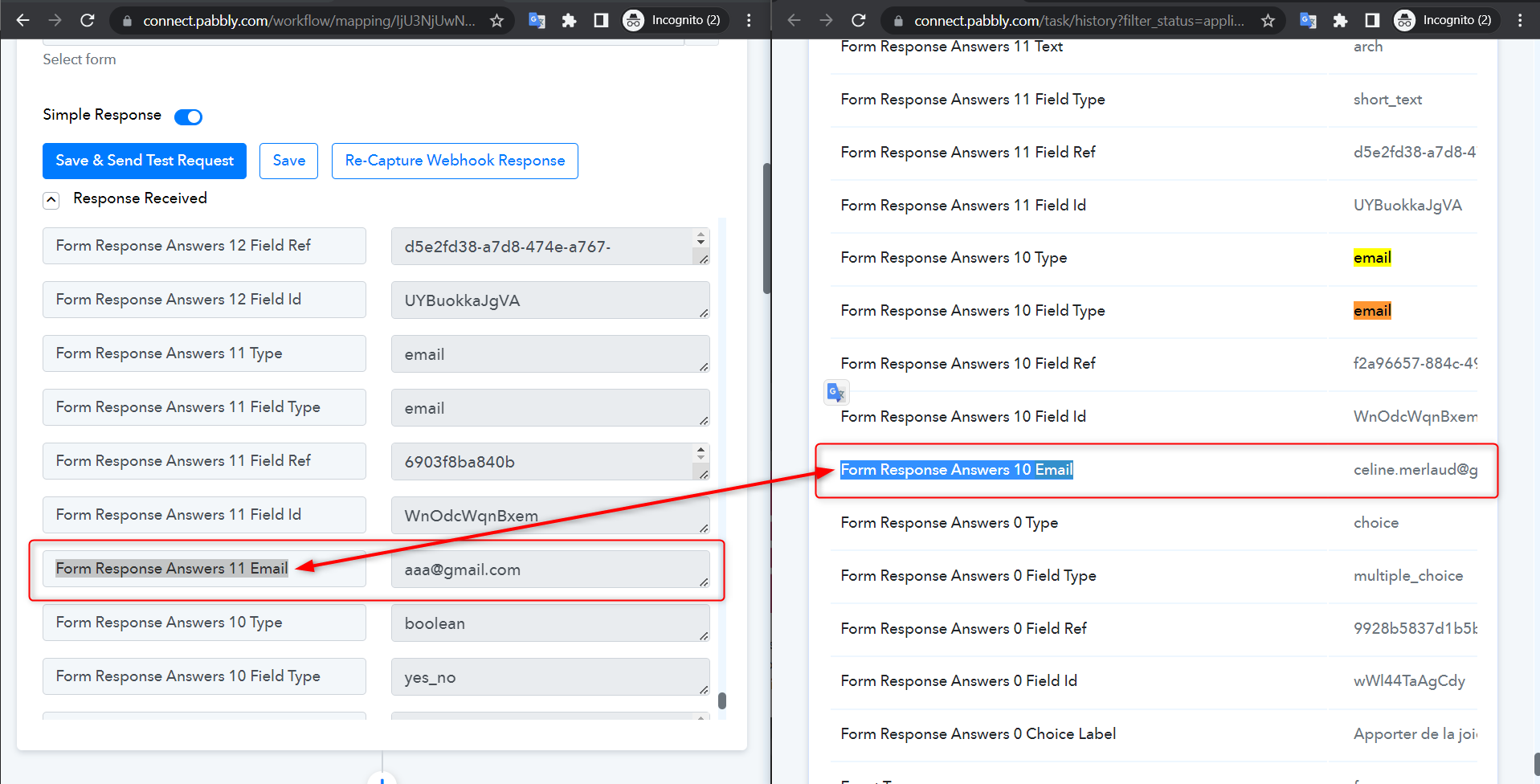
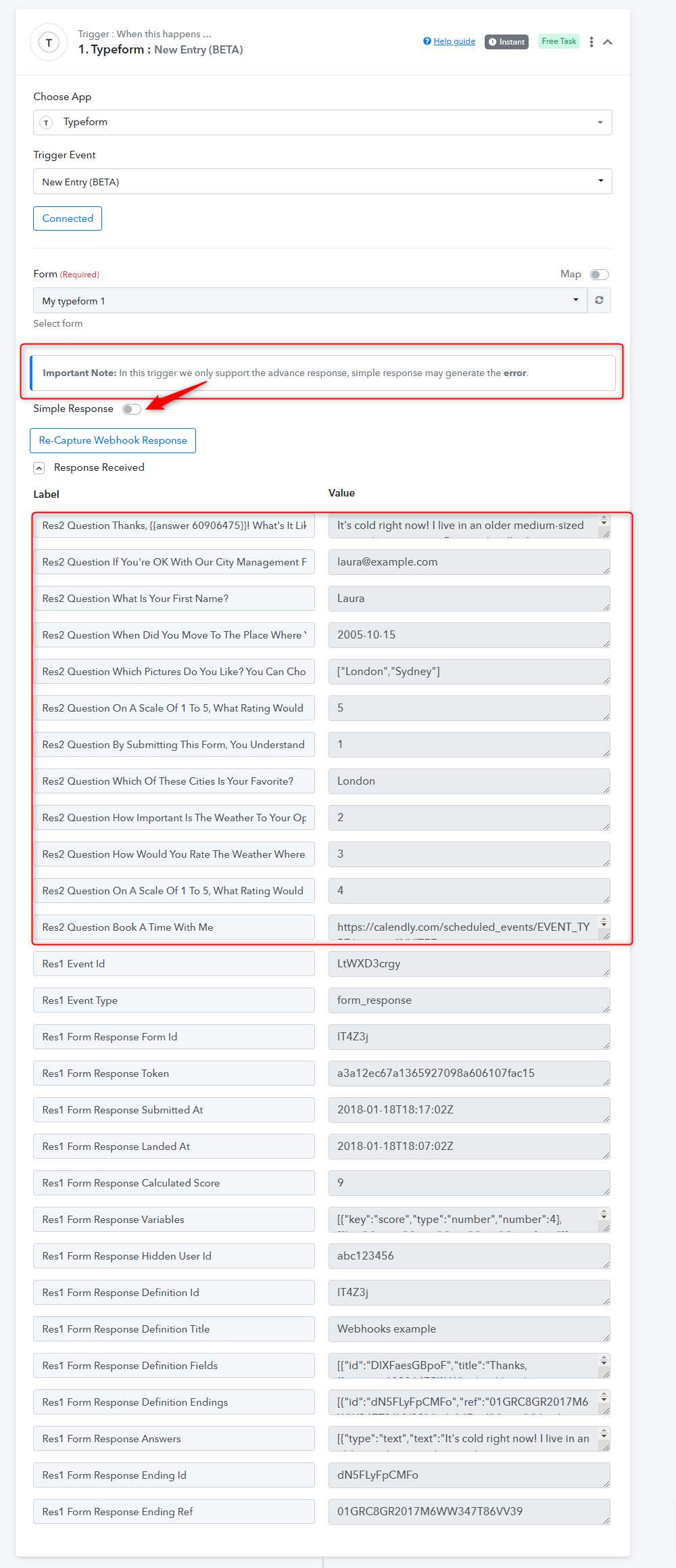
I would suggest you use the Typeform: New Entry (Beta) trigger event instead and map the 'Res 2' in the next step.