Error Message - Unprocessable Entity
Status: Open · Asked by Houtan Hormozian on · 0 views
Your Workflow URL: https://connect.pabbly.com/task/history?filter_status=applied&filter_by_workflow_id=IjU3NjUwNTZjMDYzNTA0Mzc1MjZkNTUzMTUxMzIi_pc
Task History ID: 998291fc6734a5723cc432ba42b46895
I am not even sure how to start on this error as email is email.
[IMG alt="App Logo"]https://s3.us-west-2.amazonaws.com/connect.pabbly/images/1683980780-lead-connector-logo--64.png[/IMG]
Action : Do this …
LeadConnector V2 : Create or Update a Contact
1
Jul 21, 2023 17:09:38|
Simple Format
Failed: The response received from the LeadConnector V2 app is shown below:
[TABLE]
[TR]
[TD]StatusCode[/TD]
[TD]422[/TD]
[/TR]
[TR]
[TD]Message 0[/TD]
[TD]email must be an email[/TD]
[/TR]
[TR]
[TD]Error[/TD]
[TD]Unprocessable Entity[/TD]
[/TR]
[TR]
[TD]TraceId[/TD]
[TD]998291fc6734a5723cc432ba42b46895[/TD]
[/TR]
[/TABLE]
Hi @houtan,
Based on your Task History, it seems like the phone number is being mapped from above instead of the email address.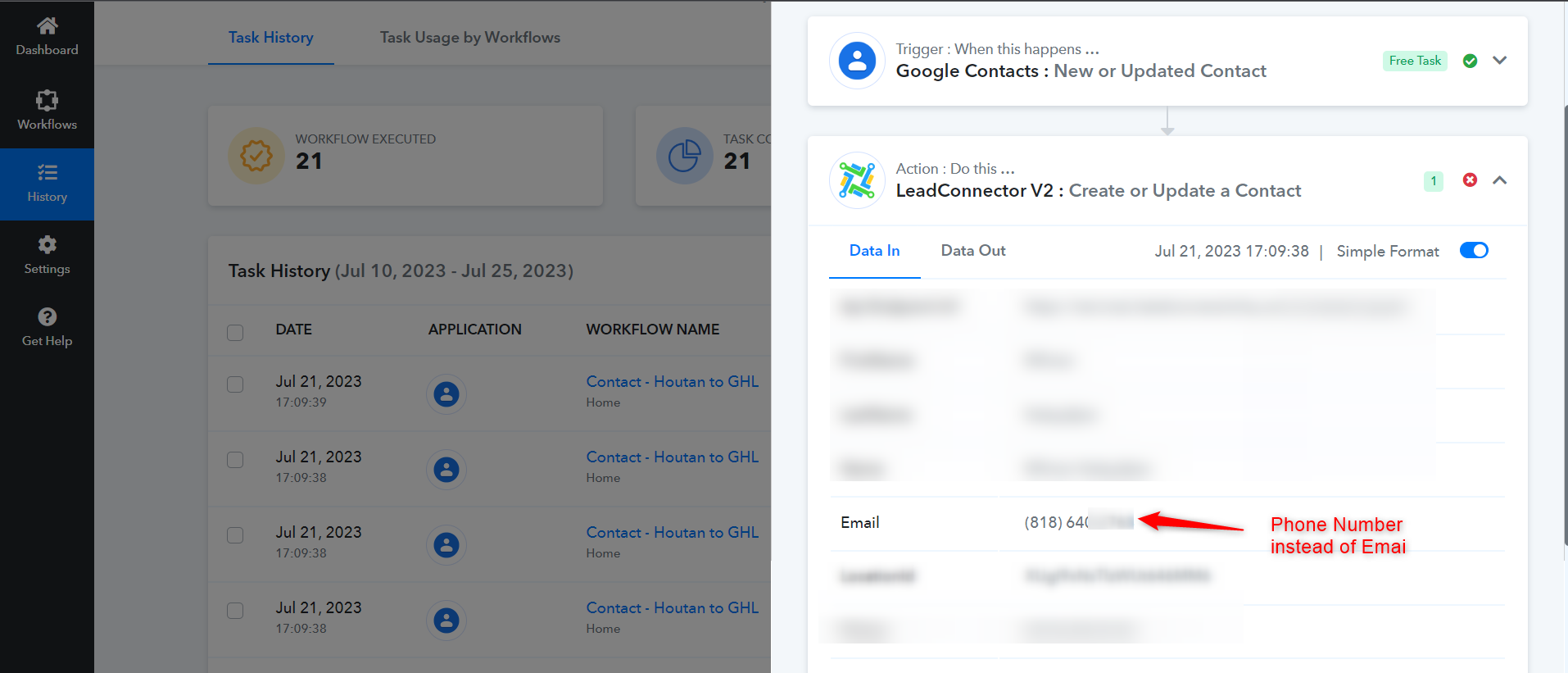
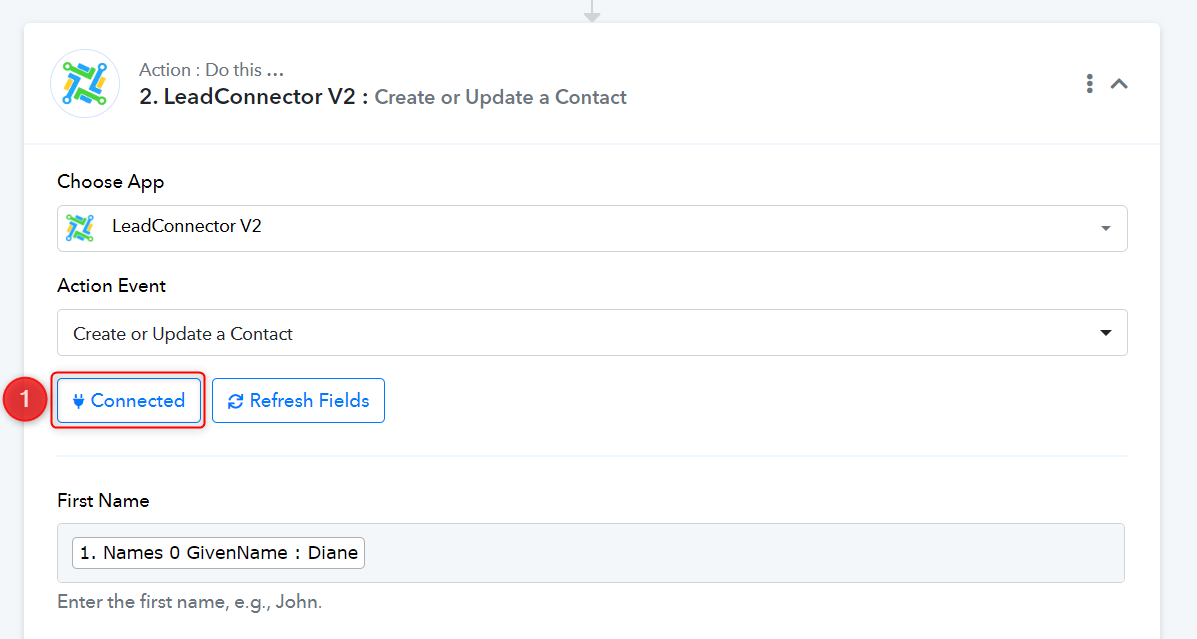
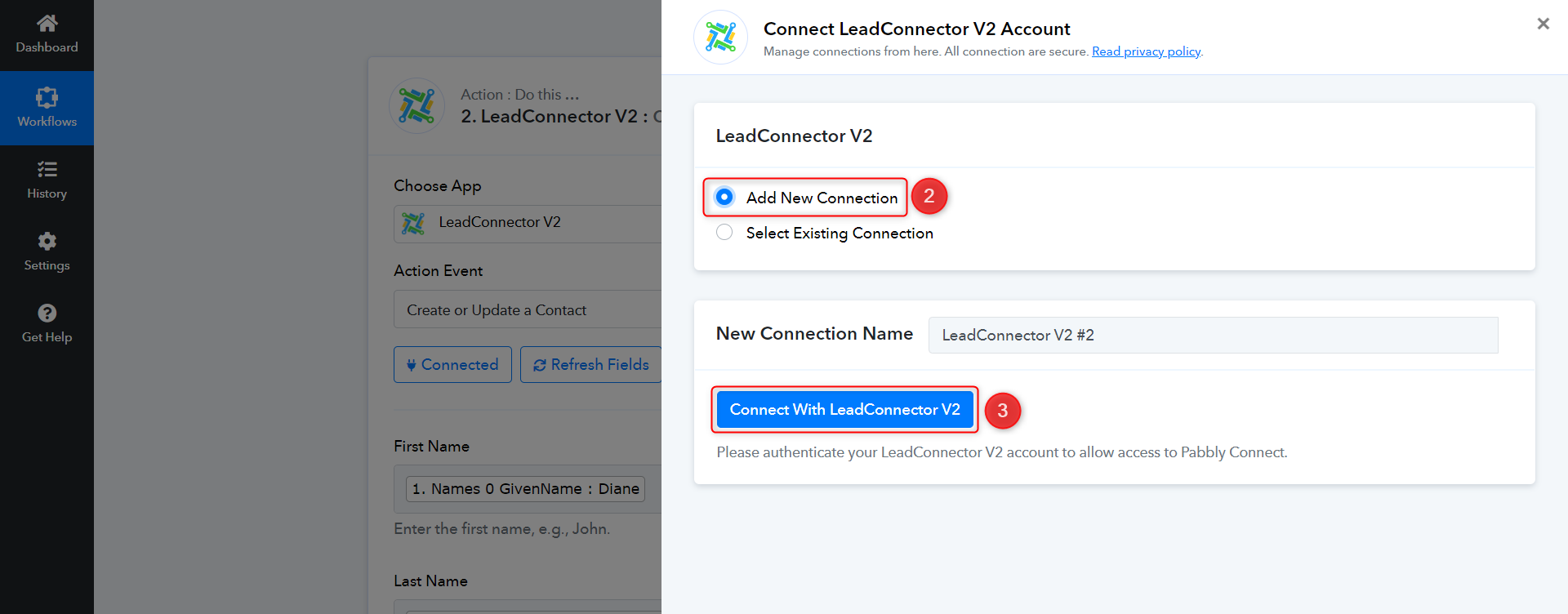
I suggest that you establish a new connection with your LeadConnector account, map the details from above, and then click on Save & Send Test Request.