Error while updating high-level contact
Status: Closed · Asked by vishnuswarup on · 0 views
Don't know why I'm getting this error again and again in my workflow.. In this workflow trigger is stripe payment and action is to update the contact in GohighLevel.
Can somebody help in this regard?
Attachments
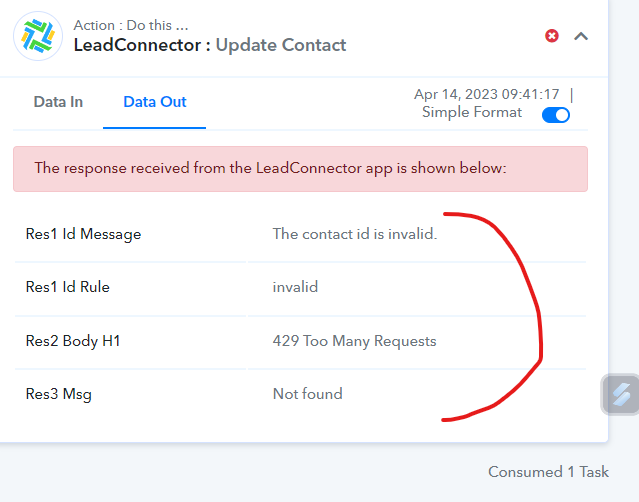
Hey @vishnuswarup
Regarding your concern, we recommend using the "LeadConnector: Create Or Update Contact" action step, which will allow you to create the contact if that person is unavailable in your LeadConnector and update it directly if that is already available in your LeadConnector account.
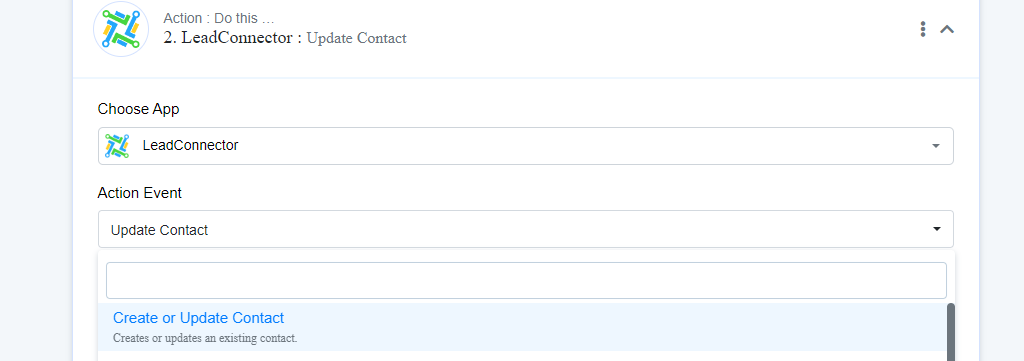
No video is available for stripe to Gohighlevel.
Hey @vishnuswarupRegarding your concern, we recommend using the "LeadConnector: Create Or Update Contact" action step, which will allow you to create the contact if that person is unavailable in your LeadConnector and update it directly if that is already available in your LeadConnector account.
I have Done the same
I have tried the update contact option. Also tried to add tag to contact options. The first time when I capture the webhook response and send it to the contact, It works. But after that, it doesn't work and gives the below error every time.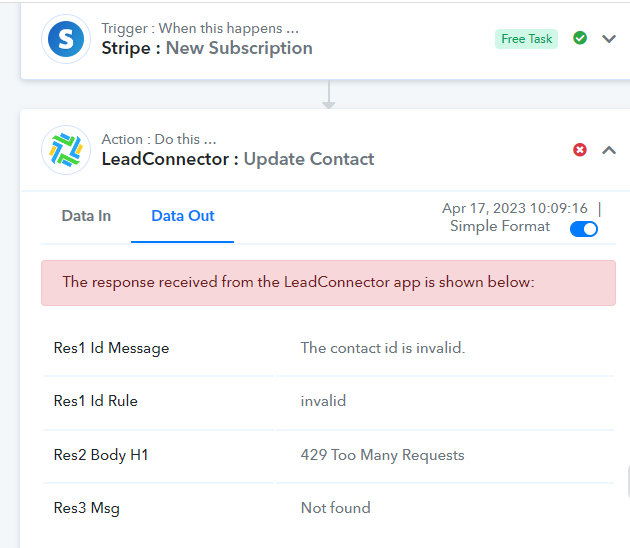
You can watch the first part of the video tutorial on using the Stripe trigger event.
youtube.com/watch?v=NGjLNR2LxMo
Further, please share the workflow URL so we can investigate it.
And still, you are not using the "LeadConnector: Create Or Update Contact" action step.
Still, it's not working. I am sharing the workflow links. Please look into the issue.
https://connect.pabbly.com/workflow/share/AUkCMF4JCGtVHwdqUQYHIFtPVlIGX1UxAxpTQVRbB39bFgdSAUBbMQlFV3UDYlU0B04Fb1EOUDFYTAQAA1UAc11ECDdQT1EMUGMFQAFeX3UBYw##
@Supreme Hi, Please go through these workflows to check what the issue is.
Hey @vishnuswarup
If you want to use the "Update Contact" action step then you need to pass the Contact Id in the "Contact Id" field which you can retrieve from "Search Contact via Email" action step.
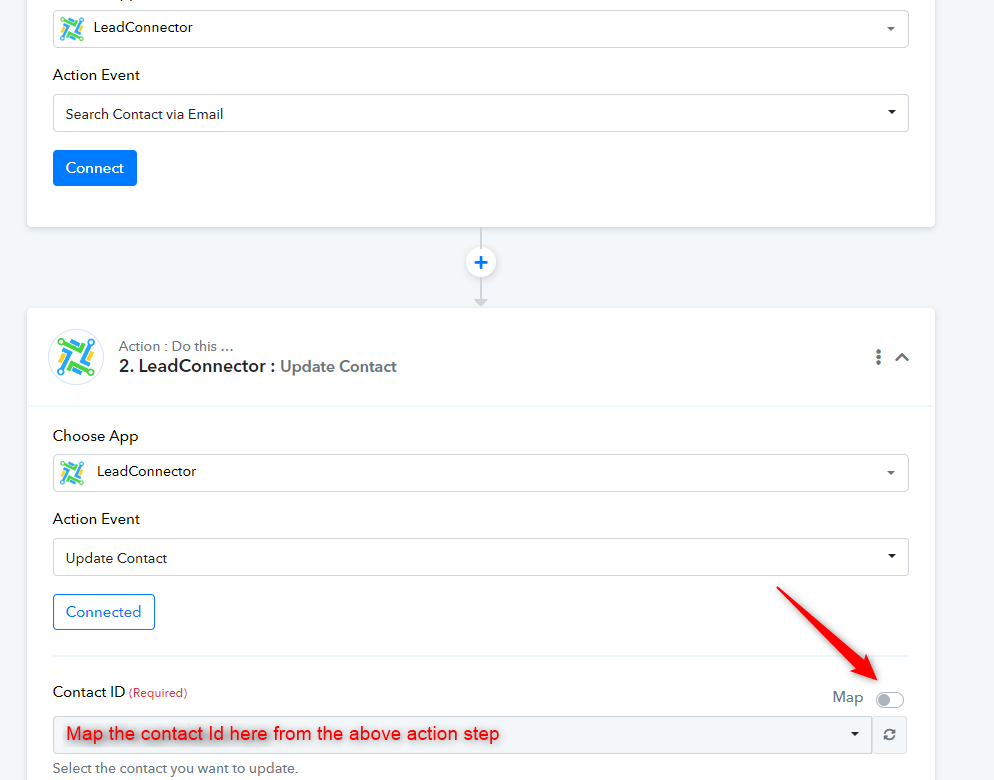
Hey,
I have tried mapping the contact id too. Still, it's not working. We are using multiple workflows in pabbly. All works smoothly. We are facing issues only with these workflows which are associated with stripe.
Can you please help me with a remote session in this regard?
Can you please provide the workflow URL, from your Pabbly Connect account?
Hey, I am sharing the workflow link. Please check. Actually, the actions are going to the same contact again and again instead of going to the contact who has made the payment on Stripe. I request you to please support me on priority in this regard.
Hey, @@Supreme, Waiting for your valuable response.
As you asked me to use update contact via email action. But there is no email field in the response received from the stripe webhook.
???
@Supreme, When can I expect the issue to be resolved? I am struggling with this for 4 days. Isn't there any option where I can get prompt support, As it is halting the business now
I have shared the workflows twice. have you found anything which needs correction?
Hey @vishnuswarup
We still see that you are using the "Update Contact" action step whereas you should use the "Create Or Update Contact" action step.
And if you are not getting the details from Stripe trigger the response then use the "Stripe: Retrieve an Event" action step.
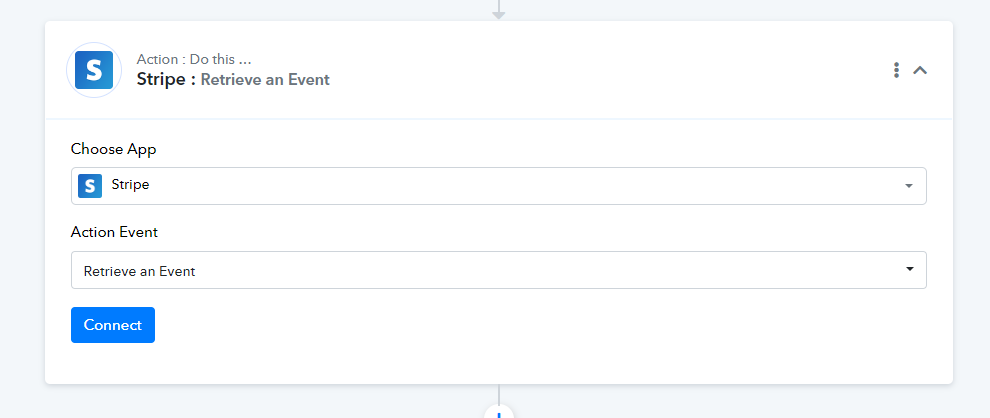
@Supreme I have tried as suggested by you. But it's still sending the updates to the same contact again and again. Please help resolving this. Again I am sharing the workflow for the reference.
Hey @vishnuswarup
We have configured the workflow by mapping the related data of the customer by retrieving it with the help of "Retrieve a Customer by ID".
Kindly try it and let us know if that works for you.
Hey @Supreme
Thank you for the help. It's working now.