Error with Infusionsoft/Keap integration
Status: Open · Asked by Nabeelan on · 0 views
Hi,
I am facing couple errors when trying to create/update contact in Keap. Errors I receive are 'Invalid input' on entering birthday date, and 'SHIPPING Region is invalid'.
Attachments
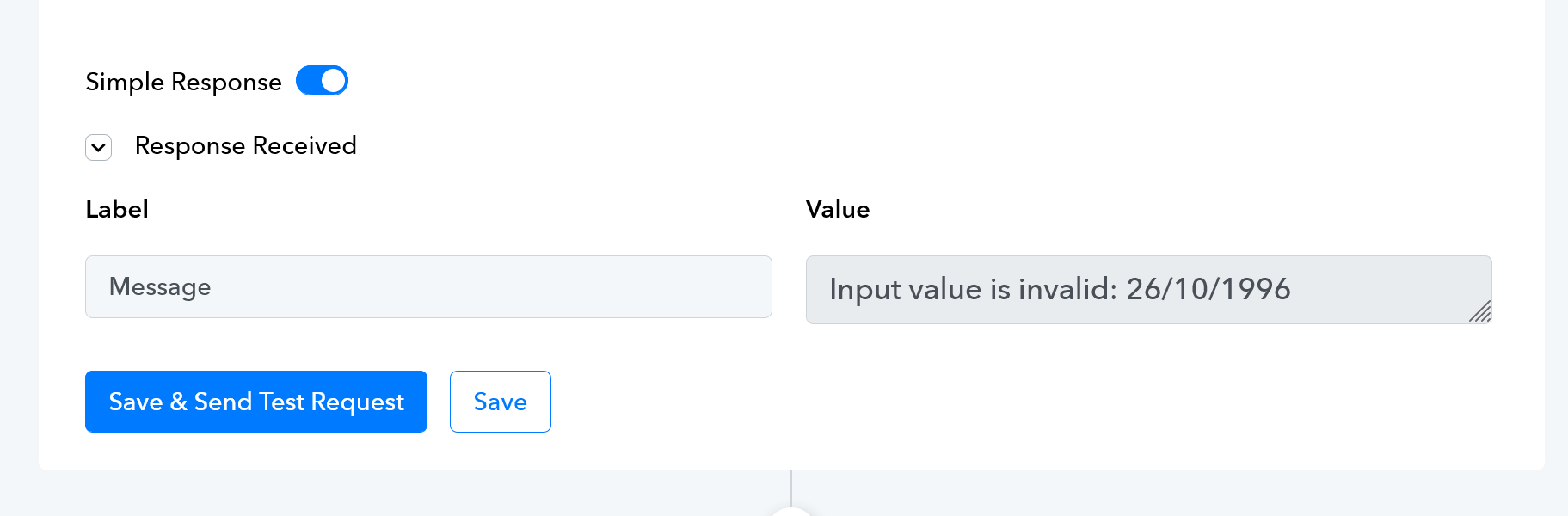
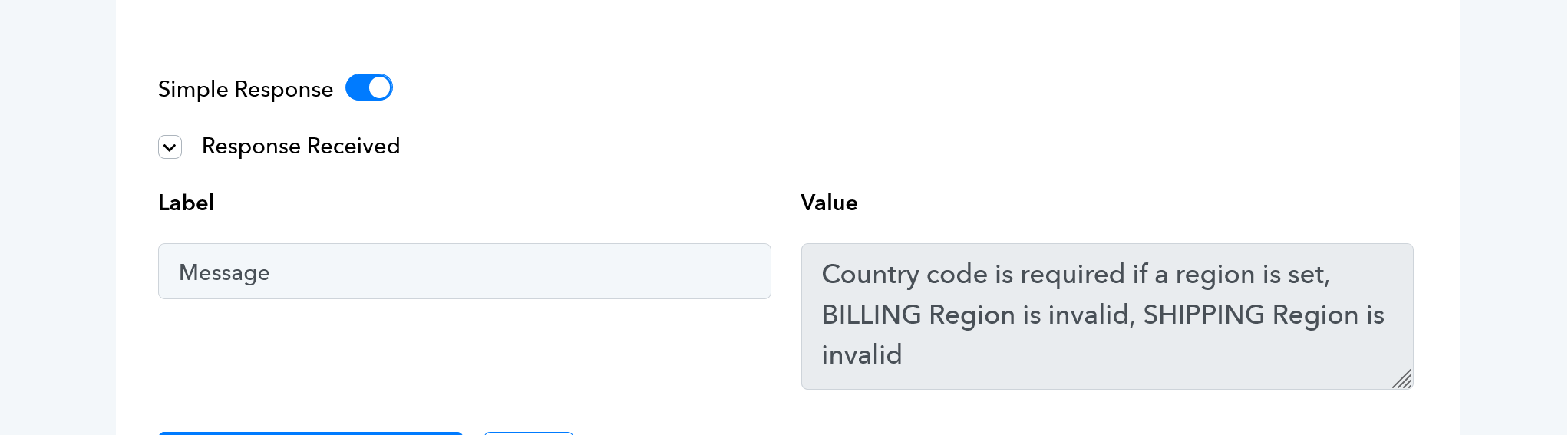
Double check the fields in keap, from this error it seems like you are passing date in wrong format and you are not passing country code as well.
you can refer this video for create contact in keap
youtube.com/watch v=TBrjd_X0h1E
If you are still not able to solve this on your own feel free to DM me and we can do a free zoom call. FYI I'm not from Pabbly Connect team, just a freelancer who helps other Pabbly users.
Contact me - https://www.facebook.com/himeshsoni07
Email - [EMAIL][email hidden][/EMAIL]
Please make sure that you pass the Birthday in this format.
You can use a Date/Time Formatter to change the format of your date.
Thanks guys for the response and help. I had tried the tricks in the videos earlier but it was not working. Country code option is not given and entering country name using full name or ISO name does not work. I have just decided to remove the address part entirely for now until find its solution. Date field is working now after formatter.
Thank you for the update. We are glad you were able to a find a solution for this issue.