ERROR zoho books
Status: Closed · Asked by dsgadmin on · 0 views
Trying to create a contact with web portal enabled and I get this error:
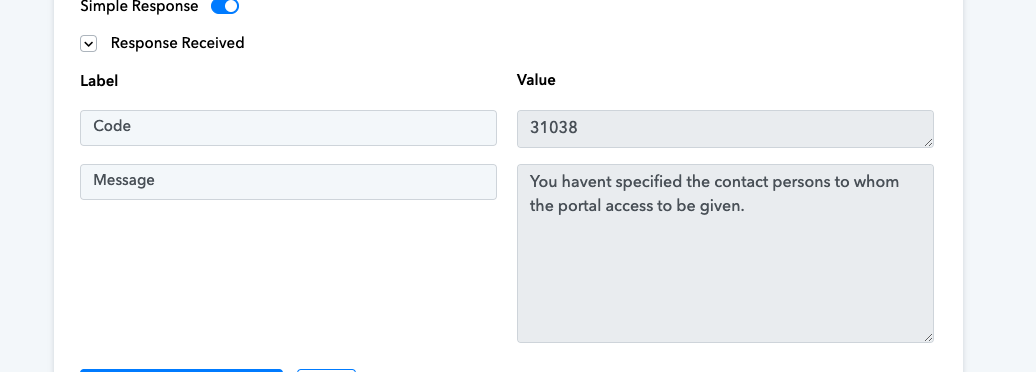
I have the same issue. What is the solution?
https://connect.pabbly.com/workflow/mapping/IjU3NjUwNTZmMDYzNDA0M2M1MjZlNTUzMzUxMzIi_pc
Trying to create a contact with web portal enabled and I get this error:
As we can see from your respective workflow, we can see that your Zoho Books action step is working fine.
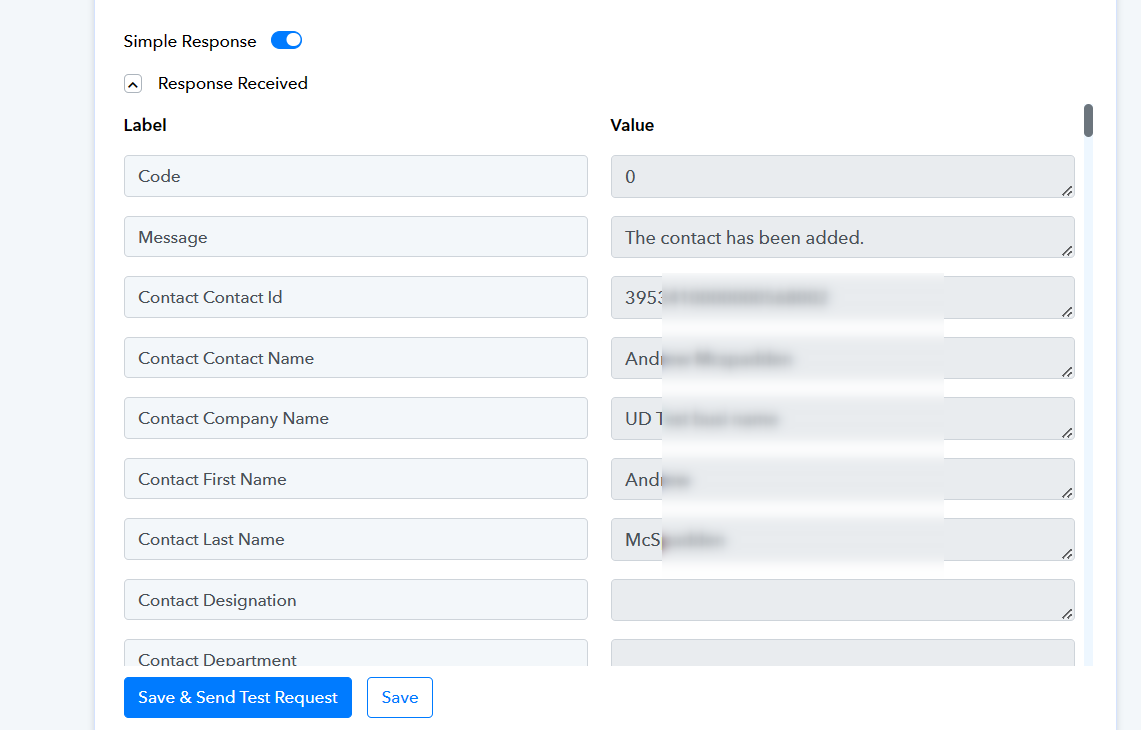
I have the same issue. What is the solution?
Kindly refer to the following Zoho Books documentation once to Enable Customer Portal for Your Customers and then try again.
Kindly refer to the following Zoho Books documentation once to Enable Customer Portal for Your Customers and then try again.
so we have to manually add a client portal to the customer?
Can this be handled with pabbly?
Hey @stellar.tone
Please consider configuring your Zoho Books account with the client portal settings, or you can verify this with the Zoho Books support team.
https://www.zoho.com/in/books/help/customer-portal/
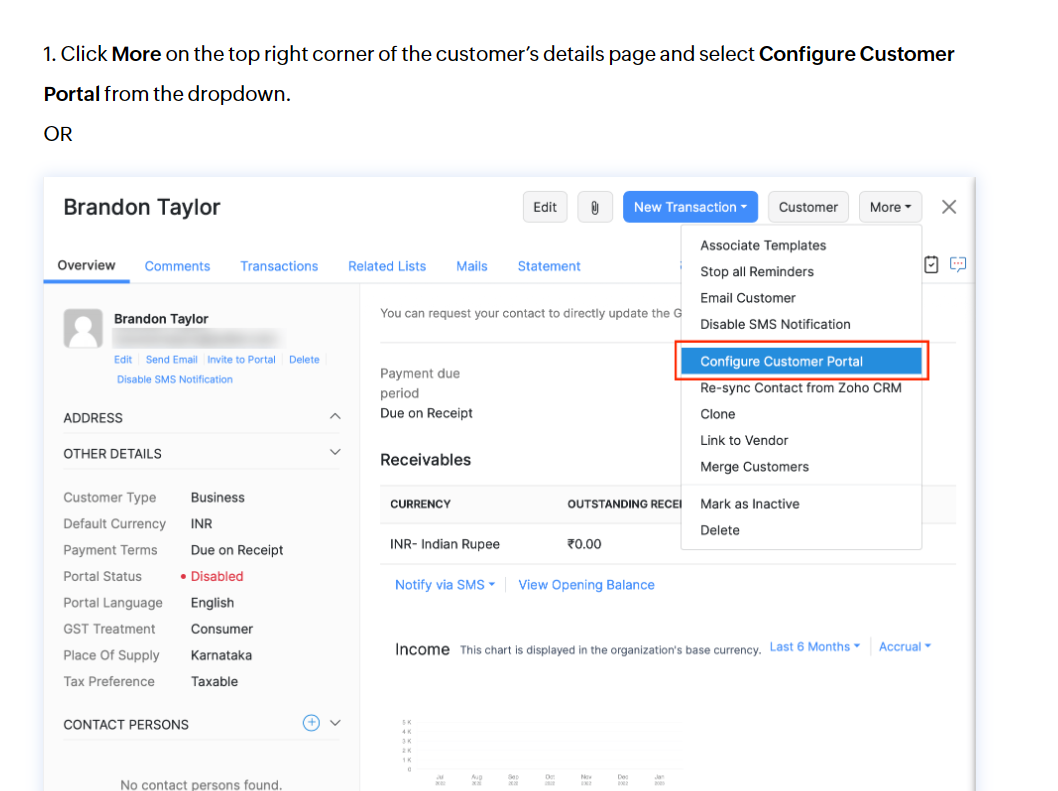
Hey @stellar.tonePlease consider configuring your Zoho Books account with the client portal settings, or you can verify this with the Zoho Books support team.
https://www.zoho.com/in/books/help/customer-portal/
Let me restate this question:
When using pabbly to "create a new contact",
Is pabbly able to automatically configure the customer portal and turn the customer portal feature on for the NEW contact that was just created using pabbly?
Customer portals is currently on in my zoho books.
As observed in your Zoho Books: Create Contact action step, you are required to set the following field to False.
After configuring it to False, the action step is functioning correctly.
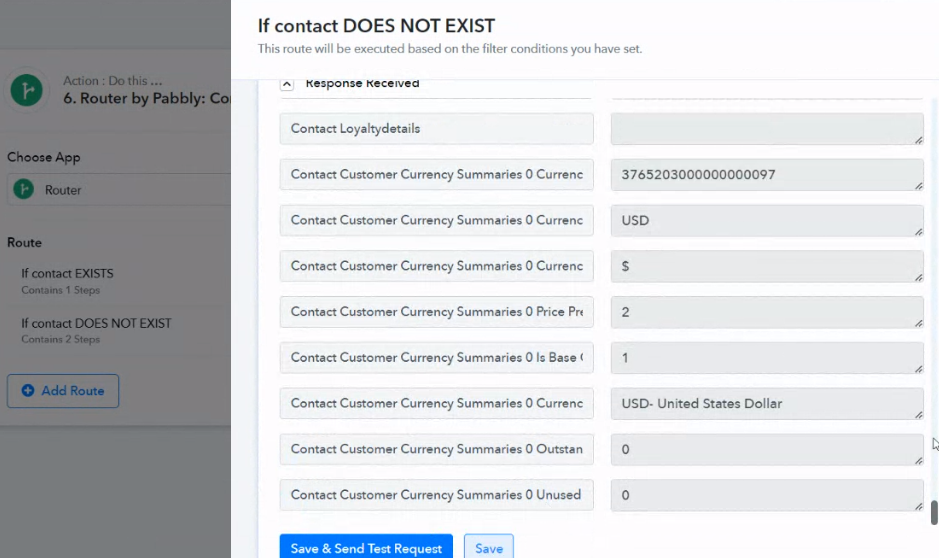
As observed in your Zoho Books: Create Contact action step, you are required to set the following field to False.
After configuring it to False, the action step is functioning correctly.
Hi. We're not trying to get it to work. We are trying to get pabbly to actually set up the customer portal.
Can pabbly connect perform this operation within the workflow
Disregard the instructions for configuring Customer portals in your Zoho Books, as mentioned earlier. Instead, please enter 'False' in the following field and then attempt the task once more.
