Excel Worksheet auto-detection
Status: Open · Asked by Automate8 on · 0 views
Hi
I am trying to create a workflow - WooCommerce new Order to Excel.
I was able to connect WooCommerce and connect Excel account, but after the workbook gets auto-selected, I am unable to find worksheet in there to connect. Without worksheet, I cannot see column fields to map the data to.
How to fix this?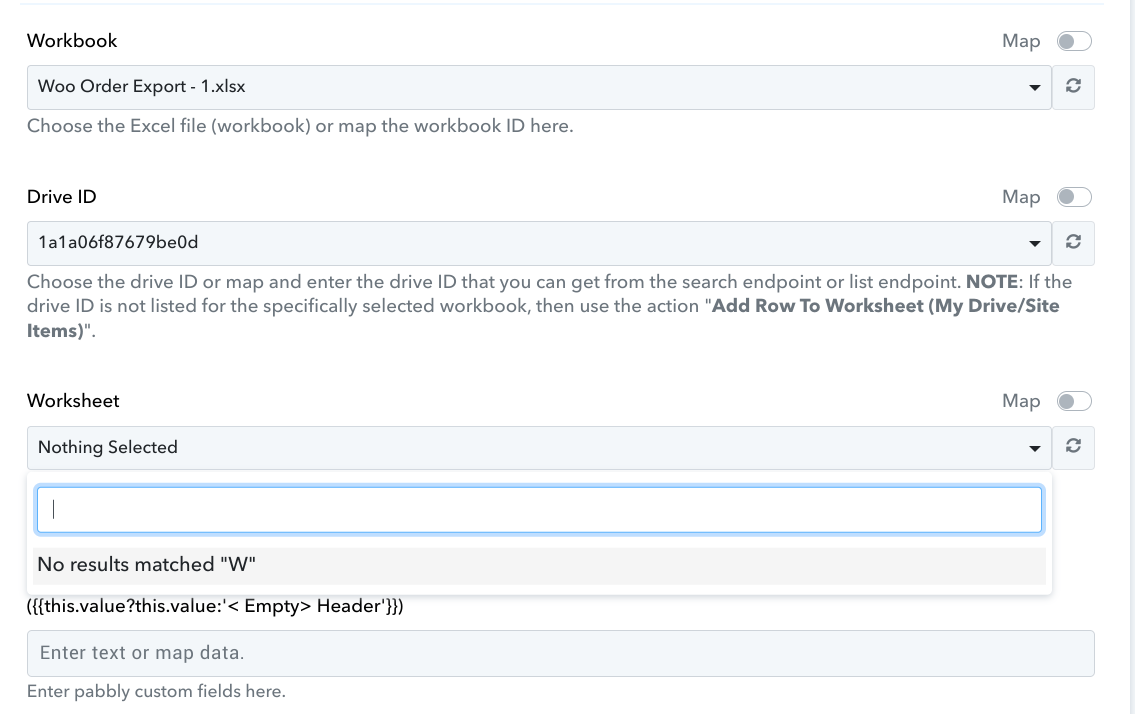
Hi @auto,
Could you please confirm whether the Worksheet you are attempting to connect has headers and if the Excel sheet is synced online? Kindly share a screenshot demonstrating the same.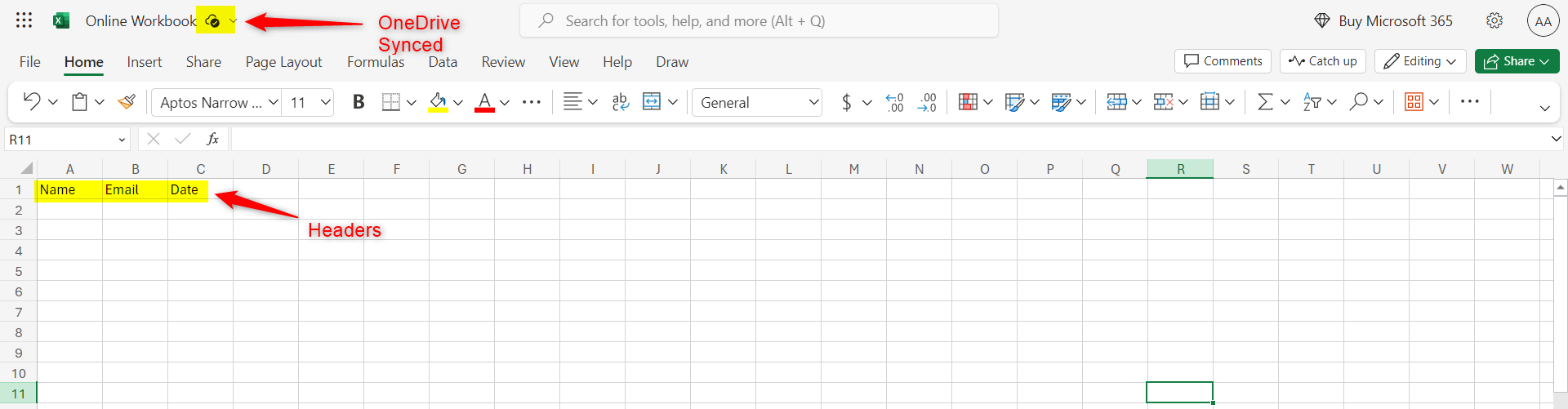
Upon investigating the issue in MS Excel, it seems that you're encountering "You do not have permission to open this file in the browser" when trying to open the file, and when listing the worksheet, you're receiving the "Required authentication information for the resource is either missing or invalid" error messages. We suggest reaching out to the MS Support team for assistance with these issues.
Hi @auto,Could you please confirm whether the Worksheet you are attempting to connect has headers and if the Excel sheet is synced online? Kindly share a screenshot demonstrating the same.
Attachments
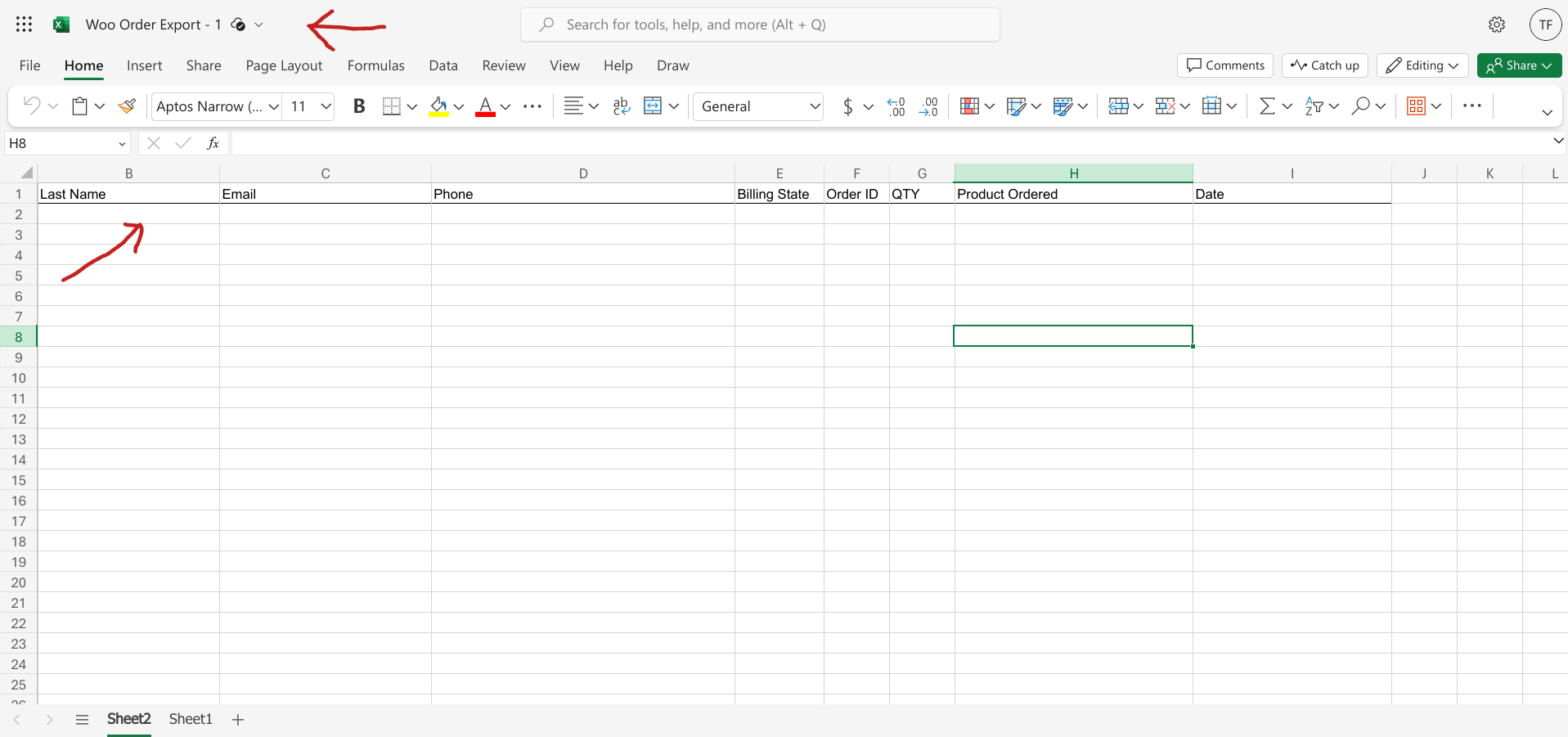
The sheet has headers and is synced online as well. I also have the login, so I am assuming I have access and can write to it. Please help ASAP.
Upon investigating the issue in MS Excel, it seems that you're encountering "You do not have permission to open this file in the browser" when trying to open the file, and when listing the worksheet, you're receiving the "Required authentication information for the resource is either missing or invalid" error messages. We suggest reaching out to the MS Support team for assistance with these issues.
I have login details and I am able to open it in the browser
Hey @auto
Can you please create a new sheet with the help of the "Microsoft Excel: Create Worksheet" action step once and then try using the same created sheets with " Microsoft Excel: Add Row To Worksheet"?