Facebook Instant connection problem
Status: Closed · Asked by Sathiya Arunachalam on · 0 views
When we connect Facebook with "New Lead (instant)", it only shows the loading page of the webhook (dummy lead also filled out in the Facebook lead form).
Hey @Sathiya Arunachalam
You can instead capture the webhook response by passing new lead data from your Lead ad Form from your Facebook.
Further, you can refer to the following video tutorial on how you capture the webhook response.
It's actually the Facebook lead form that I'm trying to integrate with UChat. It only creates the user and pulls the chat flow for the preview form leads. Pabbly does not create a new UChat user when new leads come from Facebook
Hey @Sathiya Arunachalam
Please share the name of the worklfow once, so that we can look into it and can guide you accordingly.
Hey @Sathiya ArunachalamPlease share the name of the worklfow once, so that we can look into it and can guide you accordingly.
Name of the workflow is -
Phifer_IS_Leadsync_20
kindly do the needful for us.
Attachments
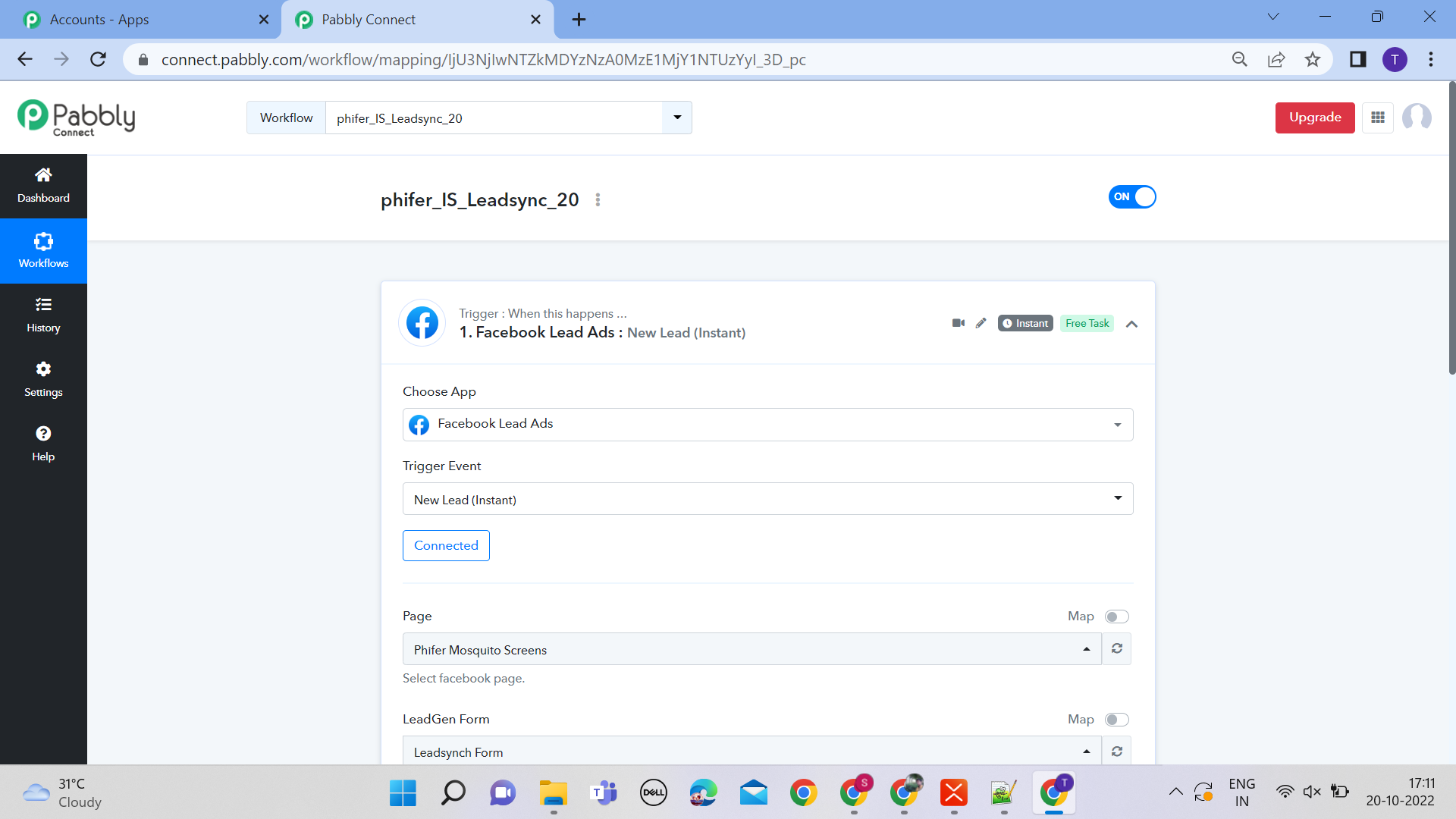
Name of the workflow is -
Phifer_IS_Leadsync_20
kindly do the needful for us.
It seems like you might not have captured the webhook response by making a test submission after pressing the "Save & Send Test Request" button.
So, please refer to the following video tutorial once on how you can capture the webhook response from the Facebook lead ad -
It seems like you might not have captured the webhook response by making a test submission after pressing the "Save & Send Test Request" button.So, please refer to the following video tutorial once on how you can capture the webhook response from the Facebook lead ad -
I did it two, or three times in different ways still did not work. kindly give me a proper solution. Almost my entire business has been stopped. so kindly do needful for me.
Hey @Sathiya Arunachalam
Please check out your other thread for your concern.
https://forum.pabbly.com/threads/facing-an-error-webhook-connection-with-excel-sheet.9156/