Facebook lead ads connection not reflecting all pages
Status: Closed · Asked by Trinity One Social on · 0 views
HI there - please view video recording - I cannot see all my pages when the facebook lead ads is connected
https://www.loom.com/share/38dd4024a2994162aac38ac511a13084?sid=bd859323-3457-4cce-95bf-c2392fbcd4b1
Hey @Trinity One Social
Please create a new connection in the incognito mode of your workflow. This will ensure that you can grant permission to all your Facebook Lead Ad Pages, which might not have been granted during your previous connection.
It does not work - see video-->https://www.loom.com/share/a7f0f90239b345538be03da833ae24fa
Please remove the Pabbly Connect app and re-install it in your Facebook Group.
https://www.facebook.com/help/261149227954100
Once re-installed, also make a new connection with your Facebook account, and try again.
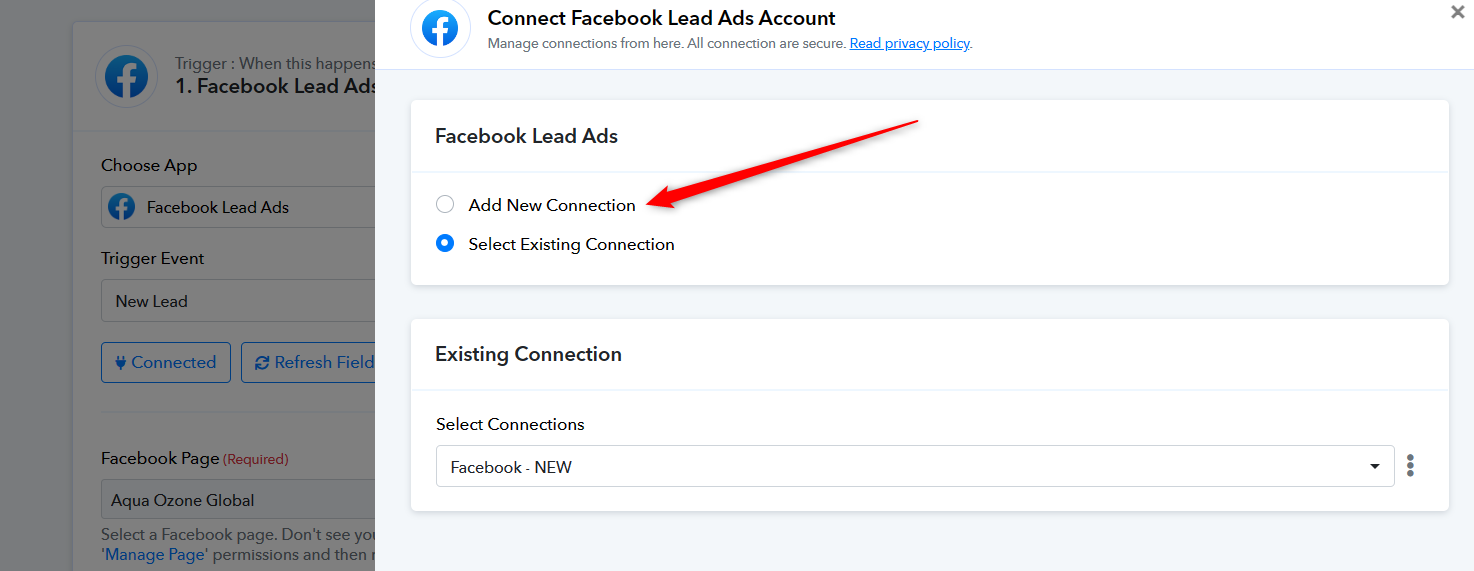
HI there- this issue is not with a Facebook group - I am connecting this for Facebook lead ads, and when I want to selec t the Page only one page is reflecting - refer my previous mails please - this issue I have had for more than a year and had several tickets logged and it has not been resolved...
YOur urgent assistance and solution wrt this would be appreciated
Hey @Trinity One Social
Can you please try disabling the 2FA from your Facebook account once and then try?