Facebook Lead Ads Need to be Manually Fetched Using Test Response
Status: Closed · Asked by aryavir16 on · 0 views
Dear Pabbly team,
I have a simple automation created - Fetch Facebook leads and utilise my Gmail to send the leads to recipients.
Now, I can see a new lead in my Facebook ads but there's not been a single automation that's run. I need to go into editing the workflow, use 'save and send test request' to manually pull the lead, and then click on 'save and send test request' in the Gmail app to send my clients the leads.
This is an automation but I'm manually running it using a 'test' to make the clients feel like this is an automation. Please have a look and assist.
Hey @aryavir16
The Facebook Lead Ad trigger event is a polling-based trigger with a 24-hour interval. Therefore, you must wait for 24 hours for new leads to enter your workflow.
Alternatively, you can utilize the "Facebook Lead Ads: New Lead (Instant)" trigger event to immediately capture lead data.
Please test this on your end and let us know if it resolves your issue.
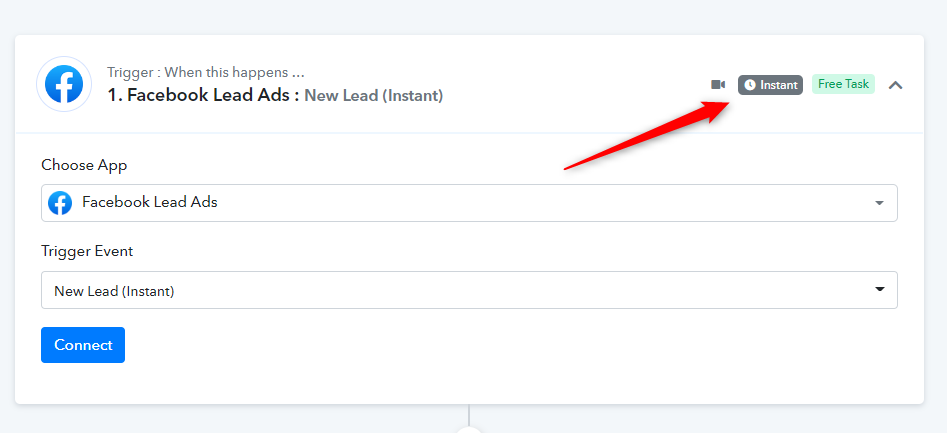
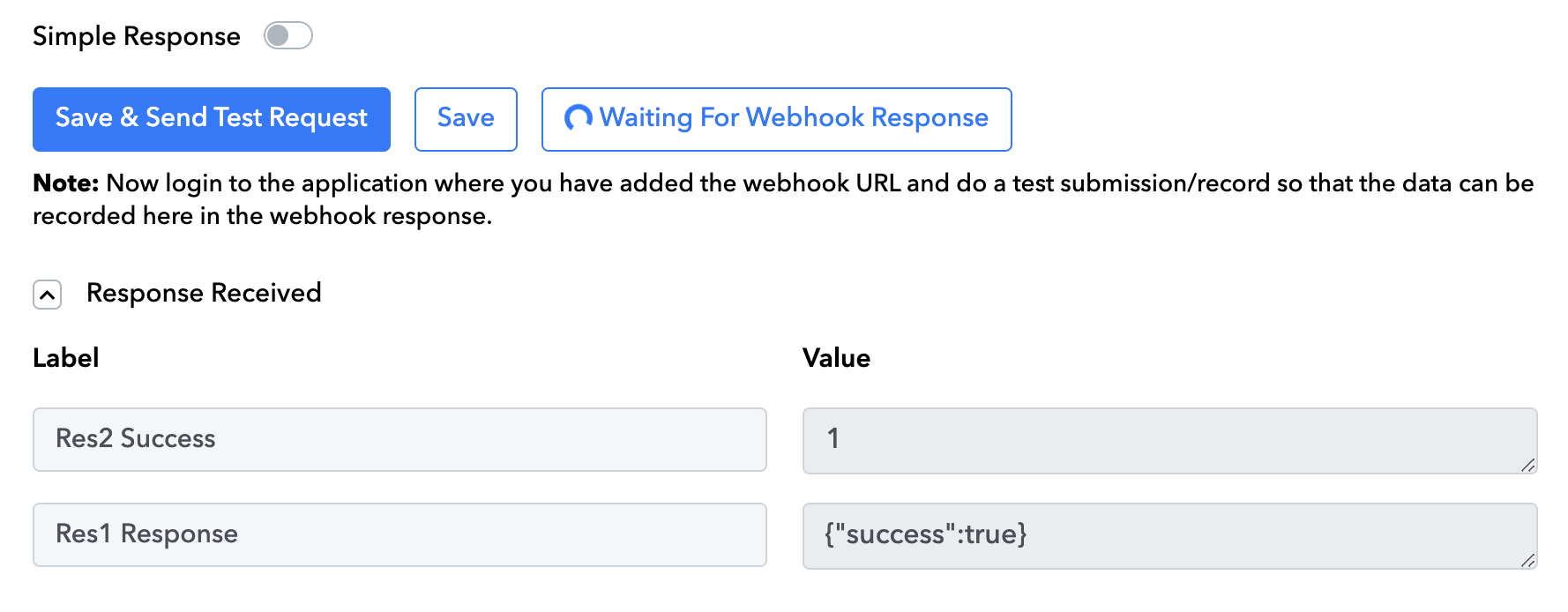
There is a reason I'm not using Instant. Test request doesn't fetch any information under 'instant'
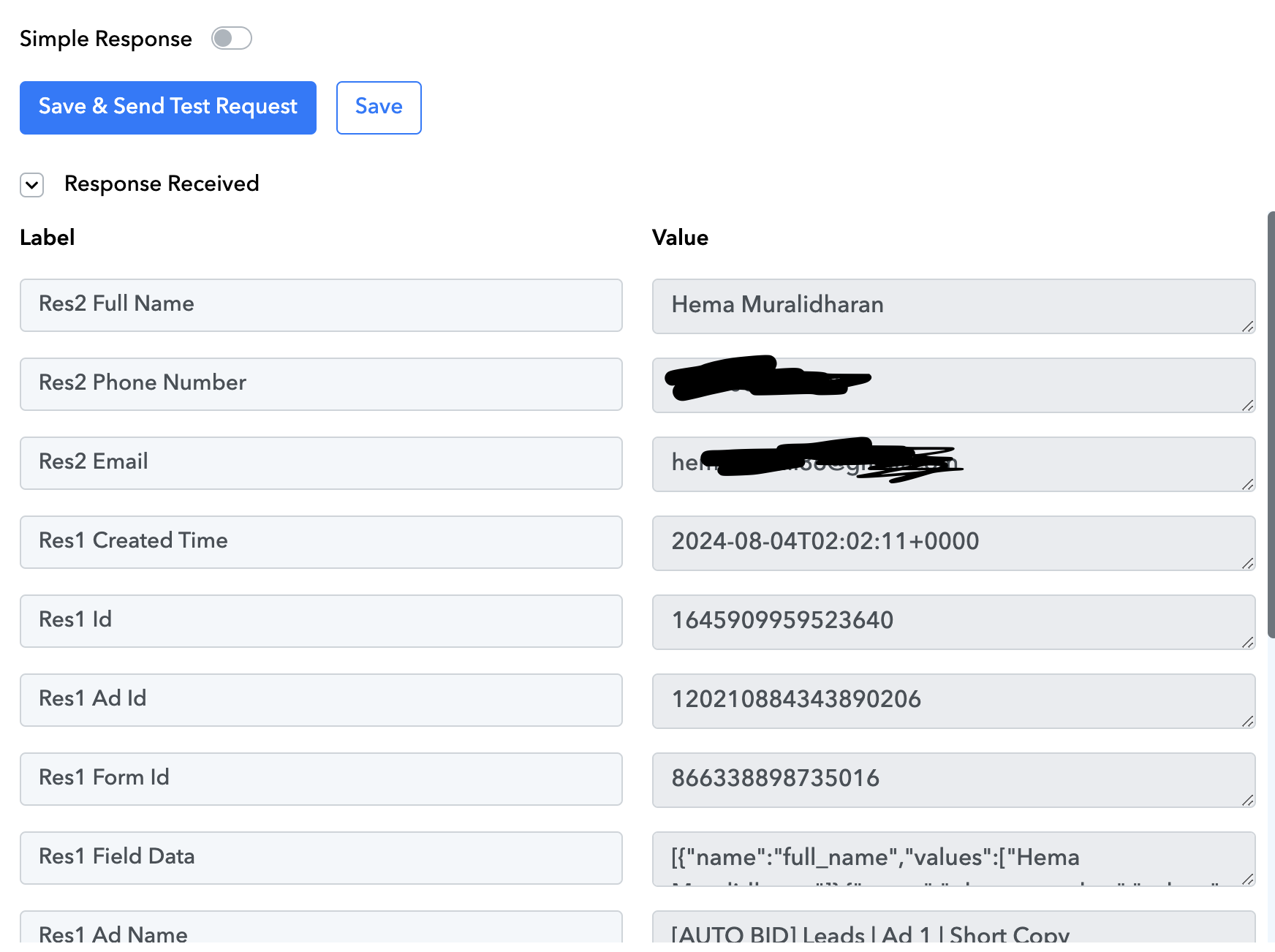
Whereas 'new lead' gives me full information, allowing me to customise my Gmail automation with the relevant captured fields.
I'm clearly not happy with this automation.
There is a reason I'm not using Instant. Test request doesn't fetch any information under 'instant'
Whereas 'new lead' gives me full information, allowing me to customise my Gmail automation with the relevant captured fields.
If you want to use the Instant version of the New Lead trigger event on Facebook, you need to capture the webhook response by submitting a lead from your Lead Ad form.
And if you opt for the non-instant version, you can utilize the New Lead Ad trigger event, which has a 24-hour trigger time to receive new leads for free users. Once you subscribe to a plan, the trigger time can be reduced to 10 minutes.