Facebook Lead forms not submitting sometimes
Status: Closed · Asked by vaplus.co on · 0 views
Pabbly Text Formater for split text first and last name keeps preventing the form from being submitted successfully into Zoho CRM. Please assist.
Attachments
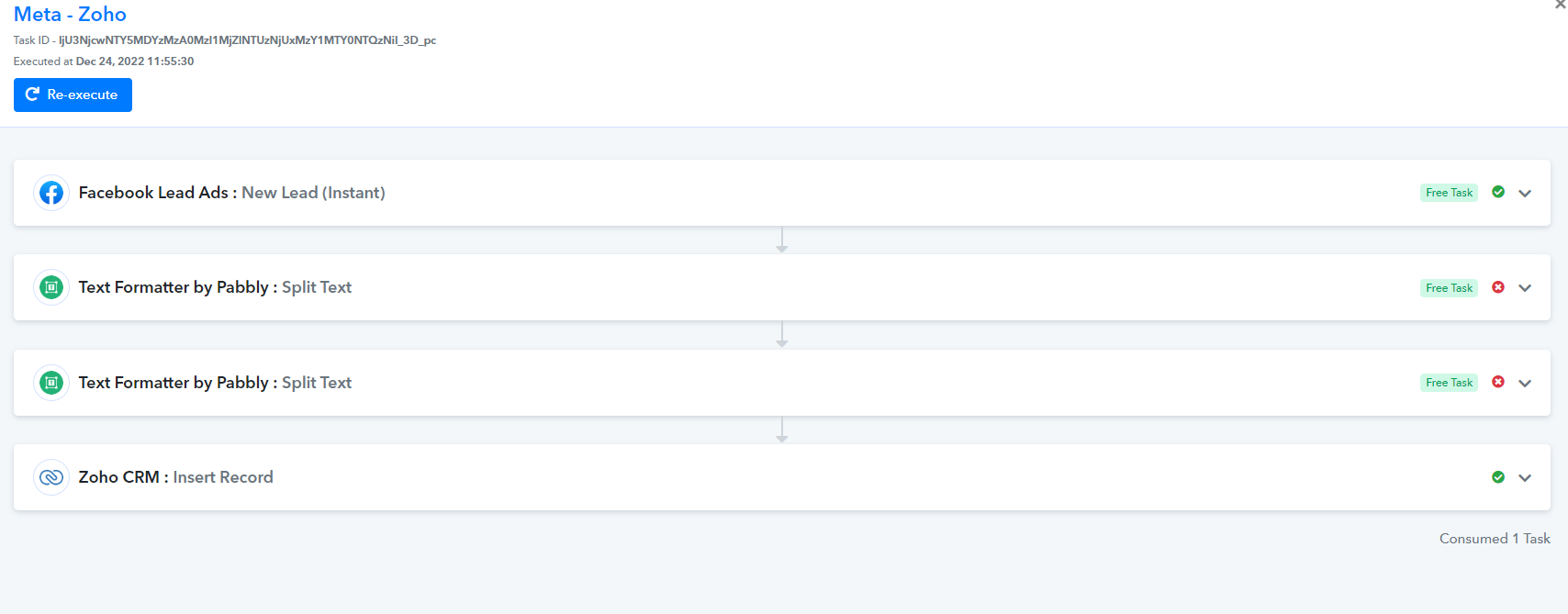
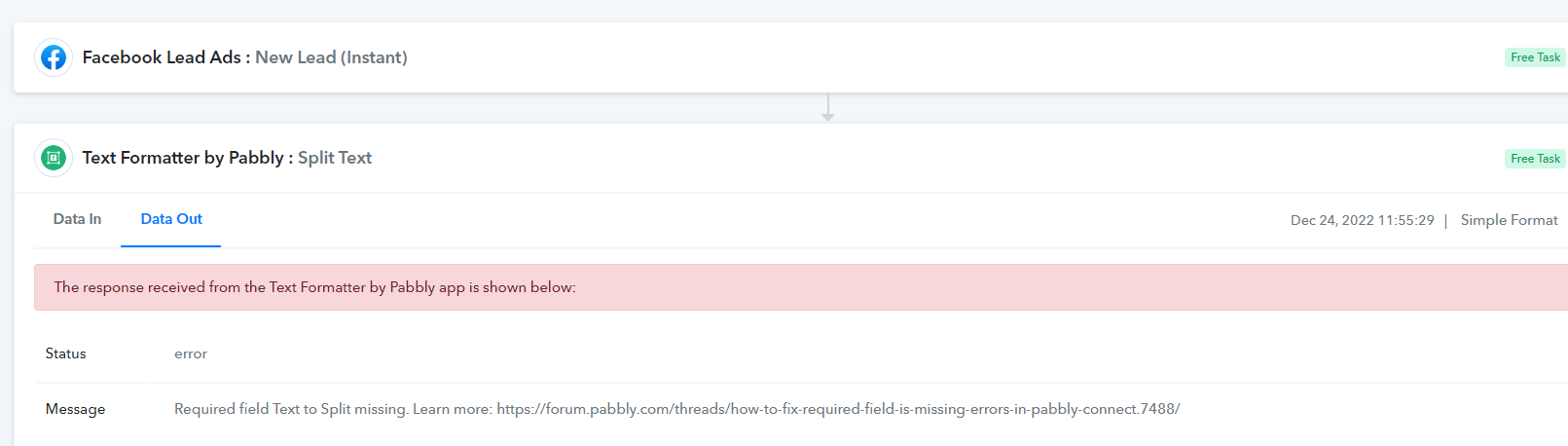
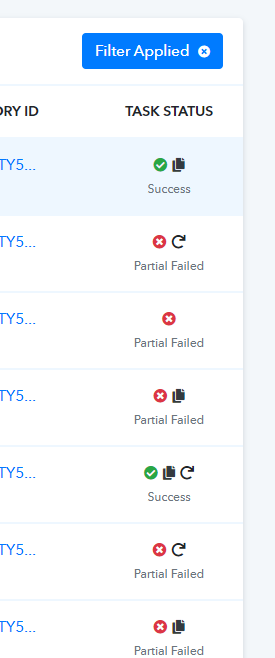
This issue is only happening when I recapture a real lead for use in the first stage capture and then mapping all the data. When I use the developer lead generator capture it has no issues.
Hey @vaplus.co
Seems like you have re-executed the task from your history logs and because of that you have captured the data from your history logs which is why the mapped data labels got interfered with.
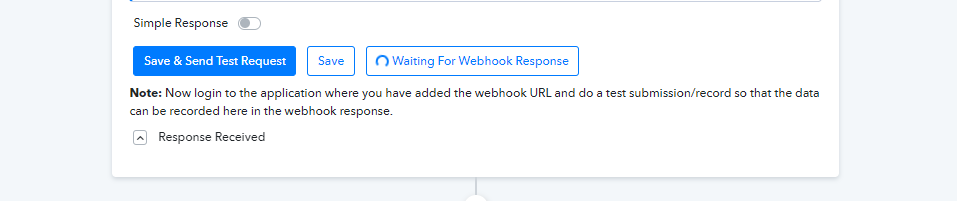
So, please press the Recapture Webhook button once and then wait for the real lead data to appear. Else, you can fill out the lead ad form to capture the data.
After that remap the data labels to the desired action steps.
Yes I did recapture the task from the history log because this is the only way that the Adset name and Ad name will appear in the information. The regular facebook developer lead generated does not include adset name or ad name info.
I don't understand what you mean by pressing the recapture webhook button once and waiting for the data to appear, this is what I did in the first place.
There is an error in the name splitting when I recapture from history.
There is an error in the name splitting when I recapture from history.
Please check the first part of the following video -
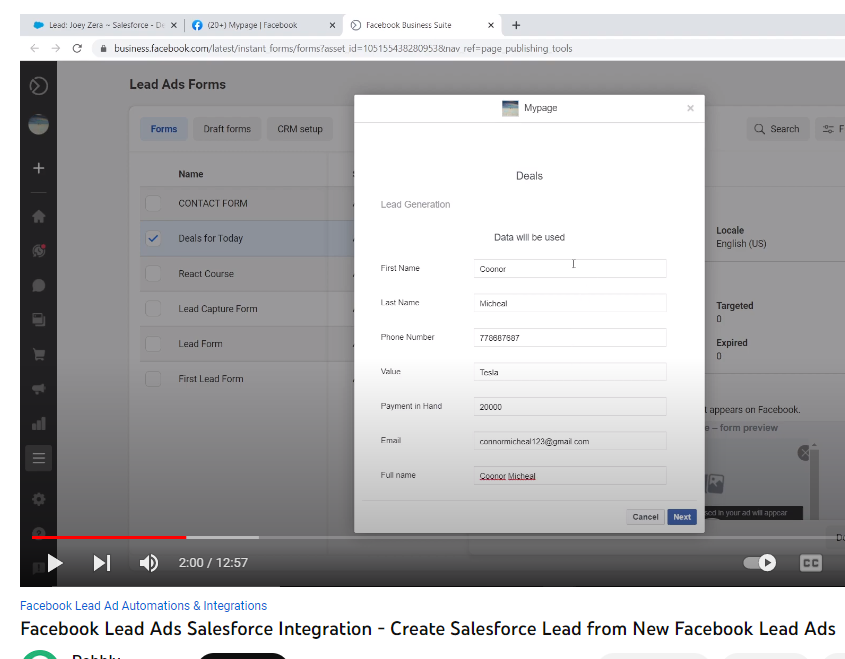
youtube.com/watch?v=1qmVabQn8dE
Else, press the "Recapture Webhook Response" button and leave it for while.
This is an old video, you can no longer fill the forms like that and test them.

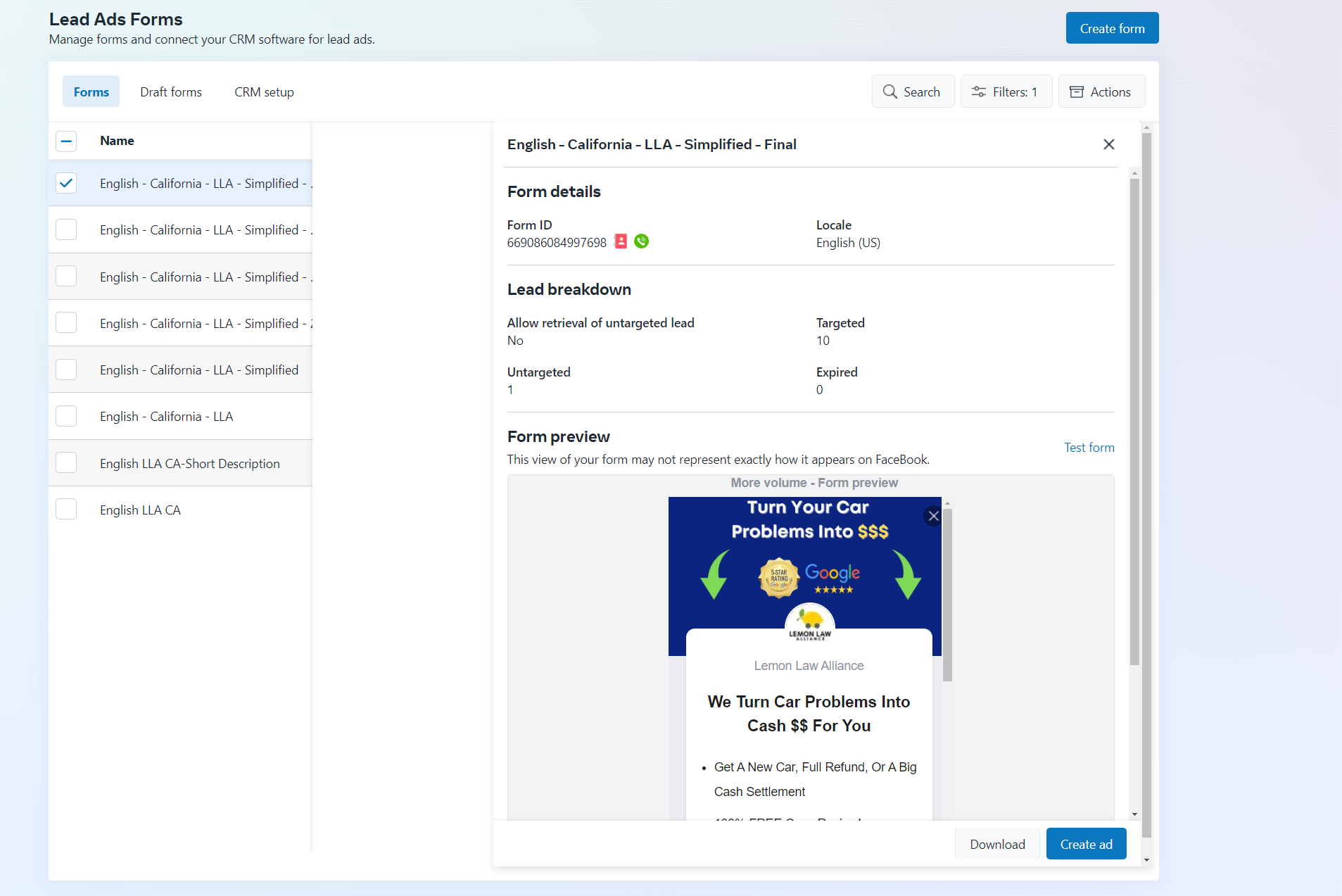
When I click on Test form it only shows the form and does not allow submission like the old video you shared.
Hey @vaplus.co
Then, press the "Recapture Webhook Response" button once and leave the workflow for a while when a real lead will be submitted from your Lead Ad form it will automatically get captured in the trigger response.